 Domain NamesFind and register your ideal domain name instantly.
 Web HostingEasy-to-use hosting powered by cPanel — ideal for managing websites in Nigeria.
 Windows HostingRun .NET apps with Windows-optimized hosting
 Affiliate ProgramMake money promoting our services
 Reseller HostingMake money by reselling our hosting products under your own brand
 .COM Domains
 All DomainsExplore all supported tld domains in Nigeria
 WhoisFind out who owns any domain, as well as verify your registration details
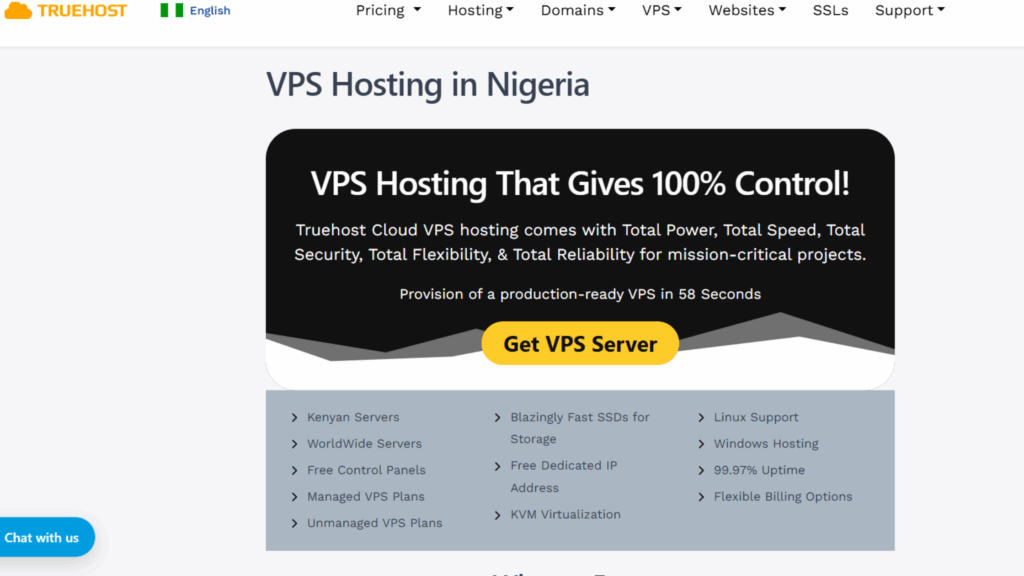
 VPS Hosting in Nigeria
 Dedicated ServersReimagine your site speed with your own complete server
 AI Website BuilderDesign your site with drag-and-drop tools
 Online Store BuilderStart your online shop without code
 Support PortalFind answers or get expert help
 Contact UsReach our team via chat or email
 BlogRead our extensive guides on web hosting and more
Ever had to wrestle with slow web pages, cart abandonment at checkout, or error messages during a big sale? Believe it or not but many businesses have been there, and it is painful. Nigerian small businesses or growing blogs often begin on cheap shared hosting plans that feel okay at first.
But as traffic and features grow, limits start to bite, slow speeds, restricted control, and noisy neighbors dragging down your site. Here comes VPS hosting, a smoother, more powerful, more dependable option. This guide helps you spot the signs it is time to level up, and walk you through smart checks.
What is VPS Hosting, Really?
Think of VPS hosting like moving from a noisy, cramped apartment to a private flat, one where you control everything. It splits a physical server into separate virtual environments, each with its own CPU, RAM, and storage.
You get clean, consistent performance, full control over software and security, and none of the cranky neighbors messing with your site. You can install what you want, change what you want, and breathe freely.
Why Shared Hosting Starts to Hold You Back
Shared hosting is great for simple, low-traffic sites. But growth brings headaches:
- Traffic surges from either promotions or social posts, slow everything for all users.
- Plugins needing background tasks or custom libraries are often blocked.
- Security features are limited when resources are shared.
Switching to VPS gives your site predictable CPU/memory, server-level customization, and clearer isolation from other accounts. For e-commerce, every slowdown risks lost orders and trust.
Signs It Is Time to Upgrade to VPS
Sometimes, we miss the subtle signs that tell you it is time to upgrade to VPS. today, I bring you some of the most common signs:
1) Traffic Spikes That Literally Kill Your Site Speed
If your website experiences traffic surges that lead to painfully slow loading, shared resources may be throttling your flow.
A VPS gives you your own slice of CPU and RAM, so this means that when traffic spikes, your site stays speedy and smooth, not sluggish and glitchy.
And the smoother it stays, the higher the chances that someone might actually buy something from you.
2) Failed Checkouts That Are Hurting Conversions
Experiencing failed orders, timeouts, or frustrating delays at the payment page? That is a telltale sign of a server under stress. VPS hosting gives you a more stable environment. Meaning smoother checkouts, cleaner conversions, and fewer customers bouncing away mid-purchase.
3) Plugins Crashing or Stalling
Think of plugins as apps for your website. They add features like contact forms, payment systems, or image sliders. The problem? On shared hosting, some of these apps need more freedom to run background tasks or access special settings, but the server won’t allow it.
That is when you see errors or things just stop working. With VPS hosting, you are the one in charge. You decide what runs, how it runs, and for how long, so your plugins work the way they are meant to without constant errors.
4) Growth in Users or Features
As more people visit your site, or as you add cool features like media uploads, site search, or chat, your hosting needs more muscle. Shared servers can’t always keep up, which leads to slow pages or crashes at the worst times.
VPS hosting on the other hand, gives you guaranteed CPU and memory, so your site grows smoothly alongside your business without choking under the pressure.
5) Security and Compliance Needs
If you are storing customer details, handling payments, or collecting sensitive data, security isn’t optional, it is important. Shared hosting limits how much you can lock things down, and you are always affected by whoever else is on the same server.
VPS hosting solves this by giving you private space where you can set up stronger firewalls, keep isolated backups, and meet compliance requirements with confidence.
6) API Slowness
Many sites connect to mobile apps or third-party services through APIs. If those connections feel slow or unreliable, chances are your shared server is overloaded.
On a VPS, your resources aren’t tied up by neighbors, so your integrations respond faster and your apps run smoothly.
7) Need for Custom Software
Sometimes your website needs very specific tools. Maybe it is a certain PHP version, a custom library, or programs that run in the background. Shared hosting won’t give you that flexibility.
VPS hosting does. You can install whatever your project requires, without begging the host for exceptions or using messy workarounds.
8) Repeated Outages
Frequent downtime, even if it is only for a few minutes, hurts both your customers’ trust and your search engine ranking. On shared hosting, you are at the mercy of other people’s traffic spikes or mistakes.
With VPS, you get a private slice of the server and more control, which means fewer interruptions and more stability for your business.
Readiness Checklist
Before you jump into VPS hosting, it helps to do a quick self-check so you know exactly what you need.
- Look at your numbers: How much traffic do you get, when are your busiest hours, and how fast or slow do your pages load?
- List your tools: Note down the plugins, background tasks, or third-party services your site relies on.
- Pick your style of hosting: Decide between managed VPS where the host handles updates and maintenance or unmanaged VPS where your team does the heavy lifting.
This choice that is managed vs unmanaged VPS, usually matters more than things like CPU counts. If your team isn’t very technical, a managed plan frees you to focus on running your business instead of managing servers.
Two Technical Pre-Migration Checks
Make sure that your new VPS plan lets you:
- Use SSH and root access: This is like having the master key to your server. It gives you full flexibility and makes troubleshooting much easier.
- Disk type and IOPS: Go for SSD storage with good IOPS which is a measure of how fast the disk can read/write. This makes your databases and pages load way faster, especially under heavy use.
Picking the Right VPS Plan
When choosing a VPS plan, there are the key things that you need to weigh:
- CPU and RAM: These are the brain and memory of your server. More power means that there will be smoother handling of traffic spikes and heavy plugins.
- Storage type: Always go for SSD. It is faster and more reliable as compared to traditional hard disks. Also remember to check the size and IOPS for best performance.
- Bandwidth: Make sure the plan you choose supports your current traffic and leaves room for your business’ growth.
- Data center location: The closer to your main audience, the faster your site will load for them.
- Migration support: Look for providers that help you move your site and offer easy snapshots or backups.
- Managed vs unmanaged: Managed plans cost more but save you time on updates and security. Unmanaged plans are cheaper but require in-house technical skills.
- Local fit: Payment in local currency and support in local time zones can make your life much easier.
Quick FAQs
1) How soon will speed improve?
Almost instantly! Once your site gets its own dedicated resources, pages usually load faster right away.
The exact boost depends on your setup, caching, and disk type, but most sites notice smoother performance within hours of switching.
2) Will integrations break?
Not usually. Most third-party tools and APIs keep working when the new environment matches your live setup.
The key is testing in a staging server first. VPS hosting even lets you install missing libraries or adjust settings, giving you flexibility that shared hosting doesn’t.
3) How long does migration take?
For small websites, migration can be wrapped up in a day with careful planning and a reduced DNS TTL. Larger, complex sites may need a short maintenance window to sync data. With staging and scripted steps, downtime stays predictable and minimal.
4) Who benefits most from VPS?
VPS hosting shines for e-commerce shops, blogs with heavy media, SaaS trials, or apps that need background workers.
Basically, if you care about speed, reliability, and server control, a VPS gives your site the freedom to grow without constant restrictions.
5) Tips to save costs?
Begin with a modest plan and use caching plus image optimization to squeeze the most from resources. Monitor real usage closely and scale only when needed. Most providers make upgrades painless, so you can grow at your own pace without overspending.
Final Thoughts
Knowing when to move to a VPS often comes down to recognizing the signs: slow load times during traffic peaks, plugins failing on shared hosting, or customers dropping off at checkout.
If your site feels like it is outgrowing its current home, that is your signal. A VPS gives you the resources, flexibility, and stability to handle growth without constant workarounds. The sooner you upgrade, the sooner your visitors enjoy a smoother experience.
Ready to make the leap? Start your migration to VPS today with Truehost and see the difference in speed and reliability.