 Domain NamesFind and register your ideal domain name instantly.
 Web HostingEasy-to-use hosting powered by cPanel — ideal for managing websites in Nigeria.
 Windows HostingRun .NET apps with Windows-optimized hosting
 Affiliate ProgramMake money promoting our services
 Reseller HostingMake money by reselling our hosting products under your own brand
 .COM Domains
 All DomainsExplore all supported tld domains in Nigeria
 WhoisFind out who owns any domain, as well as verify your registration details
 VPS Hosting in Nigeria
 Dedicated ServersReimagine your site speed with your own complete server
 AI Website BuilderDesign your site with drag-and-drop tools
 Online Store BuilderStart your online shop without code
 SSLs
SSLs Support PortalFind answers or get expert help
 Contact UsReach our team via chat or email
 BlogRead our extensive guides on web hosting and more
You have spent time building your brand, creating a website, and growing an audience.
But now your domain is stuck with a registrar that charges high fees, has confusing dashboards, or just doesn’t answer your support tickets.
Frustrating, right?
This is exactly why learning how to transfer your .com.ng domain is important for every domain owner out there.
Moving your domain can save you money, simplify management, and give you full control without losing a single website visitor or email.
Read on to find out how to transfer a .com.ng domain.
What It Means to Transfer a .com.ng Domain
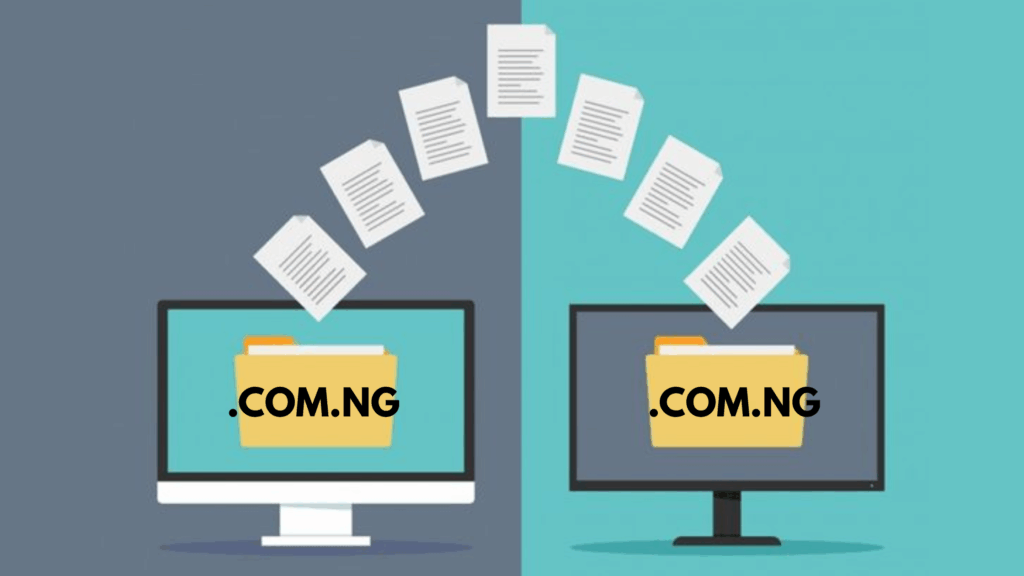
Transferring a .com.ng domain is simply the process of moving your domain registration from one registrar to another.
Your domain remains yours, all you are doing is choosing a company that better suits your needs.
According to NiRA, this process is fully regulated, safe, and supported across Nigeria.
It is actually a smart move if your current registrar is limiting your options or raising renewal prices.
A domain transfer doesn’t affect your website content, emails, or hosting.
It can even be compared to moving the paperwork from one office to another, the building stays the same, but the administrator changes.
Step 1: Make Sure Your Domain Can Be Transferred
Before you get started with the domain transfer, check a few things:
- The domain should be active. Expired domains can’t be transferred.
- NiRA requires a 60-day waiting period after initial registration or a previous transfer. This ensures that transfers are legitimate and protects domain owners.
- Confirm your domain is unlocked at your current registrar. Most registrars lock domains to prevent unauthorized transfers, so this step is mandatory.
If your domain meets these requirements, you’re ready for the next step.
Step 2: Obtain the Authorization Code
Every transfer needs an authorization code, sometimes called an EPP code or transfer code.
This is your domain’s security key, proving that you own it and approve the transfer.
This is how to get it:
- Log in to your current registrar’s dashboard.
- Look for Request EPP Code or Get Transfer Code.
- If you can’t find it, reach out to support, they are required to provide it.
Keep this code private. Without this code, the new registrar can’t complete the transfer.
Step 3: Turn Off Domain Protection
Most registrars offer domain lock or protection services to prevent unauthorized changes.
You will need to disable these before initiating the transfer.
Additionally, check any WHOIS privacy services you may have.
Some registrars require that privacy be temporarily disabled to complete the transfer. We, at Truehost, specifically instruct users to cancel or remove domain protection add-ons before transferring.
Step 4: Start the Transfer at Your New Registrar
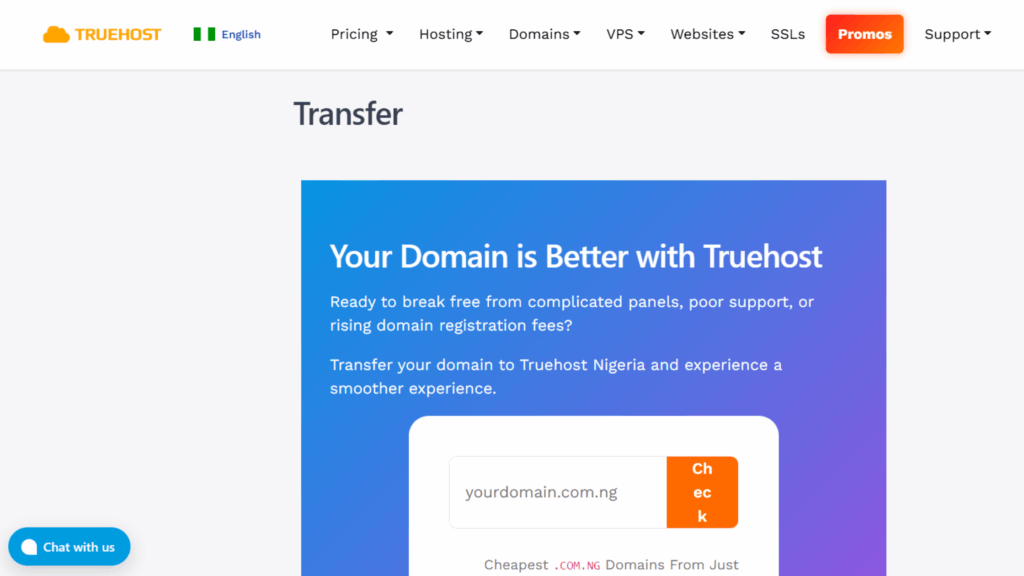
Now comes the exciting part: moving your domain to a registrar that works for you. We usually make this process seamless and straightforward.
- Go to the domain transfer page on your new registrar’s website.
- Enter your .com.ng domain name.
- Input the authorization code you got from your current registrar.
- Confirm your contact details. Some registrars may require additional verification if your account is registered outside Nigeria.
Once you submit, the new registrar contacts your old registrar to initiate the transfer.
Step 5: Approve the Transfer
Both registrars will usually send emails confirming the transfer:
- Your current registrar may ask you to approve or confirm that you want the transfer.
- The new registrar may also request verification via email or dashboard approval.
Once you confirm, the transfer process officially begins.
Step 6: Wait for the Transfer to Complete
Domain transfers are not normally instant, but they are usually fast.
NiRA rules allow for smooth transfers, and most .com.ng domains complete the move within 5-10 days.
During this time:
- Your website and email continue to work normally if DNS settings are unchanged.
- Keep an eye on emails from both registrars in case further verification is needed.
Patience is key. The process runs in the background while you focus on your business.
Step 7: Update DNS and Nameservers
Once the transfer is complete, it is time to make sure your domain points to the right location.
If you are keeping your current hosting, verify that the A record, CNAME, MX, and TXT records remain correct.
If switching hosts, update the nameservers to point to your new hosting provider.
Tip: Make sure to choose a provider with an easy-to-use dashboard to manage DNS, so that this step can be simple even for beginners.
Step 8: Secure Your Domain
After transfer, take a few steps to lock everything in:
Re-enable domain lock or protection at the new registrar.
Turn on auto-renewal so your domain never expires unexpectedly.
Verify that your contact information is current, accurate WHOIS info is crucial for domain ownership and notifications.
In The End
Transferring your .com.ng domain is easier than most people expect.
Through very simple steps like checking eligibility, getting your authorization code, managing DNS, and confirming approvals, you can move your domain smoothly without downtime or lost emails.
Want the easiest, fastest way to transfer your .com.ng domain? At Truehost, we offer you seamless transfers, zero downtime, transparent pricing, and a dedicated support team ready to guide you every step of the way.
Don’t wait! Move your domain today and take control of your online presence.