Domain NamesFind and register your ideal domain name instantly.
 Web HostingEasy-to-use hosting powered by cPanel — ideal for managing websites in Nigeria.
 Windows HostingRun .NET apps with Windows-optimized hosting
 Affiliate ProgramMake money promoting our services
 Reseller HostingMake money by reselling our hosting products under your own brand
 .COM Domains
 All DomainsExplore all supported tld domains in Nigeria
 WhoisFind out who owns any domain, as well as verify your registration details
 VPS Hosting in Nigeria
 Dedicated ServersReimagine your site speed with your own complete server
 AI Website BuilderDesign your site with drag-and-drop tools
 Online Store BuilderStart your online shop without code
 Support PortalFind answers or get expert help
 Contact UsReach our team via chat or email
 BlogRead our extensive guides on web hosting and more
Here is a number that should scare you a little.
Airtel Africa’s AI-driven spam detection service flagged over 205 million spam messages across 13 African markets in just six months.
And here in Nigeria specifically, spam traffic has dropped by 84% since that system went live.
What that tells you is simple: email providers and network operators are tightening the screws hard.
If your business emails are getting caught in their nets, you are not alone, and you are losing customers.
You want to stop emails going to spam because every message that lands in that folder is a lost customer, a lost contract, a lost opportunity.
But here is the thing most business owners get wrong: they chase quick fixes like changing subject lines when the real problem is deeper.
To truly stop emails going to spam, you need to understand how Gmail and Yahoo think.
And if you are serious about keeping your business communications out of that digital graveyard, you need to stop emails going to spam at the source, not just treat the symptoms.
This guide shows you exactly how.
1) Fix Your Technical Foundation
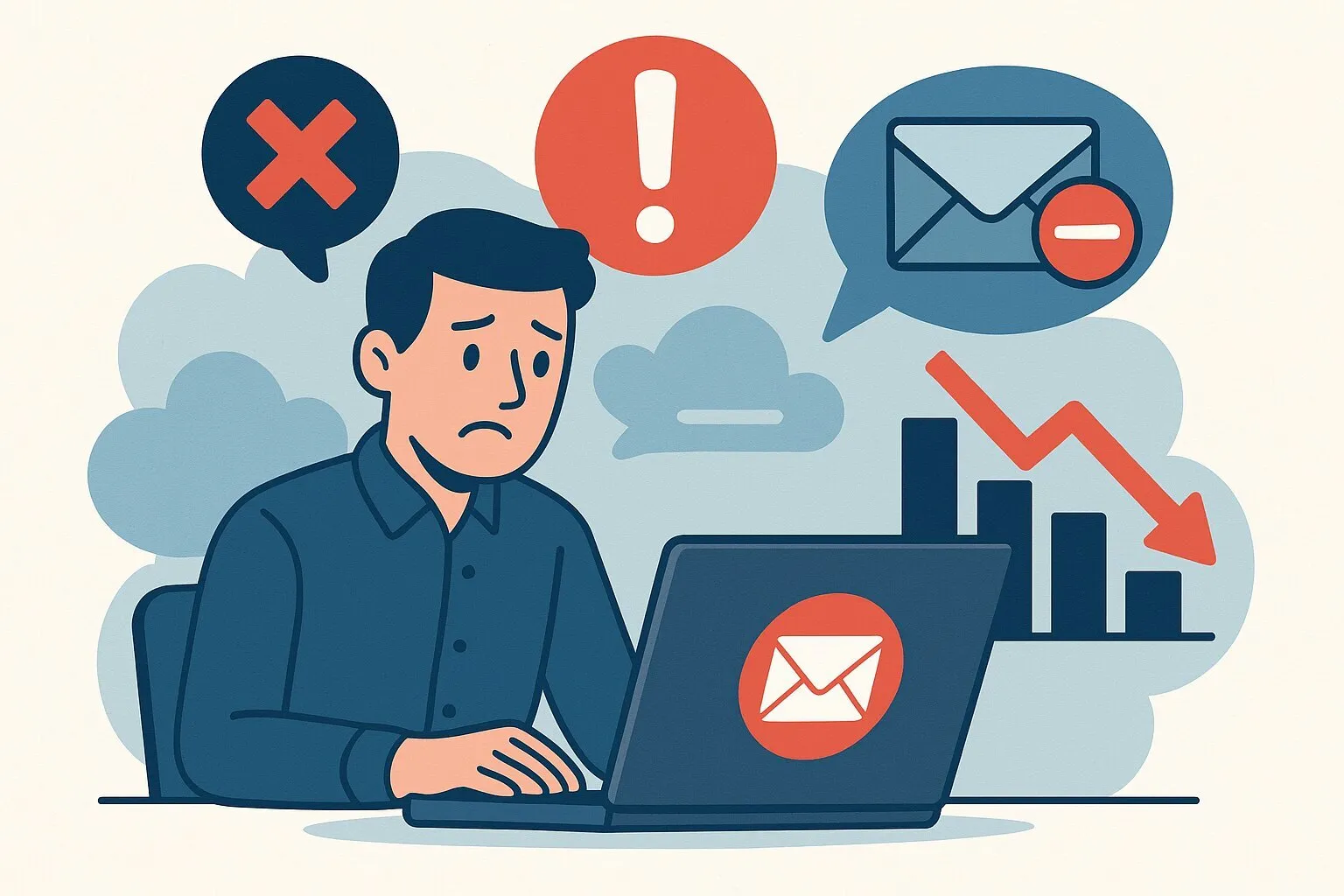
Let me start with the thing nobody tells you when you buy hosting.
That free email account they give you? The one that comes with your shared hosting plan? It is sharing an IP address with hundreds, sometimes thousands, of other users.
One spammer on your shared IP address gets that IP blacklisted, and suddenly, your legitimate invoices are getting blocked right alongside their garbage.
- Move to a dedicated sending platform.
Separate your transactional emails from your hosting server. This isolates your reputation so nobody else can drag you down.
What this means in plain language is, instead of sending emails through the same system that hosts your website, use a platform like Zoho Mail, SendGrid, or Amazon SES.
These services are built for sending email, and they protect your reputation aggressively.
Your order confirmations, password resets, and welcome messages go through one clean channel, completely separate from whatever chaos is happening on your hosting server.
- Set up SPF, DKIM, and DMARC.
Gmail, Yahoo, and Outlook now reject unauthenticated mail.
Since late 2025, Gmail permanently bounces non-compliant messages, they don’t even reach spam, they vanish.
Let me explain what these acronyms actually mean.
SPF is like giving Gmail a guest list. It says “these are the servers allowed to send email on behalf of my domain.”
DKIM is a digital signature that proves the email was not tampered with during transit.
DMARC tells Gmail what to do if an email fails those checks: send it to spam, reject it outright, or just report it.
Without these three things configured properly, your emails are basically showing up to a club without ID. The bouncer is not letting you in.
- Add a DMARC policy.
Even for low volumes, p=quarantine or p=reject protects your domain from being impersonated in phishing attacks.
You see, scammers love spoofing local domains. Someone can send an email that looks like it is coming from [email protected] and try to scam your customers.
When your customers get scammed, they blame you.
A DMARC policy set to p=reject tells email providers “if an email claims to be from me but does not pass authentication, delete it.”
That is your insurance policy against impersonation.
- Consider BIMI.
With full authentication, you can display your brand logo in inboxes, a powerful visual trust signal in a market skeptical of unknown senders.
BIMI stands for Brand Indicators for Message Identification.
When you have SPF, DKIM, and DMARC fully set up, BIMI lets you upload your logo to a verified server.
Then, when your email lands in someone’s Gmail or Yahoo inbox, your logo shows up right next to the subject line.
In a country where people have learned to be suspicious of every message, seeing a familiar logo is a shortcut to trust.
2) Guard Your Domain Reputation
Your domain reputation is like your credit score for email. It takes years to build and one mistake to destroy.
And just like credit scores, you cannot fix it overnight.
- Warm up every new domain.
Brand-new domains land on Zero Reputation Domain lists.
Start by sending a few emails to your most engaged contacts, then gradually increase volume over weeks.
You have no history, no trust, nothing. So you start small. Day one, send five emails to people who know you and will definitely open them. Day three, send twenty. Day seven, send fifty.
Over a few weeks, you build a track record. People who skip this step and start blasting thousands of emails from a brand new domain? Those emails go straight to spam. Every single time.
- Know the stakes.
A single spam trap hit can take 6 to 12 months to recover from. List hygiene is financial protection.
A spam trap is an email address that looks real but is actually monitored by blocklist organizations.
It never signs up for anything. It never clicks links. Real email addresses have activity patterns. Spam traps are silent.
If you hit one, it means you either bought a list or you are scraping addresses without permission.
The consequence? Your domain gets added to a blocklist, and suddenly your emails stop reaching anyone using Gmail, Outlook, or Yahoo.
Recovering from that can take the better part of a year. In business time, that is forever.
- Check your reputation now.
Use free tools from MXToolBox or Spamhaus to see if your domain or IP is on any blocklists.
Also, check if your links appear on URIBL or SURBL. Do this once a month. It takes two minutes.
And if you find your domain on a blocklist, do not panic. Most blocklists have a removal request process.
You fix the issue, you request delisting, and within a few days you are back in business. But you cannot fix what you do not know about.
3) Fix Your Content Before Sending
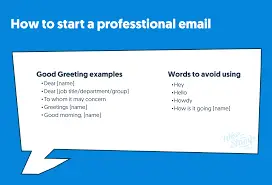
This is where most advice stops, but I am putting it third for a reason.
Technical foundation comes first.
Content is important, but even perfect content will land in spam if your authentication is broken or your IP is blacklisted.
- AI reads your email now.
Gmail’s machine learning scores every message based on patterns, sender history, and recipient engagement.
A deceptive subject line today costs you deliverability tomorrow. It is not 2010 anymore. Spam filters do not just look for keywords.
They analyze sending behavior. They track how long recipients spend reading your emails before deleting or replying.
They notice if people immediately move your message from the promotions tab to the main inbox.
All of that data feeds back into whether your future emails get delivered.
- Trigger words still count.
Free (68% of spam), urgent (55%), and offer (48%) raise flags.
ALL CAPS, excessive punctuation, and image-heavy emails with minimal text also increase spam scores.
Use sparingly, and only when your reputation can carry the weight.
I am not saying you can never use the word free.
But if you are a new sender with a fresh domain, maybe hold off on such subject lines. Build trust first. Then you have room to experiment.
- One-click unsubscribe is mandatory.
For bulk senders, Gmail and Yahoo require it.
Without the proper List-Unsubscribe headers, your emails may be rejected outright.
This is a technical requirement that went into effect in 2024.
If you send more than 5,000 emails per day to Gmail addresses, you must include a one-click unsubscribe link in every message.
The penalty for non-compliance is not a warning, it is outright blocking.
- Do the nuisance test.
Read every campaign on your phone and ask: If I received this from a stranger, would I delete it? If the answer is even a “maybe,” edit.
This is the simplest and most effective filter. Get honest with yourself.
Does your email look like something a scammer would send? Are you using a weird sender name? Does the design look unprofessional? Is the grammar suspicious?
Nigerian customers have learned to be skeptical. One wrong move and they delete without reading.
That deletion signals to Gmail “this sender is not wanted,” and that signal compounds over time.
4) Let Engagement Work for You
Gmail does not care what you think about your emails. It cares what your recipients do.
- Spam complaints count more than opens.
Google and Yahoo recommend keeping complaint rates below 0.10%, never exceeding 0.30%.
Monitor via Google Postmaster Tools.
The spam complaint rate is the percentage of recipients who click “Report Spam” instead of just deleting your email.
If your complaint rate goes above 0.3%, Gmail starts filtering your emails aggressively. Above 1%? You are effectively blocked.
To truly stop emails going to spam, you need to understand that a single spam complaint can undo weeks of good behavior.
One angry customer hitting that report button does more damage to your reputation than a hundred unopened emails.
So make it easy for people to unsubscribe. A clean exit is better than a spam complaint.
- Prune inactive subscribers.
Keeping people who haven’t opened in months isn’t loyalty, it’s a liability.
Dormant addresses become spam traps that inflict the 6 to 12 month reputation damage.
Every six months, run a re-engagement campaign.
Send a simple email: “We haven’t seen you in a while. Still interested?” Anyone who does not respond, remove them.
It feels counterintuitive to shrink your list.
But a smaller list of engaged readers is infinitely more valuable than a large list of people who ignore you or, worse, report you as spam.
- Transactional emails win.
For Nigerian e-commerce, order confirmations should be short (80 to 180 words), request a light interaction (confirm, view order), and never look like marketing.
This keeps your transactional stream out of spam folders. Transactional emails have the highest open rates of any email type because people are expecting them.
They just bought something, they want the receipt. Use that. Do not stuff those emails with product recommendations and upsells. Keep them clean, useful, and purely functional.
Gmail recognizes these patterns and treats transactional emails differently from marketing blasts.
5) Build Trust That Nigerian Recipients Actually Recognize
You cannot copy what works in America or the UK and expect it to work here.
The Nigerian email landscape is different because the trust landscape is different.
- NDPA compliance is non-negotiable.
Explicit consent is the gold standard under Nigeria’s data protection law. Never buy lists; they generate spam complaints and bounce rates that crush your reputation.
The Nigeria Data Protection Act requires that you have clear, documented permission before sending marketing emails to anyone.
That means a checkbox on your website that says “Yes, send me updates.” Pre-ticked boxes do not count.
Implied consent from a business card exchange does not count. You need explicit, affirmative consent.
And you need to keep records of when and how that consent was given.
- Use a real reply address.
Sending from “no-reply@” hurts deliverability because spam filters favor addresses that accept replies. Use hello@, support@, or team@ and monitor them.
Think about it from Gmail’s perspective.
A legitimate business welcomes customer replies. A spammer wants to send messages into the void and never hear back.
When you use no-reply, you look more like a spammer. Change it to a real address, and actually read the replies you get.
- Respect the Nigerian trust radar.
This market has a heightened “scam radar.” Subject lines that feel loud, pushy, or too-good-to-be-true get deleted instantly.
Your emails must pass human judgment, not just technical checks.
Nigerian customers have been targeted by more scams than almost any other market.
They have learned to be suspicious, and that suspicion is rational. Your job is not to complain about it; your job is to work within it.
That means subject lines that are clear and specific, not clickbaity. That means sender names that are obviously your brand, not vague or clever.
That means emails that look professional and deliver real value.
Stop Losing Customers
Your email deliverability is a direct reflection of your infrastructure, your authentication, your content discipline, and the engagement you earn with every send.
If you are serious about getting your emails into inboxes instead of spam folders, you need hosting that supports proper email authentication and gives you control over your sending reputation.
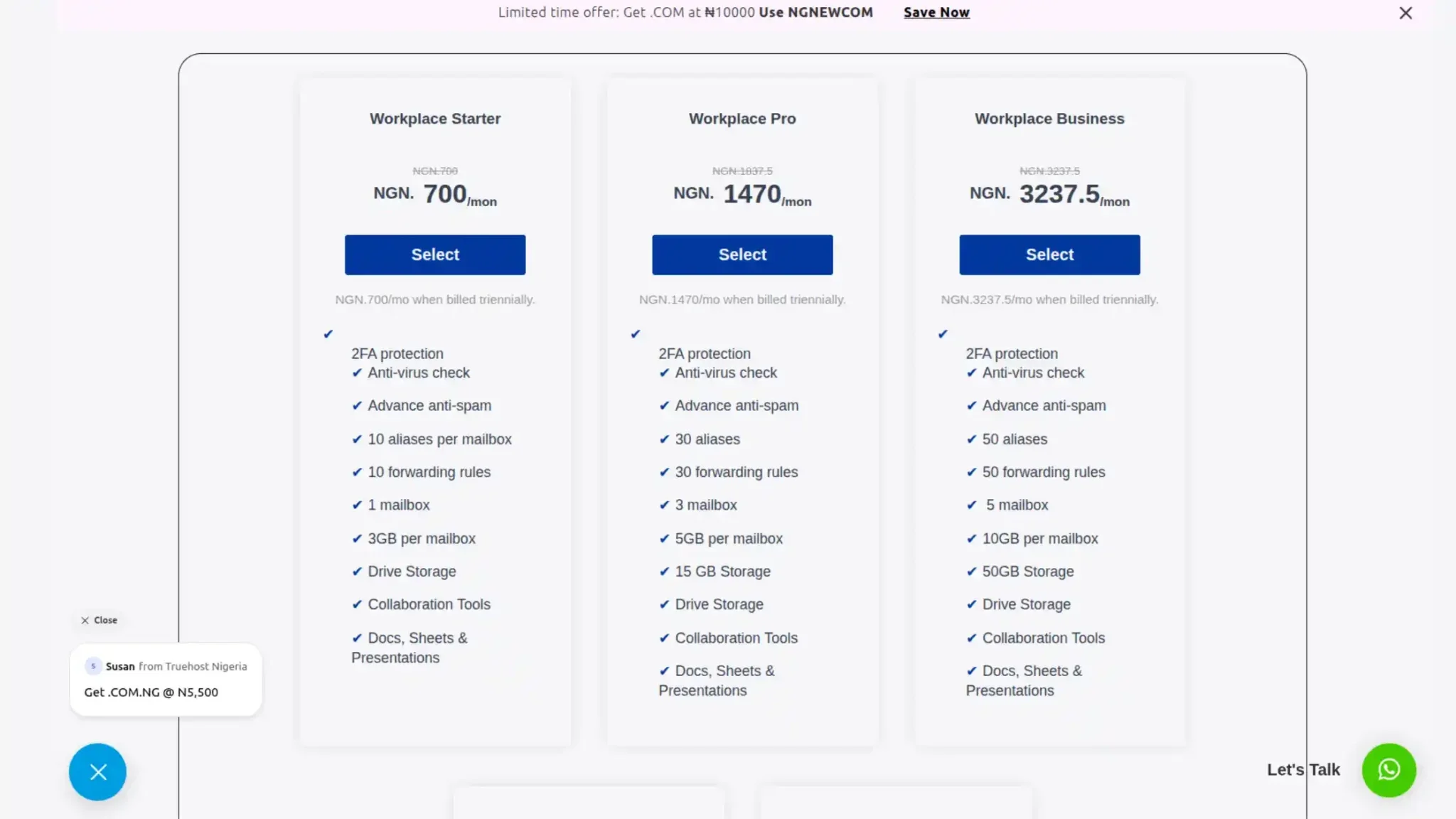
Truehost offers business email hosting with full SPF, DKIM, and DMARC support, plus local Nigerian servers for faster delivery.
Our professional email plans start at affordable rates, and our support team understands the local deliverability landscape.
Check out Truehost’s business email hosting today and start sending emails that actually get read.