Domain NamesFind and register your ideal domain name instantly.
 Web HostingEasy-to-use hosting powered by cPanel — ideal for managing websites in Nigeria.
 Windows HostingRun .NET apps with Windows-optimized hosting
 Affiliate ProgramMake money promoting our services
 Reseller HostingMake money by reselling our hosting products under your own brand
 .COM Domains
 All DomainsExplore all supported tld domains in Nigeria
 WhoisFind out who owns any domain, as well as verify your registration details
 VPS Hosting in Nigeria
 Dedicated ServersReimagine your site speed with your own complete server
 AI Website BuilderDesign your site with drag-and-drop tools
 Online Store BuilderStart your online shop without code
 Support PortalFind answers or get expert help
 Contact UsReach our team via chat or email
 BlogRead our extensive guides on web hosting and more
You know that feeling when your website starts to slow down, just as more people are visiting? Or when you wish you could install a specific tool or run a custom application, but your current hosting plan just won’t allow it?
Thank you for reading this post, don't forget to subscribe!These are common growing pains. Many websites and online projects start on simple, shared hosting plans.
But as they get more traffic, need tighter security, or require special software, that shared setup can start to feel restrictive and unreliable.
This is where the appeal of having your own private, powerful computer on the internet comes into play. That’s essentially what dedicated servers are.
In this article, we’ll have a look at what a dedicated server is, how it works, and how to know if it’s the right solution to help your project perform its best.
What Is a Dedicated Server?
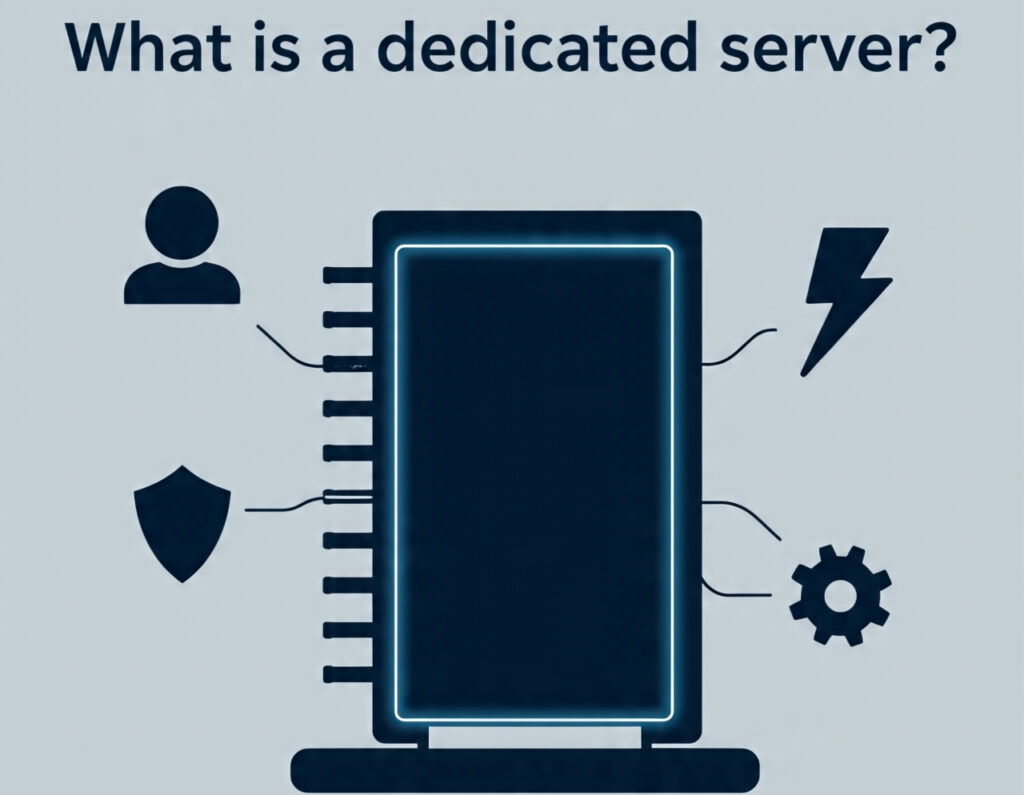
Web hosting is like finding a place to put your stuff online. Most people start with shared hosting, which is a lot like living in an apartment building.
In an apartment, you share all the main resources with everyone else. The water pressure, the electricity grid, and the parking lot are all communal.
If another tenant has a big party or uses too much, it affects you. Your shower might run weak, or you could come home to find no parking left.
A dedicated server is different. It’s the equivalent of moving into your own standalone house. The house, yard, plumbing, and electrical system are all yours. You don’t split them with anyone.
You decide how to use every part of it, from painting the walls to planting a garden, without worrying about a neighbor’s noise or habits slowing you down.
There’s no competition for resources because you own them all.
In tech terms, a dedicated server is a single physical computer, with its own processors, memory, hard drives, and internet connection that a hosting company rents to you in its entirety.
This machine is housed in a secure data center with backup power and strong internet connectivity, but once assigned to you, it becomes your private machine.
Every bit of its computing power, storage space, and memory is dedicated to running whatever you need: your website, your application, your database, or your game server.
It serves you and only you, with no other users splitting its attention or capacity.
How a Dedicated Server Works
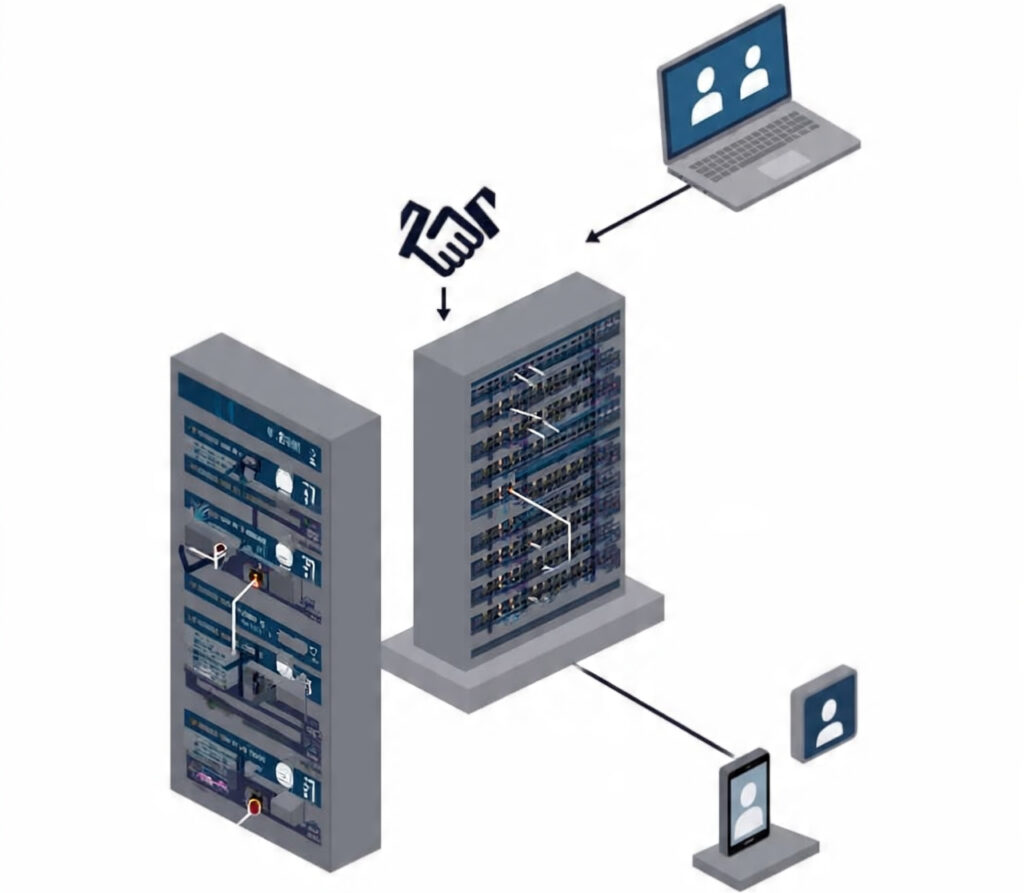
This is how a dedicated server functions:
a) The Physical Machine
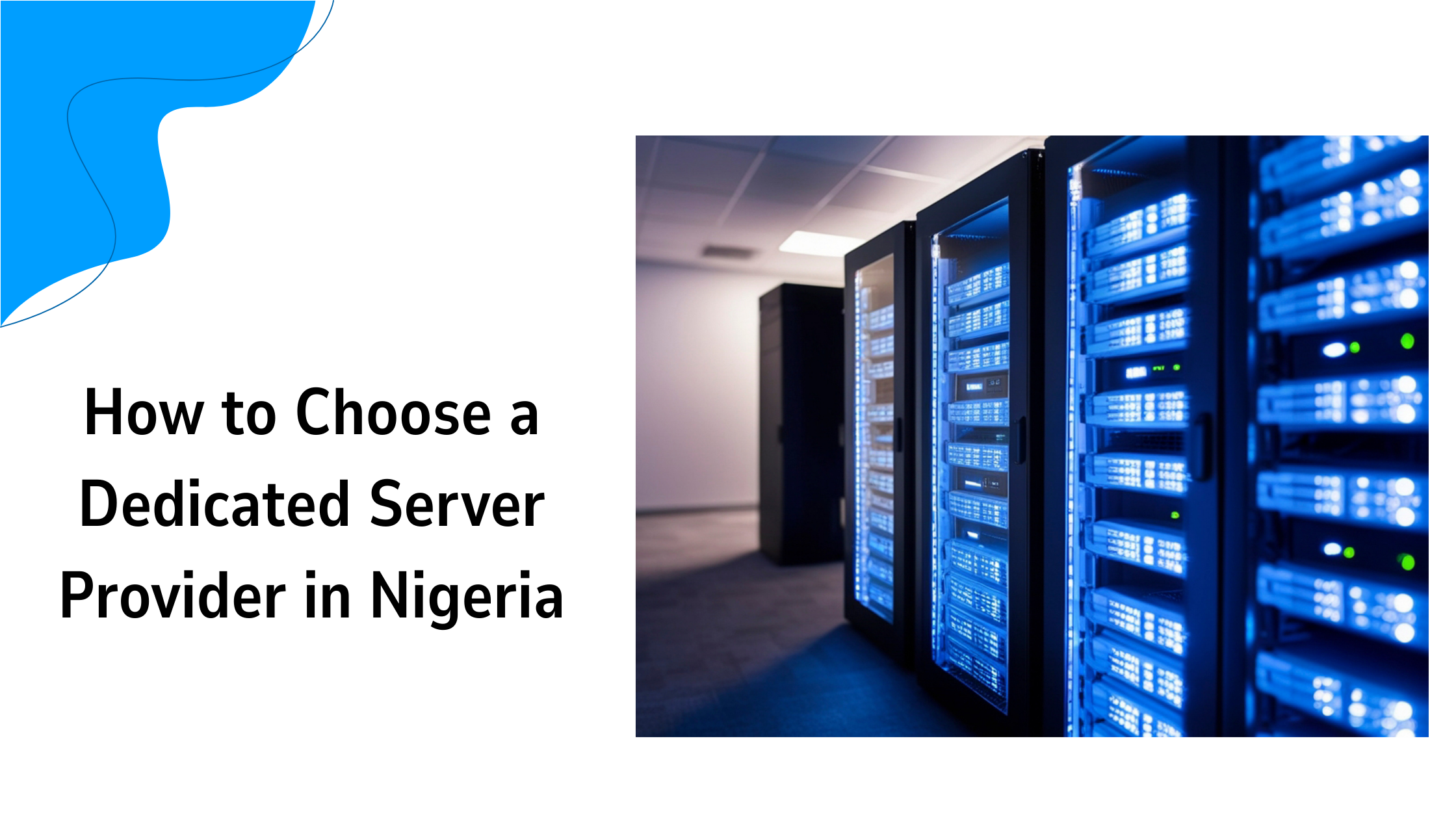
It starts with an actual server, which looks like a slim, rack-mounted computer tower. Inside, it features powerful components that are more robust than those in a typical home or office PC.
b) Your Exclusive Lease
The hosting company installs this server, connects it to super-fast, redundant internet lines, and keeps it running in a climate-controlled room with backup power.
They then hand you the keys. You get full remote access.
c) Remote Control
You don’t physically touch the server. You control it remotely from your own laptop or desktop using tools that let you see its screen.
It’s like using TeamViewer or Remote Desktop to control another computer, but that computer is in a data center miles away.
d) You’re in the Driver’s Seat
Here’s the key part: you have complete control. You choose and install the operating system, such as Linux or Windows Server.
You install the software you need. You configure every setting, security rule, and application. It’s 100% your environment.
e) Serving Your Audience
When someone visits your website hosted on this server, their browser sends a request over the internet.
That request travels to the data center and is routed to your dedicated server.
Your server processes the request (loading the webpage and running any code) and sends the data back to the visitor.
Because no other websites are on that machine, all of its power, every bit of CPU, every gigabyte of RAM, is focused on serving your visitors as fast as possible.
Why You Need a Dedicated Server
You don’t always start with a dedicated server. Many start with shared hosting. But here are signs you’ve outgrown that and need your own server:
Your Website is Consistently Slow
If your site loads slowly during traffic spikes, it’s likely because you’re fighting for shared resources. A dedicated server ends that competition.
You Have High Traffic

You’re getting a lot of visitors daily, or you expect a sudden surge, maybe from a marketing campaign or a product launch. A dedicated server can handle the load without breaking a sweat.
You Need Ironclad Security
If you handle sensitive customer data or financial information, or have strict compliance requirements such as in healthcare or legal services, a dedicated server is a must.
You’re not vulnerable to a security breach on a neighbor’s poorly secured site.
You Run Custom or Demanding Software
Maybe you have a large database, a custom-built application, a resource-intensive e-commerce platform, or you’re hosting a game server like Minecraft or Valheim.
These need consistent, reliable power.
You Want Total Control and Customization
You need to install specific software, tweak server settings for peak performance, or have a unique tech setup. Shared hosting often restricts this; a dedicated server allows it.
Pros and Cons of a Dedicated Server
Dedicated hosting comes with many perks and some downsides:
Pros:
- Exclusive Performance: All resources are yours. Your site’s speed and reliability are maximized.
- Enhanced Security: You control the security environment. You’re not sharing an IP address with potentially risky sites.
- Full Control and Flexibility: You can configure the server exactly as you want. It’s the ultimate level of access.
- Scalability: It’s easier to upgrade. Need more power? You can often add more RAM or swap for a better CPU.
- Reputation: Your IP address and server reputation are based solely on your actions, not on others’.
Cons:
- Cost: This is the biggest one. Dedicated servers cost significantly more than shared or even VPS hosting.
- Technical Skill Required: You are responsible for managing the server. This includes setup, software updates, security patches, and troubleshooting. At Truehost, we offer managed services to handle this for you, but it’s an additional consideration.
- Overkill for Small Sites: If you have a simple, low-traffic blog or brochure website, a dedicated server is like using a semi-truck to go grocery shopping, unnecessary and expensive.
How to Get a Dedicated Server
Getting one is simple. You research hosting providers that offer dedicated server plans. You compare their specs, prices, and support. Truehost offers a competitive dedicated server package.
Then, you choose a plan that matches your needs for CPU, RAM, storage, and bandwidth.
You’ll sign up, and Truehost will provision a physical server for you. They’ll install your chosen operating system and send you the login details for remote access.
From there, you or your system administrator can set everything up.
For those seeking a reliable, high-performance option, we at Truehost offer robust dedicated servers with a range of configurations to suit different needs and budgets, backed by support to help you get started.
What to Consider When Getting a Dedicated Server
Don’t just pick the first plan you see. Think about this when getting a dedicated server:
Processor (CPU): How powerful does it need to be? More cores help with handling multiple tasks at once (like many visitors). Think about what your software requires.
Memory (RAM): This is your server’s short-term memory for active tasks. More RAM means you can run more applications smoothly and handle more simultaneous visitors. E-commerce and databases love RAM.
Storage Type and Space: Do you need a huge amount of space for files, or is speed more critical? Traditional Hard Disk Drives (HDDs) offer more space for less cost. Solid State Drives (SSDs) are much, much faster. Many choose SSDs for their main drive for performance.
Bandwidth/Data Transfer: How much data does your site send out each month? High-traffic sites and sites with many videos or downloads require higher bandwidth allowances.
Management Level: Are you comfortable handling server administration? If not, look for a managed dedicated server plan. The hosting company’s team will handle updates, security, backups, and monitoring for you. It costs more but saves immense time and stress.
Support: What is their support like? Are they available 24/7? How quickly do they respond? Can they help with hardware issues or network problems? Good support is invaluable.
Security Features: Does the provider offer built-in firewalls, DDoS protection, or regular security audits? What tools do they provide to help you secure your server?
Final Take
A dedicated server is a big step. It’s for when you’re done sharing resources and want full control over your website or app’s performance and security.
If your site has grown, gets consistent traffic, or needs to run specialized software, it might be exactly what you’re looking for. While it requires more investment and some technical know-how, the payoff is a faster, more secure, and completely customizable online presence.
If you decide a dedicated server is right for you, take a look at the options available at Truehost. We offer reliable servers with straightforward plans and support to help you get started.