Domain NamesFind and register your ideal domain name instantly.
 Web HostingEasy-to-use hosting powered by cPanel — ideal for managing websites in Nigeria.
 Windows HostingRun .NET apps with Windows-optimized hosting
 Affiliate ProgramMake money promoting our services
 Reseller HostingMake money by reselling our hosting products under your own brand
 .COM Domains
 All DomainsExplore all supported tld domains in Nigeria
 WhoisFind out who owns any domain, as well as verify your registration details
 VPS Hosting
 Dedicated ServersReimagine your site speed with your own complete server
 AI Website BuilderDesign your site with drag-and-drop tools
 Online Store BuilderStart your online shop without code
 Support PortalFind answers or get expert help
 Contact UsReach our team via chat or email
 BlogRead our extensive guides on web hosting and more
Ever felt like managing a website should be easier? Between files, emails, databases, and security, it can feel like you need an engineering degree just to keep things running.
That’s where a Linux hosting panel comes in.
It is like your website’s friendly control center. It takes all those complicated, text-based commands and turns them into simple buttons and menus you can click.
Instead of wrestling with code, you can upload files as you do on your computer, create email addresses with a few clicks, and even install WordPress in under a minute.
If you’re running a website on Linux hosting, which powers a huge portion of the internet, this tool is your best friend. Let’s see what it is, how it helps, and which Linux hosting panel might be the perfect fit for you in 2026.
What is Linux Hosting Panel?
Let’s talk about managing a website. If your website is your online house, then a Linux Hosting Panel is like the control room for that house.
It’s a graphical dashboard that lets you handle all the technical stuff without typing complex commands.
For example, you could wire the electricity, plumbing, and security for your house yourself, but it would be complicated, time-consuming, and easy to mess up.
A hosting panel gives you simple switches, buttons, and interfaces to manage everything safely. It turns confusing code into clear, clickable options.
Functions of the Hosting Panel
A good panel puts you in the driver’s seat. Here’s what you can do from one place:
- Manage Files: Upload your website’s documents, images, and code just like using a folder on your computer.
- Set Up Email: Create professional email addresses, set up mailboxes, and manage spam filters.
- Handle Databases: Most websites, like those built with WordPress, need a database to store information. The panel makes this a one-click setup.
- Install Applications: With a few clicks, you can install WordPress, Joomla, or other software without manually uploading files.
- Monitor Your Site: Check how much storage and data transfer you’re using, see your website’s visitors, and check for errors.
- Manage Security: Set passwords, back up your entire site, and configure basic security settings.
The Best Linux Hosting Panels for 2026
Deciding the best panel is like asking which is the best vehicle: a pickup truck, a compact car, an SUV, or an electric bike?
They all get you from point A to point B, but each shines in a different situation. Let’s look at the top contenders you’ll be hearing about in 2026.
1) cPanel
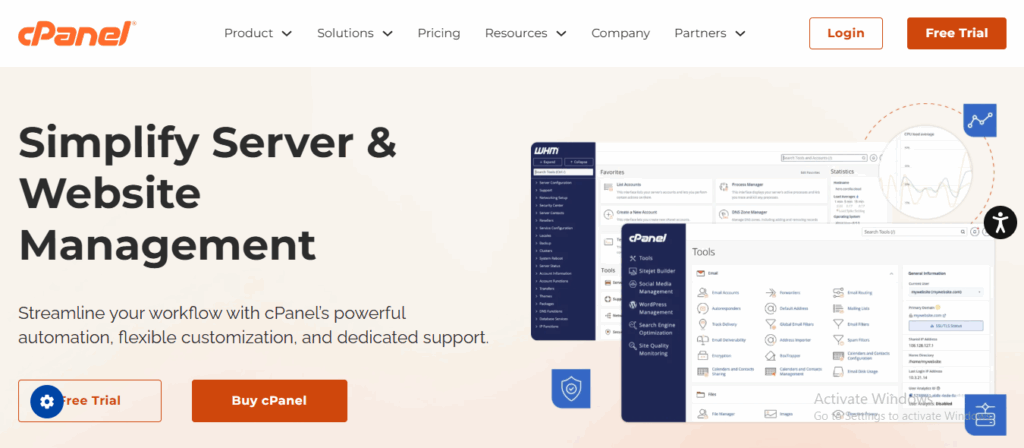
For years, cPanel has been the most popular. It’s powerful, reliable, and has a familiar interface that many web developers grew up with.
If you’ve ever watched a tutorial on managing hosting, chances are it was using cPanel.
cPanel is like the dashboard of a well-made family car:
- Everything has its place, and for the most part, it just works.
- You’re not going to be confused looking for the basics: managing files feels like using Windows Explorer, and setting up email is a guided process
- Installing WordPress is literally a one-click affair.
- You’ll find tools for absolutely everything, from creating subdomains to setting up advanced security redirects.
It’s not all perfect, though. A few years ago, cPanel changed its pricing to charge hosting companies per account rather than per server.
This can make it more expensive for providers, and sometimes that cost is reflected in hosting plans. It’s still the standard, but the price tag means hosts and users are now looking at alternatives more seriously.
At Truehost, we use cPanel for many of our hosting plans. We’ve chosen it because we believe its stability and comprehensive toolset offer a smooth, predictable experience.
So, for someone who wants a trusted environment where everything is where you expect it to be, it remains an excellent choice.
Furthermore, our team knows it inside and out, so if you ever need help, we can guide you through it quickly.
2) Plesk
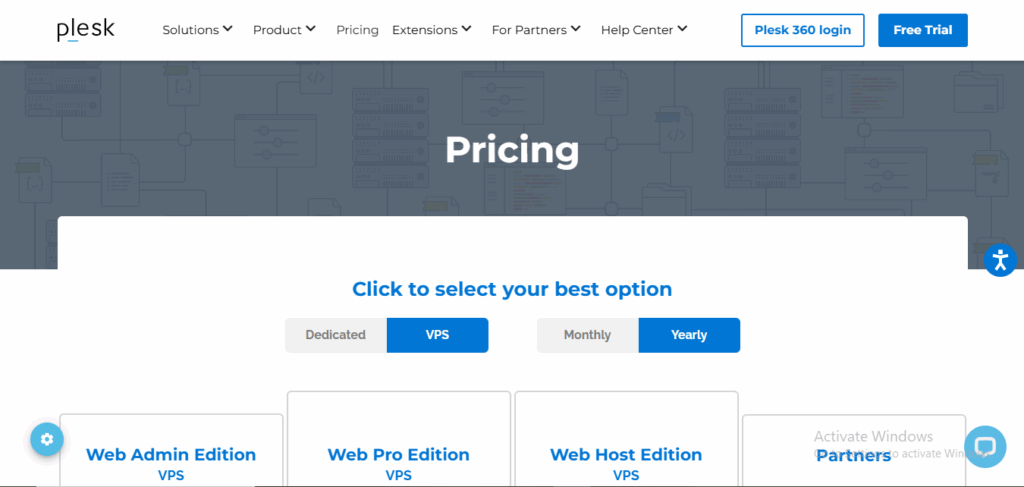
Plesk is a major competitor to cPanel and has carved out a strong reputation for being especially friendly to websites built on WordPress, Node.js, Docker, and other modern frameworks.
It feels like it was designed for today’s web.
Using Plesk is like having a clean, well-organized smartphone interface for your server.
Plesk has a very intuitive, modern look with clear sections. It truly excels if you manage multiple websites or resells hosting, as switching between sites is seamless.
Also, its security toolkit is a standout feature, often including a free, built-in firewall and an automatic malware scanner that runs regular checks. It feels less cluttered than cPanel for tackling specific tasks.
Plesk is ideal for developers who work with a mix of technologies, such as a WordPress site and a custom Node.js app, on the same server, and for anyone who appreciates a more contemporary, streamlined interface.
It’s also a top pick for agencies managing many client sites.
3) CyberPanel
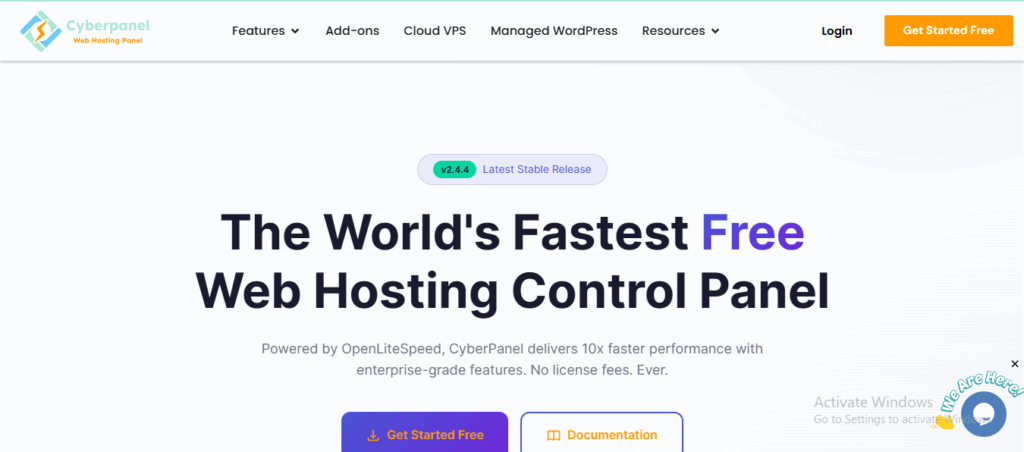
CyberPanel is built from the ground up for the OpenLiteSpeed web server, known for its incredible speed and efficiency, especially for WordPress.
It’s lighter and faster to load than cPanel or Plesk. The interface is simpler and more direct; it doesn’t have two decades of added features to sift through.
The biggest advantage? It’s open-source and free. There are no licensing fees for you or your host, resulting in significant savings.
It is ideal for users who are performance-focused and want every bit of server power dedicated to speed.
It’s perfect if you’re comfortable with a slightly less polished (but very functional) interface in exchange for top-tier performance and zero software cost.
It’s a fantastic, cost-effective choice for tech-savvy users and hosts who want to keep plans affordable.
4) DirectAdmin
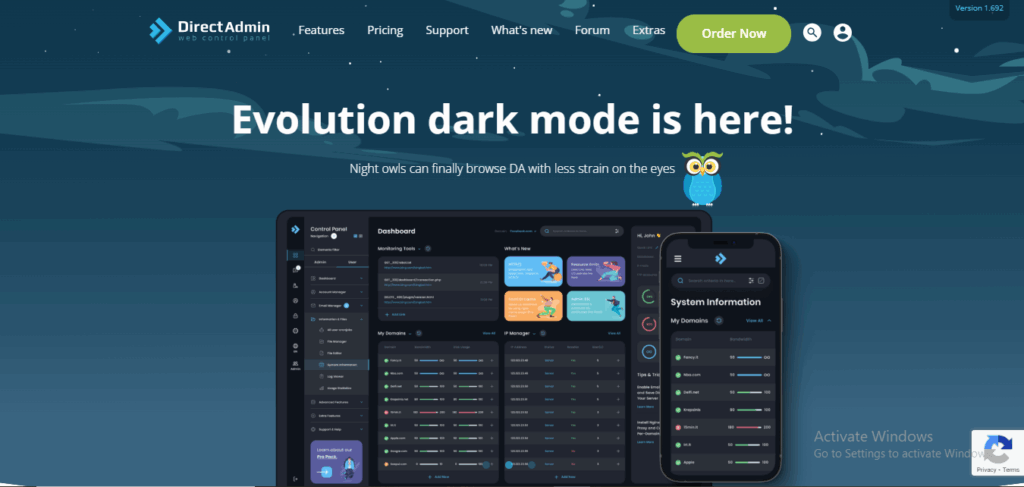
DirectAdmin has been around a while and is known for being lightweight and resource-friendly.
This means it uses only a fraction of your server’s memory and CPU, leaving more resources for your website to handle visitors.
It is a simple, reliable tool that does its job perfectly without any unnecessary extras. It’s straightforward and gets the job done without fancy animations or complex menus.
It covers all the essentials: email, files, databases, and domains very well and efficiently. Many find it faster to navigate for common tasks because there’s simply less to look at.
It is a good option for people who want a simple, efficient panel without a high price tag.
It’s the ideal balance of functionality and value for someone running a few standard websites who wants a no-nonsense control panel that won’t slow things down.
If you don’t need the bells and whistles, it’s incredibly effective.
Benefits of Linux Hosting Panel
Even if you’re a beginner, a panel gives you control without the headache. The main benefits are:
- It Saves You Time: Tasks that take minutes with commands take seconds with a click.
- It Reduces Mistakes: Clicking a button to create an email is safer than typing a command wrong and breaking something.
- It Grows With You: As your website gets more visitors or you add more sites, the panel scales to help you manage it all.
- It’s Just Easier: At the end of a long day, having a clear, visual way to check on your site is a relief.
Finding the best web control option
Don’t just pick the most famous name. Figure this out:
What’s your budget? If you want to keep costs low, consider hosts that offer CyberPanel or DirectAdmin.
What are you comfortable with? If you’ve used cPanel before and like it, sticking with it makes sense. If you hate clutter, try a Plesk demo.
What are you building? Running a simple blog? Any panel works. Building complex applications? Plesk or CyberPanel might have better native support.
What does your host recommend? Sometimes, the best panel is the one your hosting provider supports best. For instance, because we deeply integrate it into our services, our Truehost team can offer better, faster support for cPanel-related questions.
Wrapping It Up
Choosing a Linux hosting panel is about finding your perfect fit.
Think back to our vehicle analogy. You wouldn’t buy a massive pickup truck just to get groceries, right? The same logic applies here.
- If you want the familiar, trusted dashboard that includes everything, cPanel is your reliable choice.
- If you prefer a modern interface that handles multiple sites and new technologies beautifully, take a close look at Plesk.
- If your top priorities are speed and saving money, the free, fast CyberPanel could be your winner.
- And if you just want something simple, efficient, and affordable that gets the basics done perfectly, DirectAdmin is waiting for you.
All four of these options are excellent. In 2026, you really can’t go wrong. The goal is simply to match the tool to your project, your budget, and your comfort level.
At Truehost, our hosting plans feature cPanel to make it easy for you to navigate when building your website.
Whichever path you choose, you’ve got a solid control room ready to help you. Happy building