Domain NamesFind and register your ideal domain name instantly.
 Web HostingEasy-to-use hosting powered by cPanel — ideal for managing websites in Nigeria.
 Windows HostingRun .NET apps with Windows-optimized hosting
 Affiliate ProgramMake money promoting our services
 Reseller HostingMake money by reselling our hosting products under your own brand
 .COM Domains
 All DomainsExplore all supported tld domains in Nigeria
 WhoisFind out who owns any domain, as well as verify your registration details
 VPS Hosting in Nigeria
 Dedicated ServersReimagine your site speed with your own complete server
 AI Website BuilderDesign your site with drag-and-drop tools
 Online Store BuilderStart your online shop without code
 SSLs
SSLs Support PortalFind answers or get expert help
 Contact UsReach our team via chat or email
 BlogRead our extensive guides on web hosting and more
A hosting upgrade checklist is a simple guide that shows you exactly what to do when you want to upgrade your website hosting.
It helps you avoid downtime, lost emails, broken pages, and SEO problems that happen when an upgrade is done the wrong way.
This article gives you a clear hosting upgrade checklist you can follow from start to finish.
It covers what to check before upgrading, what to do during the upgrade, and what to test after.
By the end of this guide, you will know how to upgrade your hosting the right way and keep your website fast, stable, and online.
Signs Your Website Needs a Hosting Upgrade
Your website usually gives you warnings before it breaks. The problem is that many people ignore these signs until visitors start complaining or sales drop.
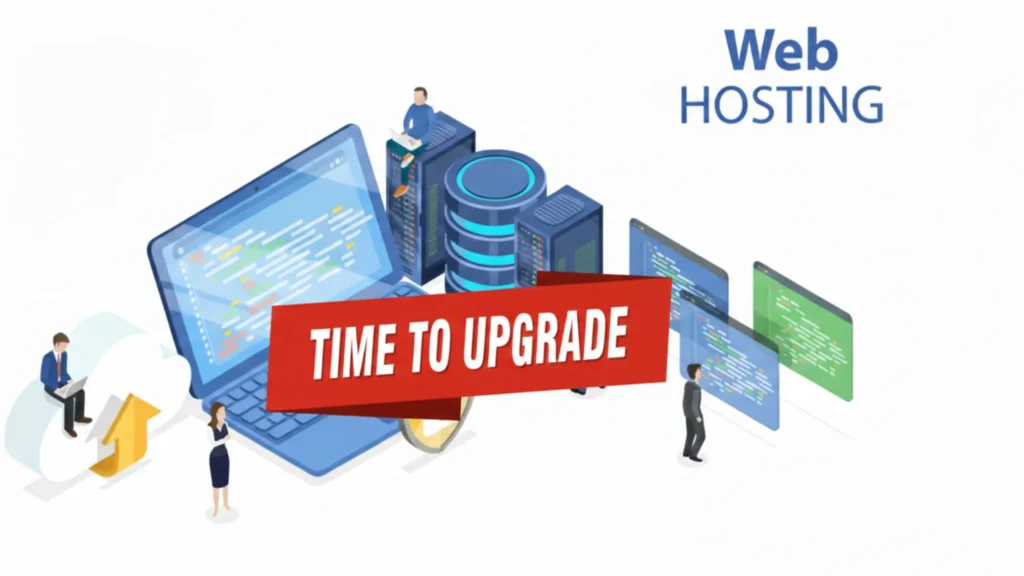
If you notice any of the issues below, your hosting plan is no longer enough.
Common Signs You Need to Upgrade
a) Your website loads slowly
Pages take more than 3 seconds to open. Visitors on mobile networks leave quickly. Studies show over half of users exit a slow site before it finishes loading.
b) You see error messages
Errors like 503 Service Unavailable or Resource Limit Reached show up, especially when traffic increases.
c) Traffic spikes break your site
Your site works on normal days but slows down during sales, promotions, or viral posts. This is common with small shared hosting plans.
d) Your hosting dashboard shows warnings
CPU, RAM, or bandwidth limits hit red almost every day. This means your site is fighting for resources.
e) Google rankings start dropping
Slow sites fail Core Web Vitals checks. Since most Nigerian users browse on mobile, speed issues hurt SEO fast.
f) You run out of space or features
No room for new emails, domains, or files unless you pay extra. Growth becomes frustrating.
g) Downtime happens often
If your site goes offline more than once a month, visitors and search engines lose trust.
When you see these signs, just know it is time to Upgrade Your Web Hosting Plan.
Delaying the upgrade only causes more frustration and lost opportunities.
That is why we built Truehost plans to scale easily, so you can upgrade within the same dashboard and keep your site running smoothly as it grows.
Hosting Upgrade Options You Can Choose From
When it is time to upgrade, many website owners are unsure which option fits their site.

We always advise choosing based on your traffic, content type, and growth stage, not price alone.
Most websites start on shared hosting. It is affordable and easy to manage. But as traffic grows, shared resources begin to feel tight.
Here are the common upgrade paths:
- Higher shared hosting plan
This is often the first step. You get more CPU, RAM, storage, and bandwidth without changing how you manage your site. It is ideal if your site is growing but you want to keep things simple. Many Truehost users move from Starter to Pro or Unlimited this way, often without downtime. - VPS hosting
This gives you dedicated resources and better performance. It suits growing online stores, membership sites, and high-traffic blogs that need stability. - Cloud or dedicated hosting
These options handle very high traffic and sudden spikes. They work best for large platforms and enterprise sites, but they require more technical management.
Upgrading does not always mean starting from scratch. In many cases, you can upgrade inside the same hosting account.
At Truehost, we built our plans to scale easily, so you can:
- Upgrade your plan without moving files manually
- Keep your emails, domains, and settings intact
- Avoid long downtime during growth
Once you know which upgrade option fits your site, the next step is preparation.
This is where the hosting upgrade checklist becomes important.
Pre-Upgrade Preparation: What To Check First
Before upgrading any hosting plan, always prepare. Skipping this step causes most upgrade problems.
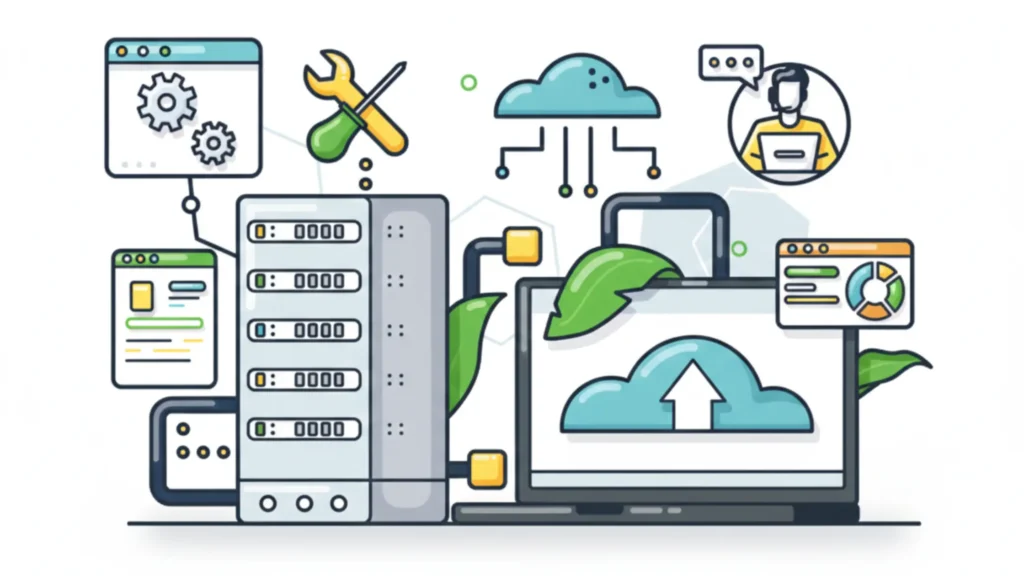
These are the key things to check before upgrading:
- Current resource usage
Review CPU, RAM, bandwidth, and storage from the hosting dashboard. If limits are hit often, the site has outgrown the plan. - Traffic data
Check visitor numbers using tools like Google Analytics. This helps choose a plan that can handle peak traffic, not just average days. - Main pain points
Write down what is not working:- Slow page loading
- Frequent downtime
- Errors during traffic spikes
- Email or storage limits
- Hosting plan features
Confirm the new plan includes:- SSD storage for faster loading
- Free SSL
- Daily backups
- Enough resources for growth
- At Truehost, our plans are designed with these features included, so upgrades are simple and predictable.
- Full website backup
Back up everything:- Website files
- Database
- Email accounts
- This step is non-negotiable. A backup protects your site if anything goes wrong.
- Compatibility check
Confirm the hosting supports:- Your PHP version
- WordPress or CMS requirements
- Plugins and themes
- DNS preparation
If a server change is involved, lower the DNS TTL ahead of time. This reduces downtime when the switch happens.
This preparation step saves time, money, and stress. Once these checks are done, upgrading becomes safer and smoother.
During the Hosting Upgrade: What To Do
Once preparation is complete, move into the upgrade itself. This stage is where careful steps help prevent downtime and feature breakage.

During the upgrade, follow these steps:
- Upgrade or activate the new plan
Select the new hosting plan and confirm payment. At Truehost, this can be done inside the client area using local payment options, without forex stress. - Migrate website data if needed
If the upgrade involves moving servers, transfer:- Website files
- Database
- Email accounts
- Many Truehost users use our free migration service, which removes the risk of manual errors.
- Update configuration files
Confirm database details and server paths are correct. For WordPress sites, this includes checking the wp-config file. - Fix hard-coded links
Any old server paths or URLs are updated to avoid broken images or missing pages. - Activate SSL immediately
Enable free SSL as soon as the site is live on the new plan. Secure connections protect visitors and prevent browser warnings. - Test on a temporary or staging link
Before making the site public, check:- Homepage loading
- Forms and contact pages
- Login areas
- Online store checkout
These steps help you upgrade without panic or surprises.
Post-Upgrade Testing and Optimization
After upgrading, the work isn’t over. A proper hosting upgrade checklist ensures everything runs smoothly and your visitors don’t notice any issues.
Here’s what to do after the upgrade:
- Test your website thoroughly
Visit every page, submit forms, check shop checkout, and view the site on mobile. Make sure everything looks and works correctly. - Check site speed
Use tools like GTmetrix or Google PageSpeed Insights. Aim for pages to load under 3 seconds. Faster sites keep visitors and improve SEO. - Update DNS settings
Point your domain to the new hosting server. Monitor propagation, which usually completes in 1–48 hours. - Monitor for errors
Watch for broken links, missing images, or 404 errors. Fix them immediately to maintain trust and rankings. - Enable caching and optimization
Use LiteSpeed caching or plugins, and consider a CDN if needed. This ensures pages load quickly even during traffic spikes. - Secure your site
Change passwords, enable a firewall, and set up automatic backups. Security keeps your data and visitors safe. - Cancel old hosting only after confirmation
Keep your old plan active for at least a week to make sure everything works perfectly. Don’t delete backups too early. - Support
If you upgraded with Truehost, we monitor your site and provide live chat support. Our team ensures migrations are smooth and resources scale as your site grows.
Following these steps ensures your site stays live, fast, and secure after any upgrade.
Common Mistakes to Avoid During a Hosting Upgrade
Upgrading your hosting can be smooth if you follow the checklist, but skipping steps often causes problems.
Here are mistakes to watch out for:
- Skipping full backups
Not backing up your files, database, and emails can lead to permanent data loss if something goes wrong. - Ignoring SSL setup
Failing to activate SSL immediately causes browser warnings and can scare visitors away. - Changing DNS at peak traffic hours
Doing this can create delays in site availability while propagation happens. - Not testing on a staging site first
Live bugs can hurt user experience and trust. - Forgetting email accounts
Make sure all emails are moved and functional; missed messages frustrate clients. - Rushing without checking compatibility
Plugins, themes, and PHP versions must work with the new plan to avoid crashes. - Cancelling the old hosting too soon
Keep access for at least a week to make sure everything is stable before closing the old account.
Following these tips helps prevent downtime, lost revenue, and SEO drops.
Truehost makes this easier by offering free migration, seamless plan upgrades, and support during the process.
That way, you don’t have to worry about most common mistakes.
Upgrade Your Hosting the Right Way
Upgrading your hosting doesn’t have to be stressful. With a clear hosting upgrade checklist, you know exactly what to do before, during, and after the upgrade.
You avoid downtime, lost emails, broken pages, and SEO problems, even if you’re not a technical expert.
If your website is slow, traffic is growing, or errors keep appearing, it’s time to act.
Following the checklist ensures your site stays fast, secure, and ready for more visitors.
At Truehost, we make upgrading simple. Our plans are designed to scale with your site.
You can move from Starter to Pro or Unlimited without downtime, and our free migration service keeps everything intact.
Plus, our local servers in Nigeria ensure your pages load fast for your visitors.
Next steps you can take right now:
- Review your current hosting plan and check for slow pages, errors, or storage limits.
- Decide which plan fits your growth: higher shared plan, VPS, or cloud hosting.
- Use our hosting upgrade checklist to prepare, migrate, and optimize your site.
- Contact Truehost support if you need help, we guide you through every step.
Your website growth shouldn’t be held back by slow hosting. Upgrade smartly, follow the checklist, and watch your site perform better than ever.
Check Truehost plans and start your upgrade today.