Domain NamesFind and register your ideal domain name instantly.
 Web HostingEasy-to-use hosting powered by cPanel — ideal for managing websites in Nigeria.
 Windows HostingRun .NET apps with Windows-optimized hosting
 Affiliate ProgramMake money promoting our services
 Reseller HostingMake money by reselling our hosting products under your own brand
 .COM Domains
 All DomainsExplore all supported tld domains in Nigeria
 WhoisFind out who owns any domain, as well as verify your registration details
 VPS Hosting in Nigeria
 Dedicated ServersReimagine your site speed with your own complete server
 AI Website BuilderDesign your site with drag-and-drop tools
 Online Store BuilderStart your online shop without code
 Support PortalFind answers or get expert help
 Contact UsReach our team via chat or email
 BlogRead our extensive guides on web hosting and more
Neglecting Your Website Is Costing You More Than You Realize.
Your website is live, attracting visitors, and representing your brand 24/7. But behind the scenes, it’s like a car running without regular oil changes, tire checks, or a tune-up. Left unattended, it can slow down, break, or even disappear from search results, and most website owners don’t notice until it’s too late.
The good news? Keeping your site healthy doesn’t have to be stressful or complicated. With a few simple habits, your website can stay fast, secure, and enjoyable for every visitor. No tech wizardry required, just small, consistent actions that prevent big problems later.
In this guide, we’ll share basic website maintenance tips that are practical, easy to follow, and actually doable. By the end, you’ll have a simple routine that keeps your website running smoothly, looking great, and performing at its best, without the stress or overwhelm.
Why Basic Website Maintenance Matters
Your website isn’t just a collection of pages; it’s the face of your brand, a tool for sales, and a hub for your audience. Skipping maintenance is like expecting a car to run perfectly for years without oil changes, tire rotations, or a simple engine check. Over time, small issues turn into big problems.
Here’s why regular website maintenance is so important:
- Keeps Your Site Fast
A slow website frustrates visitors and drives them away. Every second counts; research shows that even a one-second delay can reduce conversions and engagement.
Regular maintenance, like cleaning up old files, optimizing images, and updating software, keeps your site loading quickly and smoothly.
- Protects Against Hacks and Malware
Outdated software and neglected plugins are the easiest ways for hackers to get in. A hacked website can mean lost data, downtime, or even damage to your reputation.
Routine updates, security scans, and backups act as a shield, keeping your site safe.
- Improves Search Engine Rankings
Google and other search engines reward sites that are fast, secure, and regularly updated.
Maintenance tasks like fixing broken links, updating content, and optimizing performance make your site more visible and attractive to search engines.
- Saves Money in the Long Run
Fixing issues after they become emergencies is expensive and stressful. Regular upkeep prevents costly downtime, data loss, or rushed fixes.
A little effort every week or month keeps your site running smoothly and avoids expensive surprises.
Many website owners skip these steps and only realize the consequences after a crash, a hack, or a sudden drop in traffic.
The good news? A simple, consistent maintenance routine keeps your website healthy, saves you stress, and protects your business.
Practical Tips for Maintaining Your Website
Keeping your website in top shape doesn’t have to be overwhelming. A little attention each week can prevent big problems, improve performance, and give your visitors a smooth experience.
Here are the key steps you should follow:
1) Keep Your Software Up to Date
Updates are your website’s first line of defense. Every time WordPress, your themes, or plugins release an update, it’s not just about new features; it’s about fixing bugs, closing security holes, and keeping your site running smoothly.
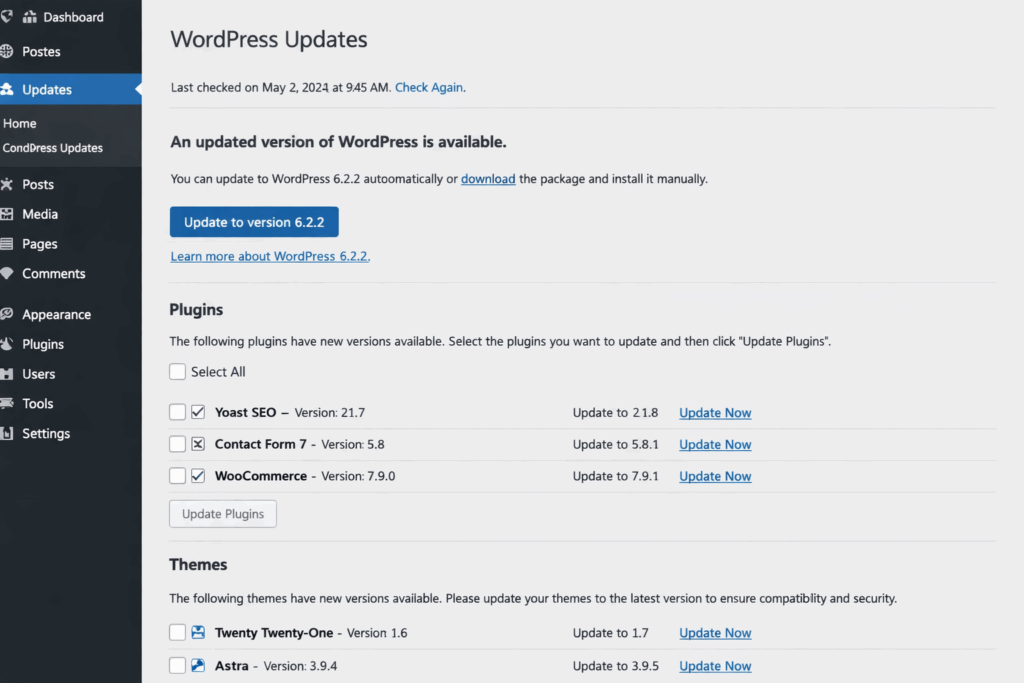
Ignoring updates is like leaving your front door unlocked; it makes it easier for hackers to break in.
Here’s how to stay on top of updates:
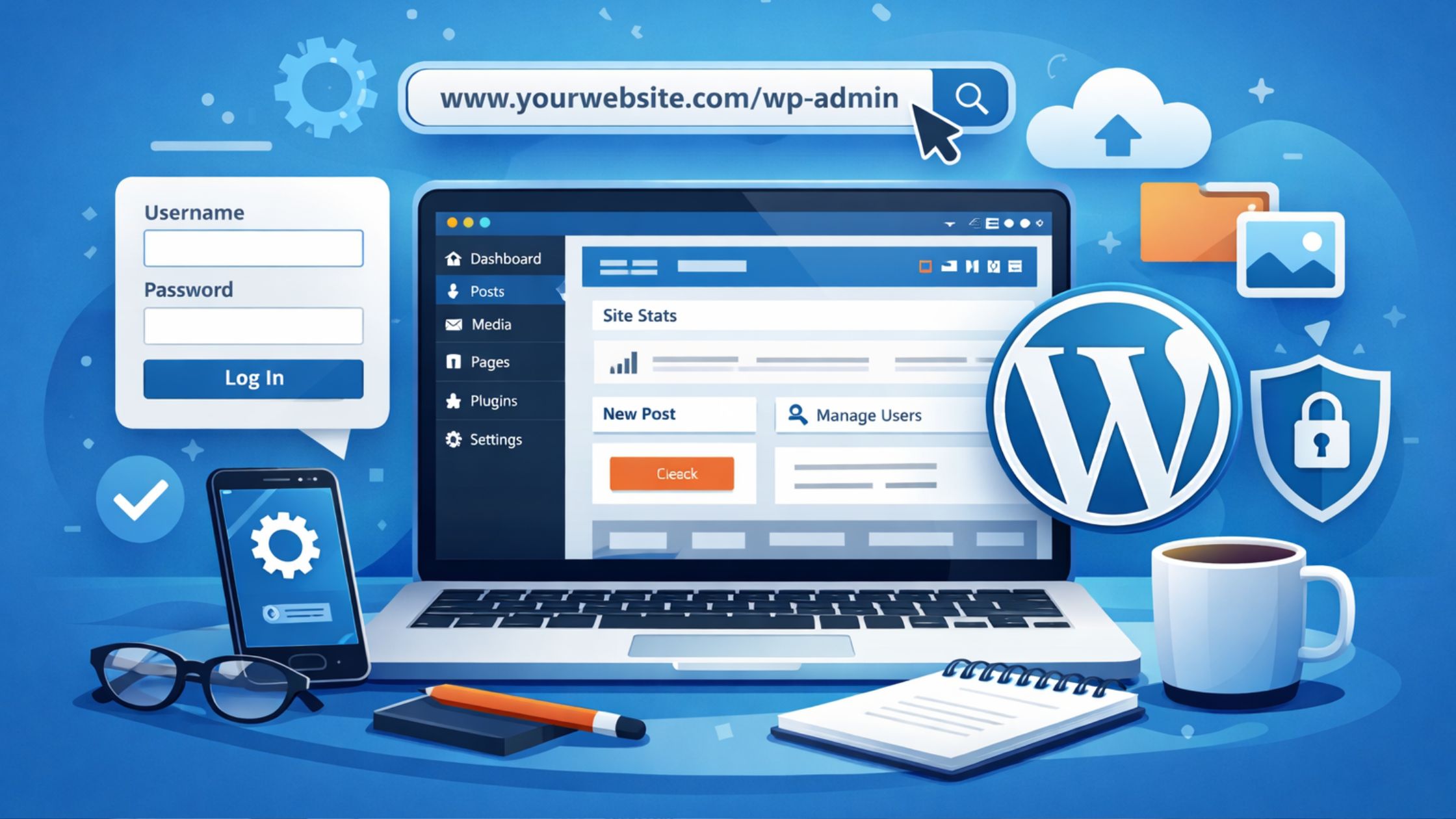
- Log in to your website dashboard at least once a week.
- Navigate to Dashboard > Updates to see what needs attention.
- Start by updating the core software first, then move on to themes and plugins.
It only takes 5–10 minutes each week, but this small effort prevents the most common website risks. Outdated software is one of the top reasons websites get hacked, and staying current dramatically lowers that risk.
2) Back Up Your Website Regularly
Backups are your website’s safety net, the thing that can save you from a disaster you didn’t see coming.
Hackers, server crashes, plugin errors, or even accidental deletions can wipe out everything overnight: blog posts, images, customer data, and hours of hard work. Without a backup, recovery can be stressful, expensive, and sometimes impossible.
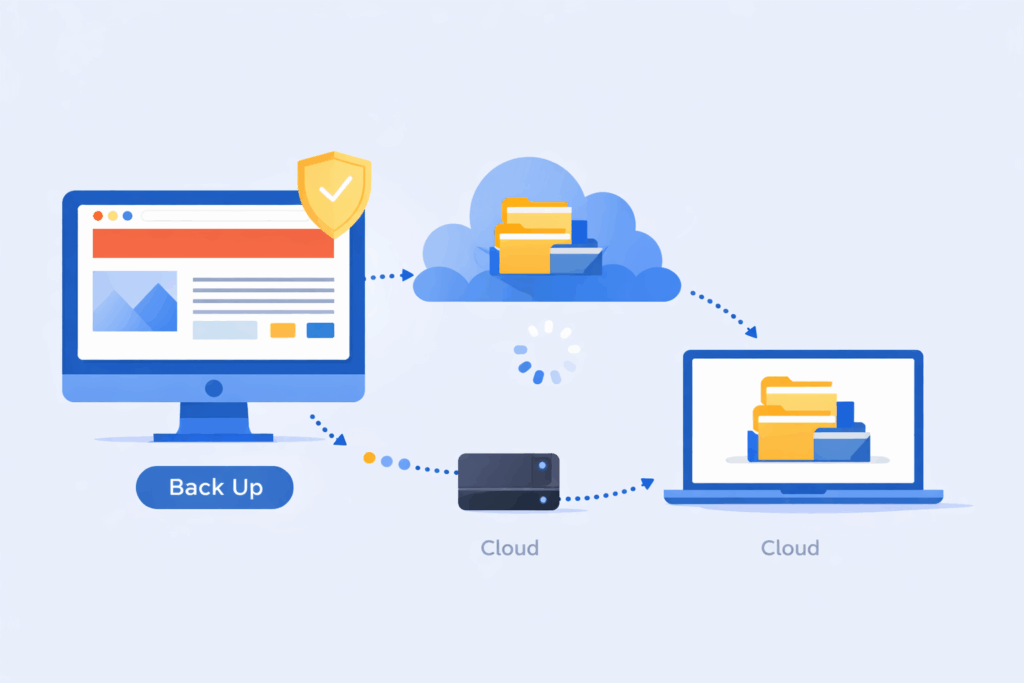
How to make backups simple and reliable:
- Schedule regular backups. Ideally, do it weekly, or immediately after major changes like adding products, publishing posts, or redesigning pages.
- Store backups in multiple locations. Don’t rely solely on your server; save copies on your computer, an external drive, or cloud storage.
- Test your backups occasionally. Make sure they actually restore correctly, so you’re not caught off guard when you need them.
Many hosting providers make this process effortless with automated backups built into your control panel.
At Truehost, we take backups seriously. Our hosting plans include reliable, automated backup features, giving you peace of mind that your website and data are always protected. With built-in protection, you can focus on growing your site instead of worrying about what could go wrong.
3) Check for Broken Links and Errors
Broken links are more than just a minor annoyance; they frustrate visitors, damage your credibility, and can even hurt your Google ranking.
Every time someone clicks a link that leads to a “404 Not Found” page, it interrupts their experience and makes your website feel unfinished or neglected. Over time, this can drive visitors away and reduce trust in your brand.
How to keep your links and pages error-free:
- Use free tools like Google Search Console. It automatically flags broken links and pages that aren’t working properly.
- Install a plugin like Broken Link Checker. It scans your site and highlights any links that need fixing.
- Fix or remove broken links immediately. Don’t leave them hanging; either update the URL or delete the link entirely.
Performing a quick link and error check once a month only takes a few minutes, but it has a big impact.
A site free of errors signals professionalism, builds trust with visitors, and helps your SEO.
4) Optimize Site Speed and Performance
Nobody waits for a slow site.
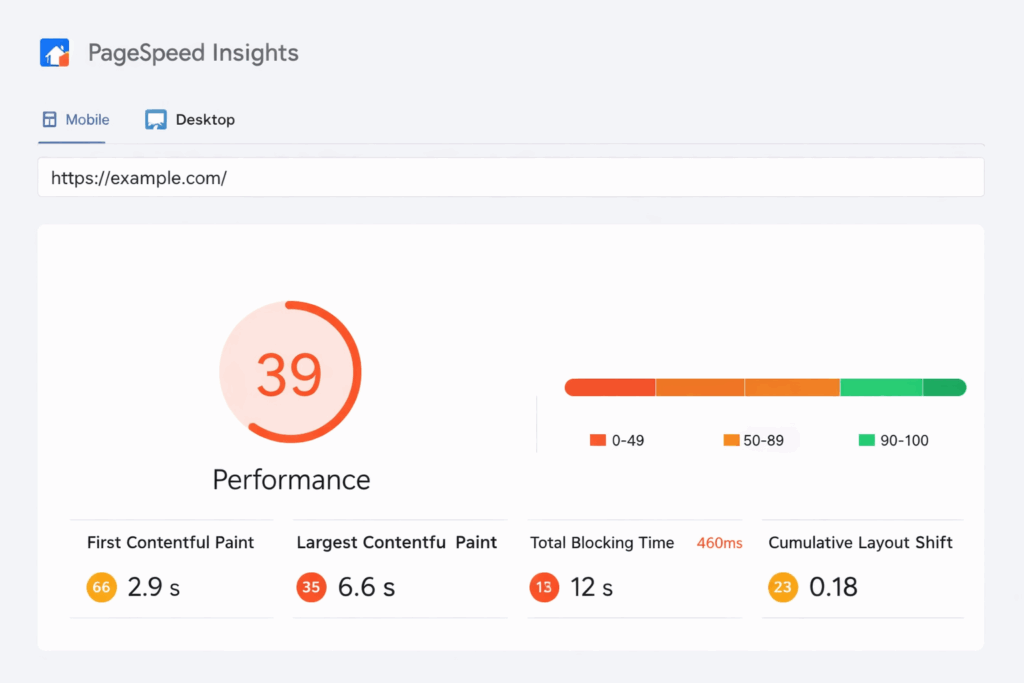
If your pages take more than 3 seconds to load, visitors bounce, and Google notices.
Easy speed tips:
- Compress images before uploading (use tools like TinyPNG).
- Enable caching (many plugins do this automatically).
- Remove unused plugins and themes; they slow things down.
Test your speed with free tools like Google PageSpeed Insights.
Faster sites rank better and convert more visitors into customers.
5) Boost Security Basics
Security isn’t optional.
Hackers target small sites too, looking for easy wins.
Must-do steps:
- Use strong passwords (mix letters, numbers, symbols).
- Enable two-factor authentication (2FA) on your login.
- Install a security plugin like Wordfence or Sucuri.
- Run malware scans weekly.
Also, make sure your site uses HTTPS (SSL certificate). It shows the padlock in browsers and protects data.
Truehost provides free SSL on most plans, so your site stays secure from day one.
6) Update Content and Keep It Fresh
Fresh content keeps visitors coming back.
Outdated info, like old prices, events, or “Copyright 2020”, makes your site feel neglected.
What to refresh:
- Blog posts with new info.
- Homepage text or images.
- Contact details or business hours.
Add a new post or update an old one monthly. It helps SEO, too. Google loves active sites.
7) Monitor and Clean Up Regularly
Stay on top of things.
Monthly quick audit:
- Check analytics (Google Analytics is free) to see what’s working.
- Moderate or delete spam comments.
- Remove unused accounts or old drafts.
- Test forms (contact, signup) to ensure they send emails.
Also, check mobile view, most visitors use phones now.
Conclusion
Maintaining your website isn’t just about keeping it online; it’s about protecting your hard work, building trust with visitors, and making sure your site performs at its best every single day.
Simple, consistent actions, like updating software, backing up your data, checking links, and optimizing speed, can prevent major problems, improve security, and even boost your search rankings.
The truth is, websites thrive when they are cared for regularly. Just a few minutes each week can save you hours, money, and stress down the line.
By following these practical tips, you’re not just keeping your site functional; you’re creating a reliable, professional, and enjoyable experience for everyone who visits.
At Truehost, we understand how important this is. Our hosting plans are designed to make maintenance easier, with features like automated backups, one-click updates, and built-in security.
With the right routine and support, maintaining your website becomes simple, manageable, and even rewarding.