DomainsFind and register your ideal domain name instantly.
 Web HostingEasy-to-use hosting powered by cPanel — ideal for managing websites in Nigeria.
 Windows HostingRun .NET apps with Windows-optimized hosting
 Affiliate ProgramMake money promoting our services
 Reseller HostingMake money by reselling our hosting products under your own brand
 .COM Domains
 All DomainsExplore all supported tld domains in Nigeria
 WhoisFind out who owns any domain, as well as verify your registration details
 Dedicated ServersReimagine your site speed with your own complete server
 AI Website BuilderDesign your site with drag-and-drop tools
 Online Shop BuilderStart your online shop without code
 Support PortalFind answers or get expert help
 Contact UsReach our team via chat or email
 BlogRead our extensive guides on web hosting and more
You just bought a VPS in Nigeria. The price felt right, so you clicked buy.
Then you log in and see a blank command line staring back at you. No dashboard. No buttons. Just a prompt, waiting for instructions you may not know yet.
A control panel gives you a browser dashboard for tasks you would otherwise type as commands. That covers your web server, databases, DNS records, SSL certificates, and file management.
“Free” does not always mean fully free. Some panels hold their best features behind a paid tier, so read the fine print before you install anything.
A control panel also needs root access to your server, which makes its security setup just as important as its feature list.
Most entry-level Nigerian VPS plans sit between 1GB and 2GB of RAM. That range rules out some of the heavier panels right away.
The panel you choose affects how much RAM is left for your actual website, not just how the dashboard looks on screen.
This guide breaks down the real free control panel options for a Nigerian VPS, matched against actual RAM tiers and NGN budgets, not generic global advice.
Best Free Control Panels for VPS Hosting Compared
1) HestiaCP
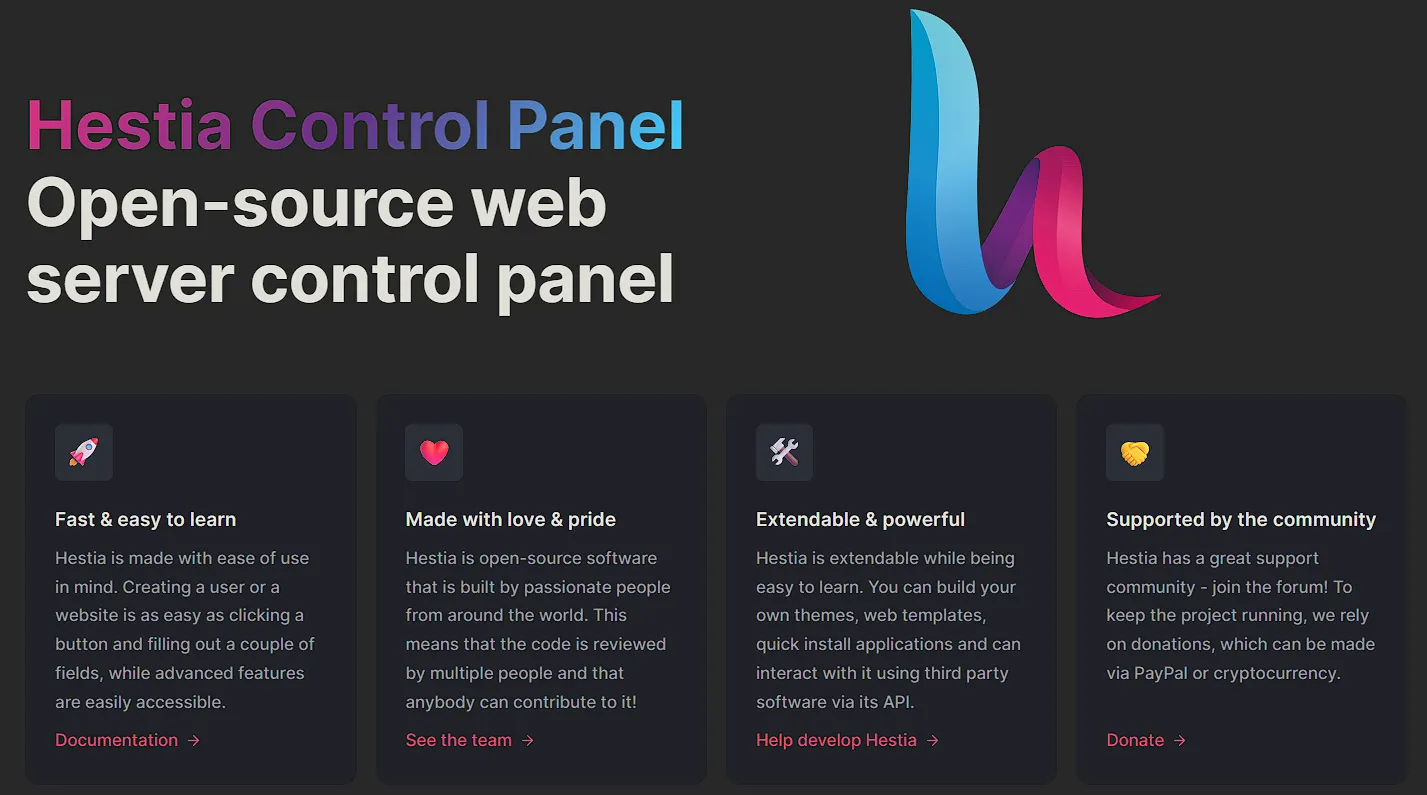
HestiaCP is built for VPS owners on a tight budget and with small servers. It runs comfortably on 512MB to 1GB of RAM, so it fits an entry-level Nigerian VPS plan like Truehost’s ₦7,657.00-per-month tier without a struggle.
That low footprint comes from its lean bash and PHP frontend, which stays quiet in the background when nobody is actively using the dashboard.
The panel supports MariaDB, PHP version switching, DNS management, and free SSL through ACME.
Setup takes one script and a few minutes, and the interface stays simple enough that a first-time server owner can find their way around without a tutorial open in another tab.
HestiaCP is a fork of the older VestaCP project. It launched after VestaCP development slowed, and it has since built its own community and release history, separate from its parent project.
It is open source with no paid upgrade tier, so what you install is what you get, with nothing hidden behind a future paywall.
The trade-off is scope. HestiaCP works best for a single site or a small agency setup, not for someone juggling several servers from one dashboard.
If that describes your Nigerian VPS use case, this is likely your safest starting point.
2) CyberPanel
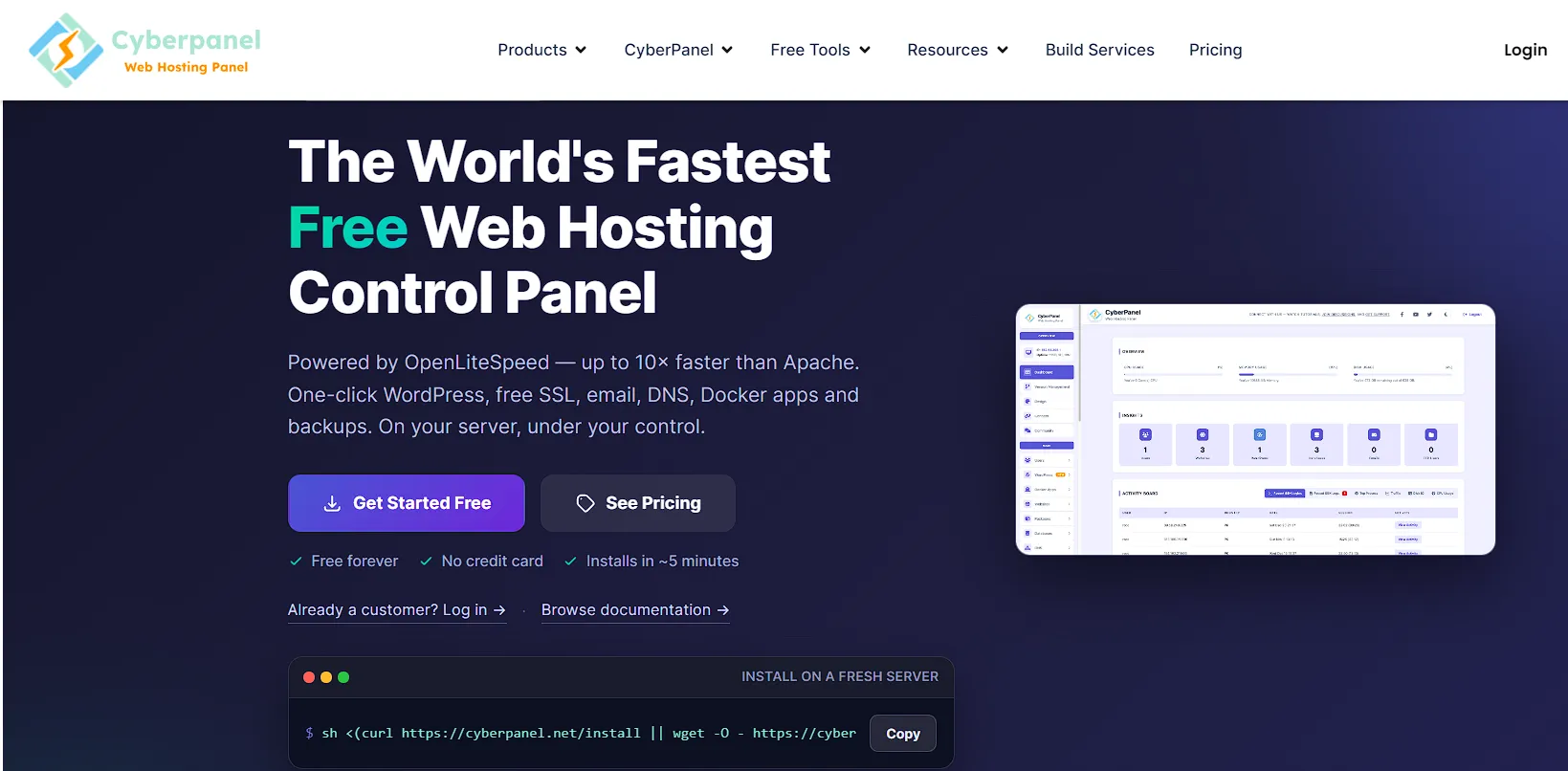
CyberPanel trades a heavier footprint for real speed gains on WordPress and WooCommerce sites.
It runs on OpenLiteSpeed, which brings HTTP/3 support and built-in caching that Apache-based panels cannot match out of the box.
For a store or blog with real traffic, that caching layer can shave real time off page loads.
In practice, CyberPanel needs closer to 2GB of RAM to run well. Its architecture leans on Python and Django along with several background daemons, so it asks more of your server than a lighter panel would.
That resource use means it fits Nigerian VPS plans from around ₦10,997.00 per month and up, rather than the cheapest entry tiers.
There is a security point worth knowing before you install it.
CyberPanel has had a rougher patch history than some of its competitors, including a remote code execution flaw and a separate vulnerability that ransomware actors used against unpatched servers in the wild.
None of those rules CyberPanel out, but it does mean updates are not optional if you run it in production.
For a WordPress-heavy site on a VPS with room to spare, the caching gains often make the extra RAM and the update discipline worthwhile.
3) aaPanel
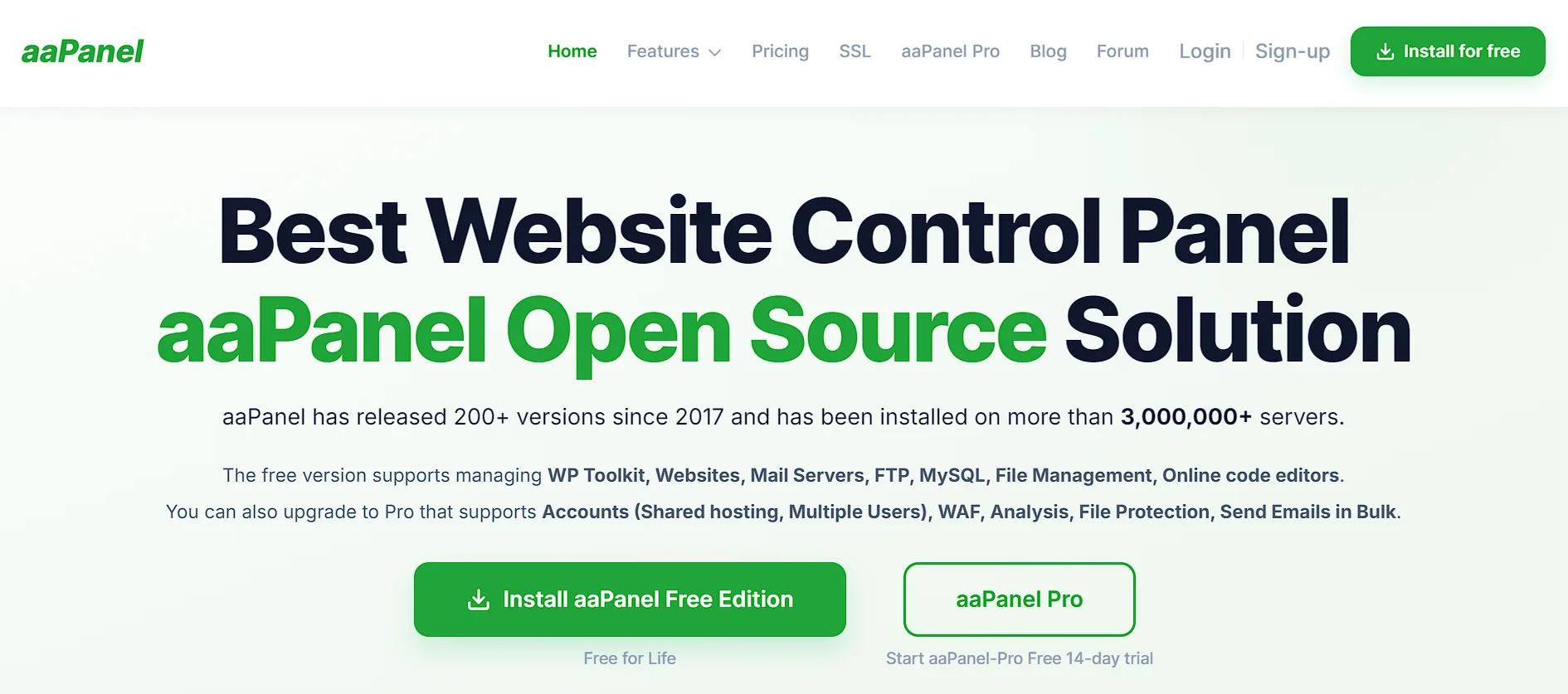
aaPanel packs a wide feature set into a surprisingly light footprint. Its idle RAM draw is under 100 MB, which keeps it efficient even on a constrained VPS plan.
It includes a large one-click app installer library, a Docker manager, a code editor, and a built-in firewall with Fail2Ban baked in.
The free tier is genuinely usable on its own, and plenty of small sites run on it without ever touching a paid feature.
Still, several of the more advanced tools sit behind a commercial plugin ecosystem, so a reader planning long-term use should check which specific features they need before assuming everything is included.
aaPanel originated as the international version of a Chinese hosting panel, which is worth noting if that origin matters to your due diligence process.
It supports a wide range of operating systems, including Ubuntu, Debian, CentOS, AlmaLinux, and Rocky Linux, so compatibility is rarely a blocker.
It suits readers who want a broad toolset in one place and do not mind the occasional prompt to upgrade for an extra feature.
4) ISPConfig
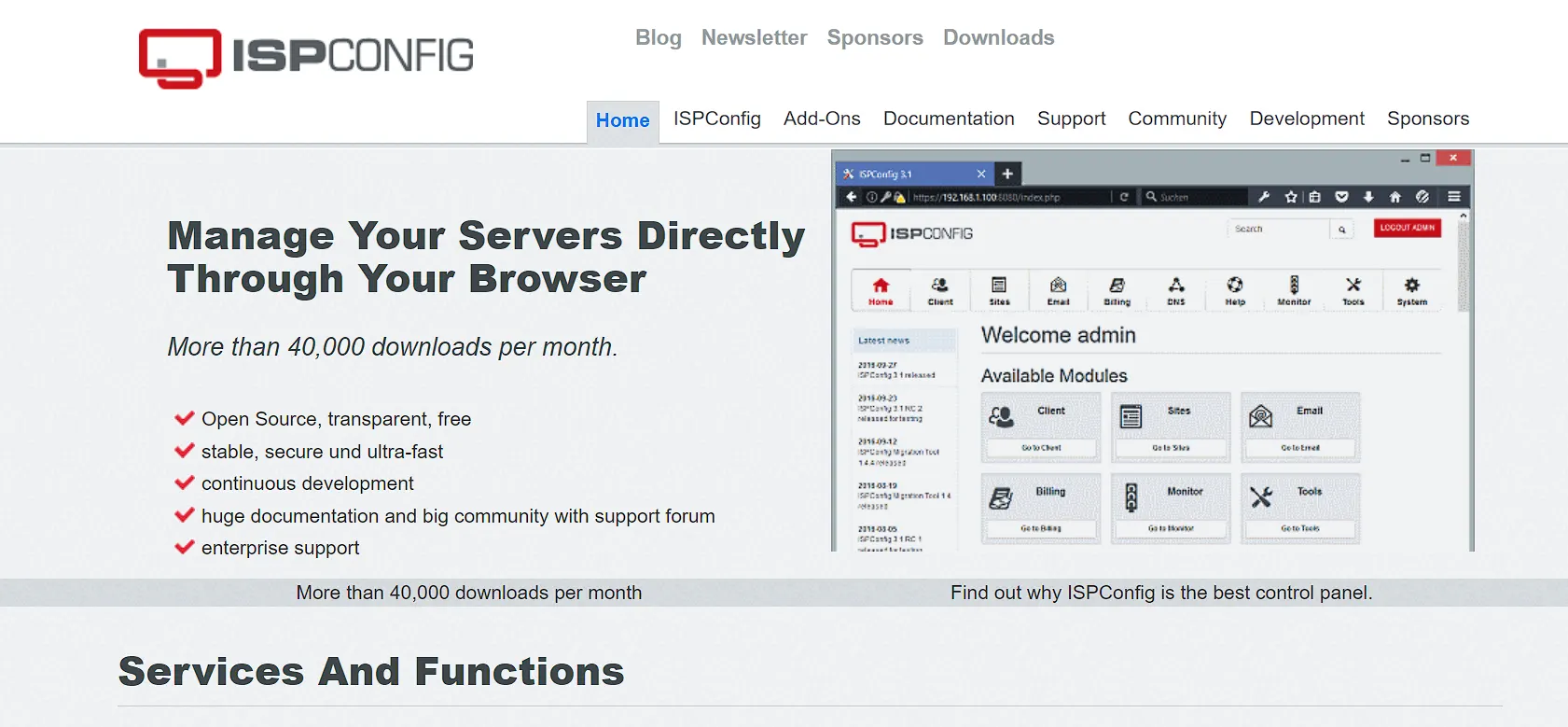
ISPConfig is one of the oldest open-source control panels still receiving active development, with roots dating back over two decades.
That age shows in its interface, which looks noticeably more dated than newer panels like aaPanel or CyberPanel. What it lacks in visual polish, it makes up for in reliability and depth.
Its standout feature is native multi-server management from a single dashboard.
If you plan to grow beyond one VPS, whether for a client base or a personal project that scales into several servers, ISPConfig lets you manage all of them from one login instead of juggling separate panels.
ISPConfig covers websites, email addresses, databases, FTP accounts, shell accounts, and DNS records, and it supports four separate login levels for administrators, resellers, clients, and email users.
That reseller-style structure makes it a natural fit for a small Nigerian hosting reseller or agency managing accounts for multiple clients.
Its security record is relatively clean compared to some newer alternatives, and its BSD license keeps it fully free with no upgrade tier hiding better features.
The cost is a steeper learning curve, since the interface expects more technical comfort than a beginner-friendly panel like HestiaCP.
5) CentOS Web Panel (CWP)
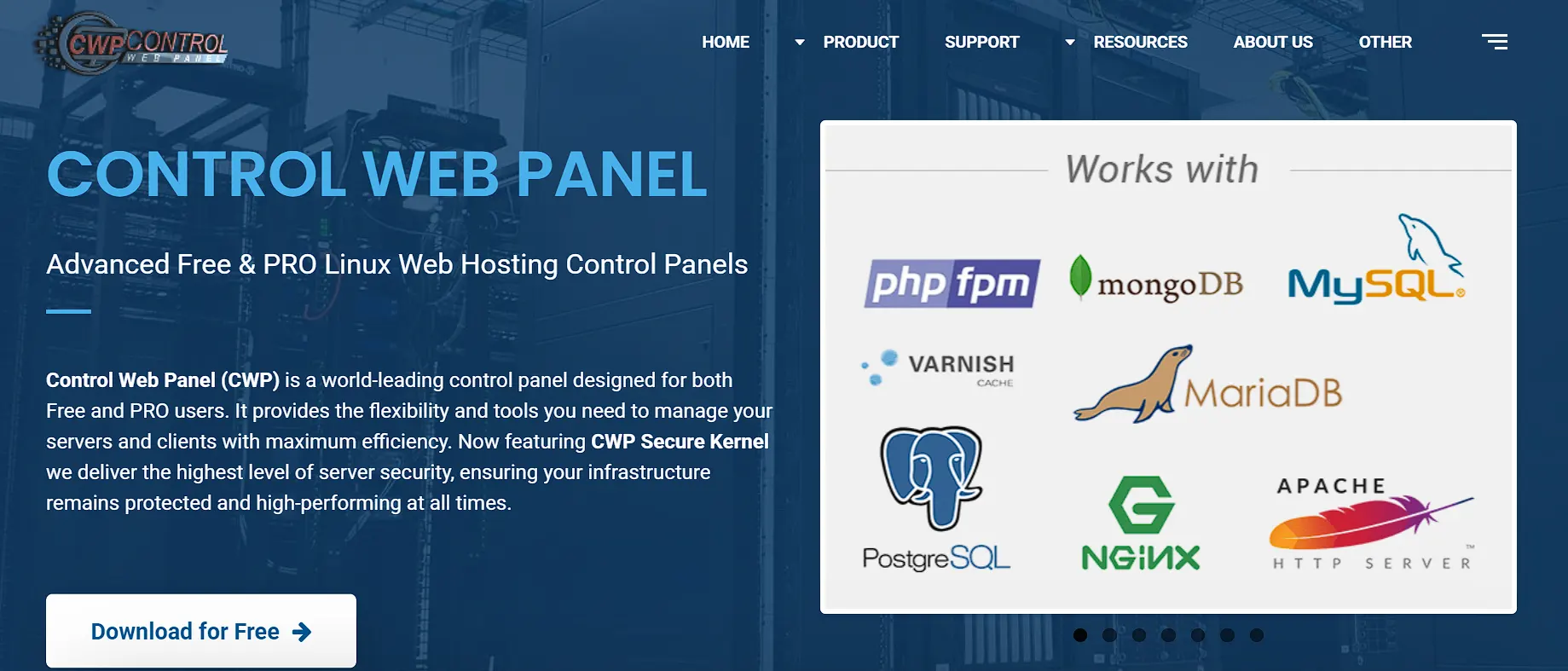
CentOS Web Panel, commonly abbreviated as CWP, is a free panel built specifically for RHEL-compatible distributions such as CentOS, AlmaLinux, and Rocky Linux.
It automatically installs a full LAMP stack during setup, covering Apache, PHP, MySQL, phpMyAdmin, and a mail server, so a fresh VPS goes from bare to functional in one script run.
Its RAM requirements scale with how much of it you actually use.
The panel can install on as little as 512MB of RAM, but the developers recommend closer to 4GB if you want the full feature set, including real-time mail scanning and the built-in Varnish cache server.
That range makes CWP flexible, but it also means a reader on the smallest Nigerian VPS plan should stick to the lighter modules only.
CWP includes a CSF firewall, file system locking to block unauthorized changes, and Softaculous compatibility for one-click app installs across hundreds of packages.
It also offers a low-cost Pro tier for readers who eventually want extra support and modules, though the free edition covers most day-to-day hosting needs on its own.
One caveat worth flagging: CWP’s official support centers on CentOS- and RHEL-based systems, and CentOS itself has undergone several lifecycle changes in recent years.
A reader should confirm that the current OS is supported before committing a production VPS to it.
6) Webmin and Virtualmin
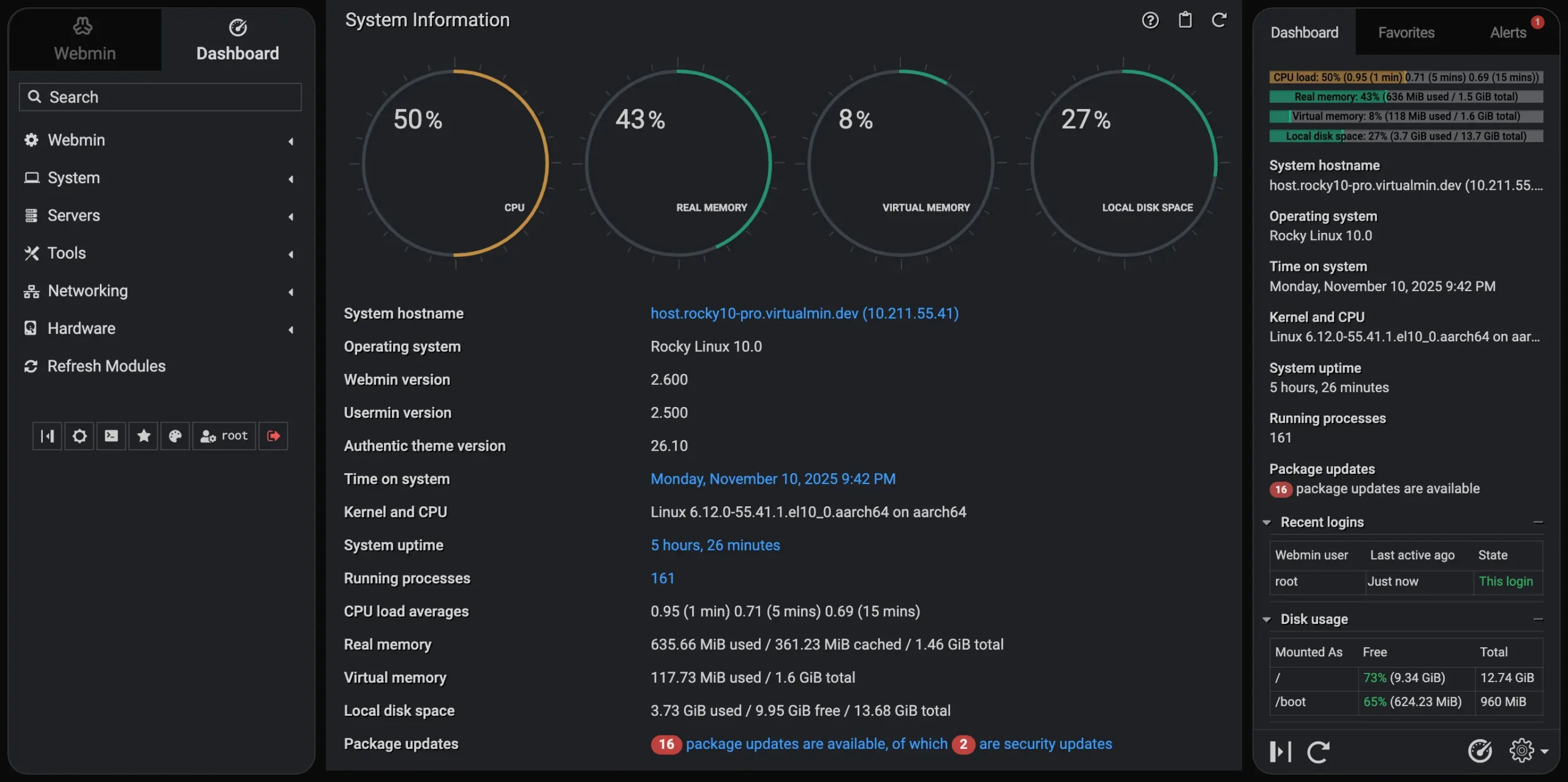
Webmin and Virtualmin trade polish for direct, hands-on control.
Both are lightweight and highly customizable, handling users, DNS, files, and system packages through a single interface built around modules rather than a fixed dashboard layout.
Webmin alone is closer to a system administration toolkit than a hosting panel.
It gives you modules for almost any server task you can think of, which is powerful, but it also means the interface can feel dated and less approachable for someone new to server management.
Virtualmin builds on Webmin and adds proper support for hosting multiple websites from a single panel, closer to what HestiaCP or CyberPanel offer out of the box.
Both are entirely free and open source, with no paid tier standing between you and any feature.
That makes them appealing to a reader who wants full transparency into what the panel is actually doing on their server.
The fit is narrower, though. Webmin and Virtualmin suit readers who want granular control over configuration files and do not mind a steeper starting curve than a modern, design-forward panel.
7) CloudPanel
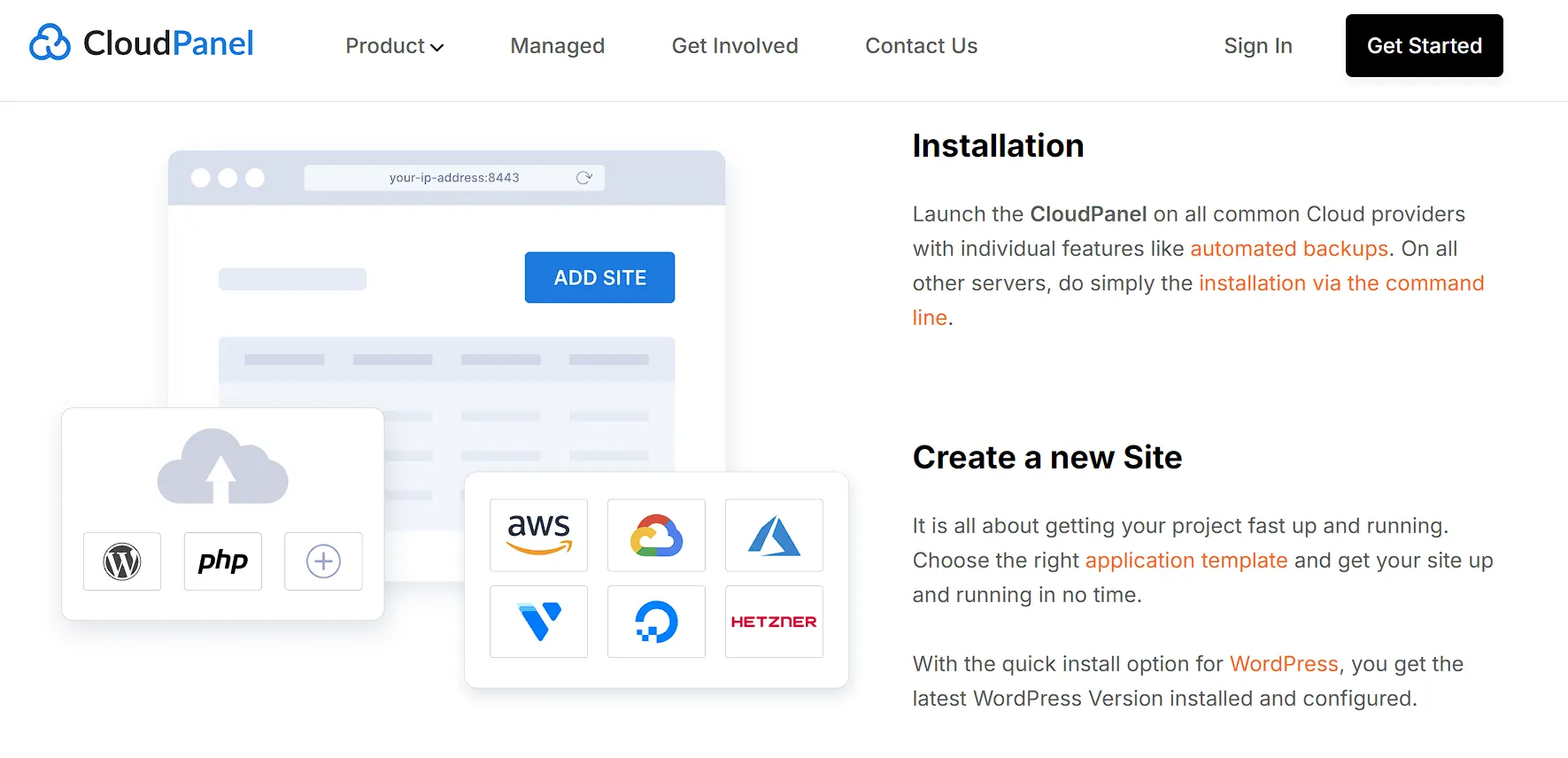
CloudPanel is the lightest panel on this list, and its idle resource draw beats every other option covered here.
That efficiency comes from a deliberately narrow focus. Rather than trying to do everything, CloudPanel concentrates on running sites cleanly and quickly, with a modern interface that feels more like a developer tool than a legacy hosting dashboard.
The trade-off is real and worth knowing before you install it. CloudPanel does not include email hosting, so a reader who needs business email tied to their own domain will need a separate mail server or an external service like Google Workspace.
For a Nigerian SME that relies on a professional @yourbusiness.com.ng address, that missing piece changes the decision.
Where CloudPanel does shine is speed and simplicity for a developer running a handful of application-focused sites. Particularly anything built on modern frameworks rather than traditional shared hosting stacks.
If email is not part of your VPS workload, CloudPanel is worth serious consideration for its low overhead alone.
Which Free Panel Fits Your VPS Plan and Budget
Panel choice should follow your VPS RAM tier, not a random list ranking.
On a 1GB plan, HestiaCP or a lightly configured CWP install are the safer picks. They leave your applications room to breathe instead of competing with the panel for memory.
On a 2GB plan or higher, CyberPanel and aaPanel open up properly. Their fuller feature sets need that extra headroom to run without slowdowns, and the caching or app-installer benefits become worth the resource cost at that tier.
If you are planning to manage more than one VPS down the line, ISPConfig deserves a look even on a modest plan, since its multi-server management pays off the moment you add a second box.
If your budget keeps you on the lowest tier but you still want CyberPanel’s caching or aaPanel’s app library, it often makes more financial sense to upgrade the VPS plan itself.
Fighting a panel’s resource ceiling month after month takes more time than the cash cost of the plan upgrade.
If none of this sounds appealing, Truehost’s managed VPS tiers remove the decision entirely.
Panel setup, resource tuning, and updates are handled for you, so you skip the guesswork and get straight to running your site.
Security Considerations Before Installing a Free Control Panel
A control panel with root access raises the stakes compared to plain command-line administration.
If someone breaches the panel, they breach your whole server, not just one part of it.
Each panel handles this differently. aaPanel ships with Fail2Ban and firewall presets built in.
CyberPanel includes ModSecurity and CSF, though its patch history means updates need close attention. HestiaCP relies on iptables templates for its firewall rules.
CWP bundles a CSF firewall along with file system locking to block unauthorized changes to core files.
ISPConfig has kept a comparatively clean security record over its long history, partly thanks to its more conservative, slower-moving development pace.
Whichever panel you pick, a few habits apply across the board. Use key-based SSH login instead of relying on a password alone.
Restrict panel access ports to your own known IP addresses rather than leaving them open to the internet.
Keep the panel updated on a regular schedule, since community-maintained free panels patch vulnerabilities on a slower cycle than commercial software with a dedicated security team.
Check for security advisories tied to your specific panel version before you take a new install live.
Free and community-maintained does not mean unsafe. It just means the update discipline falls on you rather than on a support team working behind the scenes.
FAQs
Is there a free version of cPanel?
No. cPanel is a paid, licensed product with no free tier. HestiaCP, CyberPanel, aaPanel, ISPConfig, and CWP are the closest free alternatives with similar dashboard-style management.
Which free control panel uses the least RAM?
aaPanel and HestiaCP both run light, often under 1GB. CloudPanel is even lighter but skips built-in email hosting entirely.
Do free control panels support WordPress hosting?
Yes. All the panels covered here support WordPress. CyberPanel stands out for WordPress specifically, thanks to its built-in LiteSpeed caching layer.
Are free VPS control panels safe to use?
They can be, as long as you keep them up to date and lock down SSH access. Free does not mean poorly built, but the update responsibility sits with you rather than a vendor.
Can I switch from a free control panel to cPanel later?
You can, though migration usually requires manually moving your sites, databases, and email. There is no automatic conversion path between panels.
What is the catch with free VPS control panels?
Some panels advertise as free while gating their better features behind a paid plugin or upgrade. Always check what the free tier actually includes before you install.
Manage Your VPS With a Free Control Panel
The right free control panel comes down to your VPS RAM and your workload, not whichever name shows up first on a list.
A budget Nigerian VPS plan points to HestiaCP for a WordPress-heavy site with room to spare, points to CyberPanel, and a reseller managing multiple servers points to ISPConfig.
If you would rather skip the RAM math and security upkeep altogether, compare this against a managed Truehost VPS plan.
Panel setup, sizing, and patching are handled from day one, so you spend your time on your website instead of your server.