Domain NamesFind and register your ideal domain name instantly.
 Web HostingEasy-to-use hosting powered by cPanel — ideal for managing websites in Nigeria.
 Windows HostingRun .NET apps with Windows-optimized hosting
 Affiliate ProgramMake money promoting our services
 Reseller HostingMake money by reselling our hosting products under your own brand
 .COM Domains
 All DomainsExplore all supported tld domains in Nigeria
 WhoisFind out who owns any domain, as well as verify your registration details
 VPS Hosting
 Dedicated ServersReimagine your site speed with your own complete server
 AI Website BuilderDesign your site with drag-and-drop tools
 Online Store BuilderStart your online shop without code
 Support PortalFind answers or get expert help
 Contact UsReach our team via chat or email
 BlogRead our extensive guides on web hosting and more
Every time someone sends you an email, a silent chain of events happens in the background to make sure that message lands in the right inbox.
At the centre of this process is something called a mail exchange server.
Most business owners and even many developers set up email accounts without ever really understanding what makes delivery work in the first place, and that gap becomes a problem the moment something goes wrong.
Maybe you have experienced it before, a client says they sent you an email but you never received it, or your welcome emails are bouncing back and you have no idea why.
Nine times out of ten, the issue traces back to how your mail exchange server is configured. And if you do not know what that is, you cannot fix it.
This guide breaks down what a mail exchange server actually is, how it works, and why getting it right is non-negotiable for any business that relies on email.
What Is a Mail Exchange Server?
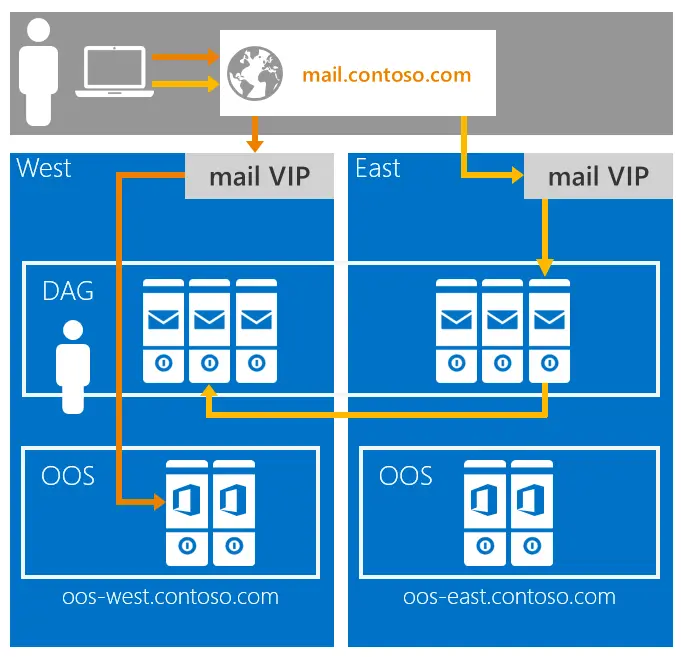
A mail exchange server, commonly called an MX server, is the server responsible for receiving incoming email messages on behalf of a domain.
When someone sends an email, the internet needs a way to figure out which server should accept that message.
That instruction lives in your domain’s DNS as an MX record.
Think of it this way: your domain is like a building, and the mail exchange server is the mailroom.
The MX record is the sign on the front door that tells the delivery person where to drop packages. Without it, the delivery person shows up, finds no direction, and the package gets returned.
To be precise: the mail exchange server is the physical or cloud-based server doing the actual work of receiving email, and the MX record is the DNS entry that points to it.
The two terms are closely related and often used interchangeably in everyday conversation, but it helps to understand the distinction, especially when you are troubleshooting.
An MX record is a type of DNS (Domain Name System) record that tells other mail servers where to deliver email for your domain.
It contains two key pieces of information:
- the hostname of the mail server
- and a priority number that determines which server to try first when multiple options exist.
We will get into that priority number in more detail shortly, because it confuses a lot of people.
How Does a Mail Exchange Server Work? Step by Step
Knowing the delivery process makes the whole concept click. A lot of this happens so fast that it feels instant on your end, but there are real steps taking place. Here is what happens from the moment someone hits send.
Step 1: You send an email.
Your email client, whether that is Outlook, Gmail, Thunderbird, or anything else, hands the message off to your outgoing mail server, also known as an SMTP server.
SMTP stands for Simple Mail Transfer Protocol, and it is the standard protocol that governs how email moves across the internet. Every email you send goes through an SMTP server first.
Step 2: DNS lookup begins.
Your SMTP server now needs to figure out where to deliver the message. It does not just guess. It performs a DNS query, specifically looking up the MX records for the recipient’s domain.
If the recipient is at company.ng, the sending server asks the DNS: “What mail server handles email for company.ng?”
The DNS is essentially a giant phone book for the internet, and this is one of the most common lookups it handles.
Step 3: The MX record responds.
The DNS returns a list of mail servers associated with that domain, along with their priority numbers. The sending server now has a clear destination.
It knows exactly where to route the message and in what order to try if something goes wrong.
Step 4: SMTP connection is established.
The sending server attempts to connect to the recipient’s mail exchange server, starting with the highest-priority option.
If that server is down or too busy to respond, the sending server automatically falls back to the next one on the list rather than just dropping the message.
Step 5: Email is delivered.
Once the connection is accepted, the mail exchange server receives the message and routes it into the correct mailbox.
From there, the recipient retrieves it using IMAP or POP3, which are the protocols most email apps use to pull messages down to your device.
The entire process happens in seconds, invisibly, every single time an email is sent. Most people never think about it.
But the moment any one of those steps breaks down, emails start disappearing and nobody knows where they went.
What Is MX Record Priority?
One of the most misunderstood parts of MX records is the priority number. People see two numbers and assume the higher number means higher importance. It is actually the opposite.
Here is the key rule: a lower number means higher priority.
So if your domain has two MX records set up like this:
| Priority | Mail Server |
|---|---|
| 10 | mail.yourdomain.com |
| 20 | backup-mail.yourdomain.com |
The sending server will always try the server with priority 10 first.
If that server is unreachable, maybe it is down for maintenance or experiencing a hardware issue, the sending server automatically tries the one with priority 20 instead.
It does not give up and bounce the message immediately. It works through the list.
This is how businesses maintain email continuity even during outages.
Your clients keep sending, and their messages queue up and eventually reach you once the primary server comes back online or the backup handles things in the meantime.
There is one more scenario worth knowing: you can assign the same priority number to two different servers.
When that happens, incoming email gets distributed evenly between them.
This is a load balancing approach, useful when your email volume is high enough that a single server handling everything creates a bottleneck.
Most small businesses will never need this, but it is good to know it exists.
Why Is a Mail Exchange Server Important for Your Email?
Your MX record is not just a technical footnote buried in your DNS settings. It is the foundation that your entire email operation rests on. Here is why getting it right actually matters for your business.
- You cannot receive email without it.
This sounds obvious when you say it out loud, but plenty of businesses have accidentally deleted their MX records during a domain migration or DNS cleanup, and then spent days wondering why nobody was reaching them.
If your domain has no MX record, or the record points to the wrong place, incoming mail has nowhere to go.
Senders receive bounce errors, and messages are lost entirely. There is no safety net.
- It determines your email reliability.
A properly configured mail exchange server with backup servers means your email keeps working even during server outages or scheduled maintenance windows.
Without that redundancy, a single hardware failure can leave your inbox completely unreachable for hours. For a business that relies on email for client communication, that is a real cost.
- It protects your professional reputation.
A misconfigured MX record is invisible to you but very visible to everyone trying to reach you. They get a bounce notification or their message simply disappears.
You look unreliable even though the problem is technical. Clients and partners do not always follow up when an email bounces. They just move on.
- It connects your domain to your email provider.
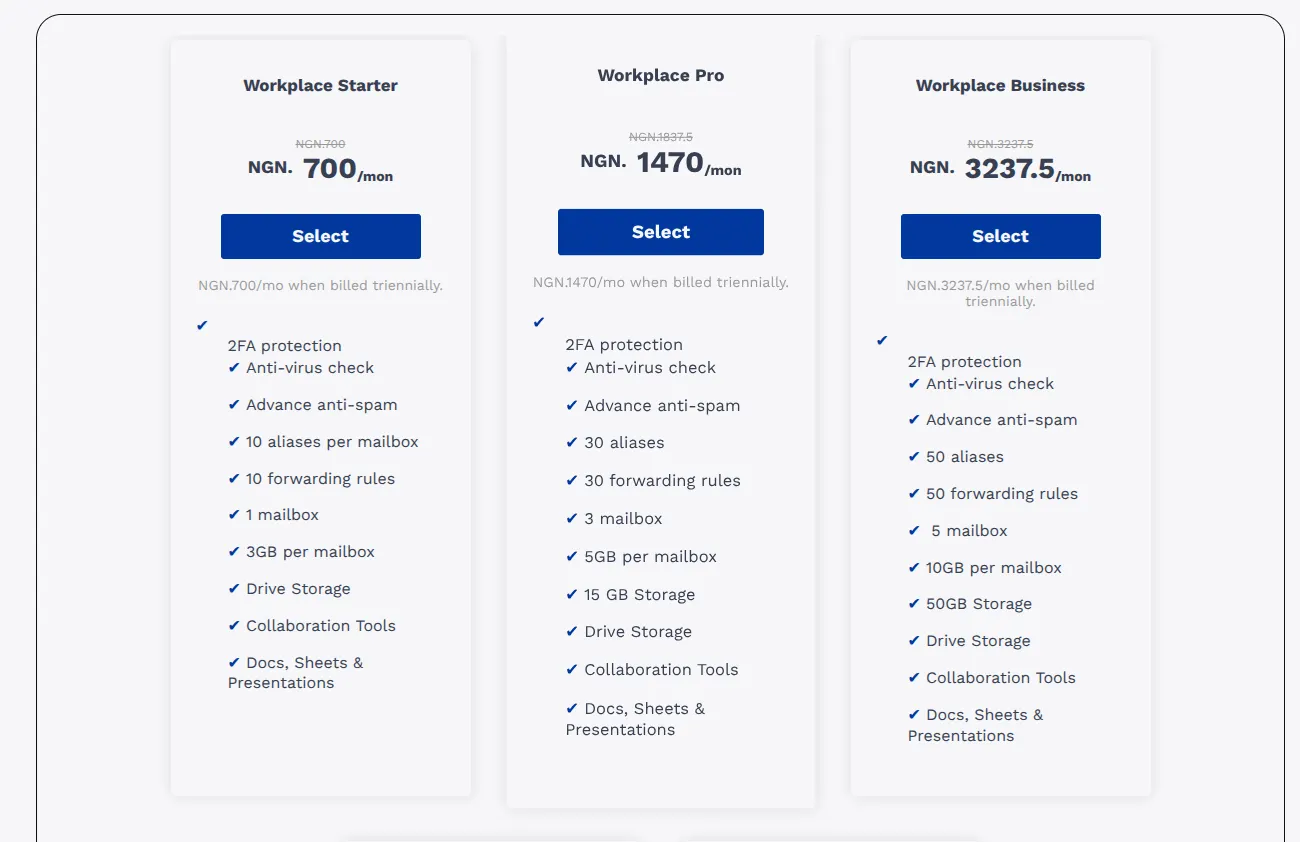
Whether you use Truehost, Google Workspace, Zoho, or any other hosted email service, your MX record is what links your custom domain to that provider’s mail servers.
It is what makes [email protected] work instead of a generic Gmail or Yahoo address. The custom domain is yours, but the MX record is what makes email actually land there.
- It supports email security.
This one does not get mentioned enough. Your MX record works alongside security protocols like SPF, DKIM, and DMARC.
These are records that verify emails are being sent from authorised servers and protect your domain from spoofing and phishing attacks.
A missing or broken MX record can trigger spam flags and quietly damage your sender reputation even on outbound mail.
The whole email security setup is interconnected, and the MX record is part of the foundation.
How to Check and Update Your MX Record
If you are setting up a new business email or trying to troubleshoot a delivery issue, here is the general process.
It looks longer than it is, most of these steps take under a minute once you know where to look.
- Log in to your domain registrar or DNS hosting provider. This is wherever you registered your domain. For some businesses, this is the same place as their web hosting. For others, they are separate.
- Navigate to DNS settings. You are looking for something labelled DNS management, Zone file, or Advanced DNS records. The exact label varies depending on who your provider is.
- Locate the MX records section. You will see a list of existing DNS records. If you are setting up email hosting for the first time, the MX section may be empty or pointing to a default placeholder.
- Add or update your MX record. Your email hosting provider will give you the exact hostname and priority values to enter. You do not need to guess these, they should be in your setup documentation or welcome email from the provider. For example, Truehost provides specific MX values when you set up a professional email plan, and you just copy and paste them in.
- Remove any conflicting old records. If you are switching email providers, delete the old MX entries. Leaving them alongside new ones causes routing confusion, your emails might end up going to a server that no longer has your mailbox.
- Wait for propagation. Once saved, allow up to 24 to 48 hours for the change to reflect globally. In practice it is often much faster, sometimes under an hour, but the 24 to 48 hour window is the safe estimate.
- Verify the update. Use a tool like MXToolbox at mxtoolbox.com, or run
nslookup -type=MX yourdomain.comin your terminal, to confirm the new records are live before you start testing delivery.
For businesses setting up professional email for the first time, none of this needs to be intimidating.
When you host your email with Truehost, the MX record values are provided for you and the setup process walks you through exactly where to paste them in your DNS.
You get professional branded email without needing to understand every technical layer underneath it, though now you do, which puts you in a much better position if anything ever goes wrong.