DomainsFind and register your ideal domain name instantly.
 Web HostingEasy-to-use hosting powered by cPanel — ideal for managing websites in Nigeria.
 Windows HostingRun .NET apps with Windows-optimized hosting
 Affiliate ProgramMake money promoting our services
 Reseller HostingMake money by reselling our hosting products under your own brand
 .COM Domains
 All DomainsExplore all supported tld domains in Nigeria
 WhoisFind out who owns any domain, as well as verify your registration details
 Dedicated ServersReimagine your site speed with your own complete server
 AI Website BuilderDesign your site with drag-and-drop tools
 Online Shop BuilderStart your online shop without code
 Support PortalFind answers or get expert help
 Contact UsReach our team via chat or email
 BlogRead our extensive guides on web hosting and more
Yes, WordPress.com hosts websites and lets users register, connect, or transfer domains. WordPress.org does not host domains or websites. It provides the open-source WordPress software, which you install on hosting from a provider of your choice.
The confusion comes from using “WordPress” to mean two different things. It can mean the hosted WordPress.com service or the WordPress software available from WordPress.org. Your answer changes depending on which one you mean.
There is also a technical distinction worth making: a company registers and manages a domain, while a server hosts a website. People often say “domain hosting,” but the domain is really the address that points visitors to the hosted site.
The short answer depends on the WordPress you mean
WordPress option | Website hosting included? | Domain service available? | What you manage |
|---|---|---|---|
Free WordPress.com site | Yes | Free subdomain; a custom domain cannot be primary | Content and basic site settings |
Paid WordPress.com plan | Yes | Register, connect, or transfer a custom domain | Content, site settings, and domain settings |
WordPress.org software | No | No | Hosting, domain, installation, updates, and site administration |
Third-party WordPress hosting | Yes | Often sold separately or bundled on some plans | Your WordPress site and the services in your plan |
WordPress.com is the all-in-one route. WordPress.org is the self-hosted route. Neither is automatically better for everyone; they suit different levels of control, convenience, and responsibility.
A domain, hosting and WordPress do separate jobs
Think of a website as a business location:
The domain is the address people type, such as
yourbusiness.ng.Web hosting is the server space where the site’s files and database run.
WordPress is the software used to create and manage the site.
DNS is the direction system that connects the domain to the correct server.
Buying one does not always buy the others. You can register a domain without building a website. You can buy hosting before connecting a permanent domain. You can also install WordPress on compatible hosting while keeping the domain registered with another company.
This separation is useful. It lets you choose a registrar for your domain and a hosting provider for your website without forcing both services into the same account.
What WordPress.com hosts and manages
WordPress.com is a hosted platform. It runs the server environment, provides the WordPress-based website builder, and gives every new site a free address ending in wordpress.com.
That free address is a subdomain, not your own custom domain. For example, lagosbakery.wordpress.com sits under wordpress.com, while lagosbakery.com.ng would be a custom domain registered for the business.
WordPress.com’s current documentation says users can register domains from the hosting dashboard. A custom domain can also be connected from another registrar or transferred into WordPress.com. A paid plan is required to make a custom domain the site’s primary public address.
This arrangement can work well when you want one platform to handle most of the setup. The trade-off is that your features, plugins, storage, commerce options, and administration choices depend on the WordPress.com plan and platform rules.
What WordPress.org does not provide
WordPress.org gives you the WordPress software. It does not sell you a domain, store your website on its servers, or operate your hosting account.
Its official hosting guide directs users to choose a hosting provider that meets WordPress requirements. After that, you install WordPress on the hosting account and connect your domain to it.
This self-hosted route usually gives you more control over themes, plugins, files, databases, and technical configuration. It also makes you responsible for the services your provider does not manage. Those responsibilities may include updates, security, backups, performance, and troubleshooting.
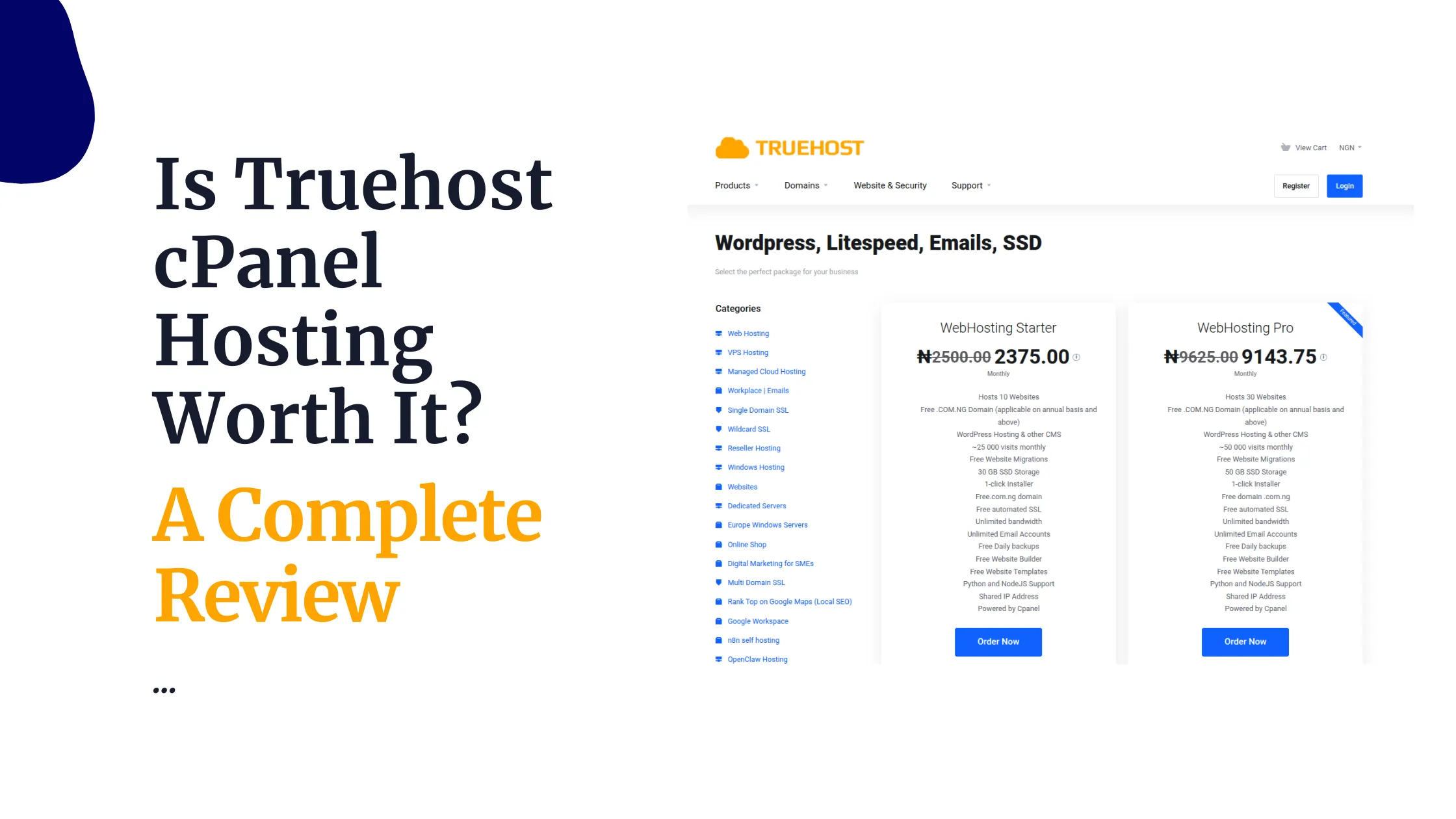
At Truehost, we provide WordPress hosting for this self-hosted setup. You can run WordPress on our hosting while registering your domain through our domain search or keeping it with another registrar.
Can you use a domain registered elsewhere?
Yes. Your domain does not have to be registered by the company that hosts your WordPress site.
Suppose you bought yourbusiness.com.ng from one registrar and later chose a different WordPress host. You can normally leave the domain where it is and update its DNS records or nameservers so that it points to the new hosting account.
WordPress.com supports the same general arrangement. Its connection guide explains how an existing domain can point to a WordPress.com site through nameservers or DNS records.
Keeping registration and hosting separate has advantages. You can change hosts without moving the domain, maintain an independent record of ownership, and choose each service on its own merits. The main drawback is administrative: renewals, support, billing, and DNS may live in different dashboards.
If you prefer fewer accounts, you can register the domain and buy hosting from one provider. Just remember that they remain separate services even when they appear on the same invoice.
A transfer is not the same as a website move
Three different jobs are often bundled together in conversation:
Domain transfer: moves domain management from one registrar to another.
Website migration: moves WordPress files and the database between hosting accounts.
Email migration: moves mailboxes and messages between email systems.
Completing one does not automatically complete the others. WordPress.com’s current transfer guide specifically notes that transferring a domain does not move website content or email hosting.
This matters when your domain already handles business email. Changing nameservers without preserving the correct mail records can interrupt incoming email even if the website works.
Before any DNS change, record the existing MX, SPF, DKIM, and DMARC settings and confirm where the mailboxes will remain.
For a hosting move, plan the WordPress migration and DNS switch separately. Keep the old hosting active until the new site loads correctly over HTTPS, its forms work, and its critical pages have been checked.
How to set up a WordPress site in Nigeria
A practical self-hosted setup follows six steps.
1) Choose a suitable domain
Pick a short name that represents the organisation and is easy to say, type, and remember. Check spelling carefully before registration because you cannot rename a registered domain as you would rename a page.
Use our domain search to check available options. Compare the registration price with renewal and transfer terms before choosing.
2) Choose WordPress hosting
Match the plan to the number of sites, expected traffic, storage needs, email requirements, and level of technical support you need. A small brochure site and a busy online store should not be assessed in the same way.
If you are still separating the two purchases, our domain comparison explains what domain registration and web hosting each provide.
3) Connect the domain
If the domain and hosting are in the same account, the provider may configure the connection during setup. If they are separate, use the DNS records or nameservers supplied by the host.
DNS changes can take time to appear across networks. Avoid making repeated changes while an earlier update is still propagating.
4) Install WordPress
Use your host’s installer or complete a manual installation. Set the final HTTPS address correctly, create a strong administrator login, and avoid using a shared personal account for a business website.
Our installation guide covers the cPanel route.
5) Secure and test the site
Enable SSL, update WordPress and its extensions, remove unused themes and plugins, configure backups, and test restore access. Then check the site on mobile, submit its forms, and confirm that important URLs load without errors.
6) Treat email separately
Decide whether the domain will also power addresses such as [email protected]. Confirm which service hosts those mailboxes and preserve its DNS records during every domain or hosting change.
Which WordPress route should you choose?
Choose WordPress.com when you want a hosted platform and prefer to keep server administration largely out of view. Review its current plan limits before relying on a particular plugin, theme, monetisation method, or storage allowance.
Choose self-hosted WordPress when you want greater control over the website and the freedom to choose your hosting environment. Budget for maintenance as well as the initial domain and hosting purchase.
In both cases, the domain remains your site’s address, not the website itself. Keep its registration details accurate, protect the registrar account with strong authentication, and renew it before expiry.
So, does WordPress host domains? WordPress.com can host your site and manage its domain. WordPress.org cannot; it supplies the software, while a registrar and hosting provider supply the other pieces. Once you know which WordPress you mean, the setup becomes straightforward.