Domain NamesFind and register your ideal domain name instantly.
 Web HostingEasy-to-use hosting powered by cPanel — ideal for managing websites in Nigeria.
 Windows HostingRun .NET apps with Windows-optimized hosting
 Affiliate ProgramMake money promoting our services
 Reseller HostingMake money by reselling our hosting products under your own brand
 .COM Domains
 All DomainsExplore all supported tld domains in Nigeria
 WhoisFind out who owns any domain, as well as verify your registration details
 VPS Hosting
 Dedicated ServersReimagine your site speed with your own complete server
 AI Website BuilderDesign your site with drag-and-drop tools
 Online Store BuilderStart your online shop without code
 Support PortalFind answers or get expert help
 Contact UsReach our team via chat or email
 BlogRead our extensive guides on web hosting and more
Your WordPress site takes four seconds to load.
That doesn’t sound so terrible. That is until you learn that 53% of mobile visitors abandon a site that takes more than three seconds.
For every second of delay, your conversion rate drops by nearly 4.5%.
So yes, speed matters. A lot.
But here is the good news: you don’t need to be a developer or switch to expensive hosting to fix it.
The right WordPress plugins can slash your load times, often with just a few clicks.
Below are the best speed optimization plugins for 2026, grouped by what they do best.
One thing before we dive in: no plugin works miracles on its own.
Even the best speed plugin needs a solid hosting foundation. But when you combine good hosting with these tools, your site will fly.
All‑in‑One Performance Suites
These plugins bundle multiple speed techniques like caching, image optimization, code minification, database cleanup, into one package.
Perfect if you want a single tool to handle everything.
1) WP Rocket
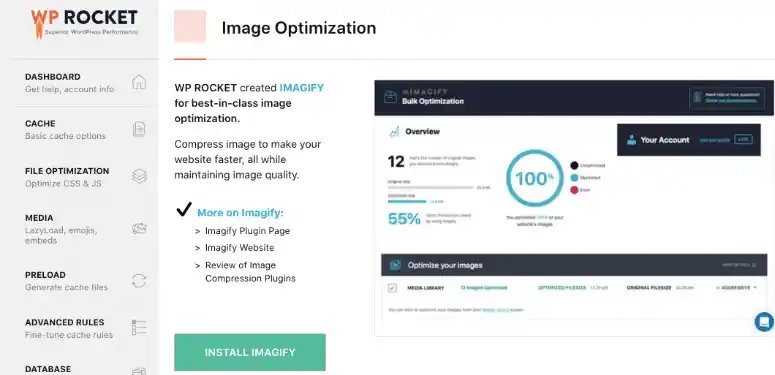
WP Rocket is the premium caching plugin that everyone recommends, and for good reason.
Install it, activate it, and it just works. No digging through confusing settings.
It automatically implements about 80% of web performance best practices right out of the box.
When you activate WP Rocket, here is exactly what happens in the background:
- Preloads your cache so the first visitor doesn’t get a slow page
- Lazy‑loads images, iframes, and videos
- Minifies and combines CSS and JavaScript
- Cleans your database automatically
- For e‑commerce sites, it excludes cart, checkout, and account pages so dynamic content stays fresh
WP Rocket isn’t open source, meaning its source code isn’t publicly available for free modification or redistribution, it is a commercial plugin.
Pricing starts at $59 per year for one site, $119 for three, or $299 for fifty.
It is best for beginners and site owners who want a true set-and-forget solution that delivers reliable performance gains without any technical headaches.
2) LiteSpeed Cache (LSC)
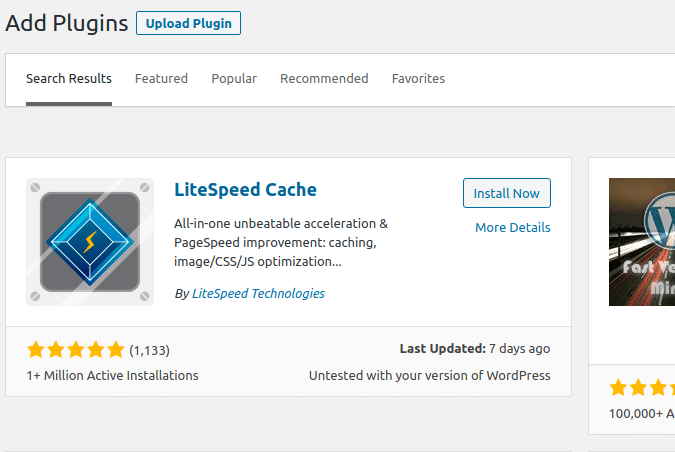
LiteSpeed Cache is an extremely powerful and reliable tool, especially if your hosting server runs LiteSpeed.
But even on other servers, it still delivers serious speed improvements through its QUIC.cloud CDN integration, which helps load your site faster for visitors anywhere.
Once you install LiteSpeed Cache, you get access to this impressive collection of tools:
- Server‑level page caching (faster than PHP‑level)
- Image optimization with WebP conversion
- CSS/JS minification and combination
- Database cleanup
- Object cache support for Redis and Memcached
- ESI (Edge Side Includes) for dynamic content like shopping carts
Best of all, it is completely free and open source.
If your host uses LiteSpeed, many do, this is arguably the best plugin you can install.
3) Optimal State (WP Optimal State)
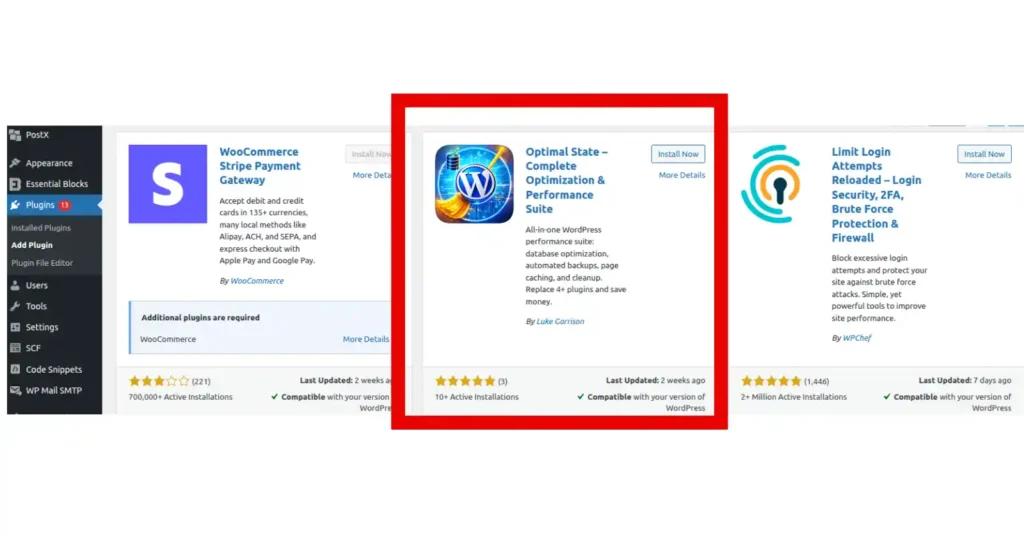
Optimal State claims to replace multiple paid plugins, WP Rocket, UpdraftPlus, WP‑Optimize, and it actually comes close.
It combines database optimization, automated backups, caching, and security into one package.
Here is what Optimal State brings to the table:
- Multi‑layer caching system be it server‑side, browser, database queries)
- Over 20 database cleanup types
- Automated backups with integrity verification
- Real‑time database health score (0‑100)
- Search and replace with serialization safety
- Bad bot blocking and brute force protection
There is a free version in the WordPress repository, however, the Pro version unlocks more. Ideal for site owners tired of paying for multiple subscriptions.
4) LWS Optimize
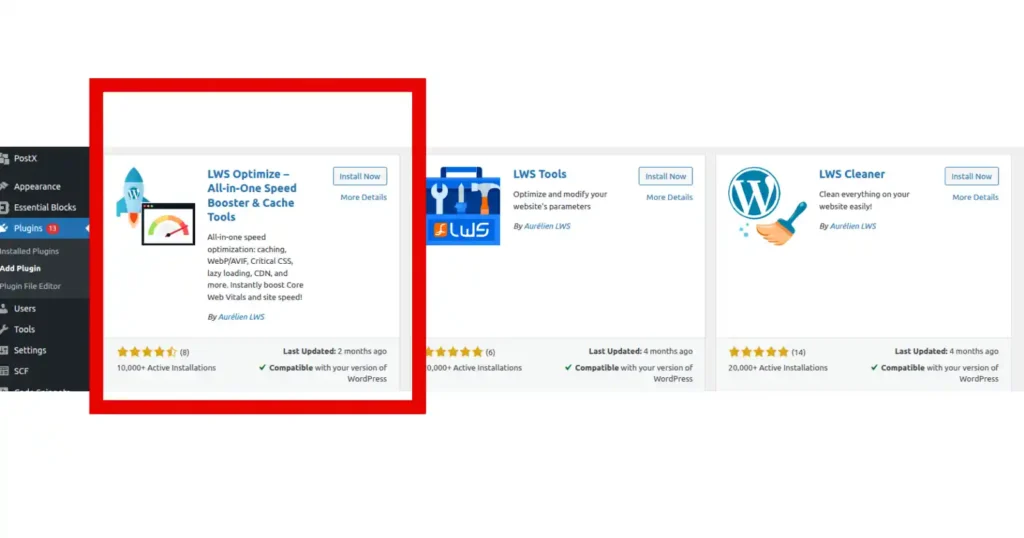
LWS Optimize is a free all‑in‑one suite from a French hosting provider, but it works on any WordPress host.
When you run LWS Optimize, expect these features to start working immediately:
- Complete caching system, file‑based page cache plus Varnish support
- WebP and AVIF image conversion with 2000 free monthly API credits
- Critical CSS generation and unused CSS removal
- JavaScript defer and delay options
- One‑click Cloudflare CDN setup that syncs cache purging
- Built‑in Google PageSpeed Insights testing
Completely free under the GPL license. Budget‑conscious site owners get enterprise‑level features without subscription costs.
Dedicated Caching Plugins
If you already have image optimization and code minification covered, these plugins focus purely on caching, storing static copies of your pages to reduce server load.
5) W3 Total Cache
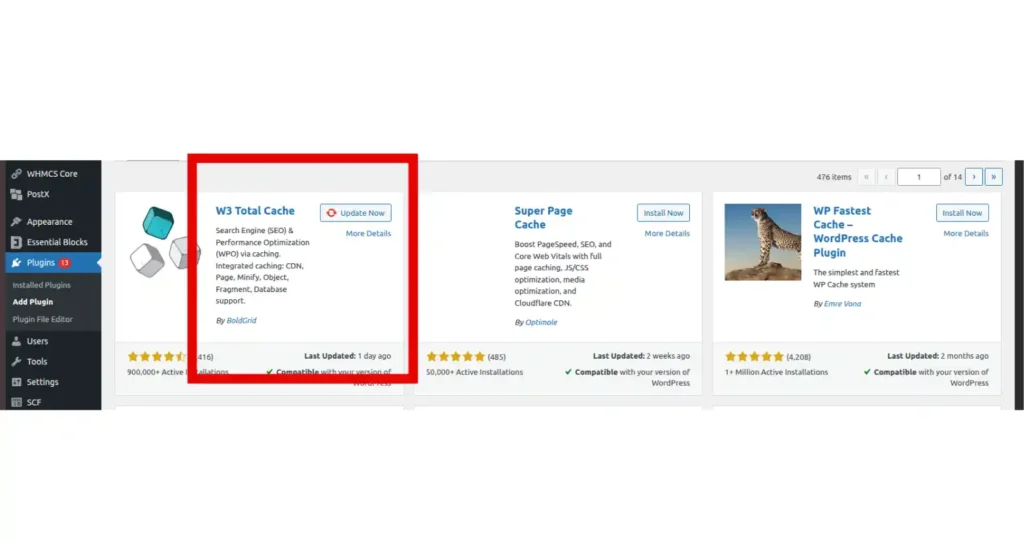
W3 Total Cache is one of the oldest and most advanced caching plugins, with over a million active installations.
After setting up W3 Total Cache, you will have these capabilities at your fingertips:
- Multiple caching methods like disk, Redis, Memcached, APC, etc.
- Minification and compression of CSS, JS, HTML, and feeds
- Database and object caching
- CDN integration with various providers
- Lazy loading and script defer options
- Preview mode to test configurations before applying
Free and open source, with a Pro version starting at $99/year. Best for developers and advanced users who need fine‑grained control.
6) WP Super Cache
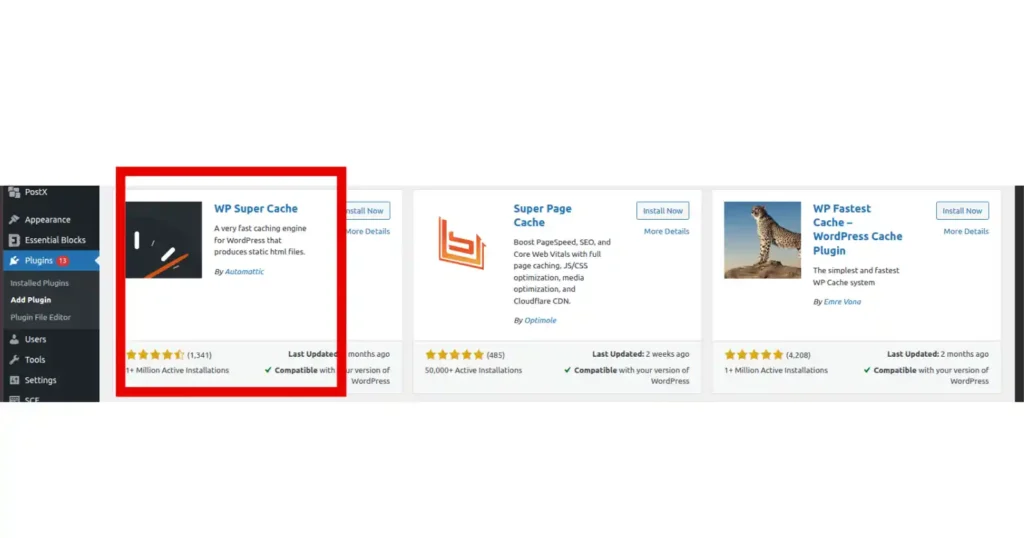
Created by Automattic, the company behind WordPress, WP Super Cache is simple, effective, and boasts over 2 million active installations.
Making it the most downloaded caching plugin in the directory.
Looking under the hood of WP Super Cache reveals a surprisingly powerful feature set:
- Three caching modes: Simple, Expert (.htaccess), and WP‑Cache (for logged‑in users)
- Static HTML file generation for most visitors
- CDN support
- Cache preloading
- Almost no configuration required
Completely free. Perfect for beginners.
7) WP Fastest Cache
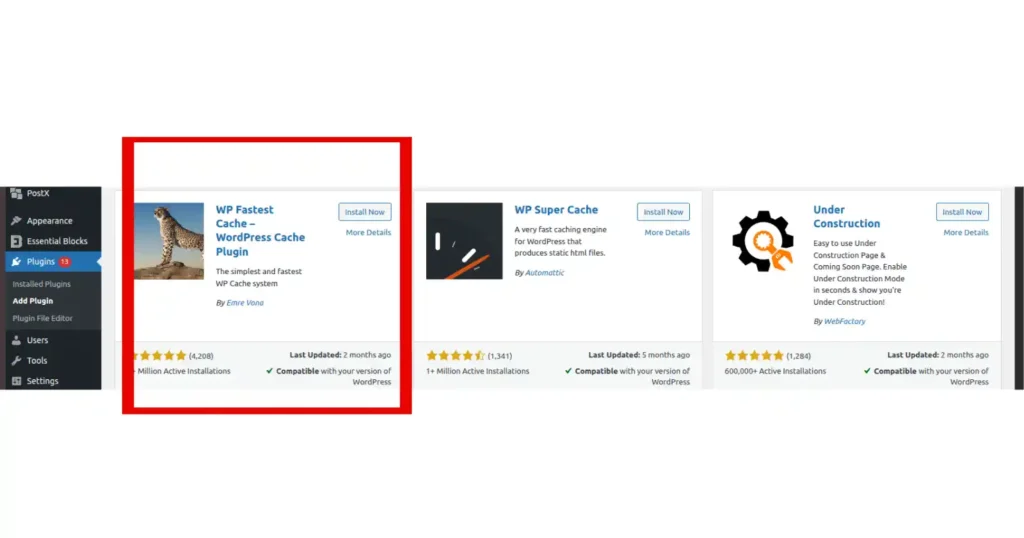
WP Fastest Cache simplifies caching through checkboxes rather than complicated settings panels.
The main selling points of WP Fastest Cache include:
- Mod_Rewrite caching method (fastest available)
- HTML and CSS minification
- Combine CSS and JS files to reduce HTTP requests
- CDN support
- Scheduled cache deletion
- Mobile caching (premium feature)
Free version is solid; premium starts at $49 lifetime for one site. Great for users who want simplicity without overwhelming options.
Image Optimization Plugins
Images are usually the heaviest files on any website. These plugins compress them and convert to modern formats like WebP and AVIF without visible quality loss.
8) Anek Image Optimizer

Anek is a professional‑grade, 100% free image optimizer that runs entirely on your own server.
No images ever leave your infrastructure, critical for privacy‑conscious site owners.
What makes Anek different from every other image optimizer out there:
- Multi‑library engine: Libvips (fastest), Spatie Image, or Intervention Image
- WebP and AVIF sidecar file generation
- Bulk optimization of your entire media library
- Auto‑optimize on upload
- Preserve originals with one‑click restore
- Lab testing to compare library performance
- Zero telemetry, no tracking
- Completely free and open source.
9) Smush
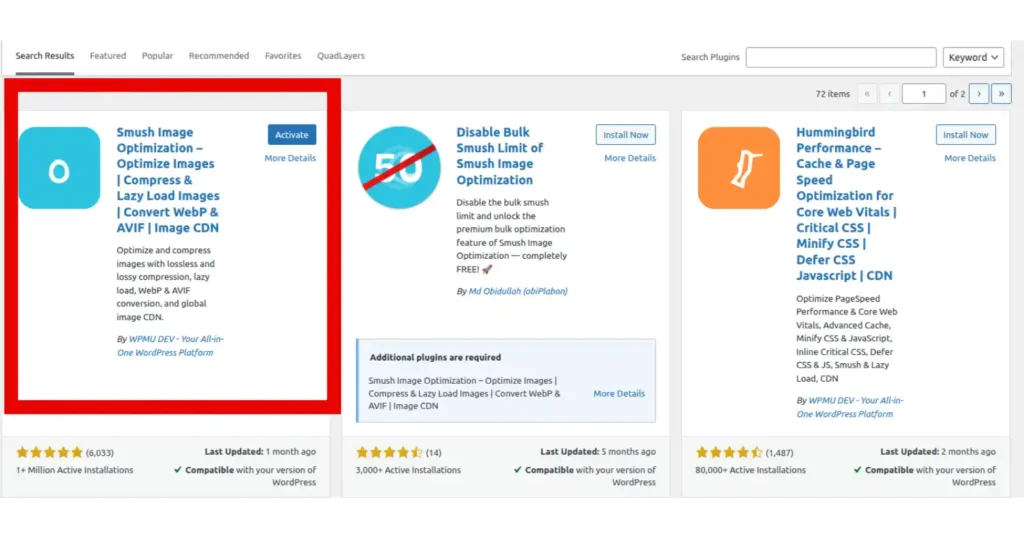
Smush is the most popular dedicated image optimizer, with over a million active installations. It compresses images losslessly with no visible quality loss.
Once Smush is active, it takes care of these image optimization tasks automatically:
- Bulk image compression
- Lossless compression that doesn’t degrade quality
- Lazy loading built‑in
- Automatic optimization on upload
- WebP conversion (Pro feature)
- 119‑point global CDN (Pro)
Free version is available, while Pro starts at $30/year for one site. Ideal for those who want a trusted, widely‑used tool.
10) Henkan: WebP & AVIF Converter
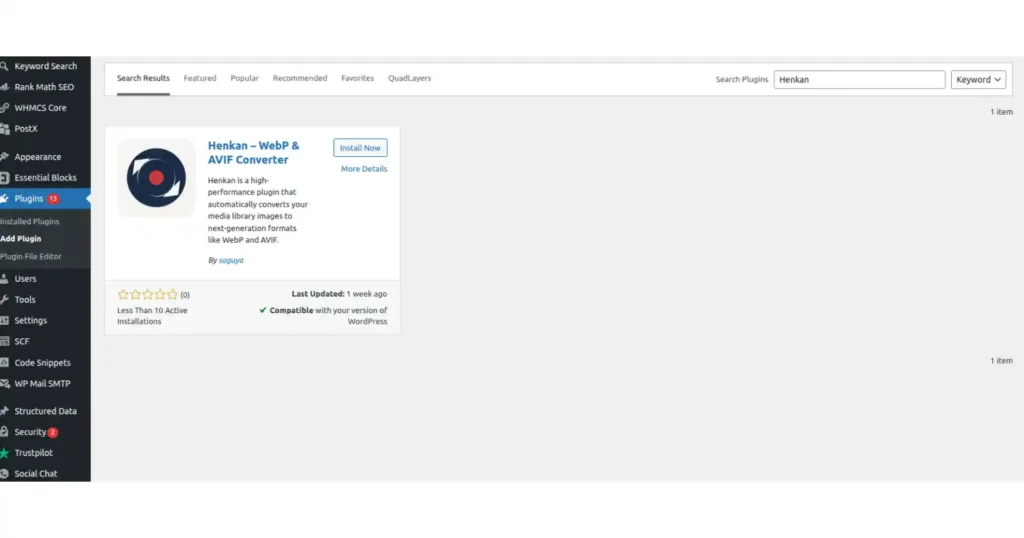
Henkan focuses on one thing: converting JPEGs and PNGs into WebP or AVIF formats.
If you install Henkan, here is what you can expect it to do for your media library:
- Using native OS binaries (cwebp, avifenc) for maximum performance
- Automatic fallback to Imagick or GD if CLI tools aren’t available
- Auto‑conversion on upload
- Bulk optimization for existing media library
- WP‑CLI support for terminal‑based conversions (no PHP timeouts)
- Automatically clearing caches for WP Rocket, W3 Total Cache, Autoptimize, and LiteSpeed
Completely free. Perfect for developers and site owners who want pure format conversion without extra features.
Need hosting that actually works with these plugins? Truehost supports LiteSpeed, Redis, WP‑CLI, and all the tools above. Check out Truehost’s plans here.
Database Optimization Plugins
A bloated database, filled with post revisions, spam comments, and expired transients, can silently slow your site. These plugins clean the clutter.
You see, every time you edit a post, WordPress saves a revision.
Every spam comment sits in your database until you delete it.
Plugins store temporary data called transients that often don’t clean up after themselves.
Over months or years, this digital junk piles up, making your database queries slower.
A slower database means slower page loads, even if everything else on your site is optimized.
Cleaning your database regularly won’t fix a broken foundation, but it makes everything feel faster and more responsive.
11) WP‑Optimize
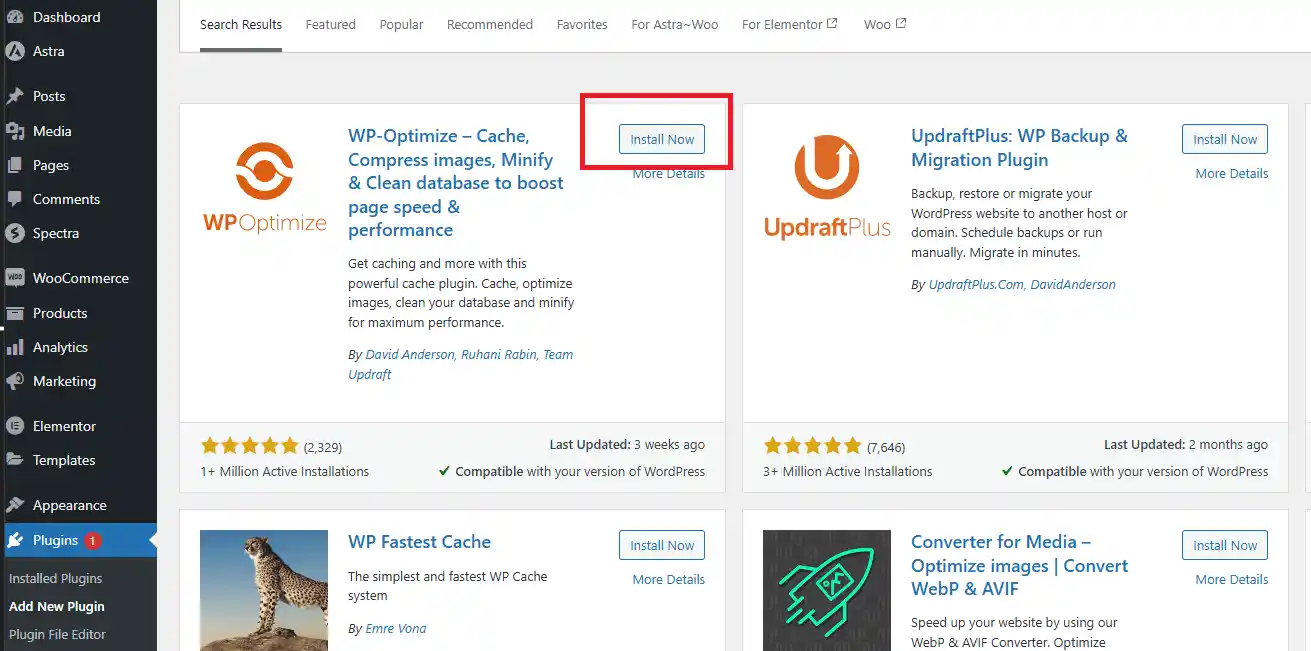
WP‑Optimize started as a database cleaner and evolved into a comprehensive performance plugin with over a million active installations.
It is one of the few tools that combines deep database cleanup with basic caching and image compression, making it a great all-rounder for site owners who want multiple fixes from one plugin.
WP‑Optimize goes after these database problems one by one:
- 12 database cleanup types like revisions, spam, transients, etc.)
- Table optimization and defragmentation
- Scheduled automatic cleanups (daily, weekly, monthly)
- Image compression with WebP support
- Page caching with GZIP compression
- WP‑CLI support for multisite management
Free version available; Pro starts at $49/year. Great for site owners who want database cleanup plus basic caching without juggling multiple plugins.
12) Advanced Database Cleaner
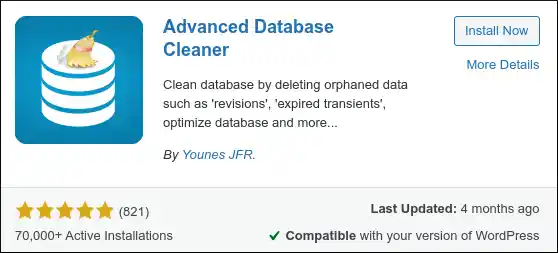
This specialized tool removes unnecessary data and manages cron jobs, those scheduled tasks that sometimes pile up and slow down your site.
If your site runs a lot of automated processes like email newsletters or backup schedules, this plugin is especially useful.
The functionality packed into Advanced Database Cleaner includes:
- Cleaning up to 14 different types of site elements (revisions, auto‑drafts, spam, transients, orphaned metadata)
- Cron job management and cleanup (remove orphaned or duplicate scheduled tasks)
- Detailed database table categorization (identifies which tables belong to which themes and plugins)
- Scheduled automated cleanups with multiple frequency options
Pro version ($39/license) detects which tables belong to specific themes and plugins.
Ideal for sites with heavy automation or those that have changed themes multiple times.
13) WP‑Sweep
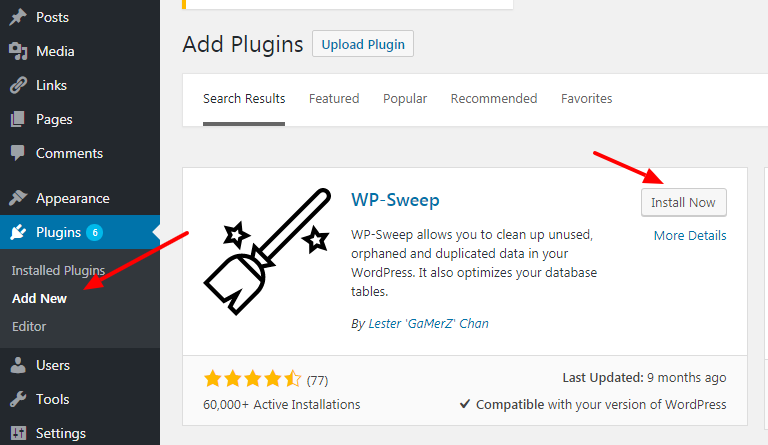
WP‑Sweep is lightweight, free, and safe.
It removes unnecessary data using WordPress’s built‑in delete functions rather than direct MySQL queries, which protects database integrity.
This means it plays nicely with WordPress core and won’t accidentally break relationships between posts, comments, or users.
WP‑Sweep takes a different, safer approach to database cleaning:
- Cleans post, comment, user, and term metadata
- Removes orphaned relationships and duplicate data
- Minimal interface with no complex settings, just click and go
- WP‑CLI support for bulk operations across multiple sites
Perfect for users who prioritize safety and want a simple, no‑frills cleanup tool that does exactly one job well without any risk of collateral damage.
Code Optimization Plugins
These plugins focus specifically on minifying and optimizing your site’s code, CSS, JavaScript, and HTML, to reduce file sizes and improve load times.
14) Autoptimize
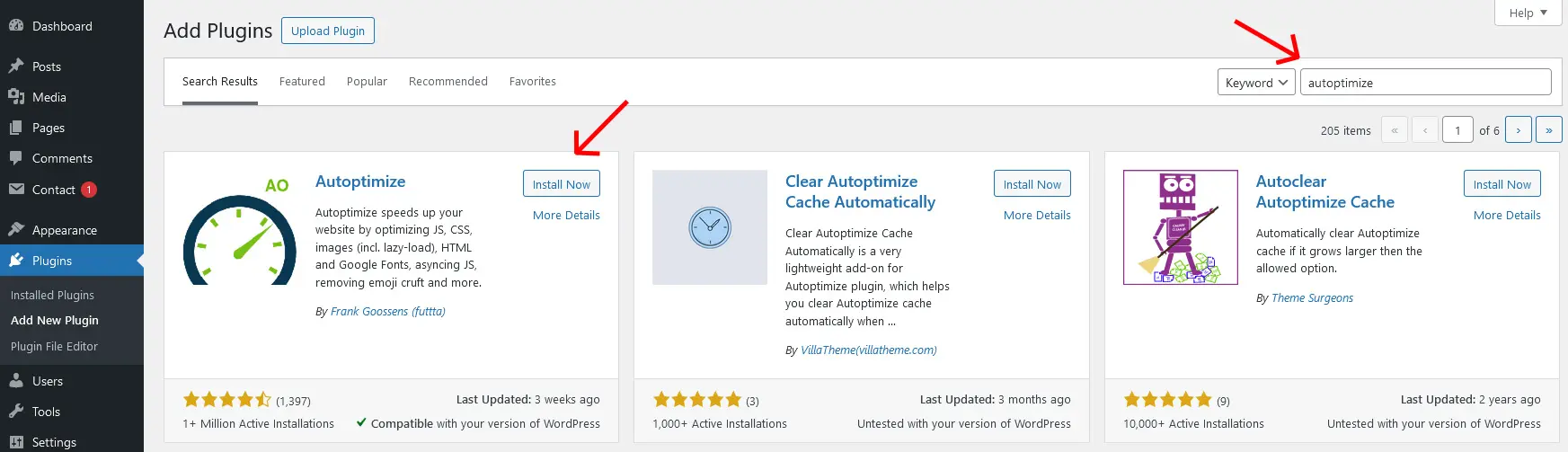
Autoptimize is a free plugin with over a million active installations that focuses exclusively on code optimization.
It doesn’t do caching, so you will need to pair it with a caching plugin like WP Super Cache or W3 Total Cache.
But for what it does, it is one of the best free options available.
Autoptimize concentrates its efforts on these code-level improvements:
- Minifying and aggregating CSS, JavaScript, and HTML
- Lazy‑loading images, videos, and iframes
- Optimizing Google Fonts (hosts them locally or removes render-blocking parts)
- Removing junk from the head section (extra meta tags, feed links, etc.)
- Not including page caching, works alongside your caching plugin
Free; premium version available from €89/year.
Best for users who already have a caching plugin and want to squeeze out extra performance by cleaning up code.
15) Perfmatters
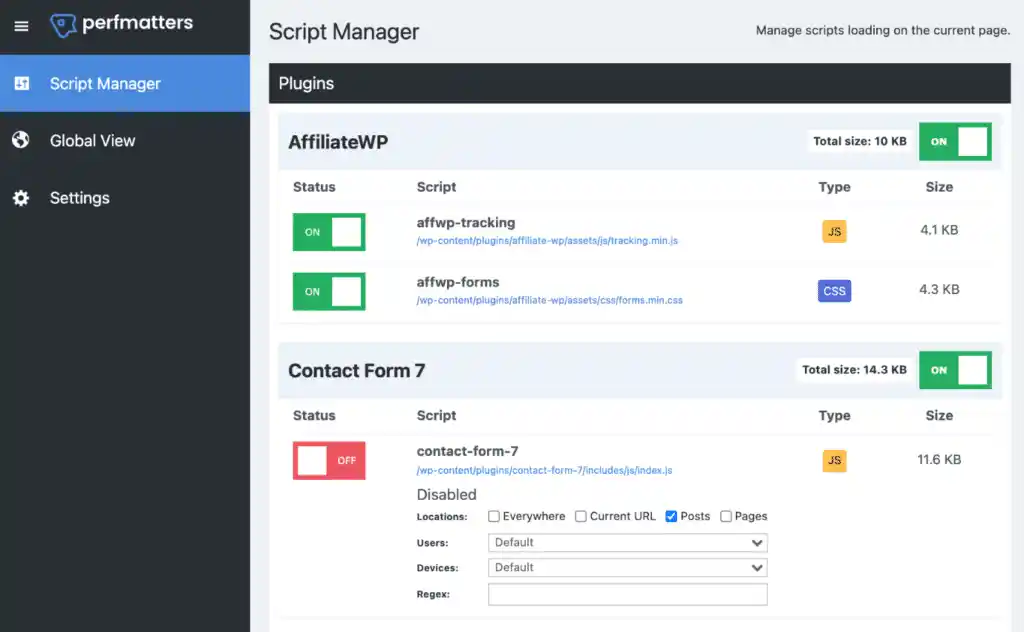
Perfmatters is a lightweight premium plugin that reduces HTTP requests by disabling unnecessary WordPress features and managing scripts on a per‑page basis.
It is built for people who want granular control without bloating their site with another heavy plugin.
Perfmatters truly excels in these specific areas of performance optimization:
- Script Manager: disable specific scripts (like contact form CSS or slider JS) on pages where they aren’t needed
- Removing unused CSS, emojis, embeds, and XML‑RPC
- Local hosting for Google Fonts and analytics (keeps external requests to a minimum)
- Lazy loading for images and videos
- Staying extremely lightweight with minimal overhead, it adds almost nothing to your site’s load time
Pricing starts at $29.95/year for one site. Ideal for users who need granular script control and want to remove WordPress bloat without adding complexity.
Bonus: Speed Testing Tools
You can’t improve what you don’t measure. These aren’t plugins but essential tools to track your progress.
- Google PageSpeed Insights: Free tool from Google that scores your site’s performance and provides specific optimization recommendations.
- GTmetrix: Detailed performance analysis with waterfall charts showing exactly which resources are slowing your site. Free tier available.
- Built‑in testing: Some plugins like LWS Optimize and Optimal State include integrated PageSpeed testing directly in your WordPress dashboard.
Run a test before installing any plugins, then test again after configuration. You’ll see the difference immediately.
In Summary
Speed optimization doesn’t require a developer budget or a technical degree.
The right WordPress plugin can transform a sluggish site into a fast, user‑friendly experience that keeps visitors engaged and converts better.
Choose one plugin from this list that matches your skill level and goals. Install it, configure it, and run a PageSpeed test.
You’ll likely see improvements within minutes.
And remember: plugins work best when paired with hosting that actually supports them.
Truehost’s WordPress hosting includes LiteSpeed servers, Redis caching, PHP 8.x, and one‑click installs for every plugin above.
Ready to speed up your site? Grab a Truehost plan and watch your load times drop.