Domain NamesFind and register your ideal domain name instantly.
 Web HostingEasy-to-use hosting powered by cPanel — ideal for managing websites in Nigeria.
 Windows HostingRun .NET apps with Windows-optimized hosting
 Affiliate ProgramMake money promoting our services
 Reseller HostingMake money by reselling our hosting products under your own brand
 .COM Domains
 All DomainsExplore all supported tld domains in Nigeria
 WhoisFind out who owns any domain, as well as verify your registration details
 VPS Hosting
 Dedicated ServersReimagine your site speed with your own complete server
 AI Website BuilderDesign your site with drag-and-drop tools
 Online Store BuilderStart your online shop without code
 Support PortalFind answers or get expert help
 Contact UsReach our team via chat or email
 BlogRead our extensive guides on web hosting and more
You know that feeling when you click on a website, and you’re stuck staring at a blank screen? It’s frustrating, right? Everyone feels that way, including your potential customers.
Website speed is the first impression your business makes online. If your site lags, visitors leave. It’s that simple. They won’t wait around, and they won’t come back.
And while you’re losing them, you’re also losing sales, credibility, and visibility on search engines.
In this guide, we’ll get past the annoying blank screen and lagging websites with 10 simple strategies to fix a slow website so you can stop losing visitors and potential customers.
How Does Website Speed Affect Performance?

Let’s say your website is a physical shop. Website speed is how quickly the door opens and lets your customer inside. If the door is sticky and takes forever to open, what happens?
I) People Leave Immediately
If your site takes more than a few seconds to load, over half of your visitors will click away. They’ll go to your competitor’s website. This is called a high bounce rate, and it tells search engines your site isn’t helpful.
II) Search Engines Push You Down
Google wants to show its users the best, most helpful results. A fast website provides a good experience. A slow website provides a bad experience.
So, Google will rank faster websites higher in search results. If your site is slow, you’re making it harder for new customers to even find you.
III) You Make Less Money
For every second of delay, your chance of making a sale drops.
For example, if you run an online store, a customer wants to buy a pair of shoes. They click “Add to Cart,” but the page freezes. They get frustrated and abandon the cart. That’s a lost sale that could have been prevented.
Speed directly affects your conversions and revenue.
IV) It Hurts Your Reputation
A slow website makes your site feel outdated and unprofessional. It doesn’t inspire trust from visitors. A fast, smooth website makes your business look competent and reliable.
10 Proven Strategies to Boost Website Speed in 2026
There are simple strategies you can implement to boost your website speed. I have highlighted the top 10 for you:
1) Choose the Right Hosting
Your hosting is the space where your website is built. If it is shaky, everything else struggles. Free or overcrowded shared hosting often means slow speeds for everyone on the server.

Invest in high-quality hosting with dedicated resources for speed. At Truehost, our plans use SSD storage (much faster than old hard drives) and include unlimited bandwidth to handle traffic spikes smoothly.
In addition, our 99.9% uptime guarantee ensures your site is reliably available, which is the first step toward being fast.
2) Compress and Optimize Your Images
This is the biggest and easiest win. A single, unoptimized photo from a modern phone can be 5MB bigger than an entire webpage should be!
Before you upload any image, use free tools like TinyPNG or ShortPixel to compress it. Also, save images in the correct format: use .jpg for photos and .png for graphics/logos.
Most website builders, including our Website Builder, automatically optimize images you upload.
3) Enable Browser Caching
Caching is like giving your frequent visitors a fast pass. When someone visits your site, their browser has to download your logo, menu styles, and other elements.
Caching tells the browser to temporarily store these parts. The next time they visit, the page loads almost instantly from their own computer.
You can enable this setting in your hosting control panel or via a WordPress plugin. Our Truehost cPanel makes managing settings like this accessible.
4) Use a Content Delivery Network (CDN)
A CDN is a global network of servers. Instead of your website loading from one server in Lagos for a user in Port Harcourt, a CDN serves the files from a server closer to them.
It drastically reduces the physical distance data has to travel.
Many hosting providers integrate with CDNs. It’s a service that can significantly speed up your site for a wide audience.
5) Minify CSS, JavaScript, and HTML
The code that builds your website has spaces, comments, and extra lines to make it readable for developers.
Minifying removes all that unnecessary clutter, making the files smaller and faster to load.
Plugins like Autoptimize for WordPress can do this automatically. For sites built on our website builder, this optimization is handled for you behind the scenes.
6) Reduce Redirects
Every time a page redirects a visitor to another page, it adds an extra step and waiting time. While sometimes necessary, too many create a chain of delays.
Make sure you audit your site for unnecessary redirects. When you change a page URL, use a single, direct redirect.
7) Clean Up Your Database, Especially for WordPress
Over time, your database collects clutter: post revisions, spam comments, unused data. This can slow the rate at which your site retrieves information.
Use a plugin like WP-Optimize to clean your database regularly. We also provide free daily backups at Truehost, so you can clean with confidence, knowing you have a restore point.
8) Implement Lazy Loading
Lazy loading means images and videos load only when they are about to scroll into the visitor’s view.
Instead of loading 20 images at once when the page opens, it loads only the top 2, then loads more as the user scrolls.
This is now a standard feature in many modern website builders and themes. You can also add it via plugins.
9) Use a Lightweight Theme and Limit Plugins/Apps
If your website is built on a framework with thousands of bloated features you don’t use, it will be slow. Similarly, every extra plugin or app adds more code to process.
Choose a simple, well-coded theme. Before installing a plugin, ask if you absolutely need it. Our website builder solves this by providing only the features you need in a clean, optimized package, avoiding plugin bloat entirely.
10) Get an SSL Certificate and Keep Software Updated
An SSL certificate not only secures your site, but modern browsers prioritize secure connections.
Outdated software, such as an old PHP version or an outdated WordPress core, can lead to security and performance issues.
Ensure your site has an SSL. At Truehost, we provide free automated SSL certificates with all our hosting plans.
Also, always keep your CMS, themes, and plugins up to date. We offer one-click installers and managed updates to make this easier.
How to Know If Your Website Speed is Improving
You can’t fix what you don’t measure. Don’t just guess, use these free tools to get real numbers.
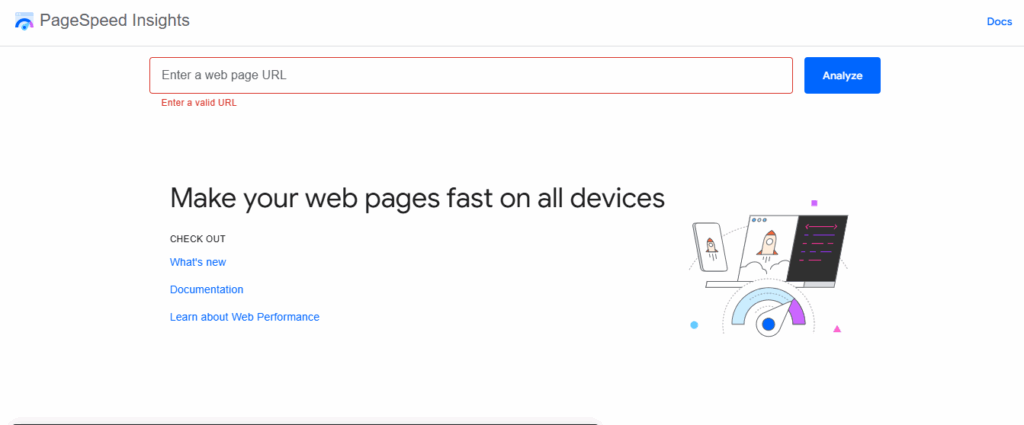
This is a resourceful tool. Go to pagespeed.web.dev, enter your website URL, and click Analyze. It will give you a score out of 100 for both mobile and desktop.
More importantly, it gives you a detailed list of what to fix. Run this test before you make changes, then run it again a week later to see your score improve.
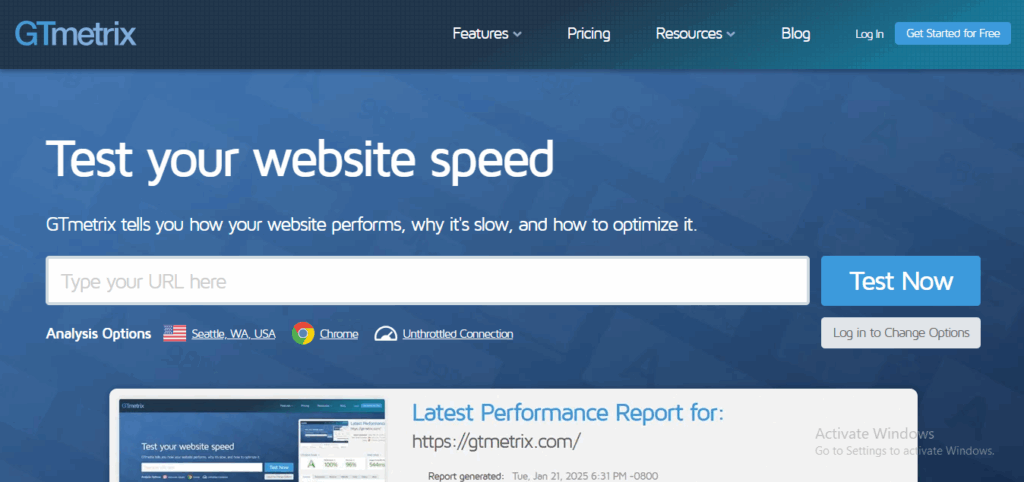
This tool shows you a detailed timeline of how your page loads, element by element. It’s great for understanding where the delays are happening. Is it waiting on the server? Are images taking too long? GTmetrix will show you.
Check Your Hosting Dashboard
Many hosts provide basic speed and performance metrics. Keep an eye on your site’s uptime and response time through your Truehost control panel.
Feel the Difference Yourself
The best test is often your own experience. After making changes, visit your site from your phone on a mobile network.
Does it feel snappier? Ask a friend to try it. Real-user experience is the ultimate goal.
How Truehost Helps You Build a Faster Website
At Truehost, we’ve created our services to make speed simple, so you’re not on your own.
- Fast Hosting: Our WebHosting Starter plan from NGN 1,275/month provides a speed-optimized foundation with 30 GB SSD storage, unlimited bandwidth, and a free SSL certificate.
- Easy Website Builder: Use our Website Builder to create a professional, mobile-friendly site in minutes, no coding needed. It comes with free hosting, an SSL, and speed-optimized templates.
- Expert Help: Opt for our Hire a Developer service from NGN 8,333/month for a custom, fast, and SEO-optimized website built for you.
- Local Domains: Secure a trusted local address with a .com.ng domain from just NGN 5,500.
- 24/7 Support: Our team is always available via live chat, WhatsApp, or phone to help with any speed or technical question.
Final Take
A fast website keeps people from walking away. It tells Google you mean business. It makes customers trust you, and when they trust you, they’re more likely to buy from you.
You don’t have to do everything at once. Start with one thing. Maybe compress those giant photos you uploaded last week. Or check if your hosting is actually built for speed. Use the free tools like PageSpeed Insights, they’re like a friendly mechanic pointing out what needs tuning.
And remember, you’re not doing this alone. We’re here to help with everything from hosting that’s built to be fast, to helping you build a site that loads in a snap.
Because in the end, a faster website is about rankings and giving every visitor a smooth, quick, and positive experience with your brand. And that’s something worth building.