Domain NamesFind and register your ideal domain name instantly.
 Web HostingEasy-to-use hosting powered by cPanel — ideal for managing websites in Nigeria.
 Windows HostingRun .NET apps with Windows-optimized hosting
 Affiliate ProgramMake money promoting our services
 Reseller HostingMake money by reselling our hosting products under your own brand
 .COM Domains
 All DomainsExplore all supported tld domains in Nigeria
 WhoisFind out who owns any domain, as well as verify your registration details
 VPS Hosting
 Dedicated ServersReimagine your site speed with your own complete server
 AI Website BuilderDesign your site with drag-and-drop tools
 Online Store BuilderStart your online shop without code
 Support PortalFind answers or get expert help
 Contact UsReach our team via chat or email
 BlogRead our extensive guides on web hosting and more
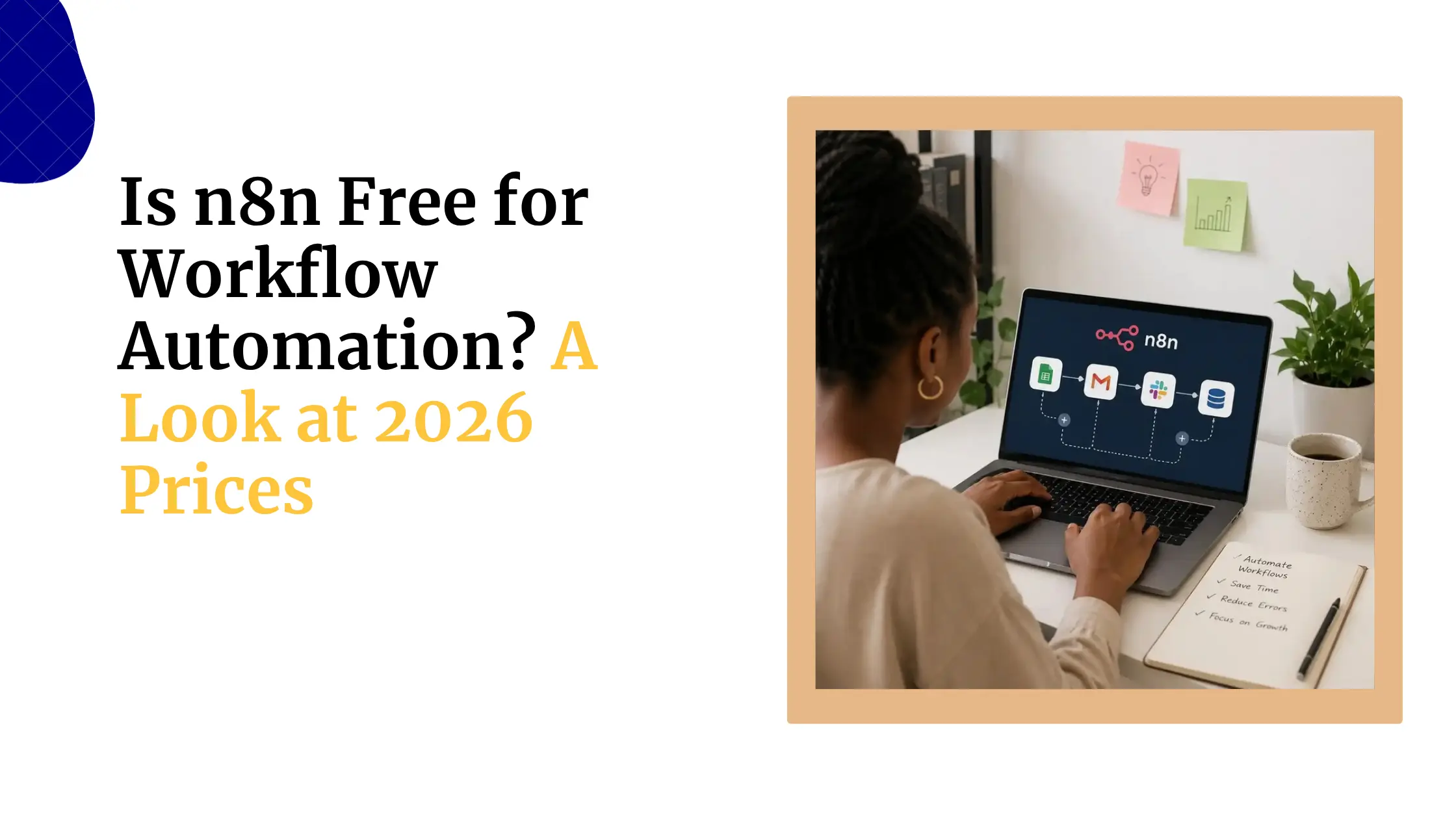
Yes, you can absolutely host n8n for free. N8n’s Community Edition is completely open-source and free to use.
The catch? “Free” doesn’t always mean the same thing depending on which route you take.
Free hosting can mean a few different things. It might mean you pay nothing for the software license, but you still need to provide your own server hardware or a cloud VM.
It could mean you get a limited trial period on a hosted platform. Or it could mean you get a forever-free plan with usage restrictions, such as a monthly execution cap.
Some providers even offer free hosting as an add-on when you purchase other services.
The key is understanding what you’re getting with each option so you can pick the one that fits your needs.
How to Host n8n for Free
| Method | Cost | Best For |
| Local machine | Free | Learning and testing |
| Free-Tier Cloud VM | Free (temporarily) | Developers |
| PaaS (Render/Railway) | Free (limited) | Light experimentation |
| n8n Cloud Free Trial | Free (temporary) | Evaluating n8n Cloud |
| Managed Hosting | Free with paid VPS | Reliable production use |
a) Run It on Your Own Machine
This is a simple approach. You can install n8n directly on your computer using Docker or npm and run it locally. It gives you full access to n8n’s features with no execution limits and no costs.
The setup: If you’re using Docker, you just pull the n8n image and run it with a single command. Or if you prefer, you can install it directly with Node.js.
However, there’s a trade-off.
Your machine needs to stay on and connected to the internet for webhooks to work. If you turn off your computer, your automations stop running. And you won’t have SSL/HTTPS by default unless you set it up yourself.
This option works best for learning, testing workflows, or building automations that don’t need to run when you’re away from your desk
b) Deploy on a Free-Tier Cloud VM
Cloud providers like Google Cloud, AWS, and Oracle offer free-tier virtual machines that you can use to host n8n 24/7 at no cost.
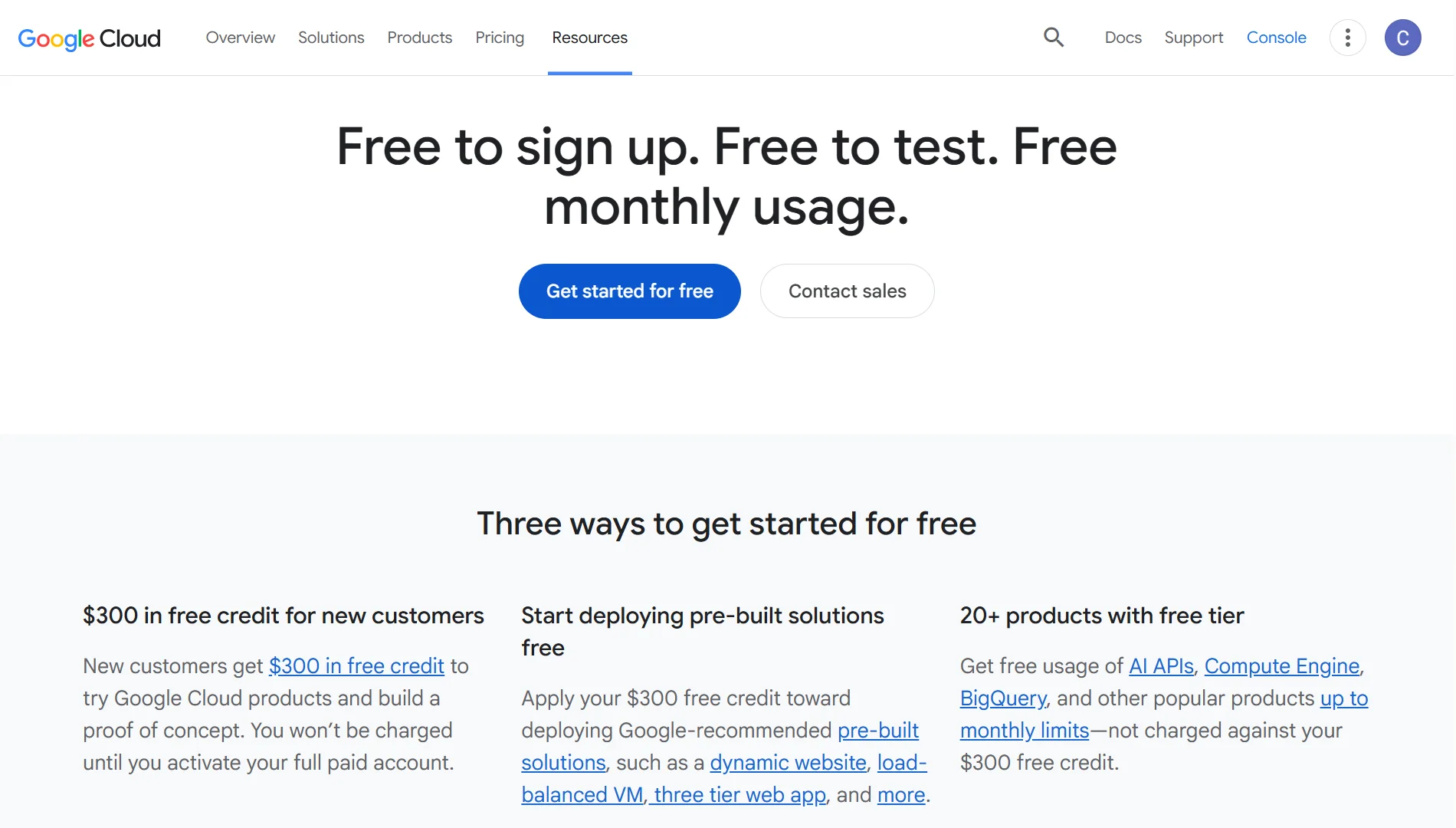
Google Cloud’s free tier includes an e2-micro instance that’s powerful enough to run n8n for light to moderate workloads.
AWS offers a 12-month free tier for EC2 instances, though the free period ends after 12 months. Oracle Cloud has a generous always-free tier with decent resources.
The main challenge here is setup difficulty.
You’ll need to install Docker, configure Nginx as a reverse proxy, set up SSL certificates with Certbot, and open the appropriate ports in your firewall. This requires some technical skill, but detailed guides are available that walk you through this process.
Your instance runs 24/7, webhooks work correctly, and you can get SSL/HTTPS working with a custom domain.
However, you’re responsible for updates, security patches, and maintenance. AWS’s free tier also has a time limit, so you’ll eventually need to either pay or migrate to another service.
This option is perfect for developers who are comfortable managing servers and want a production-like environment without spending money.
c) Use PaaS Platforms with Free Credits/Quotas
Platforms like Render and Railway offer simplified deployment with free tiers that can host n8n. You just select the n8n Docker image from their repository, and the platform handles the infrastructure.
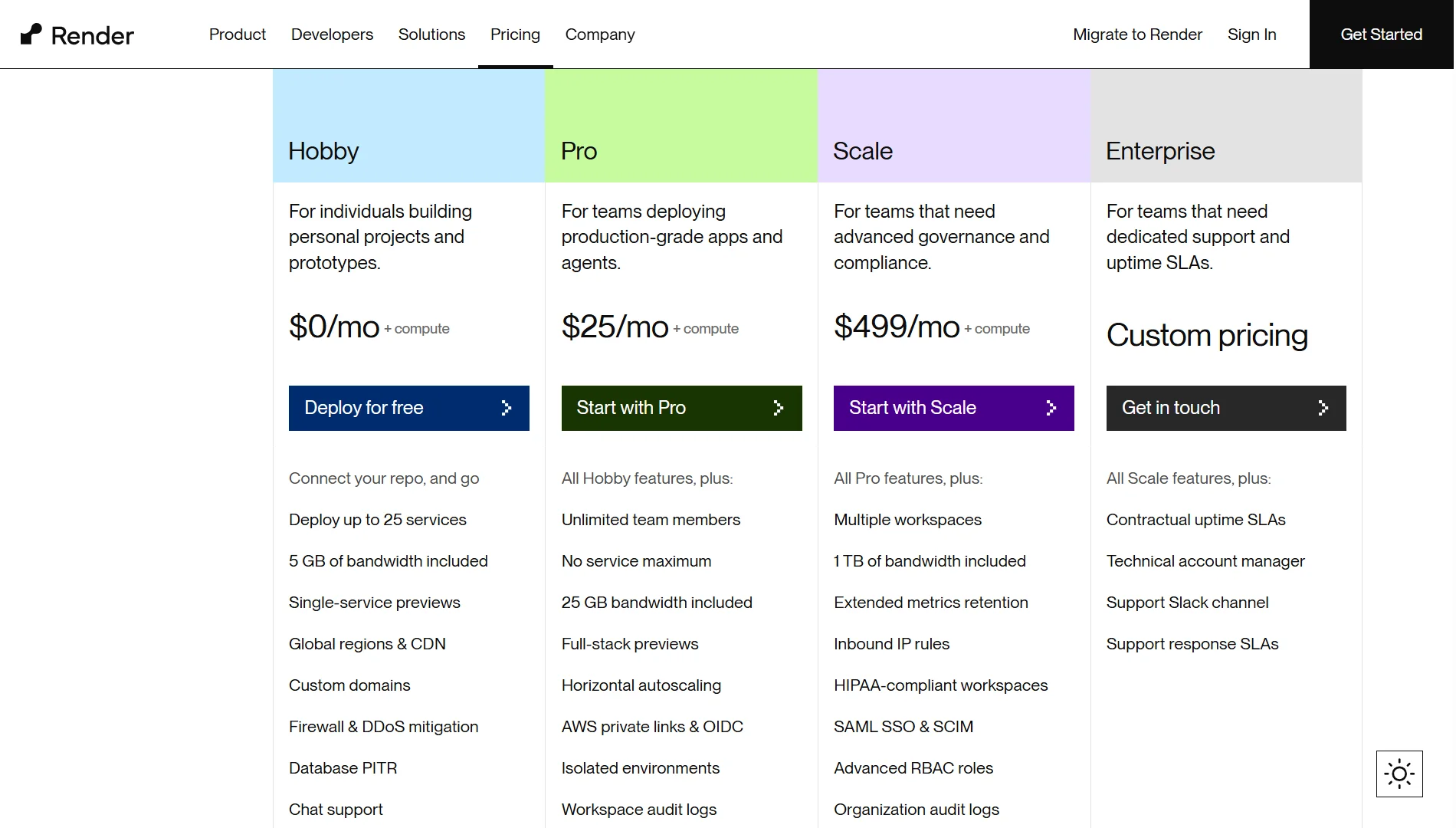
Render’s free tier includes 512 MB of RAM and 1GB of storage, but your instance sleeps after 15 minutes of inactivity.
This means incoming webhooks might fail if the service needs to wake up first, making it unreliable for production use. The first startup after sleep can take 2-3 minutes.
Data persistence is also limited on free tiers. Your workflows and data might not survive restarts or updates.
Railway is another option with similar limitations, though it tends to be more reliable than Render for n8n.
These platforms are best for light experimentation or non-critical automations where occasional downtime is acceptable
d) n8n’s Own Cloud Free Plan
n8n offers a cloud-hosted version with a free trial. This is the easiest way to get started since you don’t need to set up anything. Just sign up, and you’re ready to build workflows.
The free plan includes up to 200 workflow executions per month and access to the visual workflow builder.
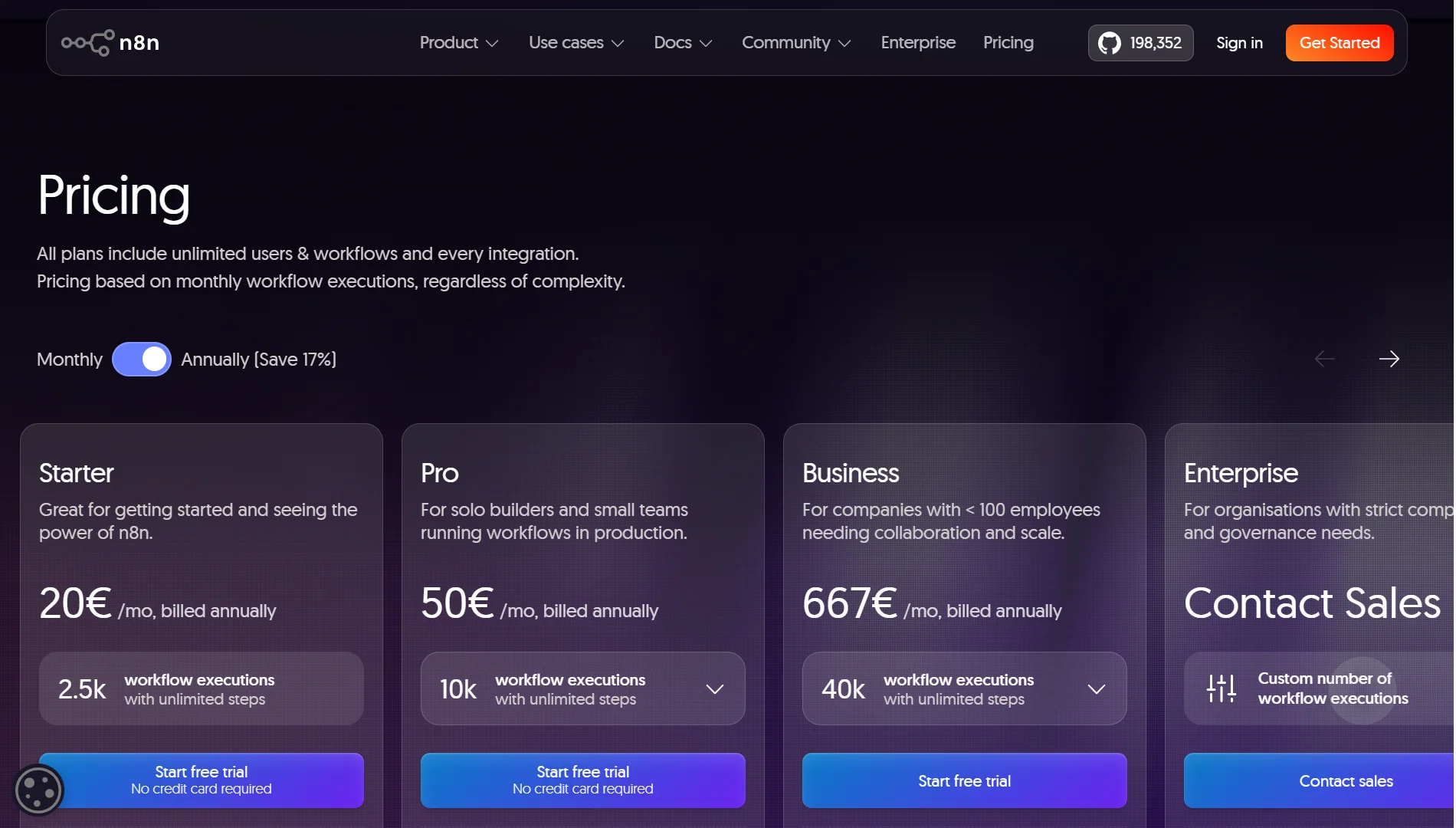
It runs 24/7, webhooks work reliably, SSL is handled automatically, and updates are managed by the n8n team.
However, the free plan is temporary. It’s designed for evaluating the platform, not for long-term use. Once you exceed the execution limit or the trial period ends, you’ll need to upgrade to a paid plan.
This is best for evaluating n8n Cloud or for building simple automations with low execution requirements.
e) Managed Free Hosting Offers
Some managed hosting providers offer n8n hosting for free when you purchase a paid VPS plan from them.
This is a hybrid approach: you pay for infrastructure, while n8n deployment and management are free.
Providers like Webhost365 offer this model: their managed n8n hosting is included at no additional cost with any paid hosting plan.
They handle the setup, install PostgreSQL for data storage, configure reverse proxies, generate SSL certificates, and manage updates for you.
The cost is included in the VPS itself, so you’re not paying extra for the n8n management layer. You get a professional setup with full reliability, 24/7 uptime, and dedicated support.
This is best for users who want a reliable, production-ready n8n setup without the technical complexity of managing it themselves.
Factors to Consider When Picking Free n8n Hosting
Before you choose a hosting method, think about these factors:
- Execution limits and workflow complexity: If you’re building complex workflows with many nodes, you may need more processing power than a free-tier VM can provide. Some methods cap your monthly executions, while others limit your hardware resources.
- Uptime and availability: determine whether your automations run when you need them. If your instance sleeps or crashes often, critical workflows might fail.
- The setup effort and technical skill required: Some methods take minutes with no technical knowledge, while others require hours of server configuration.
- Database persistence and data loss risk: Some free options lose your workflows and data after restarts, while others persist everything safely.
- Scalability and future growth: Can you easily upgrade to more powerful hardware? Will you need to migrate to a paid solution?
- Security and compliance: Self-hosted options give you full control, while cloud solutions manage security for you.
- Support and community resources: These range from dedicated support teams to community forums. Some methods have no support at all if things break.
Limitations of Free n8n Hosting
- Free cloud plans often have a limited number of runs per month. Once you exceed 200 executions, you’re either blocked or must upgrade to a paid plan.
- Performance can be slow on free-tier hardware. Those e2-micro instances on Google Cloud aren’t built for heavy workloads. Long workflows might time out or overload the machine.
- Your data and workflows may disappear after restarts if you haven’t set up proper persistence.
- Backups are your responsibility with most free hosting options. If something goes wrong and you haven’t backed up your workflows, they’re gone.
- There’s no help from official support on free tiers. If you run into issues, you’re relying on community forums and documentation.
- Your instance may go to sleep or crash often on platforms like Render’s free tier. The 15-minute inactivity sleep makes it unsuitable for webhook-driven workflows.
- Some advanced features and nodes are locked in free plans. Enterprise features like SSO, advanced logging, and environments are reserved for paid tiers
The Smartest Way to Host n8n in Nigeria
If you’re in Nigeria and want reliable n8n hosting without the technical headaches, Truehost has built a solution that removes all the complexity.
We give you an isolated KVM VPS built specifically for n8n, scaling from simple automations to millions of tasks.
We handle the entire setup for you, configuring containers, installing PostgreSQL databases, setting up reverse proxies, and generating free SSL certificates.
You get unlimited workflows, no execution caps, and no surprise bills. Just your hardware, your rules.
Save thousands of Naira every year by switching from expensive pay-per-execution cloud plans to a simple, predictable monthly price in Naira.
You also get full SSH root access to customize Docker files, run Python scripts, or add your own npm modules.
Our plans:
- N8N Starter: ₦10,500/mo (billed triennially) | 1 vCPU, 2GB RAM, 50GB NVMe, 4TB bandwidth
- N8N Pro: ₦22,750/mo (billed triennially) | 2 vCPU, 4GB RAM, 100GB NVMe, 6TB bandwidth
- N8N Business: ₦56,000/mo (billed triennially) | 4 vCPU, 8GB RAM, 200GB NVMe, 8TB bandwidth
All plans include unlimited workflows, unlimited concurrent executions, community nodes, n8n with queue mode, 100+ pre-made workflows, automated installation, and dedicated support.
Get n8n running in 3 easy steps:
- Choose your server size based on your RAM needs
- We handle the setup: PostgreSQL, SSL certificates, and worker nodes
- Log in to your visual workflow editor, paste your API keys, and start automating