Domain NamesFind and register your ideal domain name instantly.
 Web HostingEasy-to-use hosting powered by cPanel — ideal for managing websites in Nigeria.
 Windows HostingRun .NET apps with Windows-optimized hosting
 Affiliate ProgramMake money promoting our services
 Reseller HostingMake money by reselling our hosting products under your own brand
 .COM Domains
 All DomainsExplore all supported tld domains in Nigeria
 WhoisFind out who owns any domain, as well as verify your registration details
 VPS Hosting
 Dedicated ServersReimagine your site speed with your own complete server
 AI Website BuilderDesign your site with drag-and-drop tools
 Online Store BuilderStart your online shop without code
 Support PortalFind answers or get expert help
 Contact UsReach our team via chat or email
 BlogRead our extensive guides on web hosting and more
OpenClaw has evolved into one of the most comprehensive AI assistant platforms available in 2026.
It lets you run AI agents that can talk across messaging apps, browse the web, manage your calendar, write code, and even control your smart home from one system.
You can install it on your own server, connect it to over 35 different AI models, and give it specific skills that tell it exactly how to handle your tasks.
Now, OpenClaw is critical for two reasons. First, AI models alone aren’t enough; they need the right tools and structure to be useful. OpenClaw provides that structure.
Second, you need control over your data and costs. Self-hosting OpenClaw means you own your conversations, choose your models, and avoid per-seat subscription fees.
A quick look at Openclaw AI assistant capabilities:
| Capability | What it does |
| Multi-Channel Messaging | Connects to 15+ platforms, including Discord, Telegram, WhatsApp, Slack, Signal, and iMessage |
| Model Flexibility | Works with 35+ providers, including Anthropic, OpenAI, Google, Ollama, and local models |
| Skills Ecosystem | Thousands of skills on ClawHub, including web search, calendar, email, and code execution |
| Control UI Dashboard | Web interface for managing chats, sessions, workspaces, and usage tracking |
| Web Automation | Built-in Playwright browser control with 19 browser tools |
| Voice & Media | 13 voice providers for TTS, transcription, and image/video generation |
| Privacy & Data Control | Zero Trust architecture, PII redaction, and AES-256-GCM encryption |
| Developer Workflows | Codex integration, sub-agents, workspace terminals, and cron jobs |
Core Capabilities (Foundational)
1) Multi-Channel Messaging Integration
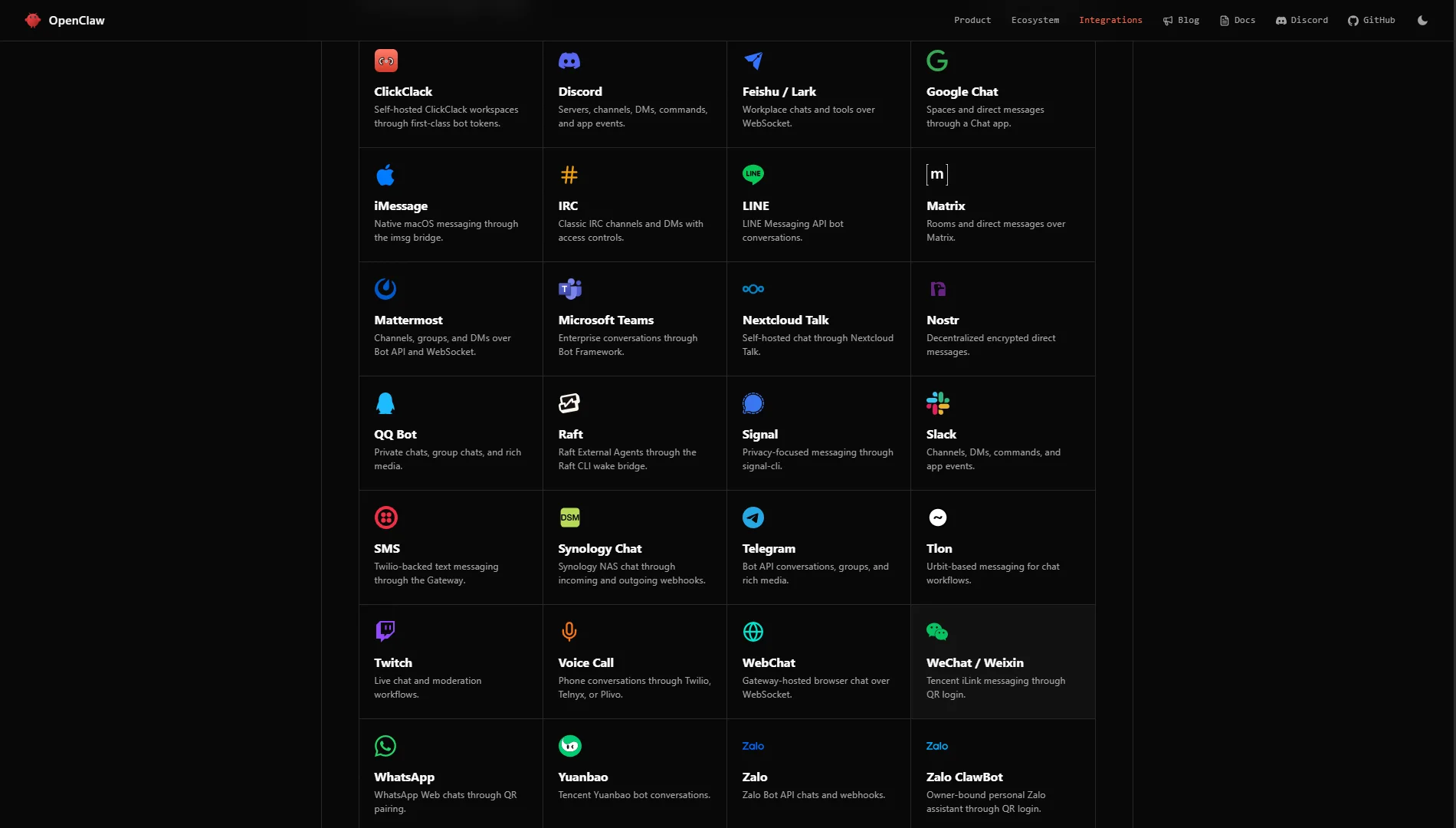
OpenClaw connects to just about every messaging platform people use today. The platform supports over 15 channels, including Discord, Telegram, WhatsApp, Slack, iMessage, and Signal.
Group chat support is included, and you can control how the agent responds in group settings.
For example, you can configure OpenClaw to respond only when someone mentions the agent’s name, using mention-based activation.
You can also set up DM allowlists, so only approved users can message the agent directly.
This makes OpenClaw useful for teams, communities, or personal use.
2) Model Flexibility (35+ Providers)
OpenClaw doesn’t lock you into a single AI model provider. It works with more than 35 providers, giving you the freedom to choose the model that best fits your needs and budget.
The supported providers include:
- Anthropic (Claude models, including Claude Sonnet, Haiku, and Opus)
- OpenAI (GPT-4o, GPT-4 Turbo, and Codex)
- Google (Gemini models)
- Ollama (for running local models on your own hardware)
- vLLM and llama.cpp (for optimized local inference)
- LM Studio (for desktop local model hosting)
The v2026.7.1 release added support for new models, including GPT-5.6, Tencent Hy3, and Meta Muse Spark 1.1.
OpenClaw also includes a two-tier model routing system. This lets you set a primary model for most tasks and a fallback model if the primary one is unavailable or too expensive.
For example, you could use Claude Sonnet for complex reasoning and fall back to a faster, cheaper model like Claude Haiku for simpler requests.
Model flexibility also helps with cost management.
Prompt caching is provider-specific, and OpenClaw lets you configure caching to save money on repeated requests.
3) Skills Ecosystem
A skill is an instruction pack, defined in a SKILL.md file that tells the agent how to perform a specific task.
Skills include YAML front matter with metadata and a Markdown body with step-by-step instructions.
The ClawHub marketplace hosts 2,857+ skills (and counting) that you can install directly into your agent’s workspace. The most popular skills include:
- Web Search – For finding information online
- Knowledge Base – For querying internal documents
- Code Interpreter – For executing code and analyzing data
- Calendar – For managing schedules and appointments
- Email – For reading, composing, and sending emails
Skills are installed using the CLI with commands like clawhub install [skill-name], or through the Control UI.
When you install a skill, the system handles dependencies, prompts for required API keys, and stores credentials securely in the agent’s vault. Skills can also be toggled on or off individually.
Here is the directory structure of a typical skill:
text

agents/[agent-name]/skills/[skill-name]/

├── SKILL.md              # Primary instructions (under 200 lines)

└── references/           # Supporting documents

    ├── examples.md

    ├── glossary.md

    └── templates.md
The skill system is also extensible. You can create custom skills for your own workflows. The SKILL.md format requires a name, description, trigger conditions, and step-by-step instructions.
You can move long-form content into a references/ subdirectory for better readability
Extended Capabilities
4) Control UI & Dashboard (v2026.7.1)
OpenClaw’s Control UI is your web dashboard for managing everything. The v2026.7.1 release introduced significant improvements to the Control UI, making it more polished and usable.
The dashboard gives you:
- Chat – A full chat interface where you can talk to your agent
- Sessions – Manage multiple conversation threads
- Workspaces – Organize different projects and environments
- Usage – Track token usage and costs for each model provider
- Mobile Pairing – Pair your phone to control and monitor your agent remotely
One notable improvement in v2026.7.1 is that the Content Panel now shows the estimated total cost for each run, with detailed breakdowns for input, output, cache read, and cache write costs. This gives you real-time visibility into what you’re spending.
The Control UI also supports WebChat, where assistant-sent documents download with their original filenames instead of temporary UUID-based names.
The interface has been redesigned for both desktop and mobile. Sidebar sessions now stay visible when switching chats, and finished chats no longer remain stuck with busy spinners.
5) Web Automation & Browser Control
OpenClaw includes built-in web automation through Playwright and the CDPBrowser (Chrome DevTools Protocol).
This lets your agent control a real web browser to navigate websites, fill forms, scrape data, and run automated tasks.
The browser control system includes 19 browser tools that your agent can use, covering everything from navigation and page actions to screenshot capture and file downloads.
A Relay Chrome extension is also available, which lets OpenClaw control a browser instance you already have open, rather than launching a separate one.
Key browser capabilities in v2026.7.1 include:
- Managed browser cookie persistence: Logins survive graceful browser restarts
- Attachment download handling: Downloads return URL, filename, and path metadata with validation before saving
- Remote browser reliability: Tab enumeration respects timeout budgets and retires stuck connections
This makes OpenClaw suitable for tasks like web scraping, testing, and any automation that requires a real browser environment.
6) Voice & Media
OpenClaw supports voice and media generation through a growing list of providers. It includes 13 voice providers for:
- Text-to-Speech (TTS) – Convert text responses to spoken audio
- Voice Transcription – Transcribe spoken input into text
- Image Generation – Generate images using various providers
- Video Generation – Generate videos (supported by providers like Runway)
The Control UI now includes a more distinct microphone button while recording, and you can choose between the system default microphone or any other available microphone.
Voice conversations start from a clean composer area, and administrators can configure persistent defaults for providers, transports, and timing.
7) Privacy & Data Control
OpenClaw was built with privacy in mind. The system includes:
- Zero Trust variant – No data is sent to external servers unless explicitly configured
- PII redaction – Personal Identifiable Information is automatically detected and redacted from outputs
- AES-256-GCM encryption – Data at rest is encrypted with industry-standard encryption
- Data Guard plugin – An additional security layer for data protection
Security is also built into the skill ecosystem. ClawHub requires a GitHub account at least one week old to publish skills, helping slow down abuse without blocking legitimate contributors.
Users can report unsafe skills, and moderation hooks are in place for approvals and audits.
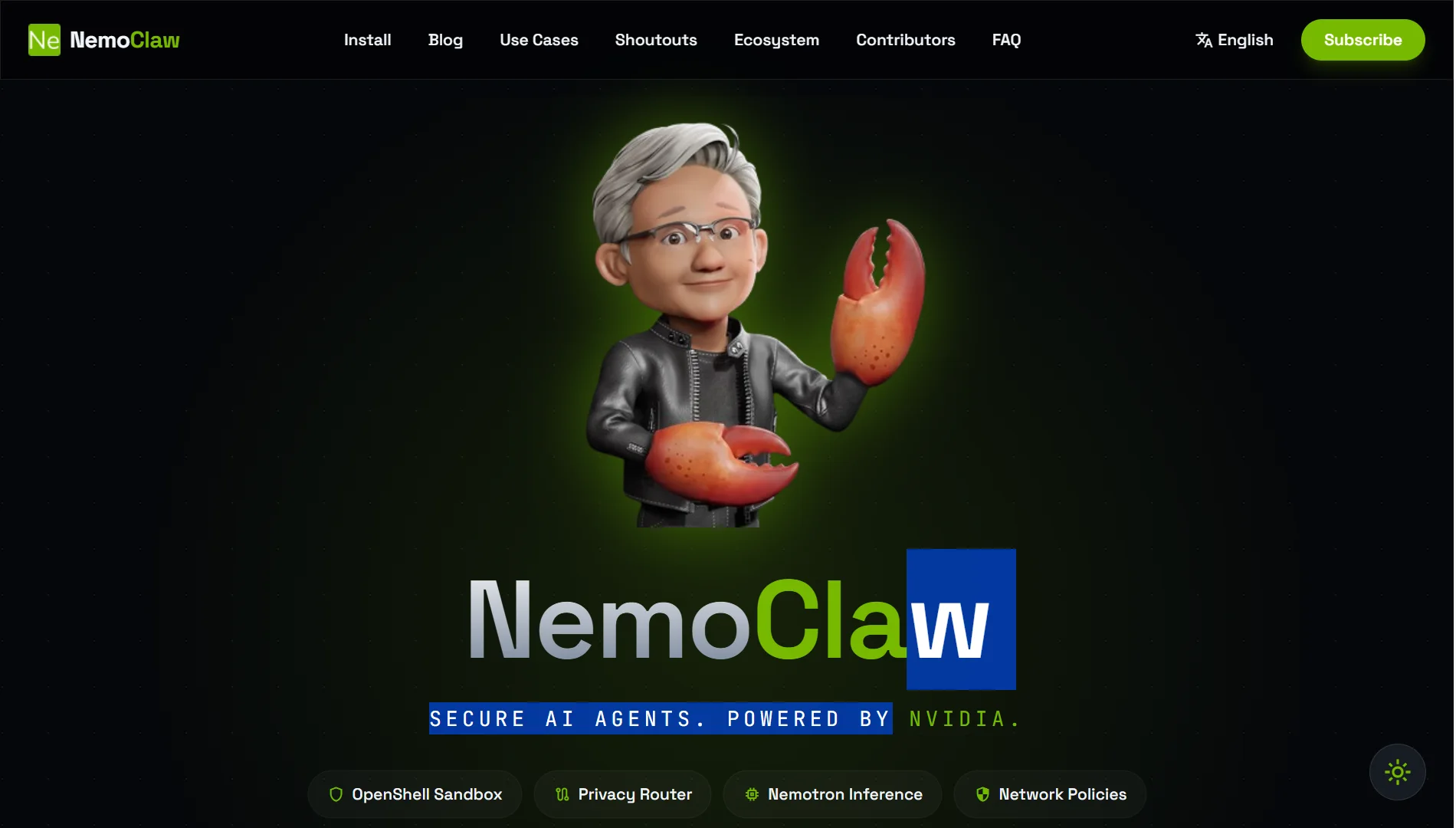
For enterprise use, there is also NVIDIA NemoClaw (announced at GTC in March 2026), which wraps OpenClaw with NVIDIA’s OpenShell runtime for kernel-level sandboxing and privacy-aware model routing.
8) Developer & Technical Workflows
OpenClaw is built for developers who need to integrate AI into their workflows. Key developer features include:
- Codex integration – Connect to GitHub Copilot and similar tools
- Sub-agents – Delegate tasks to specialized child agents
- Workspace terminals – Run shell commands directly from the agent
- Cron jobs – Schedule automated tasks on a repeating basis
The system also supports MCP (Model Context Protocol) OAuth for secure tool authentication.
Developers can use the CLI for scripted management, including commands like openclaw skills list and openclaw skills info for auditing installed skills.
For larger installations, OpenClaw supports team workflows with owners and administrators who can manage credentials, renew expired Codex or OpenAI logins through private Telegram, Web UI, Discord, or Slack commands, all without needing SSH access.
9) Smart Home & IoT (via Community Plugins NOT native)
Smart home and IoT support exists through community plugins, not native OpenClaw functionality. This means you need to install and configure these plugins separately. Supported smart home platforms include:
- IKEA TRADFRI
- SwitchBot
- Bosch
- Tuya
- Xiaomi
These are not part of the core OpenClaw installation. You need to find the appropriate plugin, install it, and configure it to work with your specific devices.
This is an important distinction; while OpenClaw can integrate with smart home devices, it requires additional setup beyond the core installation.
OpenClaw AI Assistant Capabilities FAQs
What are the most popular OpenClaw skills?
The most used skills include web search, knowledge base management, code execution, calendar scheduling, and email handling. These cover the core tasks most people need.
Is OpenClaw good for coding in 2026?
Yes. It includes Codex integration, code interpretation, sub-agents for specialized tasks, and workspace terminals for running commands.
What is the best OpenClaw model?
It depends on your needs and budget. Claude Sonnet is strong in complex reasoning. Claude Haiku is faster and cheaper for simple tasks. GPT-4o and Google Gemini are also popular. You can set a primary model and a cheaper fallback using the two-tier routing feature.
What is a self-improving skill for OpenClaw?
A skill that gets better over time through learning from previous interactions. It typically uses feedback loops where the agent evaluates its own outputs and adjusts its approach.
Which AI models can OpenClaw use?
Over 35 providers, including Anthropic (Claude), OpenAI (GPT), Google (Gemini), Ollama, LM Studio, vLLM, and llama.cpp. Version 2026.7.1 added support for GPT-5.6, Tencent Hy3, and Meta Muse Spark 1.1.
What are the risks of using OpenClaw?
The main risk is giving the agent too much autonomy. In early 2026, some misconfigured agents deleted emails or wiped databases. To stay safe: pin safety rules in skill manifests, use cryptographically signed skills, restrict filesystem and network access, and use kernel-level sandboxing.
What is the best system for OpenClaw?
For testing, 2 GB RAM and 1 vCPU work. For production, use at least 4 GB RAM and 2 vCPUs. Heavy usage with multiple agents and browser automation may need 8 GB RAM or more.
Get Started with OpenClaw AI Assistant Capabilities on Truehost
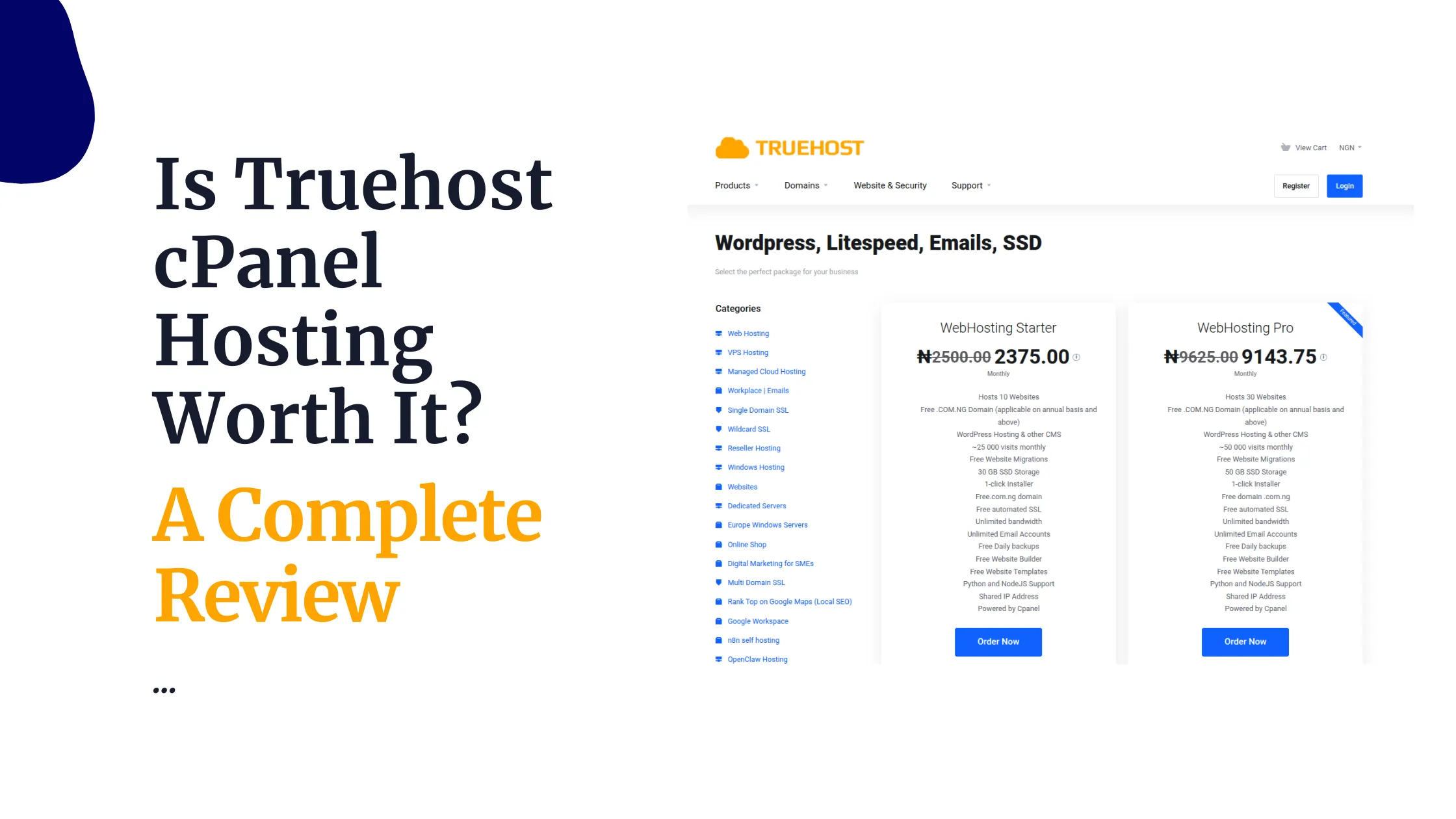
Running OpenClaw on your own infrastructure gives you full control. Truehost makes it easy with pre-configured VPS plans that come with everything already installed.
Why Choose Truehost for OpenClaw
- Preloaded OpenClaw – Ubuntu setups with Playwright, Python runtimes, and the OpenClaw engine ready to go
- One-click deploy – AMD-powered VMs deployed in under 45 seconds
- Dedicated resources – Isolated CPU and memory. No noisy neighbors
- Strong security – Custom firewalls, DDoS protection, and daily SSD backups
- Nigerian support – Friendly local support with clear Naira pricing
Our OpenClaw hosting plans include:
- OpenClaw Starter: NGN 10,500/mo | 1 vCPU | 2 GB RAM | 50 GB NVMe
- OpenClaw Pro: NGN 22,750/mo | 2 vCPUs | 4 GB RAM | 100 GB NVMe
- OpenClaw Business: NGN 56,000/mo | 4 vCPUs | 8 GB RAM | 200 GB NVMe
It’s so easy to get started, you just need to:
- Pick your VPS plan
- Auto-deploy in under 45 seconds
- Connect via SSH and start your automation tasks
Everything is installed for you: Node runtime, OpenClaw core, LLM gateway, and SSL. Your login credentials arrive in your inbox immediately after deployment.