Domain NamesFind and register your ideal domain name instantly.
 Web HostingEasy-to-use hosting powered by cPanel — ideal for managing websites in Nigeria.
 Windows HostingRun .NET apps with Windows-optimized hosting
 Affiliate ProgramMake money promoting our services
 Reseller HostingMake money by reselling our hosting products under your own brand
 .COM Domains
 All DomainsExplore all supported tld domains in Nigeria
 WhoisFind out who owns any domain, as well as verify your registration details
 VPS Hosting in Nigeria
 Dedicated ServersReimagine your site speed with your own complete server
 AI Website BuilderDesign your site with drag-and-drop tools
 Online Store BuilderStart your online shop without code
 Support PortalFind answers or get expert help
 Contact UsReach our team via chat or email
 BlogRead our extensive guides on web hosting and more
Feeling lost online?
Starting a website can feel like standing at the edge of a huge, confusing maze. Domains, servers, bandwidth, uptime, there are so many technical terms thrown at you that it’s easy to freeze or make the wrong choice.
One wrong step, like picking the wrong host, can mean slow pages, downtime, or endless technical headaches that eat up your time and money.
You’re not alone. Almost every beginner faces this. But here’s the good news: it doesn’t have to be overwhelming. With the right guidance, choosing web hosting can be simple, even exciting.
This guide is designed to cut through the technical noise and help you find the best web hosting for beginners, step by step.
Whether your goal is a personal blog, an online store, or a small business website, understanding web hosting is the first key to getting your site live, fast, and stress-free.
By the end, you’ll know exactly what to look for, what to avoid, and how to start confidently, without feeling lost in the technical terms.
What is Web Hosting?
Web hosting is simply renting space on the internet for your website. Imagine it like renting an apartment for your online content. Servers, powerful computers that run 24/7, store your website’s files and deliver them to anyone who types your domain into a browser.
Without hosting, your website stays invisible. No matter how great your content is, no one can see it online.
The best part? Web hosting handles all the technical stuff so you can focus on creating your site. Providers like Truehost take care of updates, security, and server management. All you need to do is upload your content, and your website goes live.
Most beginners start with shared hosting, which is simple, affordable, and perfect for small blogs or personal websites.
Types of Web Hosting
Not all web hosting is the same. The type you choose depends on your website’s size, the traffic you expect, and your long-term goals. For beginners, starting small is usually the best strategy; you can always upgrade as your website grows. Let’s break down the main types:
a) Shared Hosting
- Your website shares a single server with multiple other websites.
- It’s the most affordable option, making it perfect for beginners.
- Comes with user-friendly tools like cPanel, so you don’t need any coding knowledge.
- Ideal for blogs, portfolios, or small business sites.
Why it works for beginners: Shared hosting handles the technical setup for you. You focus on creating content, and the host takes care of server management, security, and updates.
b) VPS Hosting (Virtual Private Server)
- Your website gets a private portion of a server, giving you more control and resources.
- Faster and more powerful than shared hosting.
- Great if your website starts to grow or receive more visitors.
- Allows more customization, such as installing specific software or managing server settings.
Perfect for: Small businesses or blogs that are gaining traction and need extra speed or stability.
c) Dedicated Hosting
- You get an entire server just for your website.
- Offers maximum speed, control, and customization.
- Can handle very large websites or high traffic volumes.
- Usually, it’s more expensive and advanced, so it’s not recommended for beginners.
Think of it like renting a whole building instead of an apartment, overkill if you’re just starting, but powerful if you need it.
d) Cloud Hosting
- Your website runs across multiple servers in a network rather than on a single server.
- Extremely reliable; if one server fails, another takes over.
- Scales automatically to handle traffic spikes without slowing down your site.
- Ideal if you anticipate sudden growth or unpredictable traffic.
Why beginners like it: It’s flexible, reliable, and can grow with your website without complicated upgrades.
e) Managed WordPress Hosting
- Designed specifically for WordPress websites, the world’s most popular website platform.
- The host handles updates, security, and performance tweaks, so you don’t have to.
- Your site runs faster, stays secure, and requires minimal technical work from you.
Best for: Beginners who want a stress-free, reliable WordPress site without worrying about maintenance.
For most beginners, starting with shared hosting or managed WordPress hosting is the easiest path. These options are affordable, simple, and give you everything you need to get online quickly.
As your site grows, you can move to VPS, cloud, or dedicated hosting to support more visitors and features.
Curious about how hosting works with your domain? Check out our guide on Web Hosting vs Domain Registration.
How to Choose Web Hosting as a Beginner
Choosing web hosting for the first time can feel intimidating, but it becomes much easier when you break it down step by step. Your goal is simple: pick a host that’s easy to use today and strong enough to grow with you tomorrow.
i) Start by Understanding Your Needs
Before anything else, take a moment to think about what you’re building.
- Are you creating a blog, an online store, or a small business website?
- How much traffic do you expect in the beginning?
- What’s your monthly budget?
- Are you comfortable with technical setups, or do you prefer everything to be as simple as possible?
Having clarity here saves you from choosing a plan that’s either too complicated or too weak for your needs.
ii) Look for a Beginner-Friendly Experience
As a beginner, ease of use matters a lot.
Choose a host that gives you:
- One-click installs for apps like WordPress
- A clean, simple dashboard (like cPanel or a custom control panel)
- Tools that let you manage your site without touching code
A user-friendly setup reduces your learning curve and helps you launch faster.
iii) Check the Quality of Customer Support
When something breaks, and it will at some point, you need a host that shows up for you.
Look for:
- 24/7 customer support
- Live chat, email, or phone options
- Fast response times
Reading a few customer reviews can give you a clear sense of how reliable the support team is.
iv) Pay Attention to Essential Features
A good hosting plan should come with features that keep your site safe, fast, and easy to manage.
Key things to look for:
- Free SSL certificate (for security and SEO)
- Automatic backups
- Unlimited or high bandwidth
- Free email accounts linked to your domain
- Easy domain management
These features save you money and reduce the tools you need to buy separately.
v) Compare Pricing Carefully
Hosting can look cheap upfront, but many providers increase prices during renewal.
As you compare plans:
- Check the intro price vs. renewal price
- Look for free extras like domains or email
- Avoid plans with hidden fees
Even if you’re on a tight budget, don’t pick the cheapest option blindly; value matters more than price.
vi) Focus on Speed and Reliability
Your website should be available all the time. A good host offers a 99.9% uptime guarantee, so visitors don’t run into errors when trying to reach you.
Slow or unreliable hosting hurts your reputation and makes people leave your site quickly.
vii) Don’t Ignore Security
Security protects your data, your visitors, and your peace of mind. As a beginner, your host should provide:
- Firewalls
- Malware scanning
- DDoS protection
- Secure data centers
You shouldn’t have to manage these manually; your host should handle it for you.
viii) If Email Matters, Choose Wisely
If you need a business email like [email protected], make sure the hosting plan includes it. Some users prefer to keep email hosting separate; for that, our guide on Web Hosting vs Email Hosting breaks down the options in simple terms.
Top Web Hosting Providers for Beginners
Several providers cater to newcomers. We evaluated them based on ease, cost, and features. Here’s our list, starting with the standout choice for Nigerians.
1) Truehost NG
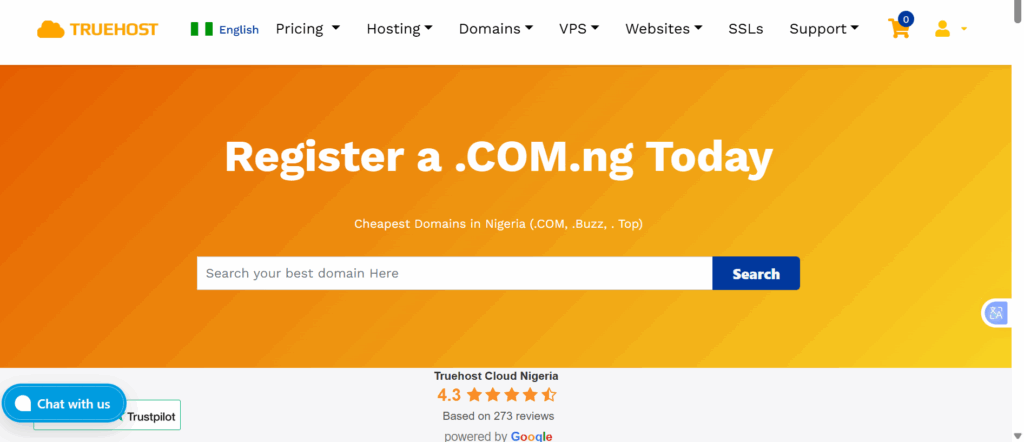
Truehost tops our list for its local focus and beginner tools. You get shared hosting from NGN 1,275 per month on triennial billing. Plans include free .com.ng domains, SSL, and daily backups.
Setup takes minutes with our one-click installer. Unlimited bandwidth handles growing traffic. Our 24/7 support team guides you through any step.
We offer a 30-day money-back guarantee. No risk to try. Perfect for Nigerian beginners wanting fast, affordable hosting.
2) Hostinger
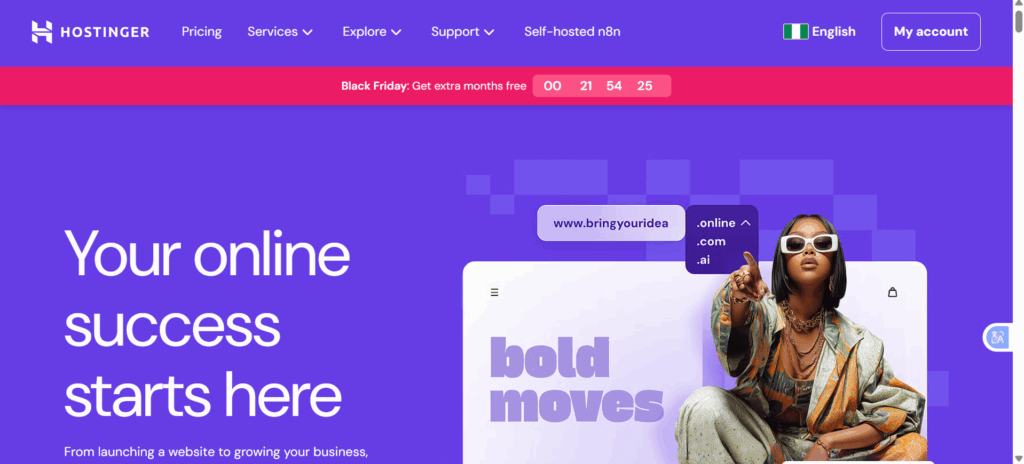
Hostinger provides cheap plans with AI tools for site building. Their interface suits novices. Prices start low, but watch renewals.
They include free SSL and a custom panel. Good for international users. Visit Hostinger for details.
3) Bluehost
Bluehost excels for WordPress beginners. They offer one-click setup and guides. Recommended by WordPress.org.
Plans come with free domains for the first year. Support is solid. Check Bluehost if you need strong integration.
4) SiteGround
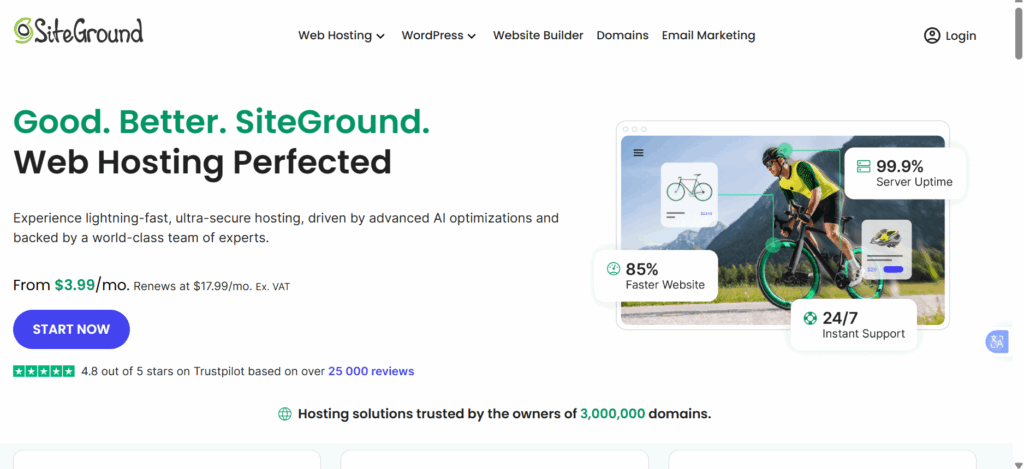
SiteGround focuses on speed and security. Their managed WordPress hosting simplifies updates. Great for performance-minded starters.
They provide free migrations and backups. A bit pricier, but reliable. See SiteGround.
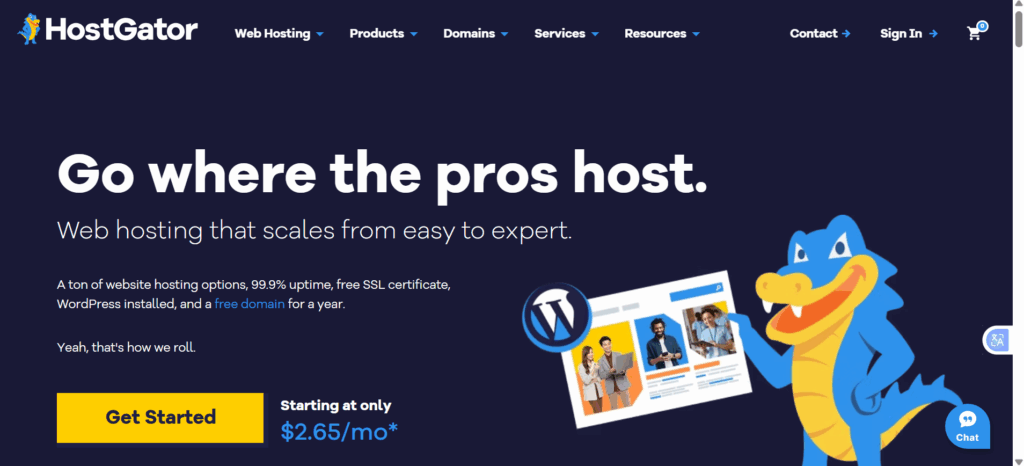
5) HostGator
HostGator offers unlimited storage on basic plans. Their drag-and-drop builder helps create sites fast. Affordable for small projects.
Includes free site transfers. Friendly for US-based users. Explore HostGator.
Why Truehost NG Excels for Beginners in Nigeria
- Built for Nigerian users
We understand local needs. Our servers are optimized for fast loading in Nigeria, so your visitors never deal with slow, overseas delays. - Affordable plans for every beginner
Our pricing fits tight budgets without cutting corners.
- Starter Plan: Host up to 10 websites with 30GB storage.
- Unlimited Plan: Grow freely as your traffic increases.
- Starter Plan: Host up to 10 websites with 30GB storage.
- Free and Easy migrations
Switching from another provider? Our team does all the work for you, no downtime, no stress. - Strong security from day one
You get automated SSL certificates, daily backups, and essential protections to keep your site safe and your data secure. - Launch your site in under 5 minutes
Our beginner-friendly website builder requires zero coding. Just pick a template, customize it, and go live. - Ultra-reliable uptime
With 99.999% uptime, your website stays online around the clock. No sudden outages or missed customers. - Trusted by thousands
From bloggers to small businesses, thousands of Nigerians rely on Truehost NG. Our knowledge base and support team are always ready to help you grow confidently.
Common Mistakes Beginners Make
Starting your first website is exciting, but it’s also easy to make choices that slow you down later. Here are the most common mistakes beginners should avoid:
- Skipping proper research
Many beginners rush in and choose the first hosting plan they see. Always compare features, pricing, and reliability before committing. - Ignoring scalability
Your website will grow, and your hosting should grow with it. Choosing a rigid plan now can limit your future traffic and features. Pick a provider that allows easy upgrades. - Overlooking customer support
When something breaks, you’ll need help fast. Poor or slow support leads to unnecessary stress. Test their response times before signing up. - Forgetting about backups
Websites can crash or get deleted accidentally. Without automatic backups, you risk losing everything. Make sure your host provides them daily. - Underestimating security
Beginners often think small sites don’t get hacked, but they do. Look for strong protections like SSL, firewalls, and malware scanning from day one.
Conclusion
Finding the best web hosting for beginners doesn’t have to be complicated. Focus on ease of use, reliability, and good support.
Truehost makes it simple with beginner-friendly plans that help you get online fast and grow your website without stress.
Get started with Truehost hosting today and launch your website with confidence.