Domain NamesFind and register your ideal domain name instantly.
 Web HostingEasy-to-use hosting powered by cPanel — ideal for managing websites in Nigeria.
 Windows HostingRun .NET apps with Windows-optimized hosting
 Affiliate ProgramMake money promoting our services
 Reseller HostingMake money by reselling our hosting products under your own brand
 .COM Domains
 All DomainsExplore all supported tld domains in Nigeria
 WhoisFind out who owns any domain, as well as verify your registration details
 VPS Hosting
 Dedicated ServersReimagine your site speed with your own complete server
 AI Website BuilderDesign your site with drag-and-drop tools
 Online Store BuilderStart your online shop without code
 Support PortalFind answers or get expert help
 Contact UsReach our team via chat or email
 BlogRead our extensive guides on web hosting and more
Running an OpenClaw AI agent gives you two options. You can self-host on a VPS and handle everything yourself: Docker setups, SSH configurations, server maintenance, and manual updates.
Or you can go with managed hosting, where someone else handles all the infrastructure work. You click deploy, and you’re up and running.
For Nigerians, managed hosting makes a lot of sense. When you host OpenClaw on a managed platform, your agent runs on infrastructure that stays online 24/7.
You don’t have to worry about your laptop going to sleep or your home internet dropping at 2 AM.
We evaluated the best OpenClaw managed hosting providers based on setup time, resources, pricing, and the package inclusions.
The five providers made this list because they offer genuinely different approaches to the problem.
Need local Naira pricing? There’s an option for that. Want a free tier to test things out? That exists too. Prefer an all-inclusive package that doesn’t require your own API keys? We’ve got you covered.
5 Best OpenClaw Managed Hosting Providers
| Provider | Best For |
| Truehost | Naira pricing and local support |
| Hostinger | The hybrid approach: managed or self-managed |
| Ampere.sh | Quick agent deployment with built-in credits |
| Blinkclaw | Run an agent without providing your own API keys |
| xCloud | Managed hosting with server management built-in |
1) Truehost
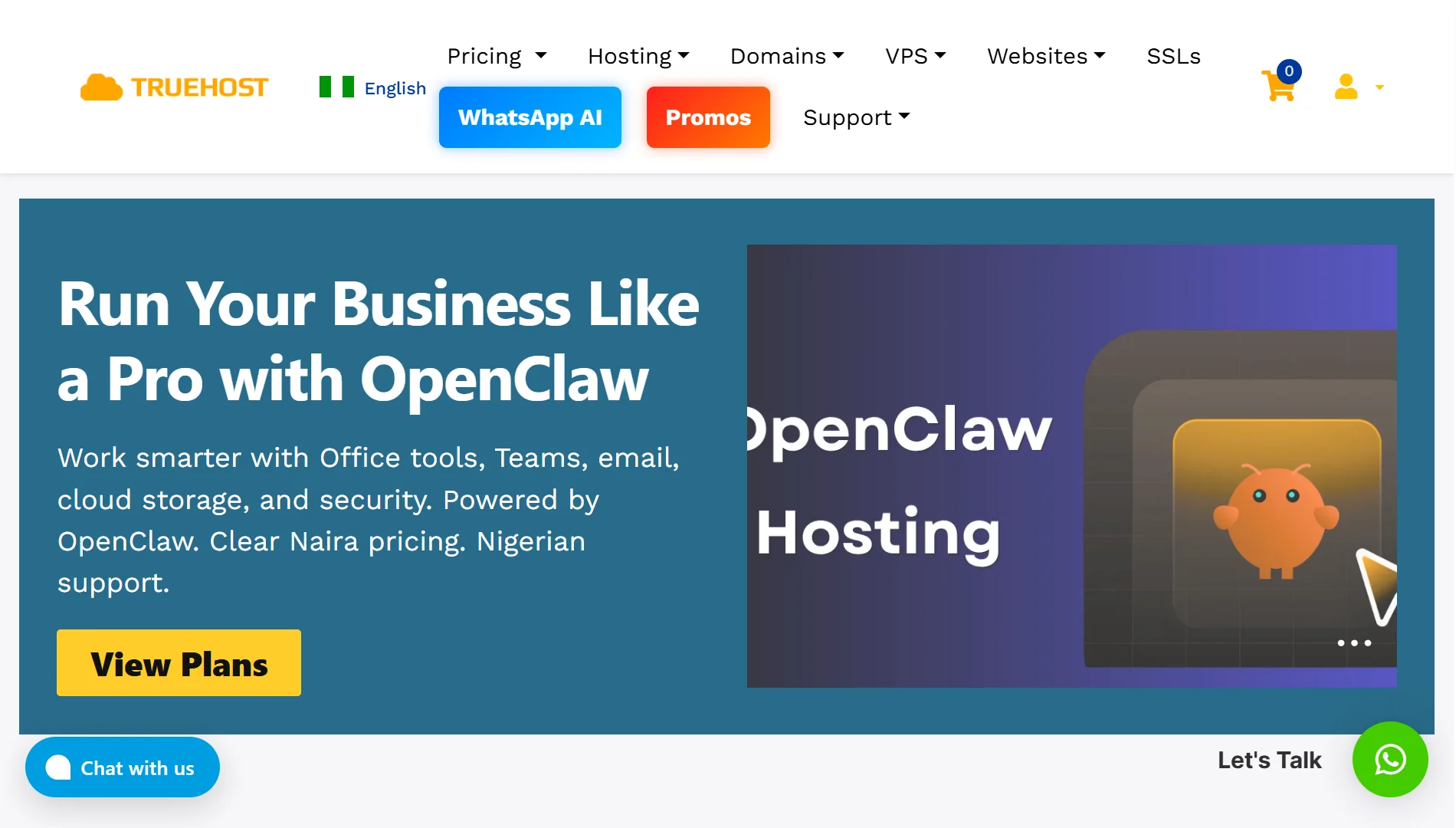
For businesses and individuals in Nigeria, Truehost offers a compelling reason to stay local. We provide dedicated OpenClaw VPS hosting with clear Naira pricing, so you don’t have to fumble with dollar pricing.
Also, with Truehost, there is no dealing with support teams in different time zones; our support team understands the local context.
Truehost’s OpenClaw plans come pre-configured and ready to run. You pick a plan, the system auto-deploys your environment in under 45 seconds, and you connect via SSH to start automating.
The hosting runs on AMD-powered virtual machines with dedicated resources. You’re not sharing CPU time with others.
Each plan includes stable Ubuntu setups with Playwright browser tools, Python runtimes, and the OpenClaw engine pre-installed.
You also get built-in custom firewalls, DDoS protection, and automated daily SSD backups.
OpenClaw Plans:
- Starter: 1 vCPU core, 2 GB RAM, 50 GB NVMe storage, 4 TB bandwidth at ₦10,500/month (triennial billing)
- Pro: 2 vCPU cores, 4 GB RAM, 100 GB NVMe storage, 6 TB bandwidth at ₦22,750/month (triennial billing)
- Business: 4 vCPU cores, 8 GB RAM, 200 GB NVMe storage, 8 TB bandwidth at ₦56,000/month (triennial billing)
To get started, simply pick your VPS plan, wait under 45 seconds for auto-deployment, then connect via SSH and start running your automation tasks.
2) Hostinger
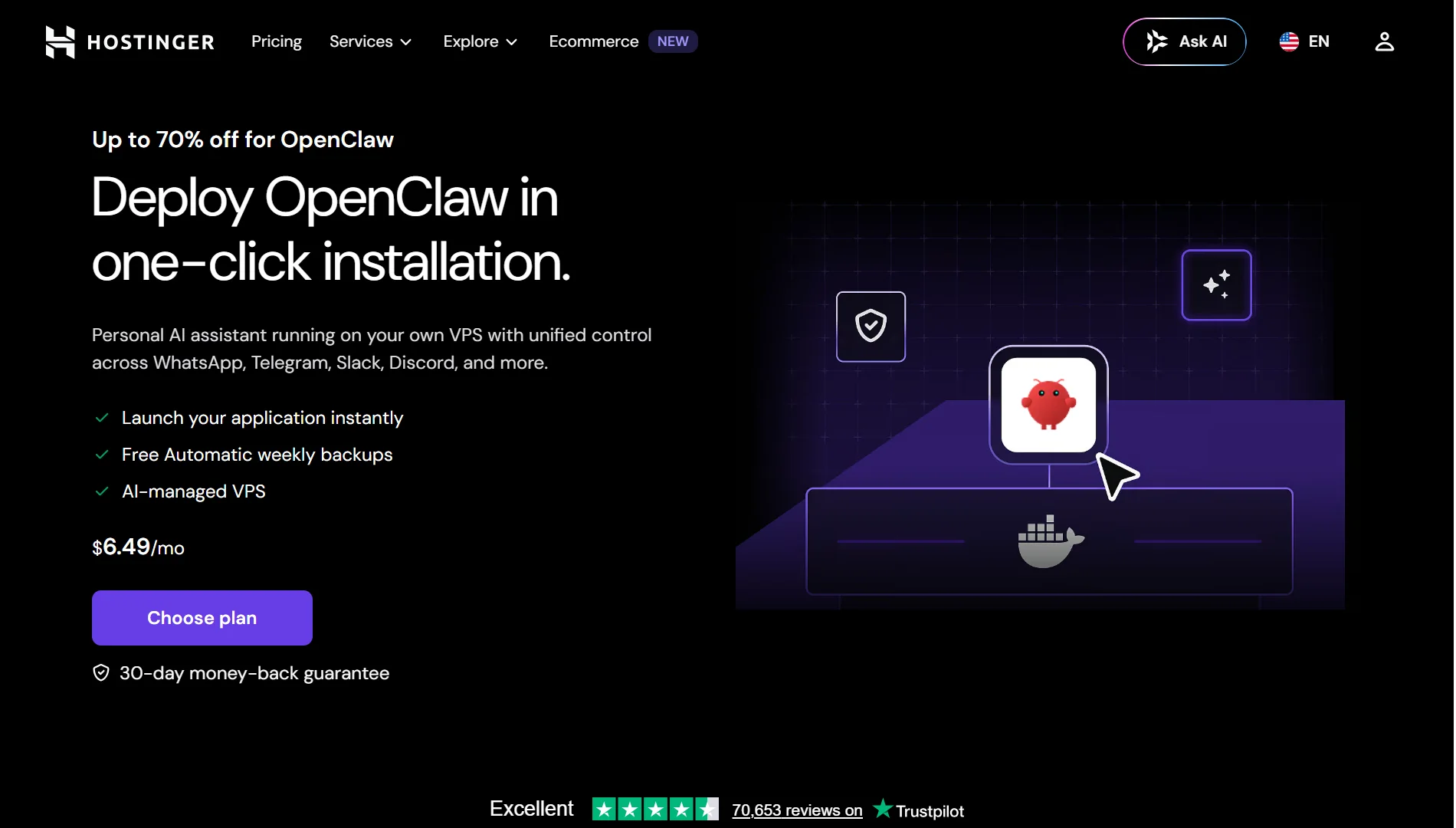
Hostinger offers two distinct paths: managed OpenClaw hosting and OpenClaw on a self-managed VPS. This gives you flexibility.
Start with the managed version to get a feel for the platform. Switch to a VPS later if you need full root access and control.
Managed OpenClaw includes:
- Automatic setup
- Zero maintenance
- Built-in Telegram and WhatsApp pairing
- Pre-configured agentic email
- Access to AI models (no separate API keys needed to start)
VPS plans for OpenClaw:
- KVM 1: 1 vCPU core, 4 GB RAM, 50 GB NVMe storage, 4 TB bandwidth at $6.49/month
- KVM 2: 2 vCPU cores, 8 GB RAM, 100 GB NVMe storage, 8 TB bandwidth at $8.79/month
- KVM 4: 4 vCPU cores, 16 GB RAM, 200 GB NVMe storage, 16 TB bandwidth at $12.99/month
- KVM 8: 8 vCPU cores, 32 GB RAM, 400 GB NVMe storage, 32 TB bandwidth at $25.99/month
Note that prices can change, and it’s important to check their official site for the latest prices. Also, promo pricing applies to 2-year commitments. Renewals are higher.
For browser automation or running multiple agents, the KVM 2 plan with 8 GB RAM is the recommended starting point.
Hostinger’s infrastructure uses AMD EPYC processors with NVMe SSD storage. They have data centers worldwide, so you can pick a location close to your audience.
3) Ampere.sh
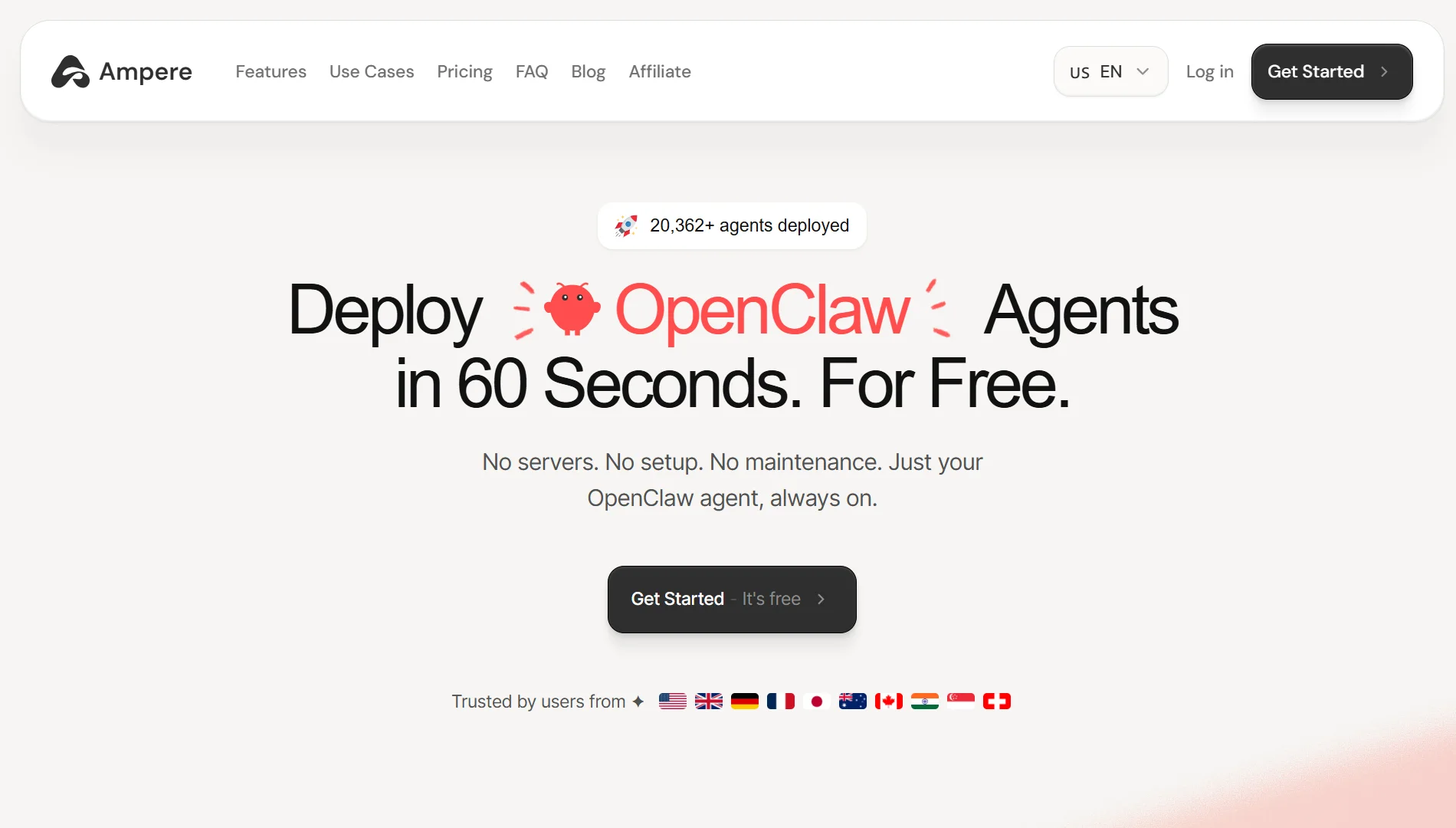
Ampere.sh promises you can deploy OpenClaw agents in 60 seconds. For free. Their entire model is built around removing friction.
Create an account. Set up your agent by picking a persona and connecting to Telegram or WhatsApp, and let it run without server configuration, maintenance, or infrastructure to manage.
Ampere handles the technical details in the background:
- Smart model routing – Automatically picks the best AI model for each task. Better results, lower costs.
- Stealth browser – For web research, lead collection, and form submissions.
- Persistent memory – The agent remembers conversations and context across sessions.
- Unlimited web search – No extra API keys needed.
Pricing structure (credit-based):
- Free: 5,000 credits/month, 2 vCPU cores, 2 GB RAM, 20 GB storage at $0
- Pro: 20,000 credits/month, 4 vCPU cores, 8 GB RAM, 40 GB storage at $39/month
- Ultra: 40,000 credits/month, 8 vCPU cores, 16 GB RAM, 80 GB storage at $79/month
- Business: Custom credits, 16 vCPU cores, 32 GB RAM, 200 GB storage at custom pricing
The free plan includes enough credits to thoroughly test the platform. If you decide to upgrade, you can cancel anytime with no hidden fees. Each $1 equals 1,000 credits, and credits refresh monthly.
4) Blinkclaw
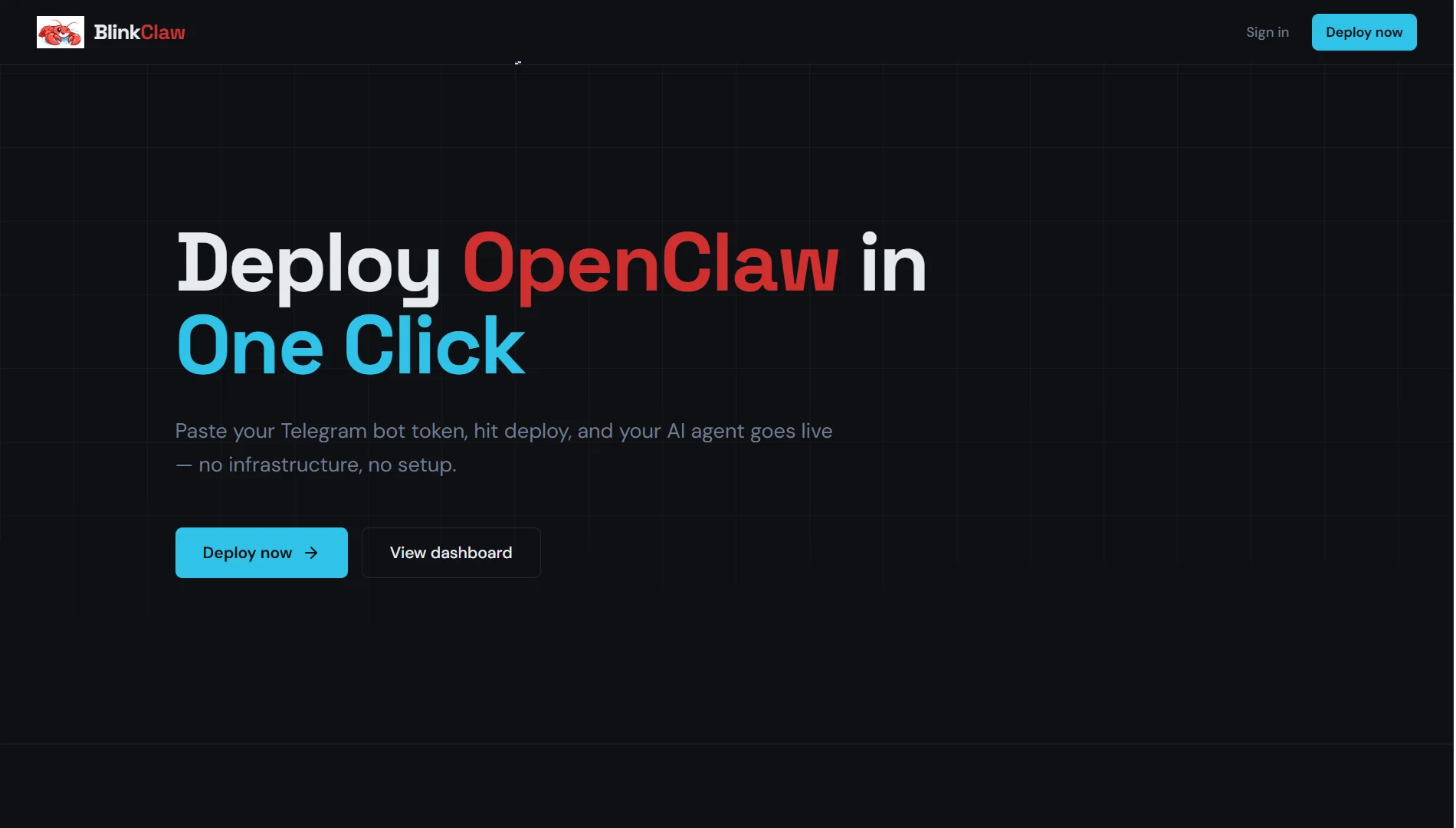
Blinkclaw takes simplicity to the extreme. You can paste your Telegram bot token, hit deploy, and your AI agent goes live.
What sets Blinkclaw apart is access to the AI model. Most platforms require you to provide your own OpenAI or Anthropic API keys.
Blinkclaw includes access to over 200 AI models in the monthly price. You don’t need separate API accounts or key management. Just pick a model and use it.
The platform runs OpenClaw agents on isolated Firecracker VMs with automatic crash recovery. If the agent crashes for any reason, it restarts within seconds without losing memory or state.
All agent data is stored on a persistent volume.
Plans:
- Starter: 2 GB RAM, shared cloud VM at approximately $45/month
- Standard: 4 GB RAM, shared cloud VM at approximately $90/month
- Pro: 4 GB RAM, dedicated cloud VM at approximately $180/month
The automatic crash recovery and persistent memory make Blinkclaw a solid choice for automation tasks that absolutely cannot go offline.
5) xCloud
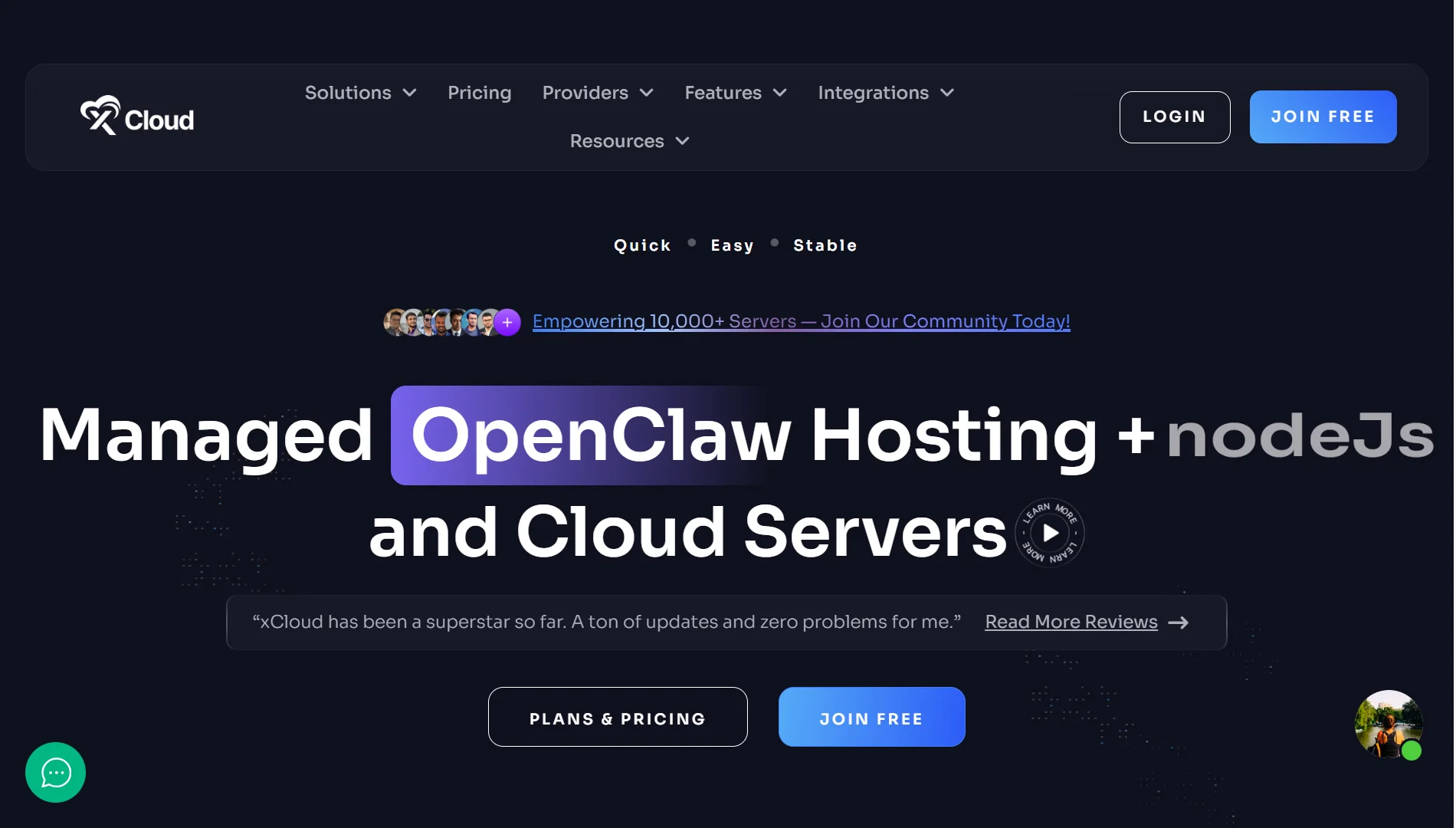
xCloud handles server setup, OpenClaw installation, security patches, and automatic updates. You never have to touch a terminal or SSH into anything.
The managed OpenClaw plan includes preconfigured integrations with Telegram and WhatsApp. The entire setup process takes less than 5 minutes.
The trade-off is the cost. xCloud is a higher-priced option because it layers managed infrastructure on top of server resources.
Current AI provider support:
- Anthropic Claude
- OpenAI
- OpenRouter
- Moonshot AI Kimi
- Gemini
You’ll need to provide your own LLM API keys, which adds $20–$60/month depending on usage.
Pricing:
- Starts at $24/month
- No contracts
- Early adopters can lock in this rate permanently
- 7-day free trial available
xCloud works well if you want a complete package where someone else manages everything from the server up.
The xCloud Managed Server plan with 8 GB RAM, 160 GB SSD, and 4 vCPU costs $45/month.
How to Get the Best OpenClaw Managed Hosting
- Choose a plan that fits your workload: Browser automation needs more RAM than simple messaging bots. Match your plan to what your agent does.
- Look for auto-updates, backups, and SSL: These should be standard features. Security patches, daily backups, and encrypted traffic protect your agent without extra effort.
- Check security and data location: ensure DDoS protection and firewalls are in place. Pick a server location close to your users for better performance.
- Compare AI credit vs bring-your-own-key pricing: Some providers include AI usage in the monthly fee. Others require your own API keys. Run the numbers for your expected usage to see which works out cheaper.
- Ensure fast setup and good support: Deployment should take minutes, not hours. Responsive support matters when things go wrong.
- Watch for hidden extra costs: Check for bandwidth overages, storage add-ons, and renewal price hikes. Know what you’re signing up for.
- Test with a free trial first: Most providers offer free tiers or trials. Use them to verify performance before committing money.
Get Started with OpenClaw Managed Hosting on Truehost
If you’re in Nigeria and want affordable Naira pricing with support that understands your context, Truehost is your best option.
What you get:
- Dedicated AMD-powered resources
- Isolated CPU time with no noisy neighbours
- Automated daily SSD backups
- Playwright browser tools and Python runtimes pre-installed
- DDoS protection and custom firewalls built in
Worried about long processes during deployment? With Truehost, you only need three steps to start:
- Pick a VPS plan that fits your workload
- Wait under 45 seconds for auto-deployment
- Connect via SSH and start your automation tasks
OpenClaw Pro plan at ₦22,750/month gives you 2 vCPU cores and 4 GB RAM; enough for most automation tasks and browser-based workflows.
The Business plan at ₦56,000/month offers 4 vCPU cores and 8 GB RAM for heavier workloads.