Domain NamesFind and register your ideal domain name instantly.
 Web HostingEasy-to-use hosting powered by cPanel — ideal for managing websites in Nigeria.
 Windows HostingRun .NET apps with Windows-optimized hosting
 Affiliate ProgramMake money promoting our services
 Reseller HostingMake money by reselling our hosting products under your own brand
 .COM Domains
 All DomainsExplore all supported tld domains in Nigeria
 WhoisFind out who owns any domain, as well as verify your registration details
 VPS Hosting
 Dedicated ServersReimagine your site speed with your own complete server
 AI Website BuilderDesign your site with drag-and-drop tools
 Online Store BuilderStart your online shop without code
 Support PortalFind answers or get expert help
 Contact UsReach our team via chat or email
 BlogRead our extensive guides on web hosting and more
If you are trying to choose between n8n and Power Automate, you are not alone. The challenge is that both tools are powerful, but they were built for different people and different use cases.
n8n workflows provide a visual canvas for building workflows. You can connect hundreds of apps and services, write custom JavaScript or Python code when needed, and even run the entire system on your own servers.
It is designed for teams that need flexibility and control, especially developers and technical operations staff.
Power Automate is Microsoft’s automation solution. It integrates deeply with SharePoint, Teams, Outlook, and Dynamics 365, making it the natural choice if your organization runs on Microsoft 365.
You can build cloud workflows, automate desktop applications through robotic process automation (RPA), and use Copilot to describe workflows in plain English.
| Feature | n8n | Power Automate |
| Primary Audience | Developers, technical teams | Business users, Microsoft-focused teams |
| Self-Hosting | Yes, full control over infrastructure | No, cloud-only |
| Custom Code | Full JavaScript and Python, npm imports | Limited expressions, Azure Functions as workaround |
| Pricing Model | Free self-hosted; cloud starts ~$20/month | $15/user/month (Premium) to $215/bot/month (Hosted Process) |
| RPA / Desktop Automation | No | Yes (attended and unattended) |
| AI Capabilities | Native LangChain agents, model-agnostic | Copilot, AI Builder for document processing |
N8n vs Power Automate Comparison
1) AI Capabilities
With n8n, you can build AI agents using LangChain nodes, connect to any large language model (OpenAI, Anthropic, Ollama for local models, AWS Bedrock, Mistral, Google Gemini), and create workflows where the AI reasons, uses tools, and takes actions based on its reasoning.
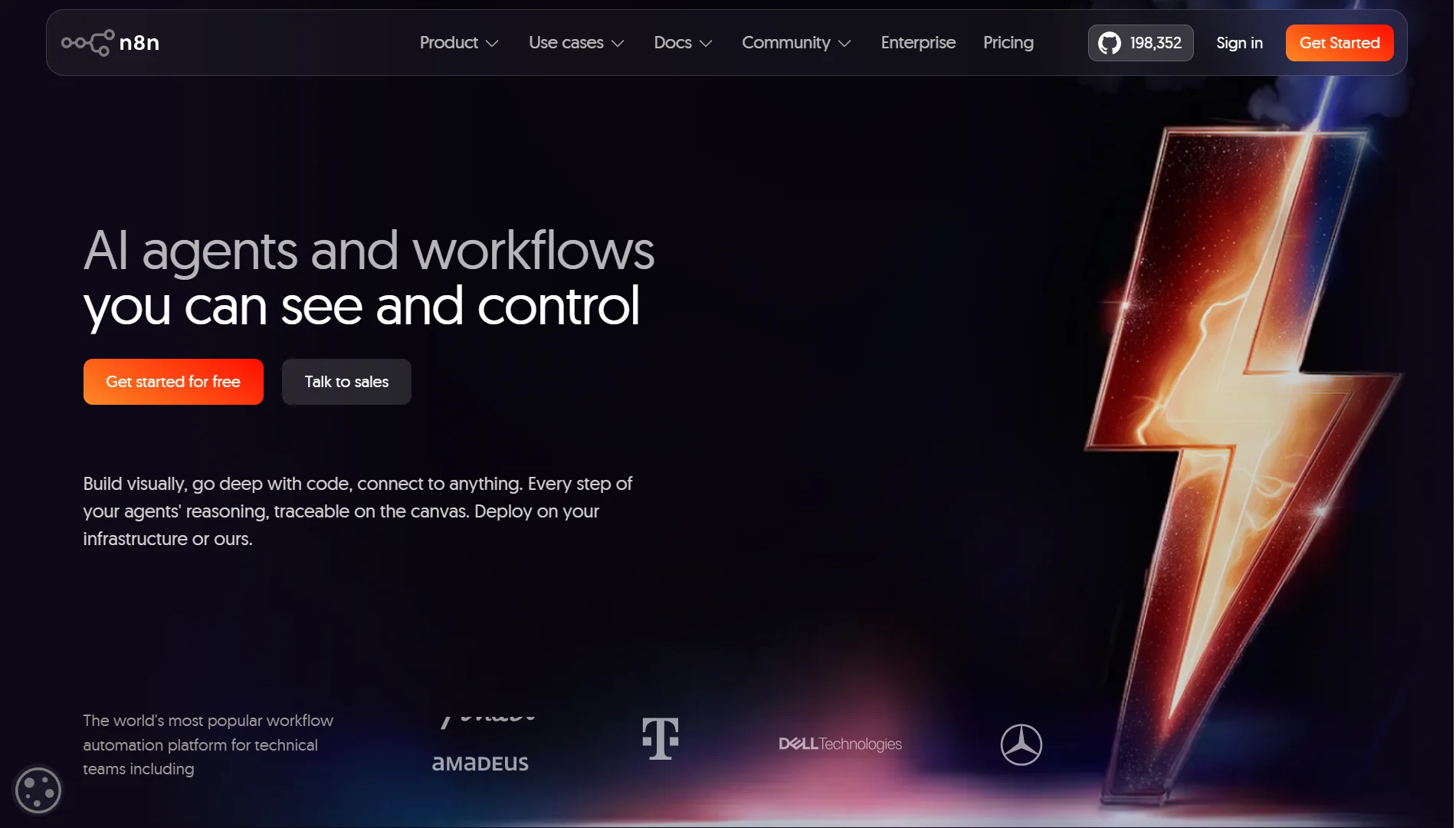
You can even run everything offline with Ollama on a self-hosted instance, especially if you’re dealing with sensitive data.
Power Automate uses Copilot to help you create and edit flows using natural language. It also provides AI Builder with pre-trained models for document processing, sentiment analysis, and object detection.
However, these are AI-enabled workflows rather than AI-native infrastructure.
If your roadmap includes building autonomous agents that handle complex, multi-step decisions without predefined paths, n8n offers greater flexibility.
2) Set Up
Power Automate is ready to go as soon as you have a Microsoft account. If you are already using Microsoft 365, you can start building workflows immediately.
The setup is straightforward because authentication and permissions are handled through your existing Microsoft tenant.
n8n requires more initial work. If you choose the cloud version, you can sign up and start building quickly.
But the work comes from self-hosting, which means setting up a server, installing n8n, and configuring your environment. The tradeoff is that once you handle the setup, you own everything.
3) Scalability
When you self-host n8n, your scalability is limited only by your hardware. You can add more CPU and RAM, use worker mode to distribute the load, and process tens of thousands of executions without hitting an artificial platform limit.
Also, queue mode using Redis handles sudden spikes in webhook activity without slowing down your visual editor.
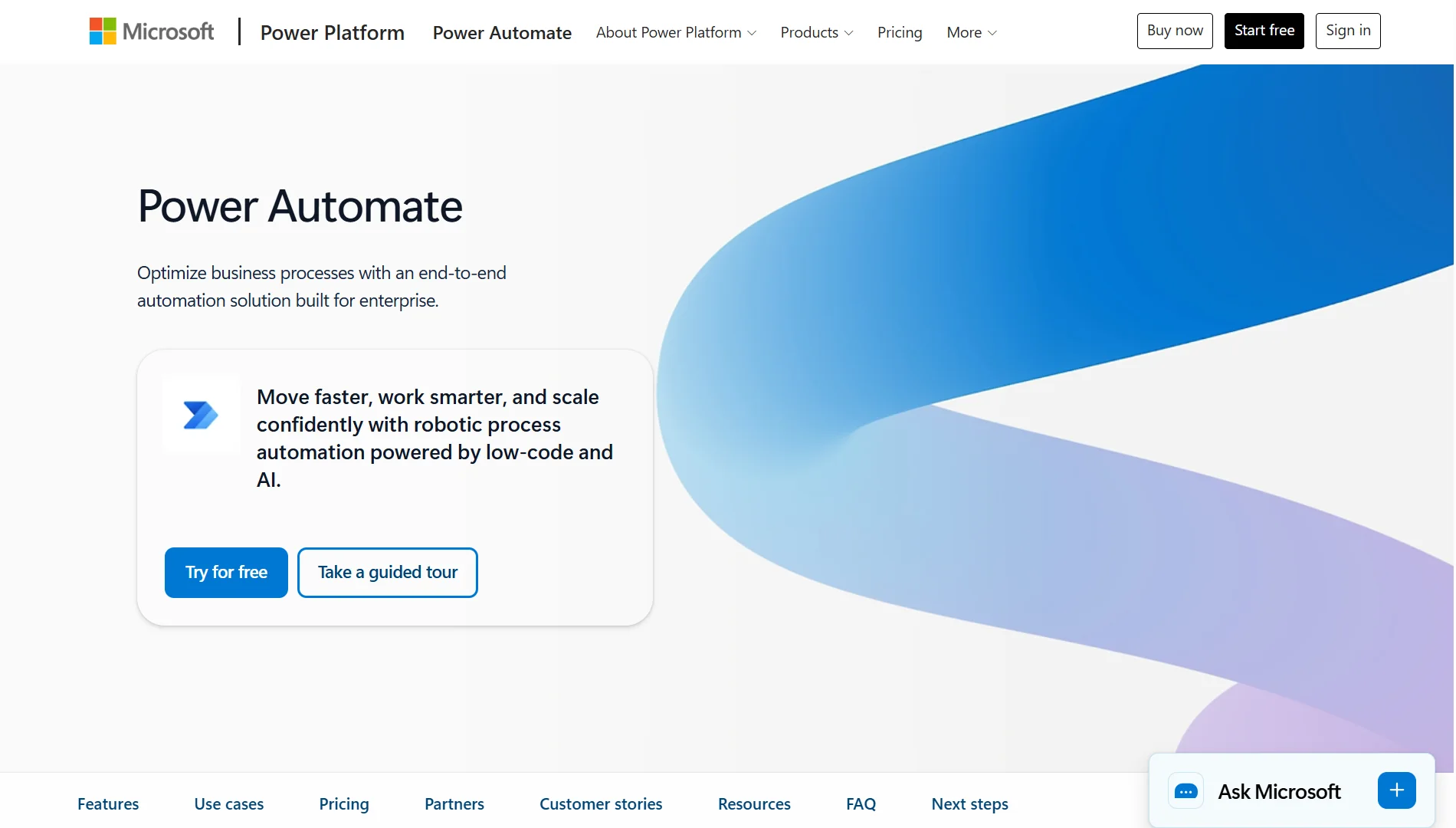
Power Automate operates in Microsoft’s multi-tenant cloud with strict limits on API calls and execution frequency to protect the shared environment.
High-volume loops can take hours to process. For simple workflows, this is fine. For high-volume or business-critical automation, the throttling is a real constraint.
4) Connection Apps
Power Automate has over 1,000 pre-built connectors, with the deepest integration reserved for Microsoft tools like SharePoint, Teams, and Dynamics 365.
Connecting to Salesforce, SAP, or other third-party apps often requires a Premium license, which significantly increases costs.
n8n has around 400 native nodes, but the HTTP Request node lets you connect to any API. You are not limited to what the platform pre-configures.
So for teams working outside the Microsoft ecosystem or with custom internal systems, n8n’s approach is more practical.
5) Learning Curve
Power Automate is more approachable for non-technical users. The interface looks like other Microsoft tools, and concepts like “trigger” and “action” are simplified.
Business analysts and operations staff can start building simple workflows without understanding APIs or JSON structures.
n8n has a higher floor. You need to understand what an API is, what JSON looks like, and basic logic flow.
But once you get past that initial barrier, the visual debugger shows exactly what data entered and exited each node, making troubleshooting far more intuitive for technical users.
This is a tool for people who are comfortable with technology.
6) User Experience
Power Automate’s interface is clean and structured. Workflows are vertical lists of steps, which work well for simple approval processes and straightforward automations.
Templates are plentiful, and you can build something useful within minutes.
n8n uses a horizontal flowchart canvas where you drag and connect nodes. This maps better to complex integration logic, especially when you have branching paths, error handling, and conditional logic.
You can pin test data at any workflow stage, run just the last node to debug, and reuse sub-workflows across multiple automations.
The interface is designed for people who build production systems, not just personal automations.
7) Hosting and Deployment
Power Automate is cloud-only with no self-hosting option. Your data and workflows live in Microsoft’s cloud, and you must accept their terms for data residency and security.
You can connect to on-premises systems through the On-Premises Data Gateway, but the orchestration engine itself is not something you can run behind your own firewall.
n8n offers complete control. You can deploy via Docker on your own private cloud or on-premise servers.
For industries like finance, healthcare, or government, where data cannot leave a specific perimeter, n8n is sometimes the only viable low-code option.
You also get full root access to customize Docker files, run Python scripts, or add your own npm modules.
8) Pricing Model
Power Automate’s pricing includes:
- Free: 30-day trial with basic cloud flows and standard connectors
- Premium: $15.00 per user per month, paid yearly. Includes cloud flows, attended desktop flows, process mining with 50 MB data storage, and Dataverse entitlements
- Process: $150.00 per bot per month, paid yearly. Includes unattended automation and Dataverse entitlements
- Hosted Process: $215.00 per bot per month, paid yearly. Adds a Microsoft-hosted virtual machine on Azure infrastructure
n8n’s model pricing is simply:
- Self-hosted (Community Edition): Free forever. You pay only for your infrastructure
- Cloud Starter: $20 per month for small teams with generous execution limits
- Cloud Pro: $50 per month with more executions, SSO, and team features
- Enterprise: Custom pricing with SOC2, audit logs, and dedicated support
For high-volume workflows, n8n is usually more cost-effective because you pay for the infrastructure, not the number of users or executions.
Consider this Before Choosing n8n vs Power Automate
- Your team’s technical skill level. Power Automate works well for business users with a limited technical background. n8n is better suited for teams with developers who can handle custom code and infrastructure management.
- Do you need self-hosting for data privacy or compliance? If your data must stay on your own servers, n8n is the clear choice. Power Automate does not offer this option.
- Your software ecosystem. If your company runs on Microsoft 365 and Dynamics 365, Power Automate’s native integration is hard to beat. For everyone else, n8n’s flexibility is more valuable.
- Budget and pricing model. Consider whether you prefer per-user licensing or paying for infrastructure. Power Automate’s costs grow with your team size. n8n’s costs grow with your hardware needs.
- Need for RPA or legacy desktop automation. Power Automate includes desktop flows that can interact with legacy Windows applications. n8n does not offer RPA capabilities.
- Volume of workflows. If you plan to run thousands of executions daily, n8n’s infrastructure-based pricing is more predictable than Power Automate’s per-user or per-flow model.
- How much coding flexibility do you require? n8n lets you write JavaScript or Python directly in workflows, import npm packages, and build custom nodes. Power Automate requires Azure Functions or Logic Apps for custom logic, adding complexity and cost.
- Vendor lock-in and long-term portability concerns. n8n’s workflows are just JSON files you can export, version control, and migrate anywhere. Power Automate ties you to Microsoft’s ecosystem
n8n Workflows vs Power FAQs
Is n8n more powerful than Power Automate?
n8n offers more flexibility, custom code options, and self-hosting. Power Automate offers deeper Microsoft integration and RPA capabilities. For technical teams building complex, multi-system automations, n8n is more powerful. For Microsoft-focused organizations with business users, Power Automate is the stronger choice.
What’s the difference between workflows and Power Automate?
This question seems to compare n8n workflows (the platform) with Power Automate. The main differences are that n8n is open-source, self-hostable, and developer-focused, while Power Automate is a Microsoft cloud service designed for business users in Microsoft environments.
Which is the best automation tool?
There is no single best tool. The right choice depends on your team’s skills, your software ecosystem, your compliance requirements, and your budget. Organizations sometimes use both: Power Automate for internal Microsoft workflows and n8n for AI agents and multi-vendor integrations.
Which is better, n8n, Make, or Zapier?
Make and Zapier are cloud-only platforms with simple pricing but limited custom code options. n8n stands out because you can self-host, write custom code, and avoid per-execution fees. If you need full control and technical flexibility, n8n is usually a better choice. If you want the simplest possible setup for basic automations, Make or Zapier may be sufficient.
Can n8n automate SAP?
Yes. n8n can connect to SAP through the HTTP Request node or custom nodes that access SAP’s APIs. The flexibility to hit any REST API means you can integrate with virtually any enterprise system that exposes an API.
Easiest Way to Self-host n8n in Nigeria
If you are ready to take control of your automation and self-host n8n, we at Truehost make it easy.
We offer dedicated KVM VPS plans built specifically for n8n, growing from simple automations to millions of tasks.
Our system automatically configures containers, installs PostgreSQL databases, sets up reverse proxies, and generates free SSL certificates. You get running in minutes without touching the command line unless you want to.
You can build unlimited workflows and run as many tasks as your VPS can handle.
You also save thousands of Naira every year by switching from expensive pay-per-execution cloud plans to a simple, predictable monthly price in Naira. Scale your VPS up or down anytime from your control panel.
With full SSH root access, you can customize Docker files, run Python scripts, and install community integrations directly into your workspace. Queue mode comes pre-configured for production-ready setups that handle sudden traffic spikes.
It’s easy to get running:
- Choose your server size; Pick the amount of dedicated RAM that fits your needs.
- We handle the setup. Our system automatically installs PostgreSQL for data storage, configures SSL certificates, and spins up your core n8n worker nodes.
- Start automating. Log in to your visual workflow editor using your custom domain, paste your API keys, and run your automations.
You can start with our n8n Starter plan for only NGN 10,500/month and scale up later when you’re ready.