Domain NamesFind and register your ideal domain name instantly.
 Web HostingEasy-to-use hosting powered by cPanel — ideal for managing websites in Nigeria.
 Windows HostingRun .NET apps with Windows-optimized hosting
 Affiliate ProgramMake money promoting our services
 Reseller HostingMake money by reselling our hosting products under your own brand
 .COM Domains
 All DomainsExplore all supported tld domains in Nigeria
 WhoisFind out who owns any domain, as well as verify your registration details
 VPS Hosting
 Dedicated ServersReimagine your site speed with your own complete server
 AI Website BuilderDesign your site with drag-and-drop tools
 Online Store BuilderStart your online shop without code
 Support PortalFind answers or get expert help
 Contact UsReach our team via chat or email
 BlogRead our extensive guides on web hosting and more
You finally land on a name that feels right. It sounds clean. It fits your brand. You can already see it on business cards, Instagram bios, and WhatsApp profiles.
Then the doubt hits.
Is this .ng domain name actually available, or am I about to get my hopes crushed?
Good question, and you are not alone.
Checking domain availability is one of the first real steps anyone takes when setting up a website. Do it wrong, and you waste time. Do it right, and you move forward with confidence.
This guide walks you through exactly how to check if a .ng domain name is available, what the results really mean, and what to do next.
Why Checking a .NG Domain Name Properly Is Important
A domain name is your identity online. Once a .ng domain name is taken, it is usually gone for good unless the owner lets it expire or decides to sell it.
That is why guessing or relying on assumptions doesn’t help. Two people can want the same name, and only one gets it.
Checking availability the right way helps you:
- Avoid choosing names that are already registered
- Act fast when a name is available
- Explore alternative .ng extensions without starting over
- Prevent future legal or branding headaches
The earlier you check, the better your chances.
Step 1: Use the Truehost Domain Name Checker
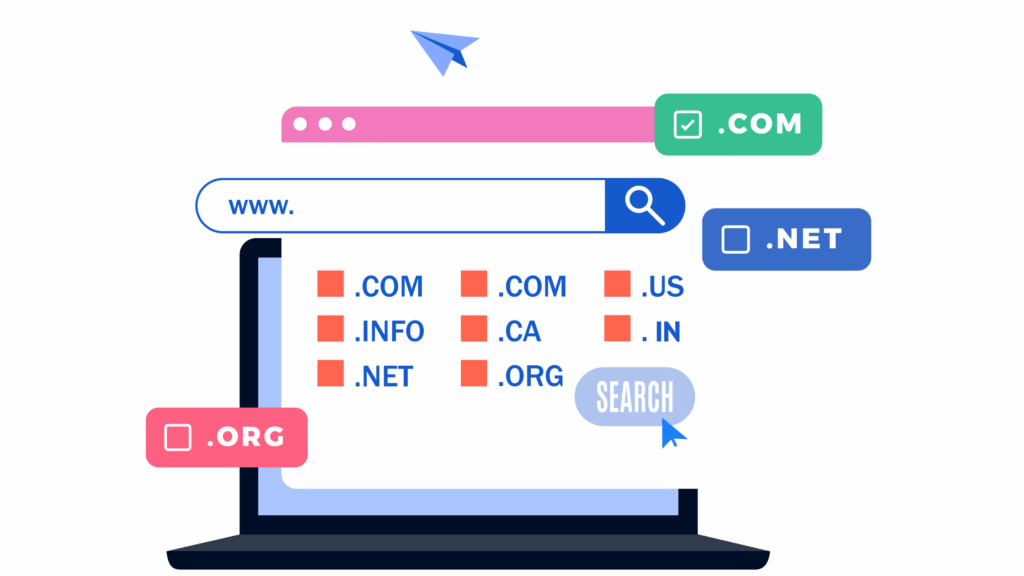
The fastest and most reliable way to check a .ng domain name is with a domain name checker tool.
Now, if you are looking to register your .ng domain with Truehost, we have our own domain name checker tool.
We provide a built-in domain search tool that connects directly to the domain registry. This means the results you see are current, not cached or outdated.
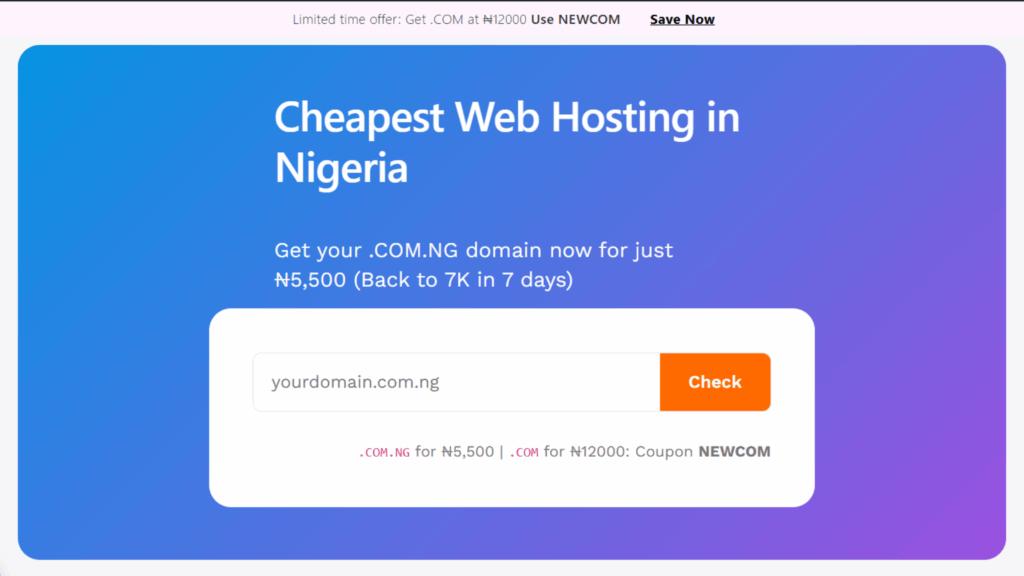
Here is how to use it:
- Visit the Truehost domain search page
- Type in the name you want, for example yourbrand.ng
- Click the search button
Within seconds, you will see one of two outcomes:
Available, meaning you can register it right away
Unavailable, meaning someone else already owns it
When a name is taken, Truehost usually shows alternative options like:
yourbrand.com.ngyourbrand.net.ngyourbrand.org.ng
This alone saves you a ton of time because you don’t have to manually test different versions of the same name.
Note: When the tool says a .ng domain name is available, it means:
- It is not currently registered
- No individual or business owns it
- You can legally register it under NiRA rules
Availability does not reserve the name for you.
That is an important detail.
Someone else can register that same name minutes later if you delay.
That is why domain searches should be followed by action, not endless comparison.
If you are serious about the name, add it to cart and complete registration as soon as possible.
Step 2: Use WHOIS to Get More Context
Sometimes the domain checker says a name is unavailable, but you want more details.
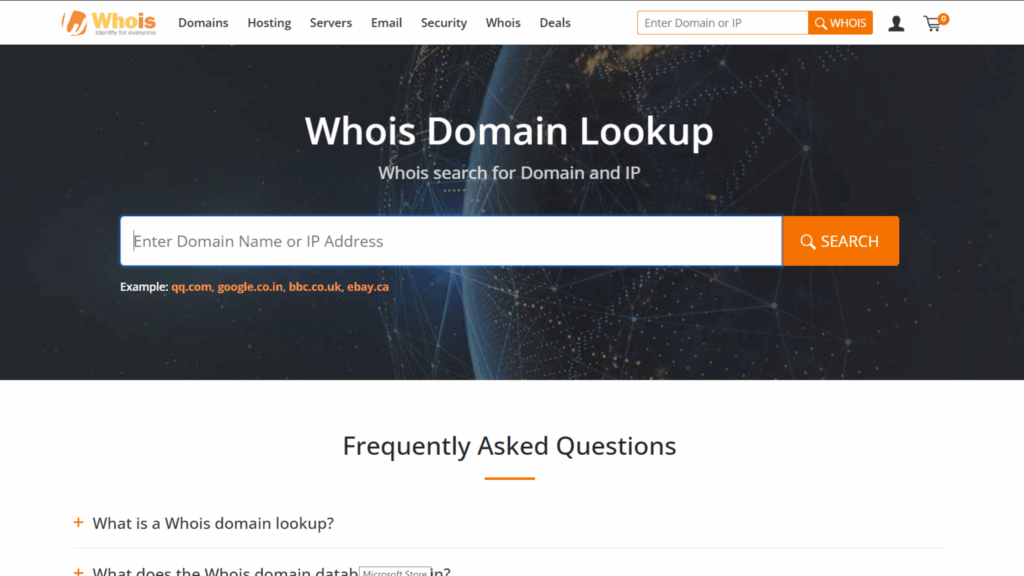
This is where a WHOIS lookup comes in.
The WHOIS lookup tool lets you check:
- Who registered the domain
- When it was created
- When it expires
- Which registrar manages it
- Whether it is locked or active
This is especially useful if:
- The domain is taken but unused
- The site doesn’t load
- You are hoping it might expire soon
If the expiration date is close, you can monitor it and attempt registration once it becomes available again.
WHOIS doesn’t help you take the domain immediately, but it gives clarity instead of guessing.
What To Do When Your Domain Is Not Available
A common mistake is giving up completely when yourname.ng is unavailable.
Nigeria’s domain space offers several extensions that still give you local credibility:
- .com.ng for businesses and startups
- .org.ng for NGOs and communities
- .net.ng for tech projects and networks
- .name.ng for personal brands
Many of these are easier to find available and are often more affordable.
Using the domain checker allows you to test all of these variations quickly, without starting your search from scratch each time.
The brand stays intact. Only the extension changes.
What to Do When Your .NG Domain Name Is Available
Once you confirm availability, move quickly.
At Truehost, you can:
- Register the domain immediately
- Add hosting or a website builder
- Secure the name in your own ownership
If you are using the Website Builder plan, we include a free .ng domain for the first year, which removes the extra cost and simplifies setup.
That option works especially well for beginners who want everything in one place without dealing with technical configuration.
In Conclusion
Checking if a .ng domain name is available is not complicated, but doing it the right way makes a huge difference.
Use a trusted domain checker. Confirm results with WHOIS when needed.
Explore alternative extensions instead of giving up. And when you find a name that works, secure it before someone else does.
With tools from Truehost, the entire process, from checking to registration, happens smoothly and quickly.
Ready to see if your .ng domain name is available? Search it on Truehost today and take the first real step toward putting your idea online.