DomainsFind and register your ideal domain name instantly.
 Web HostingEasy-to-use hosting powered by cPanel — ideal for managing websites in Nigeria.
 Windows HostingRun .NET apps with Windows-optimized hosting
 Affiliate ProgramMake money promoting our services
 Reseller HostingMake money by reselling our hosting products under your own brand
 .COM Domains
 All DomainsExplore all supported tld domains in Nigeria
 WhoisFind out who owns any domain, as well as verify your registration details
 Dedicated ServersReimagine your site speed with your own complete server
 AI Website BuilderDesign your site with drag-and-drop tools
 Online Shop BuilderStart your online shop without code
 Support PortalFind answers or get expert help
 Contact UsReach our team via chat or email
 BlogRead our extensive guides on web hosting and more
To register a .net domain with us, search the complete address, select the exact .net result, set the registration term and nameservers, review the order, then add your contact and payment details.
I tested that route on our current domains page. The test reached Review & Checkout, where the order summary, registrant fields, Paystack card option and PayPal option were visible.
I stopped before entering personal details, accepting the terms or placing an order.
A one-year .net registration currently costs 14591.00 NGN. Renewal costs ₦22,364.00. Check both lines when you review the order because the first-year and renewal amounts can differ.
This guide covers .net, the global generic top-level domain. It does not cover .net.ng tld, which belongs to the Nigerian .ng namespace and has a separate price and registration route.
Before you open checkout
You do not need organisation documents to apply for a standard .net domain.
ICANN guidance describes .net as a generic domain used by many types of organisations and individuals, while the IANA record identifies Verisign as its sponsoring organisation.
This is the registry that oversses the .net tld, just like Nira manages ng Nigerian domains
Prepare four things before you start:
the complete
.netaddress you want and two alternatives;an email address and phone number you control;
the nameservers supplied by your hosting or DNS provider, if you will not use ours; (optional) and
a card supported by Paystack or a PayPal account.
If the name still needs work, use our name guide before opening checkout. Changing a weak name now is easier than moving a website and email later.
1) Type the complete .net address
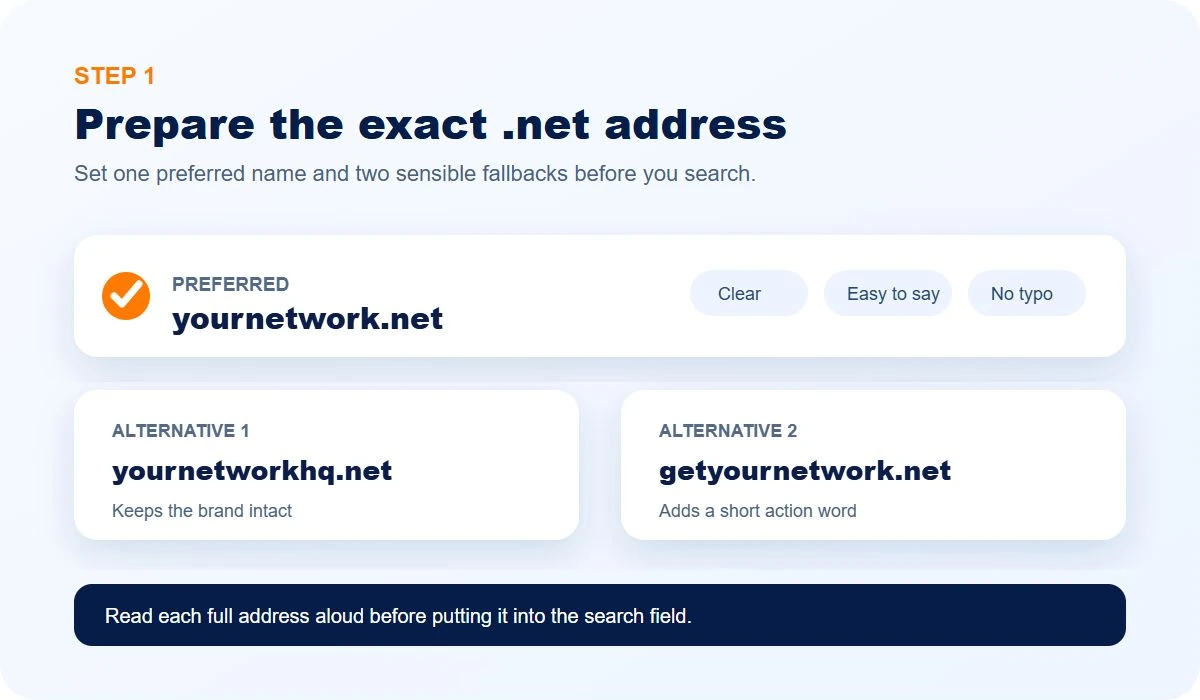
Start with the full address, not just the word before the dot. yournetwork.net is the product you will search and buy.
A useful fallback should preserve the brand rather than introduce a different idea. For example, the preferred name yournetwork.net can lead to yournetworkhq.net or getyournetwork.net. Both keep the phrase listeners need to remember.
Read each option aloud. This catches combinations that look acceptable on screen but become ambiguous when you say them over a call, podcast or radio advert. Also check the spelling against the business name and any existing trademark before you pay.
2) Search on our .net page
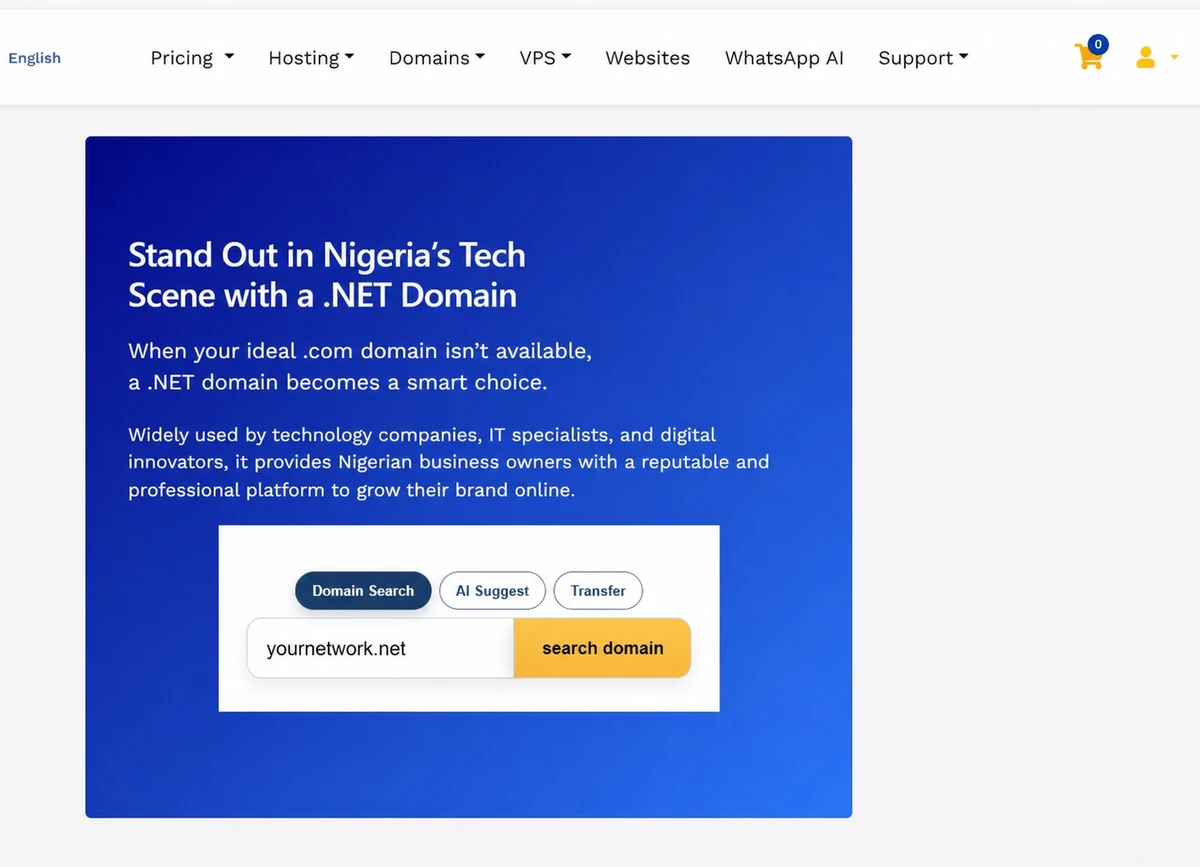
Open our verified .net page and enter the complete address in the Domain Search field. Select search domain and wait for the result cards to load.
The extension matters here. Entering only yournetwork lets the page present several endings, while yournetwork.net keeps the search centred on the product you intend to register.
3) Select the exact .net result
The result area may show the single .net domain, a multi-domain bundle and cards for other extensions.
Find the card that spells the complete address exactly and select its own Buy Now button.
A bundle can be useful when you deliberately want several extensions to protect or redirect the same brand. It should not replace the single .net card when the immediate job is to register one domain.
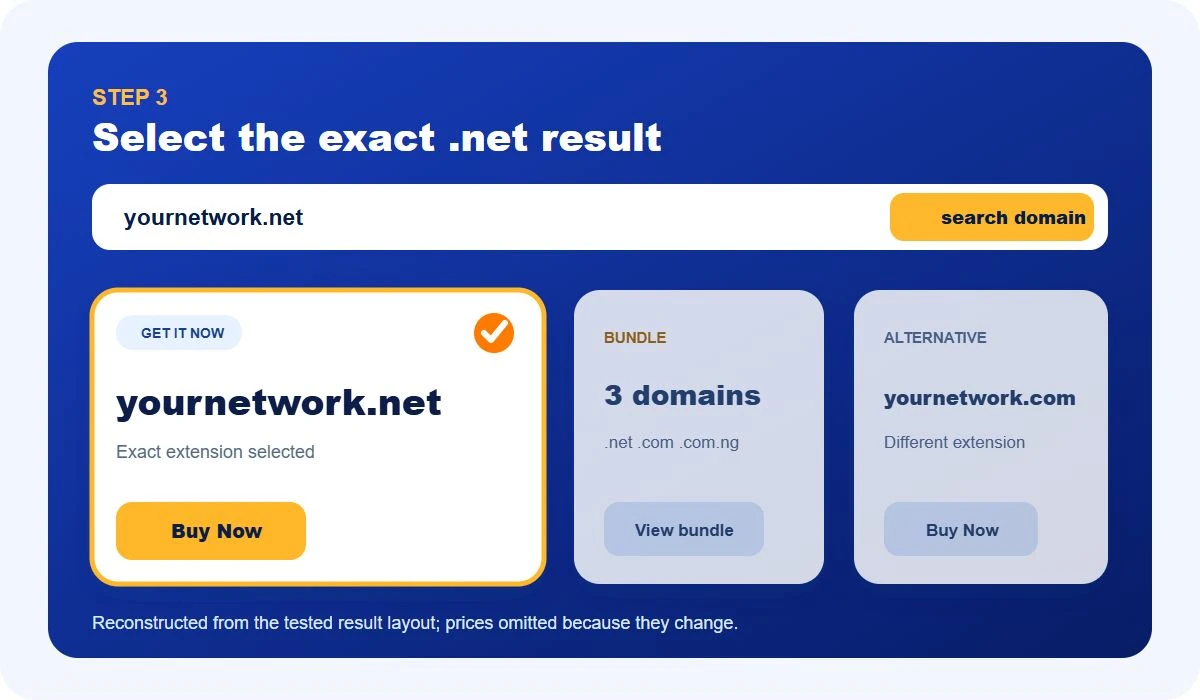
The tested page moved the exact result into Domain Configuration.
If the name has become unavailable, return to the two alternatives prepared in step 1 instead of changing the brand at random inside checkout.
4) Set the term and optional services
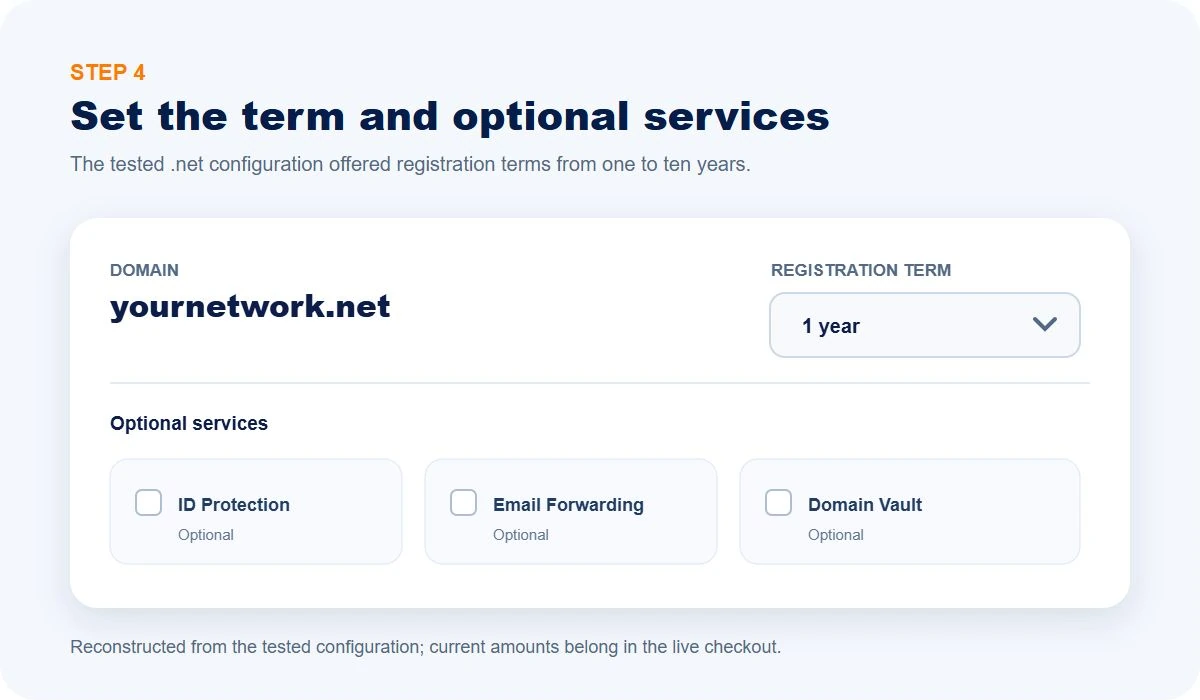
Our .net configuration offers registration terms from one to ten years. Choose the period that fits how long you expect to keep the name and the amount you want to pay today.
A longer term reduces the risk of reaching the expiry date after only one year, but it also increases the current order total. For most tlds, longer registrations save you money.
The same screen offered ID Protection, Email Forwarding and Domain Vault as addons.
Email forwarding (free) redirects messages to your existing email such as gmail;
Treat Domain Vault as a separate security purchase for a name whose loss would carry a high cost, and
Select ID Protection only when its current coverage matches your privacy needs.
5) Keep or replace the nameservers
The configuration screen currently supplies these defaults:
ns1.cloudoon.comns2.cloudoon.netns3.cloudoon.org
Keep them when you plan to host and manage DNS with us.
If another hosting or DNS provider gave you nameservers, replace the defaults with those exact values.
Do not substitute a website URL or IP address; a nameserver field expects a hostname such as ns1.provider.example.
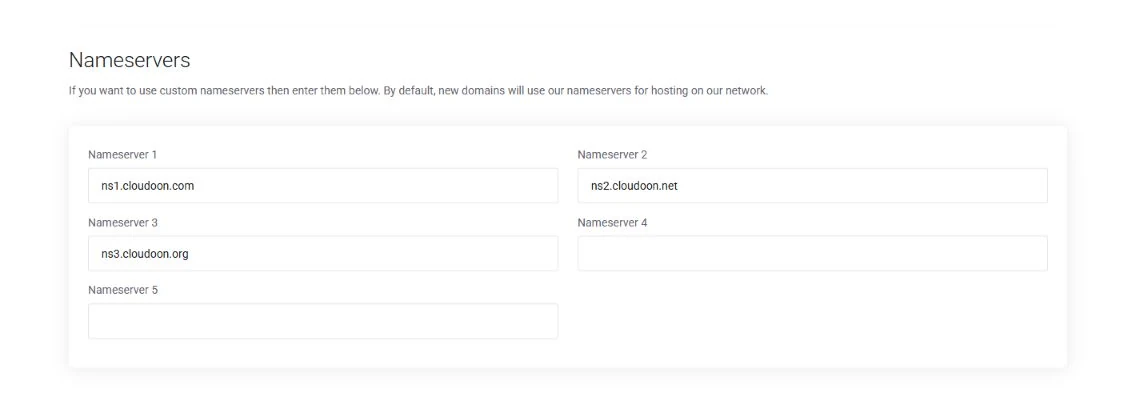
You can change nameservers after registration, so an undecided hosting plan does not have to delay the domain purchase.
When the website is ready, our DNS guide shows how to connect the domain through nameservers or DNS records.
6) Review the domain order
Select Continue to open Review & Checkout. Check the domain spelling character by character, then confirm the term and every optional service.
The order should show the registration amount for today and the renewal amount separately.
The live order summary remains the final commercial check because changing the term or adding a service changes what is due today.
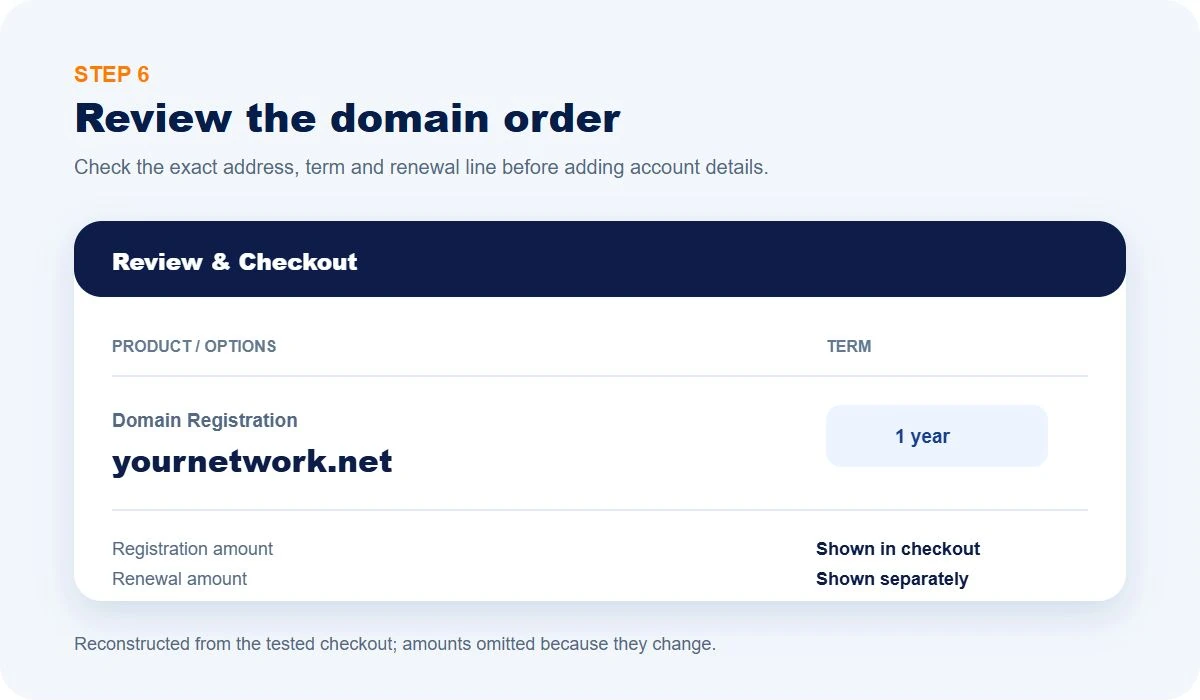
Not that, if the name is wrong you need to do a fresh search.
7) Add the account and registrant details
Existing customers can sign in. New customers need to create an account with personal information, a billing address and a password.
The checkout also lets you use the account contact as the domain registrant or select another contact when you are registering for a company or client.
The registrant contact identifies the holder of the domain registration. Use accurate details and an email inbox you monitor.
ICANN’s contact rules allow registrars to verify registration data, and an unresolved verification request can affect the domain.
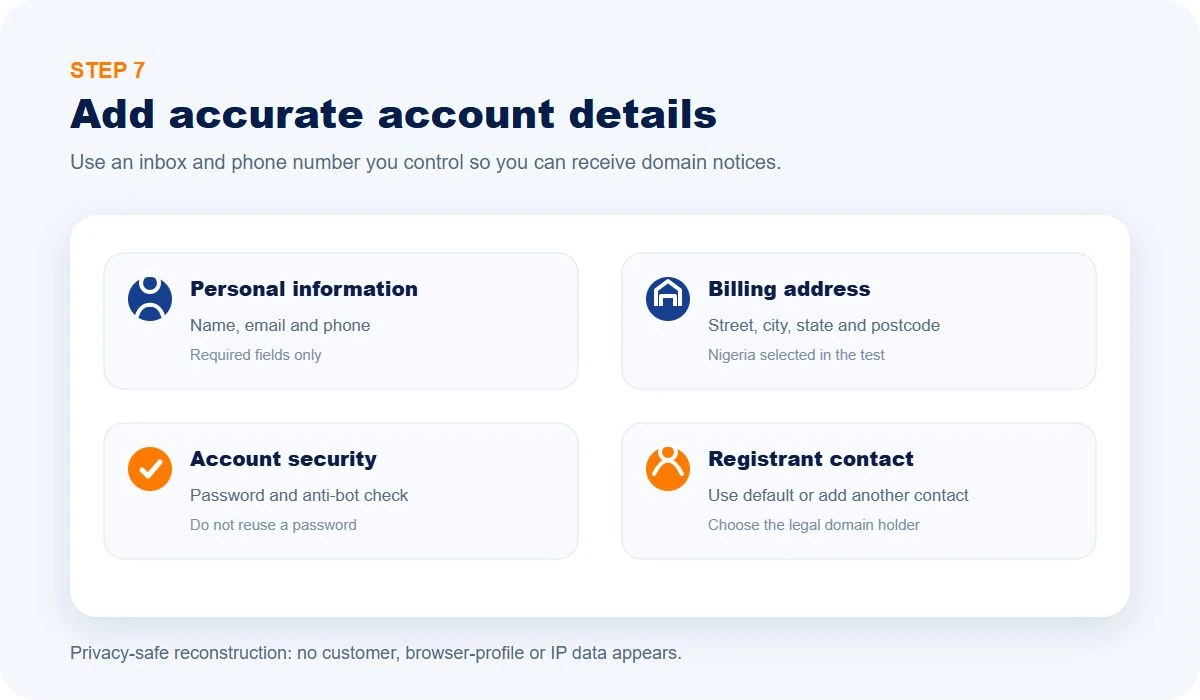
If you register on behalf of another person or organisation, choose the registrant details deliberately.
The billing contact and domain holder do not have to be the same, but the selected holder should understand that renewal, verification and transfer messages may require their attention.
8) Choose payment and complete checkout
The tested checkout showed two payment routes: Visa or Mastercard through Paystack, and PayPal.
Select the one you can complete, review the total once more, then read and accept the terms before selecting Checkout.
I did not submit that final action or make a payment. A completed order should give you more than a payment-page redirect. Look for an order confirmation, receipt or invoice, and the new domain inside your client account.
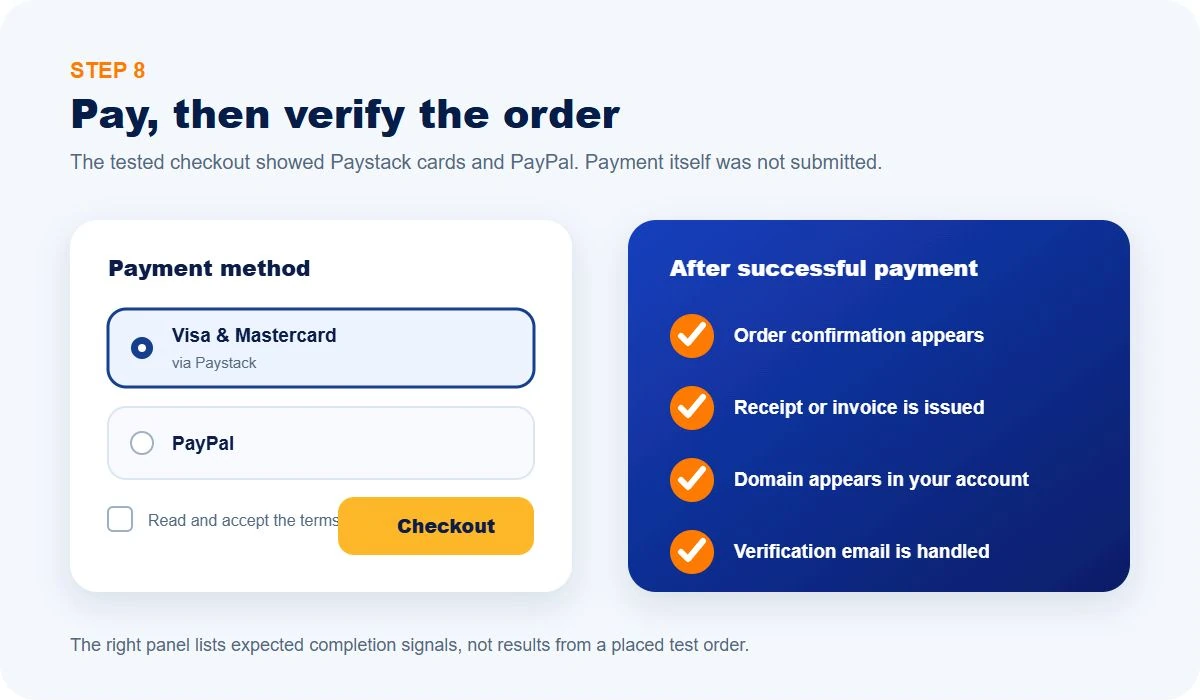
Watch the registrant inbox after payment and act on any verification message. Gtlds such as .com, .net, .org do require that you verify your domain within the first 7 days or so, otherwise your domain would be put on hold.
Restricted domains such as .edu.ng, .sch.ng etc have their own verification paths.
So, a paid invoice alone does not replace a requested contact-verification step.
What to check after payment
First, confirm that the client area lists the exact .net domain. Then check its nameservers against the values chosen in step 5.
While the registration gives you control of the address; it does not publish a website or create a mailbox by itself.
Our hosting guide explains the separate jobs. If you already have hosting, continue with the DNS guide and allow time for DNS changes to become visible across networks.
If checkout returns an unclear result, do not submit the same payment repeatedly. Check the invoice and order status in your account first. If neither shows a completed order, contact our support team with the domain name and any transaction reference supplied by the payment service.
Ready to secure the name? Open our our domains page, search the complete address and follow the tested sequence above.