Domain NamesFind and register your ideal domain name instantly.
 Web HostingEasy-to-use hosting powered by cPanel — ideal for managing websites in Nigeria.
 Windows HostingRun .NET apps with Windows-optimized hosting
 Affiliate ProgramMake money promoting our services
 Reseller HostingMake money by reselling our hosting products under your own brand
 .COM Domains
 All DomainsExplore all supported tld domains in Nigeria
 WhoisFind out who owns any domain, as well as verify your registration details
 VPS Hosting
 Dedicated ServersReimagine your site speed with your own complete server
 AI Website BuilderDesign your site with drag-and-drop tools
 Online Store BuilderStart your online shop without code
 Support PortalFind answers or get expert help
 Contact UsReach our team via chat or email
 BlogRead our extensive guides on web hosting and more
Gone are the days when getting a website online meant only design and content. In 2026, it’s also about making sure everything works correctly, keeps your visitors safe, and helps you meet your goals.
Missing a step can cause serious problems: a slow site, a broken mobile display, or poor search visibility.
That’s why a website launch checklist is useful. It guides you through the process, so you don’t overlook anything important.
This website launch checklist has the 20 essential steps you’ll need for 2026, explained in simple terms. By the time you get to step 20, you’ll have all you require to launch your website.
Pre-Launch Planning and Foundation
Step 1: Define Your Goal and Audience
Before you buy anything or build anything, ask yourself:
What is this website for? Is it to sell products, get consulting clients, share a portfolio, or provide information?
Write it down in one sentence. Then, think about who you are talking to.
Knowing your goal and your audience decides everything that follows, like the design and the words you use.
Step 2: Choose and Register Your Domain Name
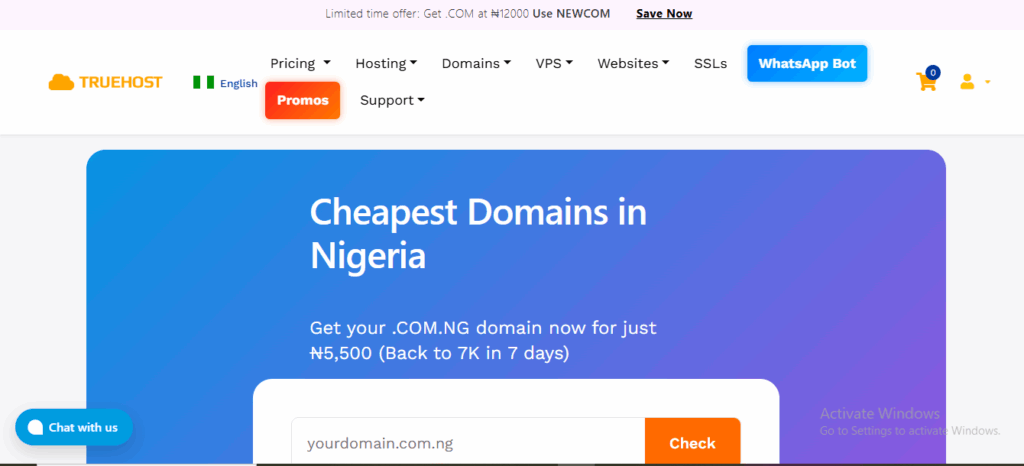
Your domain name is the address of your website online. It should be easy to spell, memorable, and related to your brand.
Use a reliable registrar to check if your desired name is available. At Truehost, our domain search tool makes this simple.
You can register popular Nigerian domains, such as .com.ng, instantly, helping build local trust.
We keep pricing clear: you can register a .com.ng domain for NGN 5,500 and renew it yearly at a fair rate, with no hidden fees.
When choosing a registrar and domain, don’t forget to consider Whois ID protection for added privacy.
Step 3: Select the Right Web Hosting
Your hosting stores your website files. It needs to be reliable and fast. If your hosting is slow or often down, visitors will leave.
Our web hosting in Nigeria guarantees you reliability and speed. We offer a 99.9% uptime guarantee, so your site stays online.
Truehost plans start at just NGN 1,275 per month and include essentials like free website migration, unlimited email accounts, and daily backups.
In addition, you get cPanel to easily manage everything.
Step 4: Pick a Website Building Method
Now, decide how you’ll build the site.
Your options include:
Website Builder: Best for those who aren’t coders. It’s drag-and-drop simple. With our Website Builder, you choose a professional template, customize it with your text and images, and publish. Plans include hosting, a free domain, and SEO tools, starting from NGN 2,660.58/month.
Content Management System (CMS): Like WordPress, Joomla, or Drupal. These are flexible and powerful. Our hosting includes a 1-click installer for all major CMS platforms.
Custom Code: For unique, complex needs, requiring a developer.
Step 5: Plan Your Site Structure and Content
Sketch a map of your main pages, e.g., Home, About, Services, Contact, Blog.
Also, decide what content (text, photos, videos) you need for each page. It’s easier to gather this now than to scramble for it later. Write clear, helpful text that speaks directly to your audience.
Design and Development
This is where your site starts to look and function like a real website.
Step 6: Design with the User in Mind
Your design should be clean, professional, and easy to navigate. Use colors and fonts that match your brand.
In addition, ensure buttons are obvious, and menus are simple. On mobile devices, more than half of all web traffic comes from mobile, so your site must look and work perfectly on smaller screens.
All our website builder templates are automatically mobile-responsive.
Step 7: Install an SSL Certificate
This is non-negotiable.
An SSL certificate encrypts data between your visitor and your site. It shows the padlock icon in the browser bar, which builds trust. It’s also a ranking factor for Google.
You can get a basic SSL certificate from us starting at NGN 7,500 per year. Many of our hosting plans include a free automated SSL certificate, so it’s set up for you at no extra cost.
Step 8: Create Essential Legal Pages
Protect yourself and inform your visitors. Your website needs at least two key pages:
- Privacy Policy: Explains what user data you collect (e.g., through contact forms) and how you use it.
- Terms of Service (or Terms of Use): Sets the rules for using your website.
You can find templates online or consult a legal professional to draft these.
Step 9: Set Up a Contact Method
Make it easy for people to reach you. Have a user-friendly Contact Us page with a contact form.
Also, display your email address, phone number, or business address clearly, often in the header or footer.
Consider adding a live chat widget or WhatsApp integration to improve response times.
Step 10: Optimize for Speed
A slow website frustrates users and hurts your search ranking. To optimize for speed, try:
- Compressing your images before uploading them (use tools like TinyPNG).
- Choose a hosting provider with fast servers; our hosting uses SSD storage for quicker data access.
- Also, enable caching if you’re using a CMS like WordPress.
Step 11: Integrate Basic Analytics
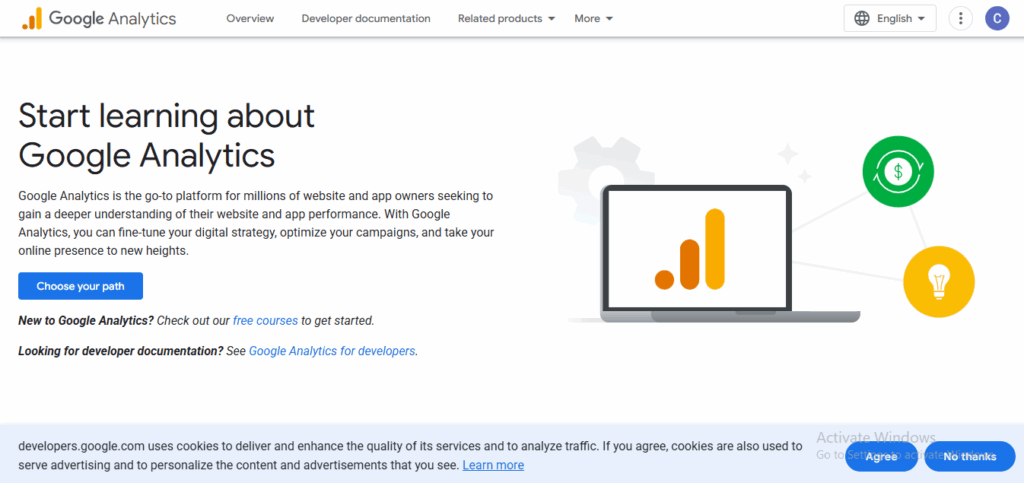
You need to know who visits your site and what they do. The best free tool for this is Google Analytics (now GA4).
Create an account and add the tracking code to your website. This will later show you your traffic, where it comes from, and which pages are popular.
Our website builder and many CMS plugins make this integration a breeze.
Pre-Launch Checks
You’re almost ready. Now, test everything thoroughly.
Step 12: Review All Content for Errors
Go through every single page. Check for spelling mistakes, grammatical errors, and broken sentences.
Ensure all your information, like pricing and business hours, is accurate. It helps to have someone else read it, as fresh eyes catch things you might miss.
Step 13: Test All Links and Forms
Click on every link on your website. Do they go to the correct page? Test your contact form thoroughly.
Submit it yourself to ensure you receive the notification email and that the user gets a confirmation message.
Check that links to your social media profiles open correctly.
Step 14: Check Website Functionality on Different Devices
Don’t just look at your site on your laptop. Open it on your smartphone and tablet. Test it across different web browsers, such as Chrome, Firefox, and Safari.
Make sure everything displays correctly, text is readable, and buttons are easy to tap.
Step 15: Set Up Professional Email Addresses
You need a professional email, especially if you have a business website.
An email like [email protected] looks far more professional than a generic Gmail or Yahoo address.
Our hosting plans include unlimited email accounts, so you can easily create addresses like info@, sales@, or hello@ on your domain directly from your cPanel.
Launch and Post-Launch
It’s time to go live and let people know you exist.
Step 16: Final Backup and Launch
Before you officially launch, take a final backup of your website. With our hosting, you get free daily backups, so you’re already covered.
Then remove any under-construction or coming-soon pages.
Step 17: Submit Your Site to Search Engines
Tell Google and Bing that your new website exists. You do this through their free webmaster tools: Google Search Console and Bing Webmaster Tools.
You can submit your sitemap (a file that lists all your pages) through these consoles. This helps search engines find and list your pages faster.
Step 18: Connect Your Social Media Profiles
Add social media icons linking to your business profiles in the header or footer of your website.
Also, update your social media bios to include a link to your new website. Announce your launch on all your social channels to drive your first visitors.
Step 19: Implement a Marketing Plan
A website alone isn’t enough; people need to find it. This is where promotion starts.
You can DIY by consistently creating useful content, such as blog posts, and sharing it on social media.
But if you want faster, expert-driven results, use our digital marketing services.
We offer packages that include SEO, social media management, and paid ads designed for Nigerian businesses.
Our Lead Generation System plan, for instance, starts at NGN 638,888.89/month and handles everything from SEO blogs to ad management, helping you attract real customers.
Step 20: Schedule Regular Maintenance
Your website isn’t a set-it-and-forget-it project. You need to plan to:
- Update your content regularly.
- Update your CMS, themes, and plugins to their latest versions for security.
- Check your analytics weekly to understand your traffic.
- Renew your domain and hosting on time. We send reminders, so you don’t have to worry.
Wrapping It Up
You’ve made it through the full checklist; that’s a huge step. Now, it’s time to take action.
Just start with the basics: a good domain, reliable hosting, and a simple way to build your site. Everything else grows from there.
At Truehost, we make those first steps easy. We give you a clear path from start to finish:
- Choose your domain (.com.ng, .com, etc.) at a fair price.
- Pick a hosting that keeps your site fast and online.
- Build your site with our easy website builder or 1-click WordPress install.
And when you’re ready, we can also help you get visitors with our digital marketing plans.
We provide everything you need in one place, with support available anytime.