Domain NamesFind and register your ideal domain name instantly.
 Web HostingEasy-to-use hosting powered by cPanel — ideal for managing websites in Nigeria.
 Windows HostingRun .NET apps with Windows-optimized hosting
 Affiliate ProgramMake money promoting our services
 Reseller HostingMake money by reselling our hosting products under your own brand
 .COM Domains
 All DomainsExplore all supported tld domains in Nigeria
 WhoisFind out who owns any domain, as well as verify your registration details
 VPS Hosting
 Dedicated ServersReimagine your site speed with your own complete server
 AI Website BuilderDesign your site with drag-and-drop tools
 Online Store BuilderStart your online shop without code
 Support PortalFind answers or get expert help
 Contact UsReach our team via chat or email
 BlogRead our extensive guides on web hosting and more
Have you ever asked an AI to build something in n8n, and it just got it wrong? Maybe it invented a node that does not exist. Maybe it forgot how webhook data actually works. That kind of mistake is super common, and it is exactly why Claude Skills for n8n exist.
n8n is a tool that connects your apps together and automates boring tasks, like sending a Slack message every time someone fills out a form. Claude is an AI assistant. On their own, the two do not talk to each other perfectly, and Claude often makes small mistakes when it tries to build n8n workflows from scratch.
That is the problem Claude Skills for n8n solve. Think of a skill as a cheat sheet that teaches Claude exactly how n8n behaves, so it stops guessing and gets things right the first time.
These skills are not a feature inside n8n itself. They live inside a tool called Claude Code, paired with a bridge called n8n-mcp that lets Claude actually look inside your real n8n account. Below are all nine Claude skills for n8n worth knowing, plus how to set them up.
1) Expression Syntax
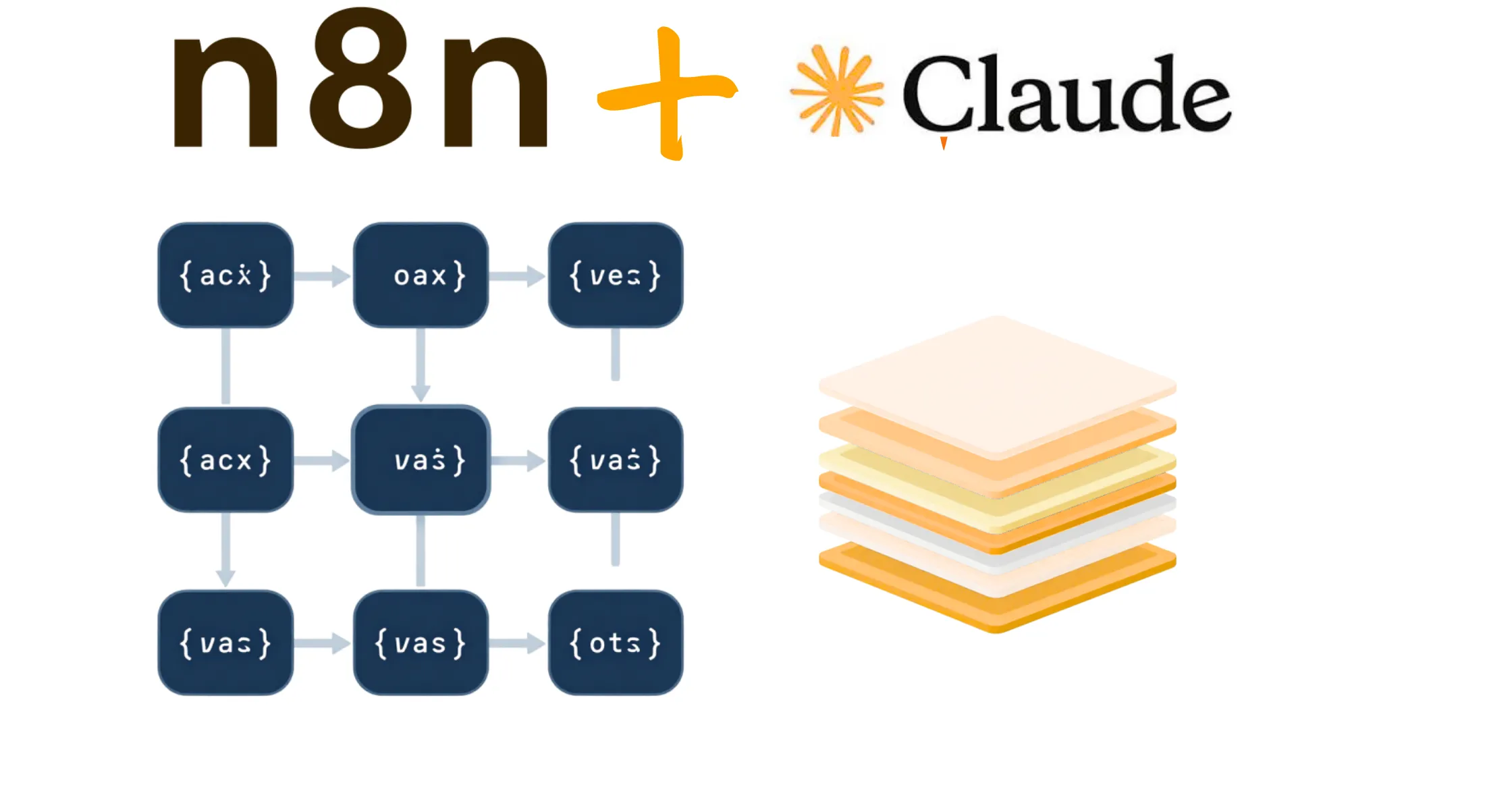
n8n uses little snippets of code called expressions to pull data from one step of a workflow into another. You can spot them because they sit inside double curly brackets, like this: {{ }}.
This skill teaches Claude how to write those correctly. It also stops one of the most common beginner mistakes: webhook data hides one layer deeper than people expect, and skipping that layer makes your n8n workflow quietly break instead of showing a clear error.
2) MCP Tools Expert
This skill is all about how Claude uses the n8n-mcp bridge. Instead of guessing what a node looks like from memory, Claude checks the real, current version of that node inside your account first, which saves you a lot of headaches later.
3) Workflow Patterns
Most automations fall into one of five common shapes: a webhook, an API connection, a database task, an AI agent, or something running on a schedule. Instead of building each workflow from scratch, this skill gives Claude a proven shape to start from, so you get faster, less buggy results.
4) Validation Expert
Once a workflow is built, n8n checks it for problems, but not every warning actually matters. Some are serious, and some are just style suggestions you can safely skip. This skill helps Claude tell the difference, so it fixes what is truly broken instead of chasing warnings that do not count.
5) Node Configuration
Every node in n8n has its own settings, and those settings change depending on what you are trying to do. A node set to send an email needs different fields than the same node set to read one. This skill stops Claude from filling in the wrong fields or missing ones it actually needs.
6) Code JavaScript
Sometimes a simple expression is not enough, and you need a full block of code instead, using n8n’s Code node. This skill teaches Claude how to write JavaScript that actually works inside that node, including how to grab data properly and make outside requests.
7) Code Python
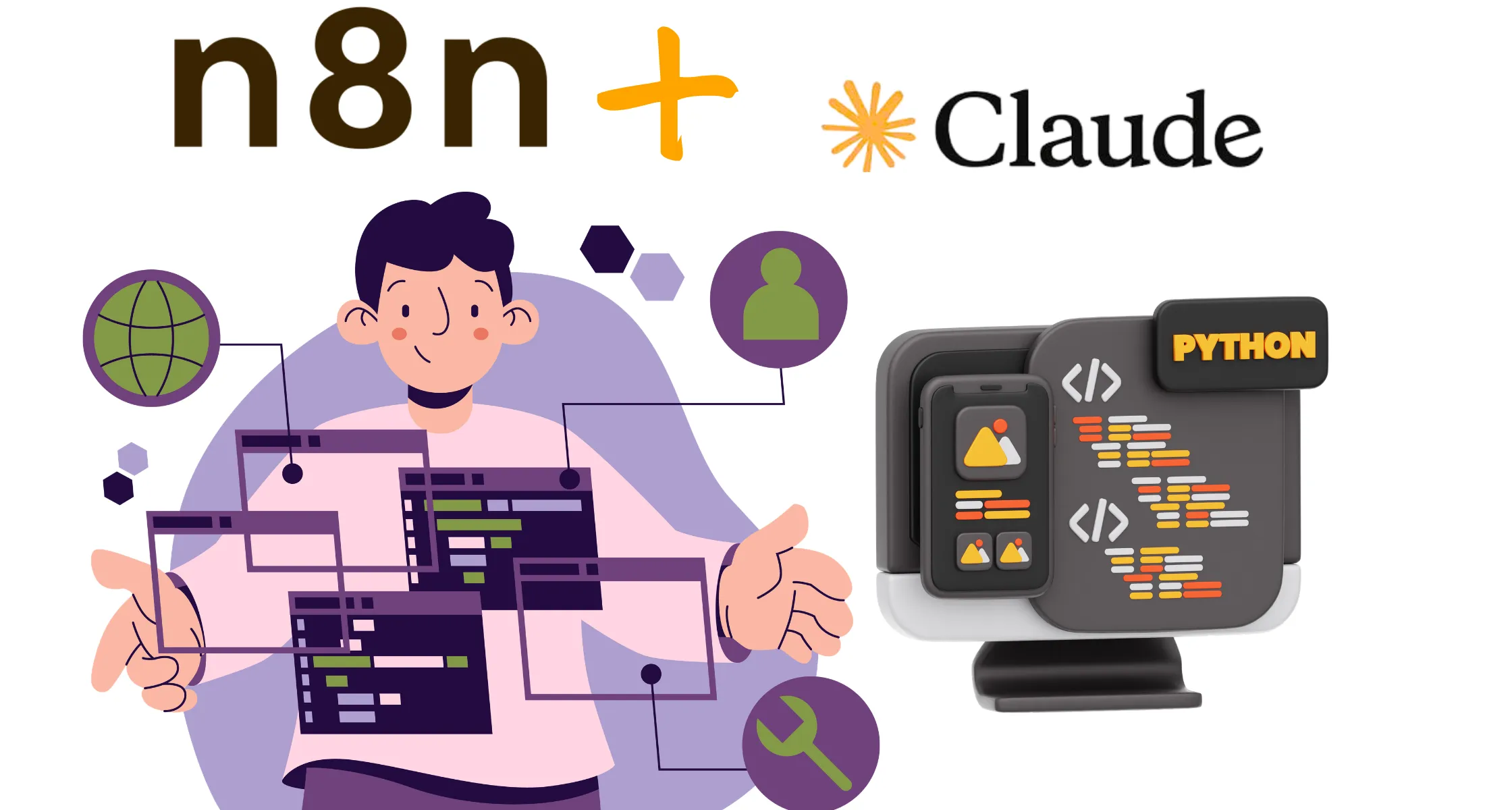
You can also write Python inside a Code node. But Python inside n8n cannot use most outside libraries, the extra tools that normally make Python so useful. This skill keeps Claude aware of that limit, so it does not write Python that looks fine but fails the moment it runs.
8) AI Agents
This is the biggest and most detailed skill on the list. It kicks in anytime a workflow includes an AI Agent, meaning a node that can think, decide, and use tools on its own. It covers remembering a conversation correctly for each user, writing tool descriptions the AI can actually follow, and stopping agents from calling each other in an endless loop.
9) Binary & Data
Files, like PDFs or images, move through n8n in a totally different way than normal data. This skill helps make sure Claude does not accidentally lose a file halfway through a workflow, and that it knows some nodes, like AI Agents, cannot receive a raw file directly. The file needs to be stored somewhere first, then linked instead.
Set Up and Enable Claude Skills Inside n8n
Good news: setting this up does not require you to be a developer.
First, you need Claude Code, along with a Claude plan that includes access to skills. Most paid plans already qualify.
From there, you have three simple ways to install Claude skills for n8n.
- Type one plugin command directly inside Claude Code, and it installs everything for you.
- Or add the skills through Claude Code’s plugin marketplace instead, then pick them from a list.
- Or copy the skill files onto your computer by hand, which works well if you want to look inside them first.
Once installed, restart Claude Code so the skills load properly. If you also connect the n8n-mcp bridge, Claude can go one step further and actually build or check workflows inside your real n8n account, not just write code for you to copy and paste.
To test that everything worked, ask Claude to build something simple, like a workflow that posts a Slack message when a form gets submitted. If it mentions using the right skill while it works, you are good to go.
Best Practices for Combining Claude Skills With n8n Nodes
A few tips will help Claude skills for n8n work even better for you.
- Keep each skill focused on one job. Do not try to combine everything into one giant instruction, since that makes it harder for Claude to apply correctly.
- Test one skill at a time before relying on it for something important. That way, if something goes wrong, you know exactly which piece caused it.
- Write your instructions the way you would explain the task to a new coworker. Clear, plain language beats clever wording every single time, since Claude follows what you actually wrote, not what you meant.
- Give each skill a clear name that describes what it does. This saves you from opening five nodes just to remember which one handles what.
- Keep a backup copy of any skill that works well. Workflows get edited over time, and having the original version saved means you can always roll back if a change breaks something.
- Review your skills every so often, especially after n8n or Claude release updates. A skill that worked perfectly last month can behave differently once something upstream changes.
- Start small when you add a new skill to an existing workflow. Run it on a low-stakes task first, then expand its role once you trust the output.
And remember, passing a check inside n8n does not always mean your workflow truly works the way you expect. Always test it for real before trusting it with anything important, like customer data or payments.
Run Claude Powered n8n Workflows on a Truehost VPS
Once you have Claude skills for n8n set up, your workflow needs somewhere reliable to actually live and run, day and night.
With a Truehost n8n VPS, you get:
- Dedicated resources for your workflows, instead of sharing space with other sites, which means fewer slowdowns when Claude and n8n are both working through a busy queue.
- Full control over your server environment, so installing n8n, setting up webhooks, and connecting Claude all happen without the restrictions of shared hosting.
- Room to grow, so as you add more Claude skills for n8n and more workflows over time, your server scales with you instead of holding you back.
A personal laptop can work fine while you are just testing. But the moment a workflow needs to run overnight, or respond to a customer at 2 a.m., a laptop simply cannot keep up the way a dedicated server can.
Claude Skills for n8n FAQs
Yes Claude skills for n8n are free. The skill files themselves are free and open. What costs money is the Claude plan you need to actually run them.
Ypu don’t really need to know how to code to set up Claude skills for n8n. Writing a totally custom skill is easier if you are comfortable with clear, simple instructions.
Yes, you can use these skills with a self-hosted n8n account. The skills describe how n8n behaves in general, not how or where you choose to host it.
Yes, more than these Claude skills can work at the same time, and that is actually the normal case. A single workflow might use three or four skills at once, depending on what it needs.
No, these Claude skills for n8n do not replace typing out your own instructions to Claude. You still tell Claude what you want built. The skills just make sure it gets built the right way.
The MCP tool, n8n-mcp, gives Claude access to your real n8n account. A skill gives Claude the knowledge to use that access well. You need both working together for the best results.