Domain NamesFind and register your ideal domain name instantly.
 Web HostingEasy-to-use hosting powered by cPanel — ideal for managing websites in Nigeria.
 Windows HostingRun .NET apps with Windows-optimized hosting
 Affiliate ProgramMake money promoting our services
 Reseller HostingMake money by reselling our hosting products under your own brand
 .COM Domains
 All DomainsExplore all supported tld domains in Nigeria
 WhoisFind out who owns any domain, as well as verify your registration details
 VPS Hosting
 Dedicated ServersReimagine your site speed with your own complete server
 AI Website BuilderDesign your site with drag-and-drop tools
 Online Store BuilderStart your online shop without code
 Support PortalFind answers or get expert help
 Contact UsReach our team via chat or email
 BlogRead our extensive guides on web hosting and more
Ever feel like managing a website is something only tech experts can do?
The behind-the-scenes part of hosting a site can seem intimidating, especially when people start talking about servers and command lines.
But here’s the thing: control panels are there to make your life easier, not harder.
They’re the friendly, visual tool that helps you do everything you need for your site without having to learn complicated code.
Need to create an email for your business? Add a new page? See how much traffic you’re getting?
A good control panel lets you do it all with just a few clicks.
In this article, you will find out what Linux control panels are, how they work, and look at five popular options so you can see which one feels right for you.
By the end, you’ll know exactly which one can make running your website simple and stress-free.
What Is Linux Hosting Control Panel?
Let’s talk about the computer where your website lives online. This computer is called a server. It holds all your website’s pictures, text, code, emails, and data.
Now, to tell this server what to do, technical people can use a black screen full of text commands, like a secret code. For most of us, that’s not easy or practical.
A Linux Hosting Control Panel fixes this. It’s a standard website you log in to. But unlike a blog or social media page, this website is filled with simple buttons, menus, and forms that let you control your server.
So, instead of learning code, you use this control panel website to:
- Click Create Email to make a new email address.
- Click Install WordPress to set up a blog.
- Click Add Domain to connect a new website address.
- Use an upload button to add pictures to your site.
It turns complex technical tasks into simple actions you can do with your mouse.
For example,
You need a professional email like [email protected].
Without a control panel, you’d have to connect to the server using a special program and type long, specific commands. It’s easy to make a mistake.
With a control panel, you log into your panel’s website, go to Email Accounts, type hello, pick a password, and click Create. You’re done in less than a minute.
A control panel gives you simple tools to manage the powerful computer hosting your website.
At Truehost, we include these industry-standard panels with our plans so you can run your website without needing to learn technical commands.
Top 5 Linux Hosting Control Panels Reviewed
Now, let’s look at the most popular options.
1) cPanel
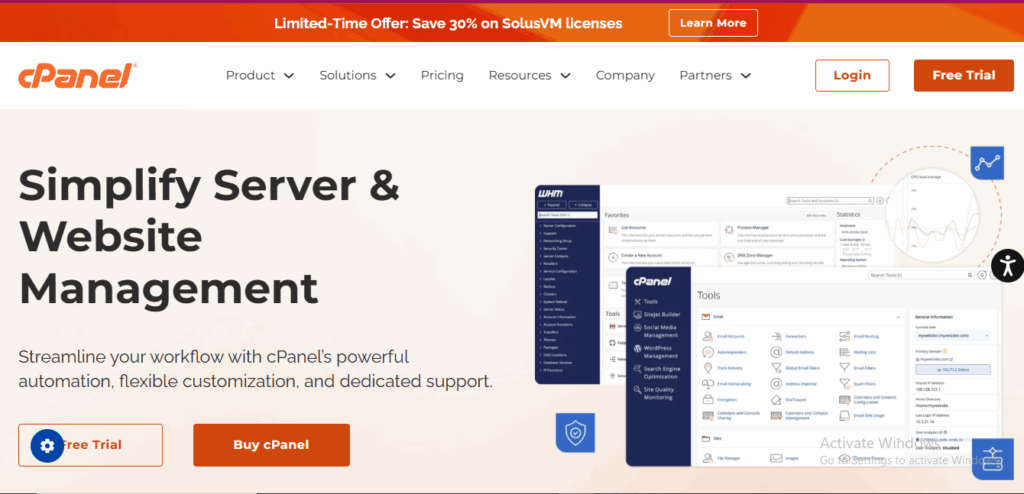
This is the most famous one, and for good reason.
cPanel is Polished, professional, and very user-friendly. The layout is clean, and everything is where you’d expect it to be.
It is perfect for almost everyone. It’s ideal for beginners because it’s highly intuitive yet offers all the advanced tools experts need. Its popularity also means you can find an online tutorial for anything.
cPanel includes Softaculous for one-click app installs, a robust file manager, advanced email management tools, and detailed metrics.
The Catch?
It is a commercial product, so hosting companies have to pay for it. This cost is often reflected in hosting plans, though its ease of use is usually worth it.
Our Hosting plans at Truehost feature cPanel because we believe in giving our customers the most recognized and reliable control panel experience.
When you host with us, you get this premium tool included.
2) Plesk
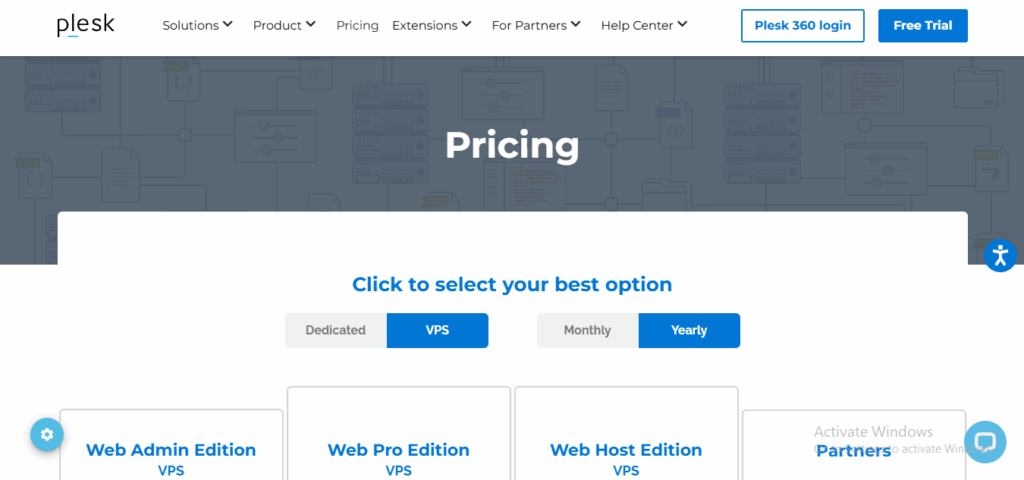
This is cPanel’s main competitor. It’s equally powerful but has a slightly different approach.
Plesk is modern, sleek, and very task-oriented. It feels a bit more streamlined than cPanel.
It is a solid choice for developers and users who manage websites on both Windows and Linux servers (Plesk works on both). It has strong built-in security and automation features.
Plesk offers an Excellent WordPress management toolkit, robust security extensions, and a strong Git deployment tool for developers.
However, like cPanel, it’s a commercial panel. Some users find its extensibility through extensions somewhat more fragmented than cPanel’s all-in-one approach.
3) DirectAdmin
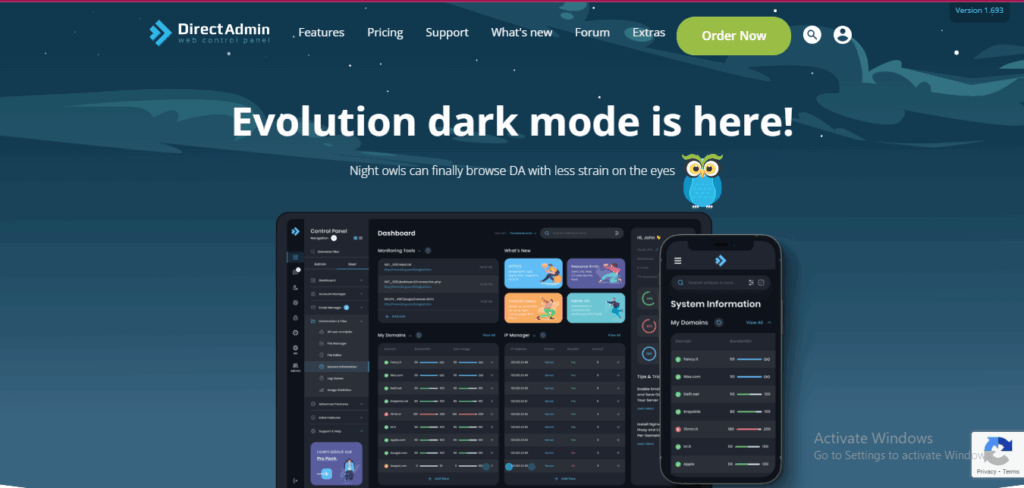
This panel focuses on efficiency and performance.
It is fast, lightweight, and no-nonsense. The interface is simpler and less graphical than cPanel or Plesk.
DirectAdmin is great for users who want a straightforward, fast panel without extra bells and whistles. It’s also a cost-effective alternative for hosting providers, which can mean cheaper hosting plans for you.
Also, it’s very light on server resources, which means more power for your website. It handles all the core functions: email, domains, and databases reliably.
The downside is that the interface can feel dated or too simple for users who prefer more guided, graphical workflows.
4) CyberPanel
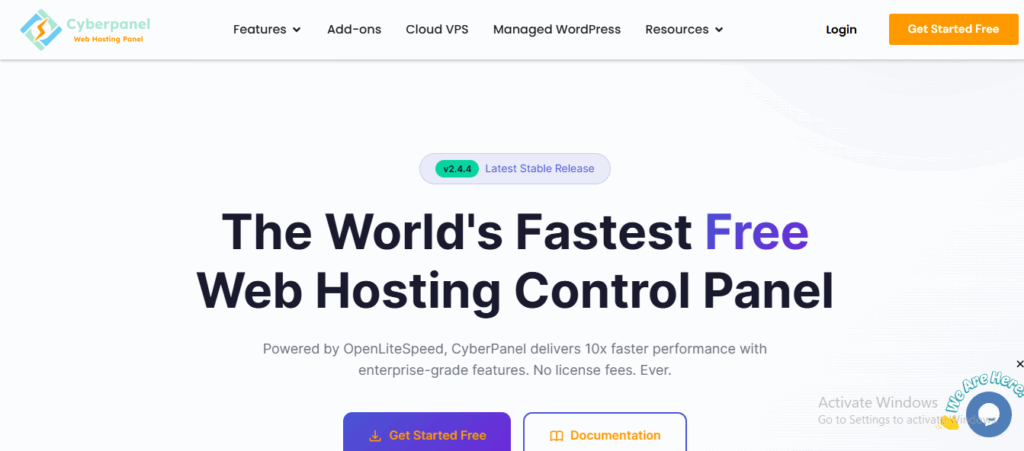
This is the new kid on the block, built for speed with a specific technology in mind. CyberPanel is modern, open-source, and performance-focused.
It is a good option for users who are using or want to use OpenLiteSpeed or LiteSpeed Enterprise web servers. These servers are known for being fast, especially for WordPress.
CyberPanel includes built-in LiteSpeed caching, one-click SSL with Let’s Encrypt, and native Docker support. It’s also free and open-source.
The catch is that its features are heavily optimized for the LiteSpeed ecosystem. If you’re on a standard Apache server like most shared hosting, it might not be the best fit.
5) Webmin/Virtualmin
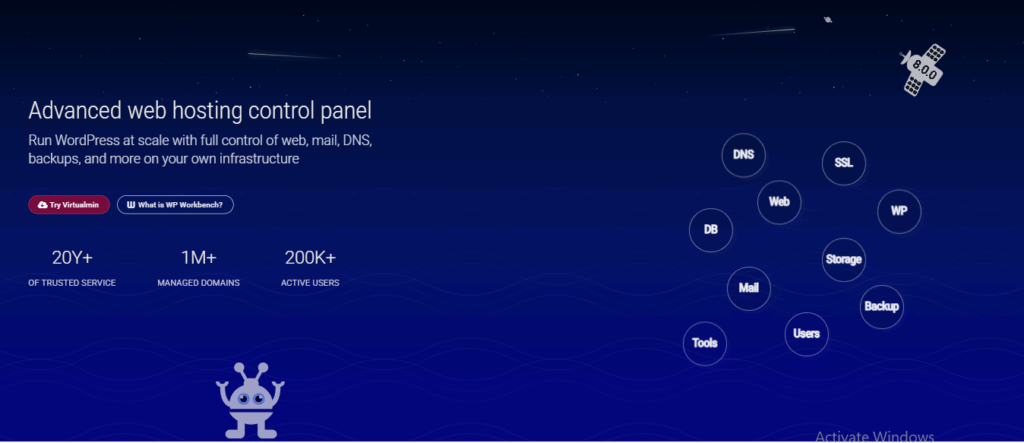
This is the free and open-source veteran.
It is functional, powerful, but less polished. It feels more like a professional tool than a consumer product.
It is ideal for tech-savvy users, students, or anyone on a very tight budget who needs maximum control without spending money. Virtualmin is a version of Webmin specifically designed for hosting multiple websites.
Webmin is completely free. It offers a wide range of modules that let you do almost anything you can imagine with a server.
However, the interface is not beginner-friendly. It can be overwhelming, and setting things up often requires more technical knowledge than with commercial panels.
Which Linux Hosting Control Panel Is Best?
This is how to decide:
Are you a beginner or want the easiest experience?
Choose cPanel. Its widespread use, intuitive design, and vast library of tutorials make it the safest and easiest bet.
This is why we’ve chosen cPanel as the standard for Truehost customers: it lets you focus on your website, not on learning the tools.
Are you a developer or manage many WordPress sites?
Plesk is a fantastic choice, especially with its WordPress toolkit.
Is your top priority budget and essential functions only?
DirectAdmin is a solid, performant choice that keeps costs down.
Are you chasing ultimate website speed with LiteSpeed?
CyberPanel is your specialized tool.
Are you highly technical and want free, complete control?
Webmin/Virtualmin will give you that freedom.
For most website owners, especially if you’re running a business, blog, or portfolio, a hosting plan that includes cPanel is the sweet spot. It provides the perfect balance of power and simplicity.
Truehost Has the Best Linux Hosting Control Panel For You
All this talk about control panels is to help you manage your website more easily.
At Truehost, we handle the complex server setup so you don’t have to. We then give you the keys through a capable, familiar control panel.
With our hosting plans, you get:
- cPanel Access: The industry-standard panel for easy management.
- Free Control Panels: No extra charge for this essential tool.
- 1-click Installer: Install WordPress and over 400 other apps instantly.
- Free Automated SSL Certificates: Secure your site with a click.
- 24/7 Experienced Support: Our human team is always here to help you with your control panel or any other questions.
- Reliable Nigerian Hosting: With 99.9% uptime, your site stays online for your customers.
Conclusion
So, that’s the rundown on Linux control panels. The right one really just depends on what you need most: ease of use, specialized tools, or keeping things simple and affordable.
If you’re like most people starting a website, you probably want something straightforward that just works. That’s why we provide cPanel with all our Truehost plans.
We’ve found it’s the most reliable way to give you control without the complexity. You can manage your emails, install software with one click, and keep everything secure, all from a clean interface you’ll get the hang of quickly.
When you choose Truehost, we set everything up for you.
Your focus should be on your website, your content, or your business, not on wrestling with server commands. We handle the technical setup so you can get back to what matters.
Now, you can pick a Truehost plan that fits your needs today and have your control panel ready to go.