Domain NamesFind and register your ideal domain name instantly.
 Web HostingEasy-to-use hosting powered by cPanel — ideal for managing websites in Nigeria.
 Windows HostingRun .NET apps with Windows-optimized hosting
 Affiliate ProgramMake money promoting our services
 Reseller HostingMake money by reselling our hosting products under your own brand
 .COM Domains
 All DomainsExplore all supported tld domains in Nigeria
 WhoisFind out who owns any domain, as well as verify your registration details
 VPS Hosting in Nigeria
 Dedicated ServersReimagine your site speed with your own complete server
 AI Website BuilderDesign your site with drag-and-drop tools
 Online Store BuilderStart your online shop without code
 Support PortalFind answers or get expert help
 Contact UsReach our team via chat or email
 BlogRead our extensive guides on web hosting and more
The speed of your website has a huge effect on how people feel when they visit you. And how they feel decides if your business grows or struggles.
When your website is fast, people stay. They read. They click. They buy.
When it’s slow, they leave. No warning. No second chance.
This is a big deal in Nigeria. Most people use their phones to browse. Data is costly.
Network speed changes fast. If your site takes more than 3 seconds to load, many users won’t wait. They close the page and move on to a faster option.
That’s why website optimisation is important for your website, especially in 2026.
If your site runs on WordPress hosting, speed affects everything. It affects how users experience your brand.
It affects how Google ranks your pages. And it affects how much money your business makes.
The good news is simple. You don’t need to be technical to fix this.
With the right setup, the right habits, and the right hosting providers, your website can load fast even on mobile networks.
In this guide, you’ll learn:
- Why website speed directly affects user trust and sales
- How slow pages hurt SEO and Google rankings
- Easy ways to test and fix speed problems
- Common mistakes that slow down WordPress sites
- How WordPress Hosting for Beginners, Cheap WordPress Hosting, and affordable hosting choices impact performance
By the end of this guide, you’ll know how to turn your website into a fast, smooth experience that keeps users happy and helps your business grow.
Why Slow Websites Push You Down on Google
When your website is slow, Google treats it like a bad shop experience.
Visitors click your link.
The page drags.
They leave.
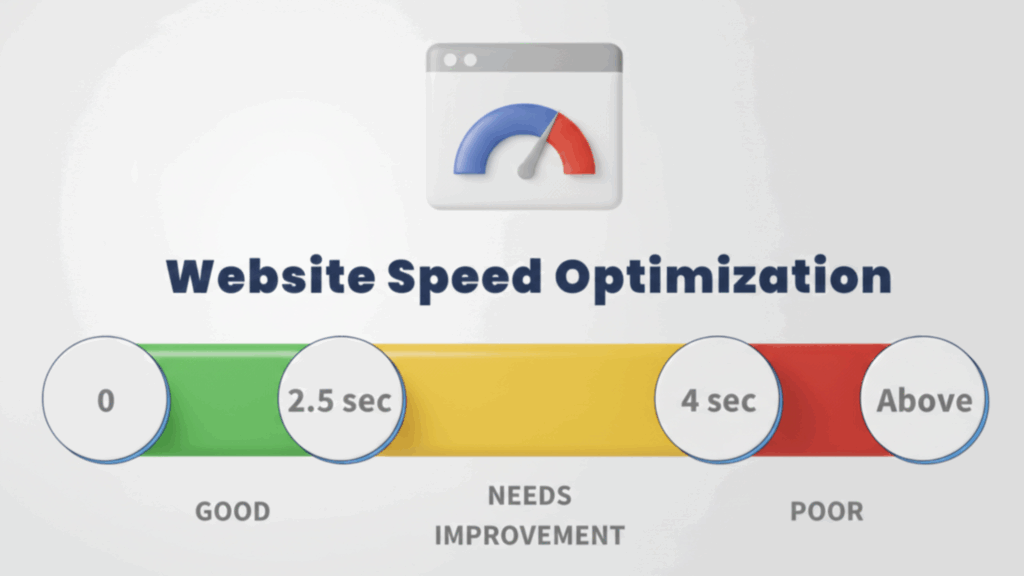
Google notices that behavior. When many people leave your site quickly, Google assumes your page did not help them. Over time, your rankings drop, even if your content is good.
This is not theory. Google has confirmed that speed is part of how websites are ranked, especially on mobile.
In Nigeria, many users rely on mobile data. If your site feels heavy, it looks careless. Google wants to protect users from that experience.
The SEO Damage Caused by Slow Pages
Slow websites create a chain reaction:
- Visitors don’t stay long enough to read
- Pages get fewer clicks and scrolls
- Google crawls your site less often
- Mobile rankings fall first
- Traffic slowly dries up
Even strong keywords cannot save a slow site.
Google Speed Signals Explained Simply
| Signal | What Google Sees | Why It Hurts |
| Long load time | Users wait too long | Frustration |
| Poor mobile speed | Phones struggle | Mobile ranking loss |
| Bad Core Web Vitals | Weak experience | SEO drop |
Speed is not optional anymore. It is part of trust.
Why Many Websites Become Slow Over Time
Most websites don’t start slow. They become slow.
This usually happens when:
- Images are uploaded without resizing
- Plugins are added without removing old ones
- Themes are changed without testing speed
- Hosting plans stay the same while traffic grows
- Caching is never set up
Small neglect turns into big performance problems.
How Website Optimisation Reverses the Damage
Website optimisation removes the weight your site has been carrying.
Pages open faster.
Users stay longer.
Google crawls more pages.
This is how slow websites recover and start ranking again.
How to Check Your Website Speed Without Stress
Speed testing shows you the truth about your website.
Not how it feels to you.
How it feels to your visitors.
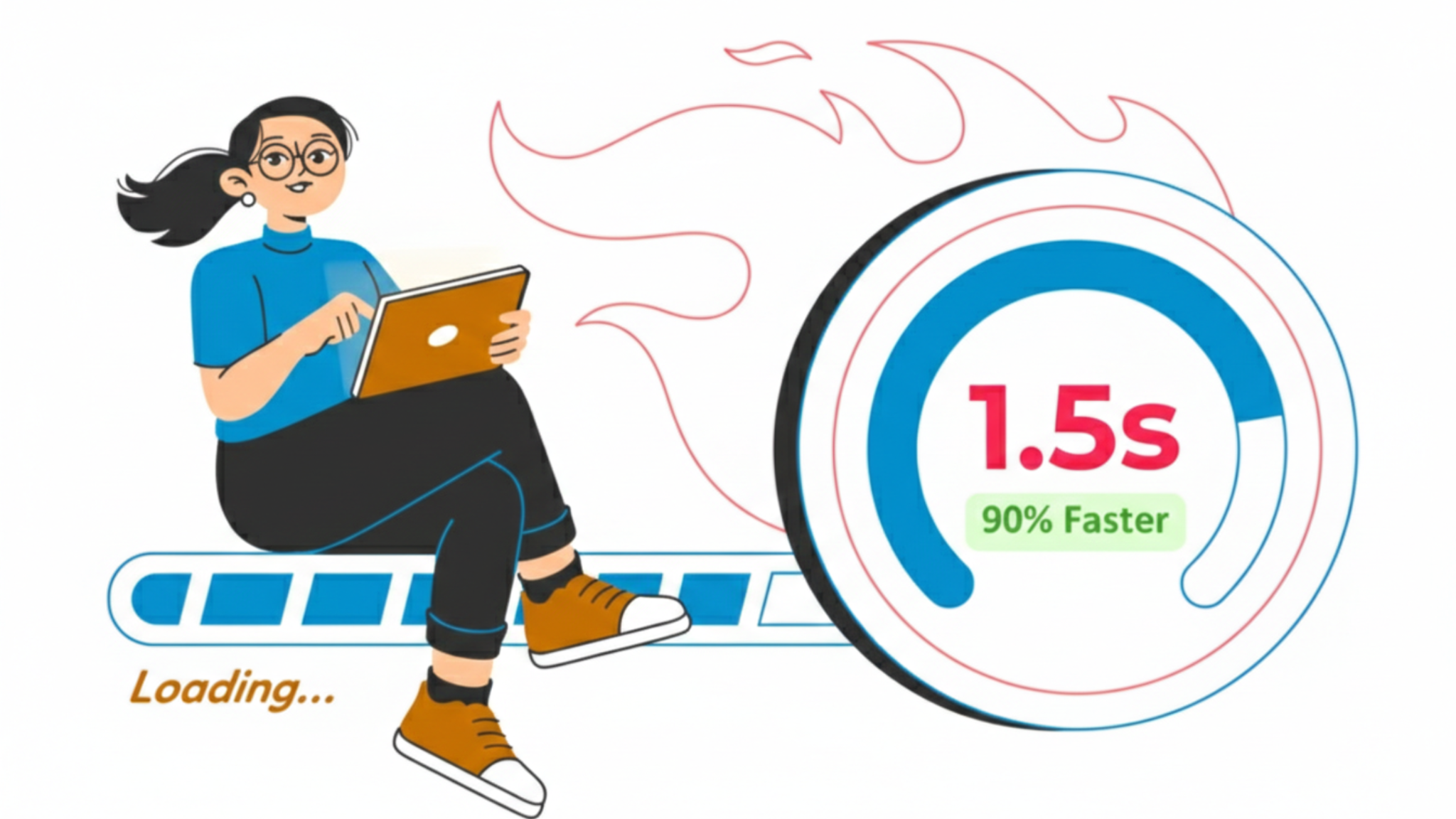
Why Testing Speed Is Important
Speed tests help you:
- See what slows your site down
- Know if your hosting is the problem
- Understand mobile performance
- Track improvements after fixes
Without testing, you guess. Guessing wastes time.
Key Speed Numbers That Are Important
| Metric | Meaning | Why You Care |
| Load time | Full page opens | Visitors stay or leave |
| LCP | Main content appears | Google ranking |
| CLS | Page movement | User comfort |
These numbers explain user frustration in seconds.
How to Run a Proper Speed Test
- Use a speed testing tool
- Test mobile first
- Run the test more than once
- Focus on warnings repeated across tests
- Save results to compare later
Testing once is not enough. Patterns are important.
Tools That Work Well
- Google PageSpeed Insights
- GTmetrix
- Chrome Lighthouse
They explain issues in plain language and suggest fixes.
Read also: Boost Your Website Speed with Fast VPS Hosting
What Actually Slows a Website Down
Slow websites usually suffer from hidden overload.
Not one big problem.
Many small ones working together.
Common Speed Killers
- Images that are too large
- Plugins doing the same job
- Heavy themes with unused features
- Weak or crowded servers
- No caching system
Each adds a small delay. Together, they ruin speed.
The Biggest Speed Influencers
| Cause | What Happens | Result |
| Large images | More data loads | Slower pages |
| Weak hosting | Slow response | Waiting time |
| Plugin overload | Extra requests | Page lag |
For Nigerian users, server distance and hosting quality are more important than design.
Making Images Load Faster Without Losing Quality
Images are often the heaviest part of a webpage.
One large image can slow an entire page.
Why Image Optimisation Is important
Optimized images:
- Load faster on mobile
- Use less data
- Reduce bounce rate
- Improve Google scores
This improves both experience and rankings.
Smart Ways to Optimize Images
| Method | Purpose | Benefit |
| Compression | Reduce file size | Faster load |
| WebP format | Smaller images | Better speed |
| Lazy loading | Load on scroll | Saves data |
WebP images are smaller and now supported by most browsers.
Practical Image Tips
- Never upload raw camera images
- Resize images before upload
- Compress everything
- Use lazy loading
- Clean unused images regularly
Image optimisation alone can improve speed more than most plugins.
Fixing Hosting and Server Speed Problems
Your hosting controls how fast your website responds.
If hosting is slow, nothing else can help.
Why Hosting Speed Is Critical
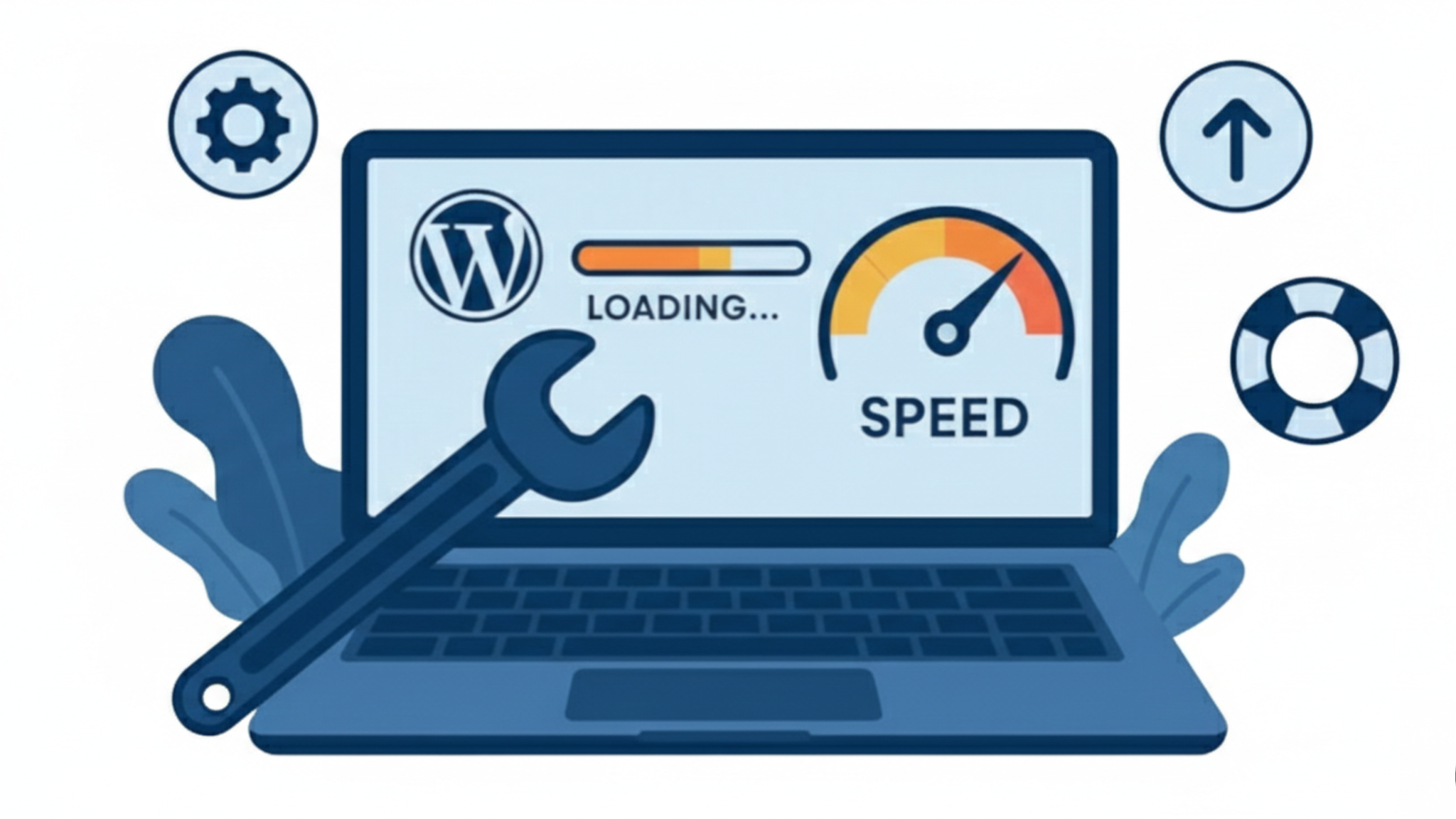
Fast hosting means:
- Quick page response
- Better mobile performance
- Strong SEO foundation
- Stable experience during traffic spikes
This is why wordpress hosting quality is so important.
Hosting Elements That Affect Speed
| Element | Meaning | Impact |
| Server type | Shared or VPS | Shared slows |
| Location | Distance | Adds delay |
| Capacity | Traffic handling | Overload |
Many speed problems come from hosting that cannot keep up.
How to Improve Hosting Performance
- Move from shared to VPS when traffic grows
- Choose servers closer to your audience
- Enable server-side caching
- Avoid extremely cheap plans
For new sites, WordPress Hosting for Beginners should focus on performance, not only price.
Read also: How to Improve Website Speed in Nigeria: The Ultimate 2025 Guide
Why Mobile Speed Deserves Extra Attention
Most Nigerians browse on phones.
Mobile users are less patient and more sensitive to delays.
Why Mobile Speed Is a Deal Breaker
- Mobile data is limited
- Networks change often
- Small screens show delays clearly
- Google ranks mobile first
A slow mobile site loses trust fast.
Mobile Speed Improvements That Work
- Use lightweight themes
- Reduce scripts
- Compress mobile images
- Enable browser caching
- Avoid heavy popups
These fixes improve both speed and usability.
Speed Mistakes That Keep Websites Slow
Many site owners unknowingly block their own progress.
Common Errors
- Uploading large images
- Installing plugins without cleanup
- Ignoring mobile tests
- Staying on weak hosting
- Forgetting caching
These mistakes build up over time.
Mistakes and Consequences
| Error | Effect | Outcome |
| Large files | Slow load | High bounce |
| Too many plugins | Lag | Poor UX |
| Bad hosting | Delays | Lost traffic |
Fixing these clears most speed problems.
Read also: How to Choose Hosting: 2026 Provider Guide
How Speed Improves Trust, UX, and Leads
Speed shapes how users judge your business.
Fast sites feel reliable.
Slow ones feel risky.
How Users React to Speed
When pages load quickly:
- Users browse more
- Forms get completed
- Products load smoothly
- Checkouts finish
Speed removes doubt.
Why Speed Increases Conversions
- Buttons respond instantly
- Pages feel smooth
- Users feel confident
- Actions feel easy
This leads to more sales and signups.
Long-Term Business Benefits
- Stronger brand image
- Higher search visibility
- Better engagement
- Stable growth
Website optimisation is not a one-time task. It’s a habit that protects your business.
Final Wrap-Up
Website speed affects how users feel, how Google ranks you, and how much money you make.
With the right hosting providers, proper optimisation, and regular testing, your site can stay fast even on mobile networks.
If you’re starting out, choose WordPress Hosting for Beginners that prioritizes speed.
If you are on a budget, Cheap WordPress Hosting should still deliver performance.
Always aim for affordable hosting that supports growth, not slows it.
A fast website keeps users happy, builds trust, and helps your business move forward.