Domain NamesFind and register your ideal domain name instantly.
 Web HostingEasy-to-use hosting powered by cPanel — ideal for managing websites in Nigeria.
 Windows HostingRun .NET apps with Windows-optimized hosting
 Affiliate ProgramMake money promoting our services
 Reseller HostingMake money by reselling our hosting products under your own brand
 .COM Domains
 All DomainsExplore all supported tld domains in Nigeria
 WhoisFind out who owns any domain, as well as verify your registration details
 VPS Hosting
 Dedicated ServersReimagine your site speed with your own complete server
 AI Website BuilderDesign your site with drag-and-drop tools
 Online Store BuilderStart your online shop without code
 Support PortalFind answers or get expert help
 Contact UsReach our team via chat or email
 BlogRead our extensive guides on web hosting and more
Have you ever wished your apps could just talk to each other without any manual copying? That is exactly the problem free workflow automation tools were built to solve for you. They move data between your apps automatically, so you never copy anything by hand again.
n8n is one of the most popular tools you can use for this exact job. It is not the only option, though, since several strong alternatives exist today. If you want free workflow automation tools that fit a tight budget, this list helps.
Every business repeats some task often enough to waste real time each week. Automating that one task can free up several hours you could spend elsewhere instead. This list of seven tools shows you exactly where a good starting point is.
Before we look at each tool, here is a table comparing them side by side. It shows what each tool does best, who it suits, and where it falls short. Use it to shortlist two or three tools before reading the fuller breakdown below.
| Tool | Best For | Self Hosted | Pros | Cons | Skill Level |
|---|---|---|---|---|---|
| Activepieces | Beginners wanting full control | Yes | No task limits when self-hosted, built-in AI steps | Newer ecosystem, fewer integrations than older tools | Beginner |
| Make | Visual thinkers, multi-step flows | No | Clear flowchart view, strong error visibility | Free plan capped on monthly operations | Beginner |
| Zapier | Freelancers, simple one-step tasks | No | Huge app library, very easy setup | Complex logic needs a paid plan | Beginner |
| Pipedream | Coders wanting more control | No | Free code steps, generous free tier | Harder to use with no coding background | Intermediate |
| Windmill | Technical teams, internal tools | Yes | No usage limits, built-in interface builder | Steeper setup, less beginner-friendly | Intermediate |
| Gumloop | AI-driven workflows | No | Built-in AI, template library | Newer platform, smaller community | Beginner |
| Power Automate | Microsoft 365 users | No | Already bundled, deep Microsoft integration | Weaker outside the Microsoft ecosystem | Beginner |
Now that you have seen the table, here is a closer look at each tool.
1) Activepieces

Activepieces gives you a drag-and-drop builder that beginners can pick up fast. You do not need any past coding background to get started right away. You will likely build your very first automation within just a few short minutes.
If you self-host it, the free version comes with absolutely no task limits. This makes it one of the more generous free workflow automation tools around. You only pay for your own server space, never for how much you automate.
If you want a workflow that pauses for a quick check, Activepieces has you covered. It supports human approval steps that are built directly into the flow itself. That kind of checkpoint is rare among free workflow automation tools at this price.
2) Make
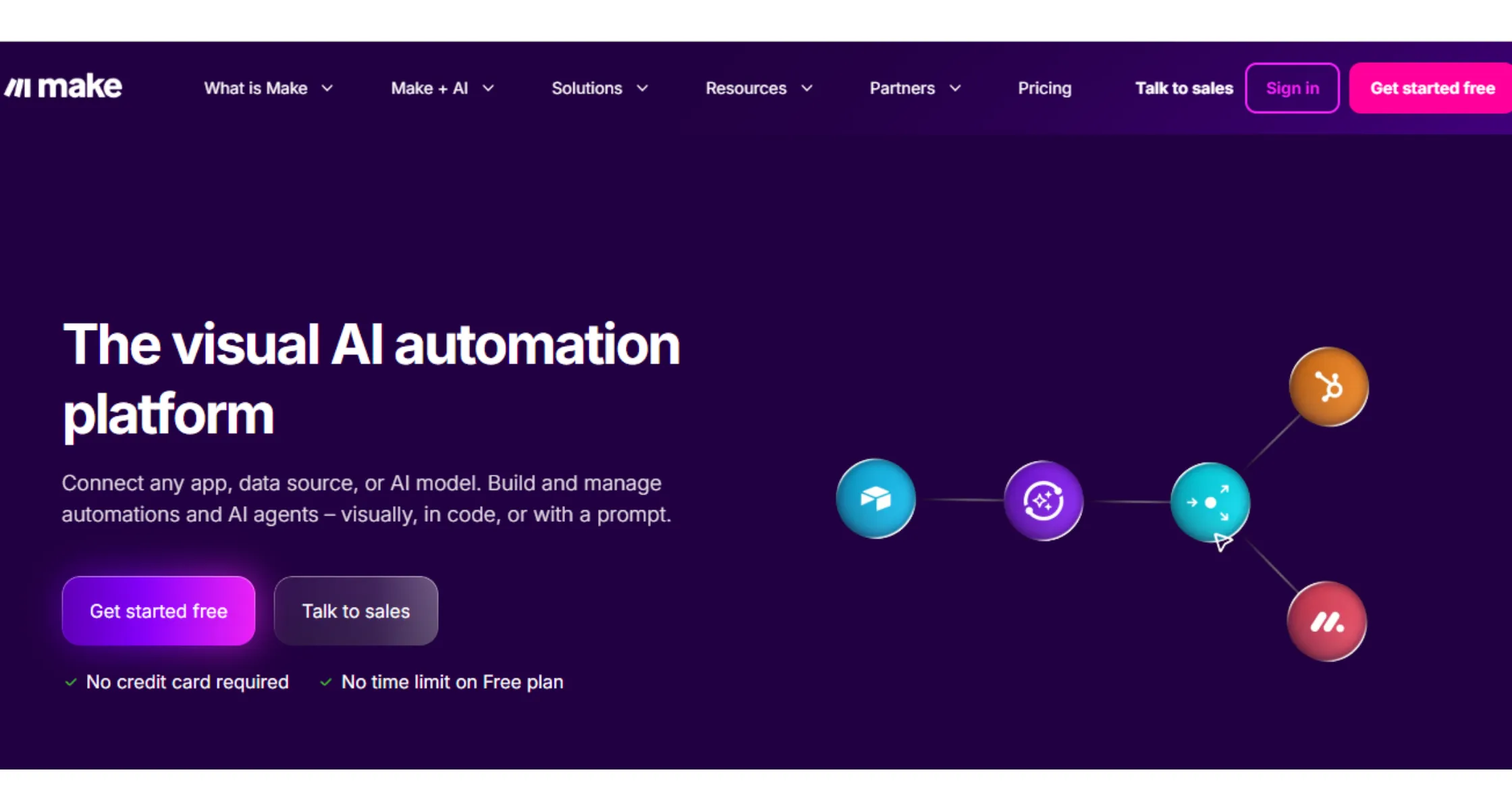
Make used to be called Integromat, and it still carries that same visual style. Your automation shows up as a flowchart made of small, connected bubbles on screen. This layout makes it easy to follow exactly what happens at every single step.
If you are new to automation, this visual layout genuinely helps a lot here. You can watch each piece connect smoothly to the very next one in line. The free plan gives you a set number of monthly operations to test with.
Make tends to shine on workflows that involve several steps and clear conditions. You can see the whole path laid out clearly from start to finish. Error handling is easier here too, since a broken step lights up right away.
3) Zapier
If you are a freelancer, Zapier is probably the automation name you already know well. It remains one of the simplest free workflow automation tools you can pick up. You choose a trigger, then choose an action, and Zapier connects the two instantly.
Say a new email lands in your inbox every single morning without fail. Zapier can add that email straight into a spreadsheet automatically, without you lifting a finger. No extra clicking or manual copying is needed once the automation is set.
The free plan covers basic one-step automations reasonably well for most cases. More advanced logic and multi-step flows usually need you to pay instead. Its huge library of app connections still rarely leaves you stuck without an option.
4) Pipedream

If you are a coder, Pipedream hands you far more control over each step. It blends a visual builder with the option to drop in your own code. This lets you build things that drag-and-drop tools simply cannot always handle.
The free plan stays generous for personal projects and small-scale automations alike. You can write a little JavaScript or Python whenever the workflow calls for it. This makes Pipedream one of the more flexible free workflow automation tools for coders.
You can also test each individual step while you are still building it. This helps you catch a small mistake early rather than late in the process. You find out right away instead of after the entire workflow has already run.
5) Windmill
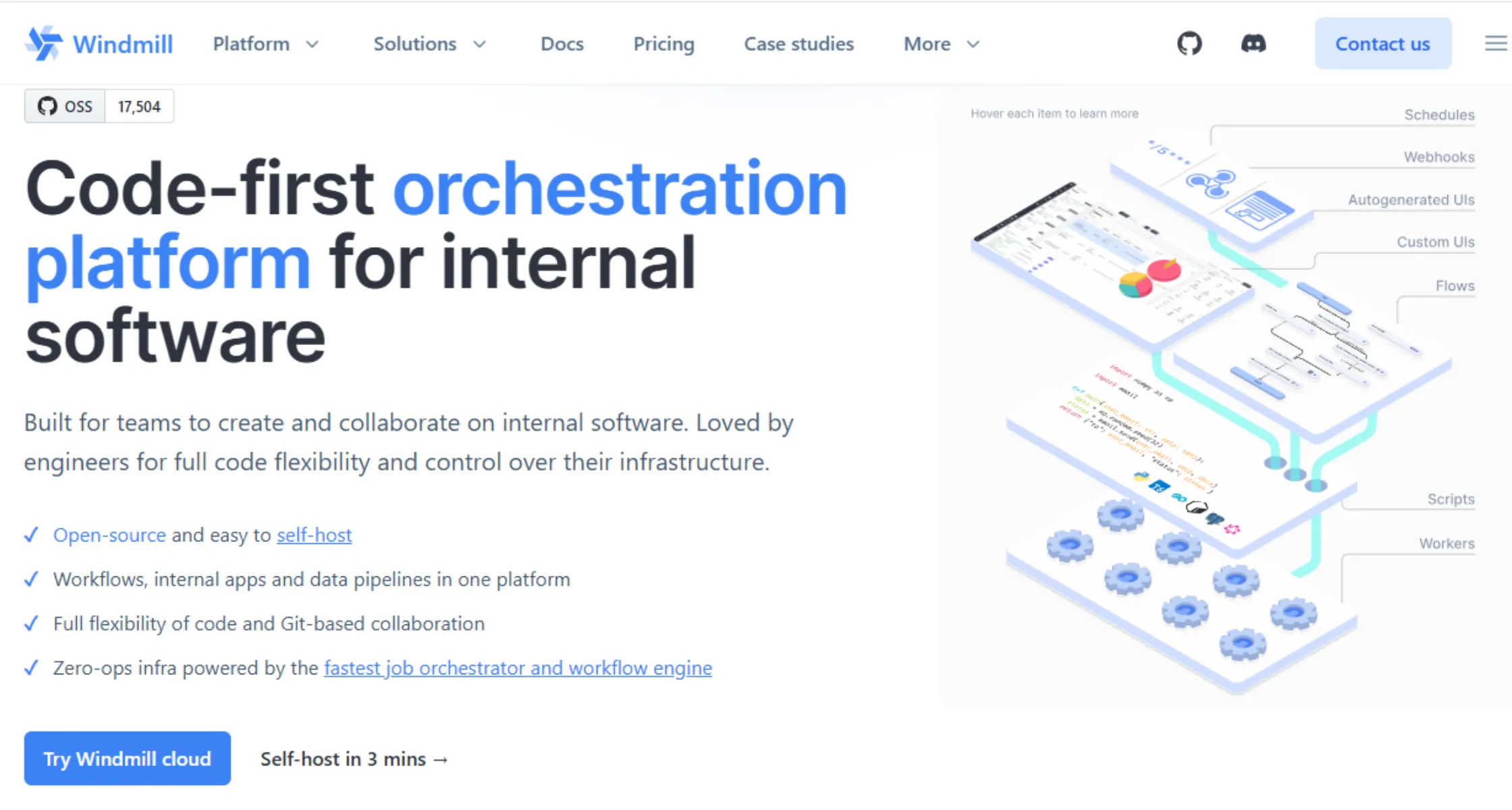
If you enjoy technical work, Windmill treats scripts as the true building blocks here. It supports Python, JavaScript, and a handful of other programming languages you may know. Because it stays open source, you can self-host it completely free of charge.
There are no artificial limits placed on how much you are allowed to run. You also get a built-in interface builder included with every single setup. This lets you turn a script into a small tool with buttons and a form.
This makes Windmill one of the more capable free workflow automation tools for technical teams. It also handles scheduling and background jobs fairly well across most use cases. Workflows can run quietly in the background without needing constant attention from you. Many technical teams in Nigeria lean on tools like this when a project outgrows simple, no-code options.
6) Gumloop

If AI sits at the center of your plan, Gumloop deserves a closer look. It combines a visual builder with AI features that are already built right in. You can connect large language models without ever needing a developer to help you.
It also leans heavily on templates as a natural starting point for you. Instead of facing a blank canvas, you simply pick a ready-made workflow first. Then you adjust the template slightly to fit your own specific task instead.
You can use Gumloop to scrape web data or generate fresh content quickly. An AI assistant guides you through each step of the process along the way. This makes it one of the more approachable free workflow automation tools for AI work.
7) Microsoft Power Automate
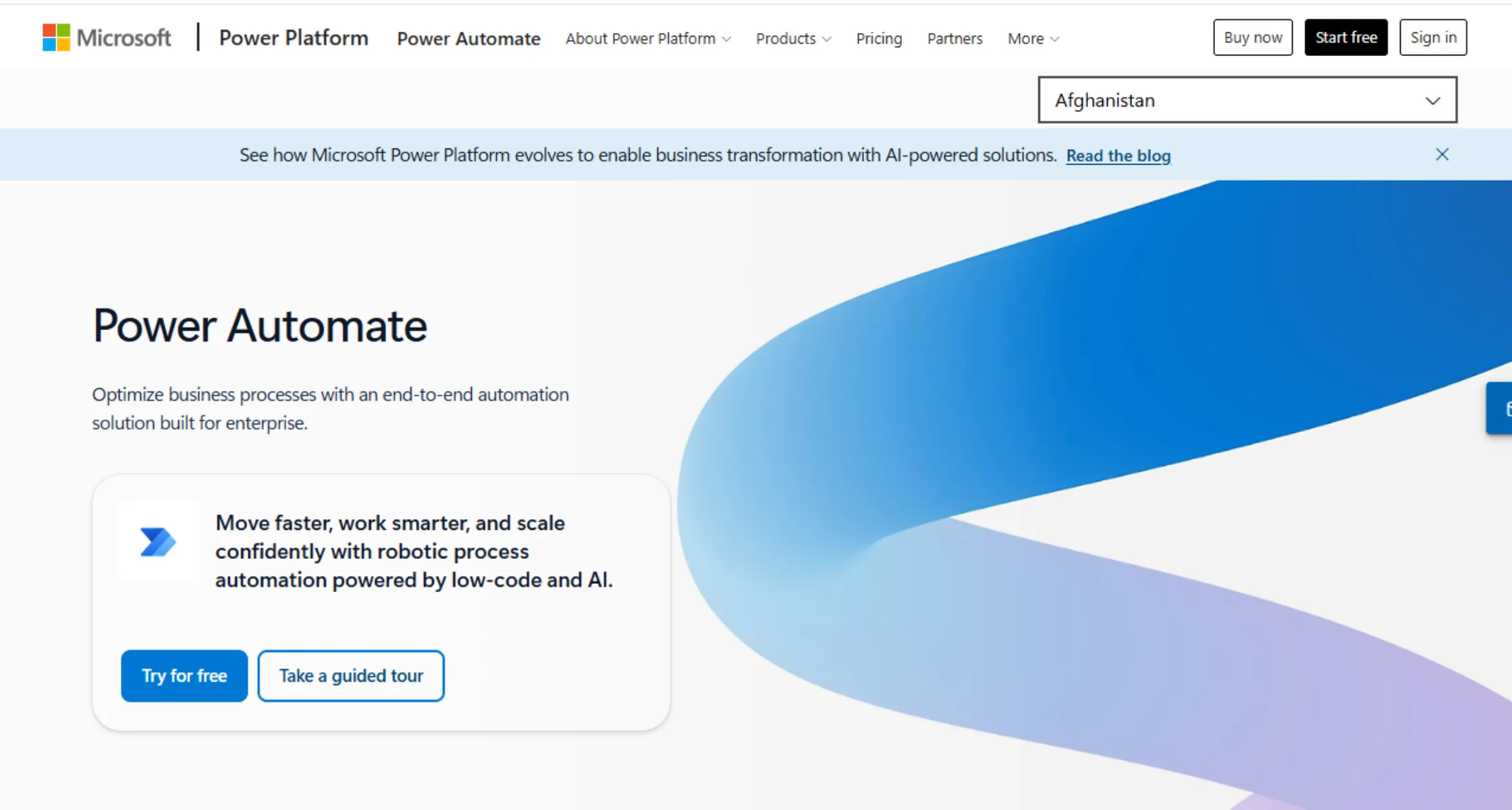
If you already use Microsoft 365, Power Automate fits right into your daily routine. It comes bundled with many Microsoft 365 plans, so nothing extra needs installing first. You get a familiar space to build simple automations quickly without much setup.
You can trigger a workflow from something as small as one new file arriving. Power Automate handles the rest for you without needing a single line of code. It also connects to hundreds of other apps beyond just the Microsoft world itself.
For anyone already paying for Microsoft 365, this ranks among the easiest automation tools to start. There is no extra sign-up step needed before you can begin building. You can realistically build your very first workflow the same day you start.
Choose the Right Free Automation Tool for Your Workflow
Picking the right free workflow automation tools really depends on what you already use daily. If you live inside Microsoft apps, Power Automate is the obvious starting point for you. If you want full control instead, Activepieces or Windmill give you that freedom for free.
If you would rather skip server maintenance, Make, Zapier, or Pipedream work well in the cloud. If AI sits at the center of your plan, Gumloop is worth testing first. Think carefully about where your workflow will actually live on a daily basis.
A short demo can look great, yet still feel clunky once wired into real data. Try two or three tools on a small task before you commit to just one.
The best tool is simply the one that fits how you already work today. And the n8n free workflow automation tool wins here. But you need to self-host it for even more control. Here is where a stable server makes the biggest difference.
Run your automation on a VPS that gives you dedicated resources so your workflows keep running smoothly, even during busy hours, instead of competing for space on shared hosting. That’s what you get when you choose Truehost n8n VPS hosting. You get full access to install, configure, and connect your chosen tool exactly the way you want.
That kind of control is hard to get on shared hosting, where server resources are split across many other websites, and you cannot always install what a self-hosted automation tool needs.
If you are ready to move your automations onto a server built to run around the clock, a Truehost n8n VPS plan is a solid place to start.
Free Workflow Automation Tools Like n8n to Try FAQs
Not every tool on this list can be self-hosted. n8n and Activepieces are fully self-hostable, free, and unlimited. Windmill and Huginn also support self-hosting for technical teams. Zapier, Make, and Pipedream are cloud-only, with no self-hosted option.
Each tool sets its own free tier limit, and they are not close. Zapier caps you at 100 tasks a month. Make allows 1,000 operations a month. Activepieces caps free cloud use at 1,000 tasks a month. n8n has no limit at all once self-hosted.
Yes, you can migrate workflow between tools but moving a workflow from one tool to another takes real work, not a copy and paste. Each tool uses its own workflow format internally. You rebuild the logic manually inside the new tool. Custom code or scripts need separate rewriting each time.
Yes, n8n is genuinely free if you self-host the Community Edition. It costs nothing to install and run on your own server. You get unlimited workflows and unlimited executions. You only pay for the small server it runs on.
n8n is the strongest free option for AI workflows right now. It has native nodes built for large language models. It supports building full AI agents inside a workflow. Activepieces and Windmill offer AI features too, with smaller libraries.
Free tools can be safe for business data, but check where that data lands. Self-hosted tools like n8n keep data on your own server. Cloud tools like Zapier store data on their own servers instead. Always confirm data location before connecting sensitive accounts.
If your automaton tool goes down, your workflows stop running. Cloud tools handle their own uptime and recovery. Self-hosted tools rely on your own server staying online. A managed VPS with monitoring reduces this downtime risk.