Domain NamesFind and register your ideal domain name instantly.
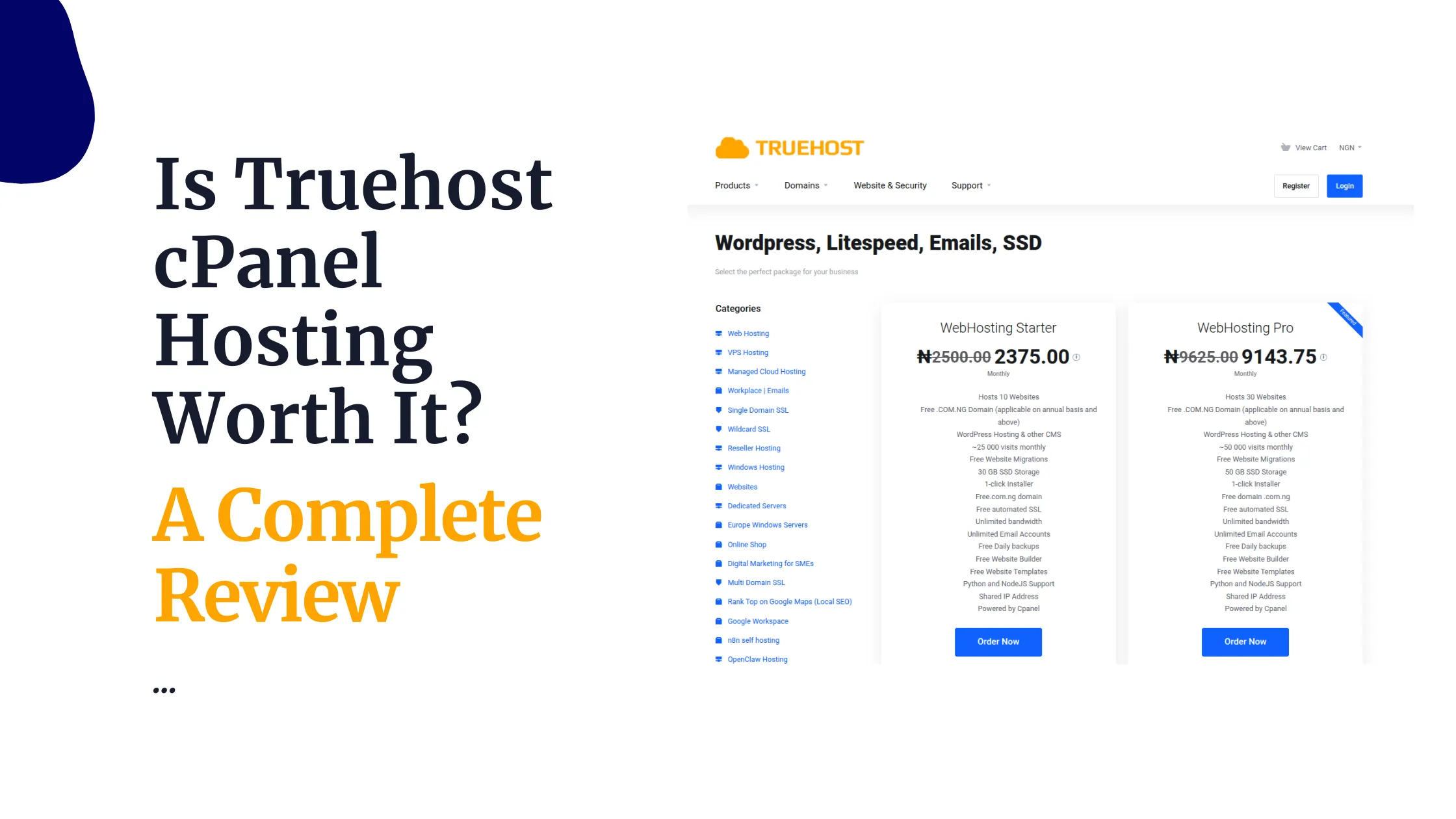
 Web HostingEasy-to-use hosting powered by cPanel — ideal for managing websites in Nigeria.
 Windows HostingRun .NET apps with Windows-optimized hosting
 Affiliate ProgramMake money promoting our services
 Reseller HostingMake money by reselling our hosting products under your own brand
 .COM Domains
 All DomainsExplore all supported tld domains in Nigeria
 WhoisFind out who owns any domain, as well as verify your registration details
 VPS Hosting
 Dedicated ServersReimagine your site speed with your own complete server
 AI Website BuilderDesign your site with drag-and-drop tools
 Online Store BuilderStart your online shop without code
 Support PortalFind answers or get expert help
 Contact UsReach our team via chat or email
 BlogRead our extensive guides on web hosting and more
Do you spend your morning copying data between apps, replying to the same three emails, and chasing an invoice someone forgot to pay? None of that actually needs a human doing it by hand. This ultimate n8n automation guide shows you exactly how n8n takes that work off your plate, step by step, even if you have never automated anything before.
n8n is a tool that connects your apps together and runs tasks for you automatically. You build something called a workflow, which is just a chain of steps that runs on its own once you set it up, and each step in that chain is called a node.
Every workflow starts with a trigger, something like a new form entry or a set time of day. Once that trigger fires, the nodes run one after another, moving your data along without you touching a thing. That is the whole idea behind this ultimate n8n automation guide: setup, real use cases, and how to keep it all running reliably.
1) Set Up n8n for Your Business
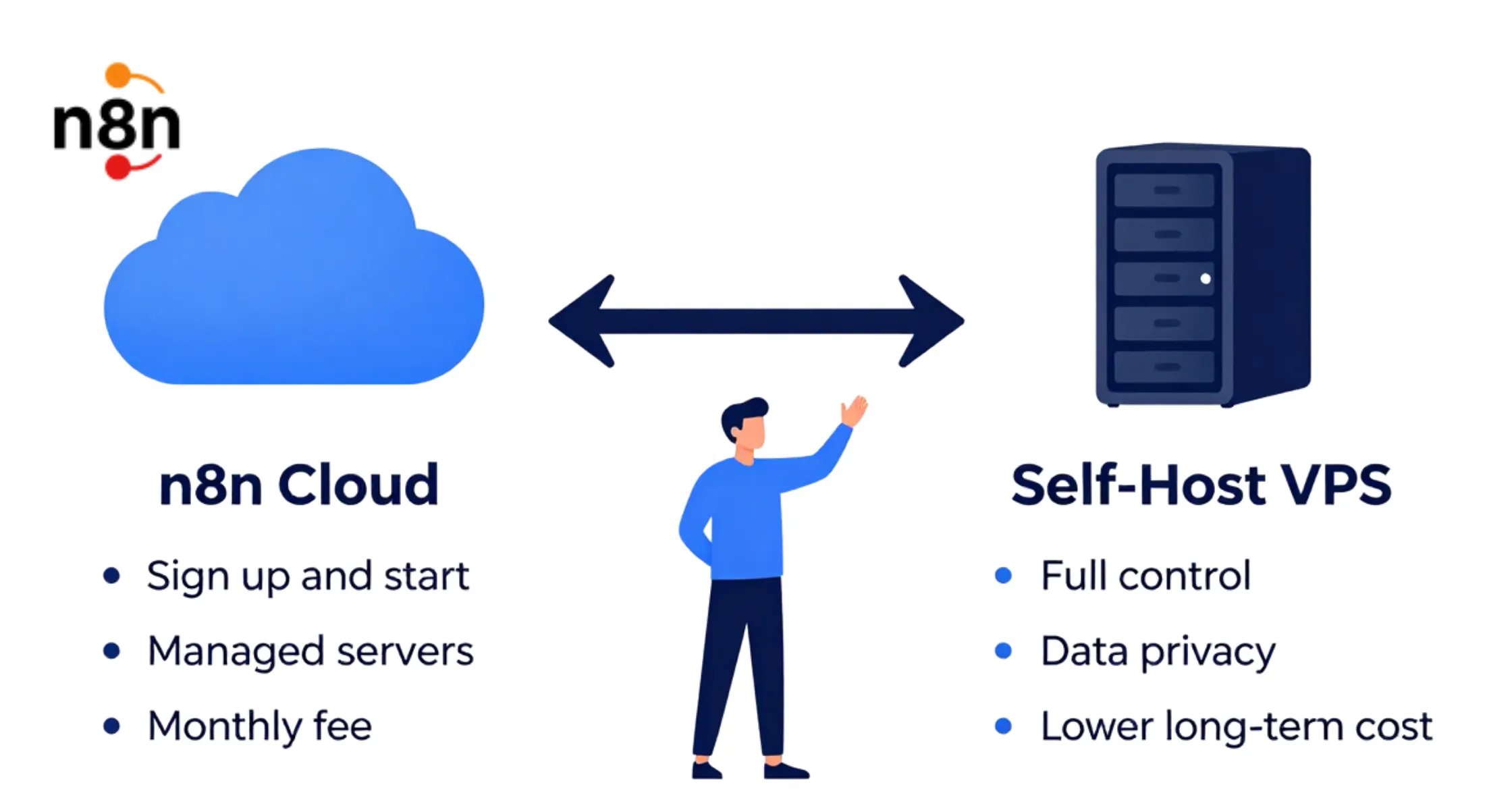
Before you automate anything, you need a place for n8n to run. You have two main choices here, and each one suits a different kind of business. Picking the right option early saves you a painful switch later.
a) The first option is n8n Cloud, a hosted version where the n8n team manages the servers for you. You sign up, pay a monthly fee, and start building workflows right away. This route suits you if you want speed and do not want to handle technical setup.
b) The second option is self-hosting n8n on a VPS, a virtual private server you rent and control. A VPS gives you a dedicated slice of computing power that only your business uses. This route costs less over time and keeps your data on infrastructure you manage directly.
Data privacy is a big deal if your business handles finance, health, or legal records. Self-hosting keeps your workflow data on a server you control, limiting who can reach it.
Truehost offers Nigerian businesses reliable n8n VPS plans built for this kind of setup, and n8n comes preinstalled and ready to go, so you are not configuring it from scratch. Whichever path you pick, this ultimate n8n automation guide assumes n8n can run within a day.
2) Build Your First Automation Workflow
Building your first workflow is easier than it sounds once you break it into small steps. This part of the ultimate n8n automation guide, and one you will return to often, walks you through a simple example. Once you finish one, the next goes much faster.
Start by opening n8n and creating a new workflow, then add a trigger node first. A common beginner choice is a form trigger, which starts the workflow when someone submits a form on your site. Name the workflow clearly so you can find it later.
Next, add an action node linked to your trigger, such as sending the form data to a sheet or a Slack channel. You can then add a conditional node, often called an IF node, to make decisions inside the workflow. For example, the IF node can check if a lead’s budget is high enough before sending it to sales.
Once your nodes connect in order, test the workflow with sample data to confirm each step works. n8n shows you exactly what data passes through each node, which makes fixing mistakes simple. When everything runs cleanly, turn the workflow on and let it handle real submissions.
3) Connect AI to Your n8n Workflows
Once n8n is running, you can make your workflows smarter by connecting them to AI tools. Services like OpenAI or Claude can read text, work out context, and write responses inside your automation. This turns a simple workflow into one that can think through a task.
A common example is email sorting, where AI reads a message and figures out what it is about. The workflow can then label it as billing, technical, or general, and send it to the right person. You can also use AI to draft first versions of replies or social posts that a person then checks.
AI should not always act alone. For anything sensitive, like sending money or replying to an upset customer, build in a human approval step. The workflow pauses, shows a person what the AI wants to do, and waits for a yes.
That one safeguard protects your business from AI mistakes while still saving most of the manual work.
4) Keep Your Workflows Reliable
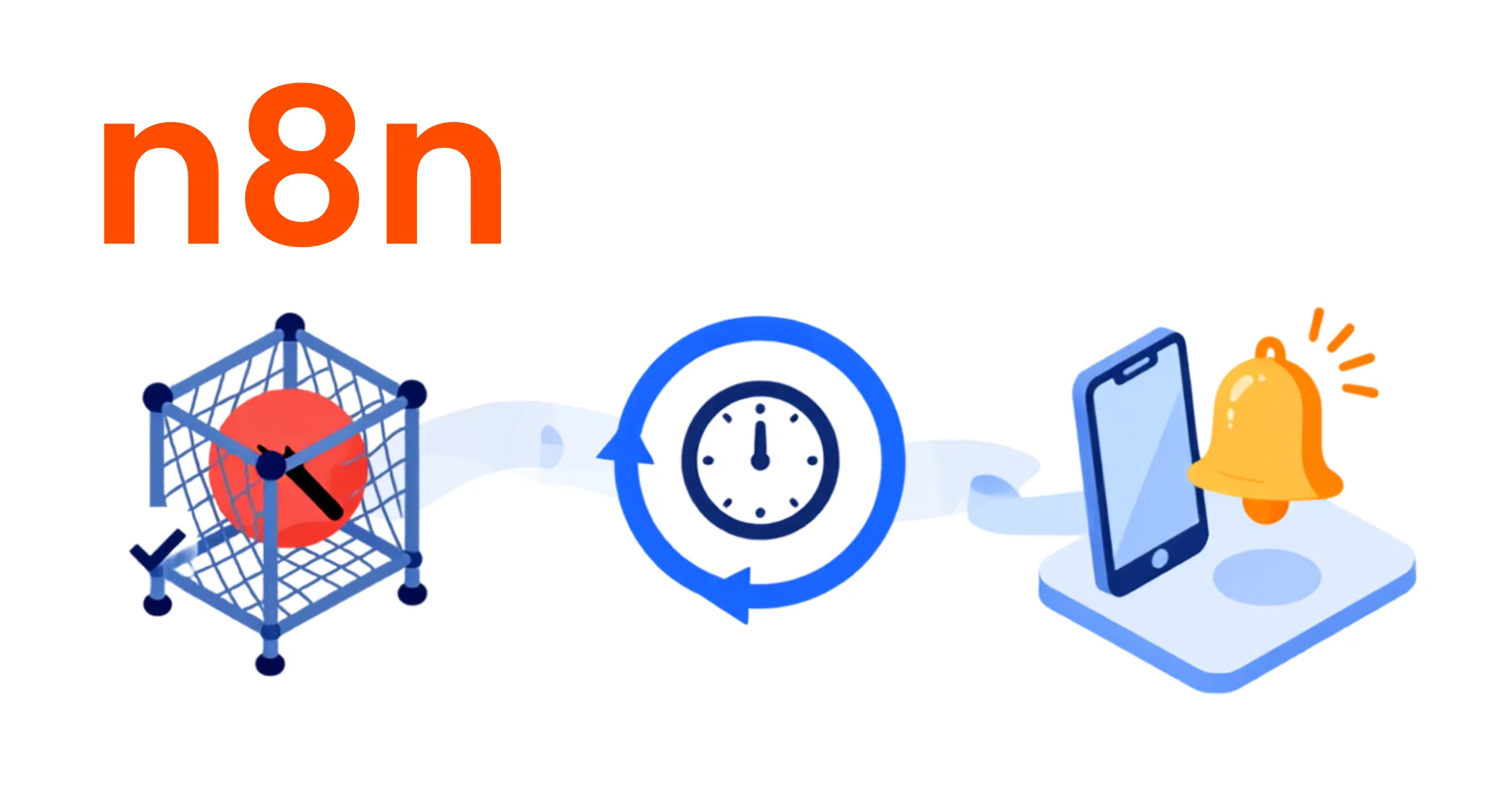
A workflow that fails without warning can hurt your business more than one that never existed. No ultimate n8n automation guide is complete without covering how to catch problems early. A few simple habits make a big difference here.
First, add error handling to any workflow that touches money, customer data, or anything time-sensitive. n8n lets you build a separate error workflow that runs whenever the main one fails, logging the issue and alerting you.
Second, plan for shaky connections, since outside apps and APIs sometimes go down or respond slowly. Add retry logic that tries a failed step again after a short pause before giving up.
Third, set up alert notifications through email or a messaging app so you know right away when something breaks. A quick alert lets you fix the issue while the damage is still small, and this is a step every ultimate n8n automation guide should stress.
5) Measure the Impact of Your Automation
Automating a task feels productive, but you should still check whether it delivers real value. Tracking the right numbers tells you which workflows to grow and which need rework. This last section of the guide covers the numbers worth watching.
Start with time saved, comparing how long a task took by hand against how long it takes now. Even a rough estimate across a month shows the hours your team gets back. Multiply those hours by an average wage to see the real savings.
Next, watch your error rate, since automation should cut the mistakes that come from manual entry. Compare errors before and after automating a process to see the change. Fewer errors also means fewer hours spent fixing problems later.
Finally, if you connect AI tools, keep an eye on cost per run, since AI use is billed by usage. Checking this often helps you catch a workflow running more than it should. It also helps you decide if a task truly needs AI at all.
Practical n8n Automation Business Use Cases
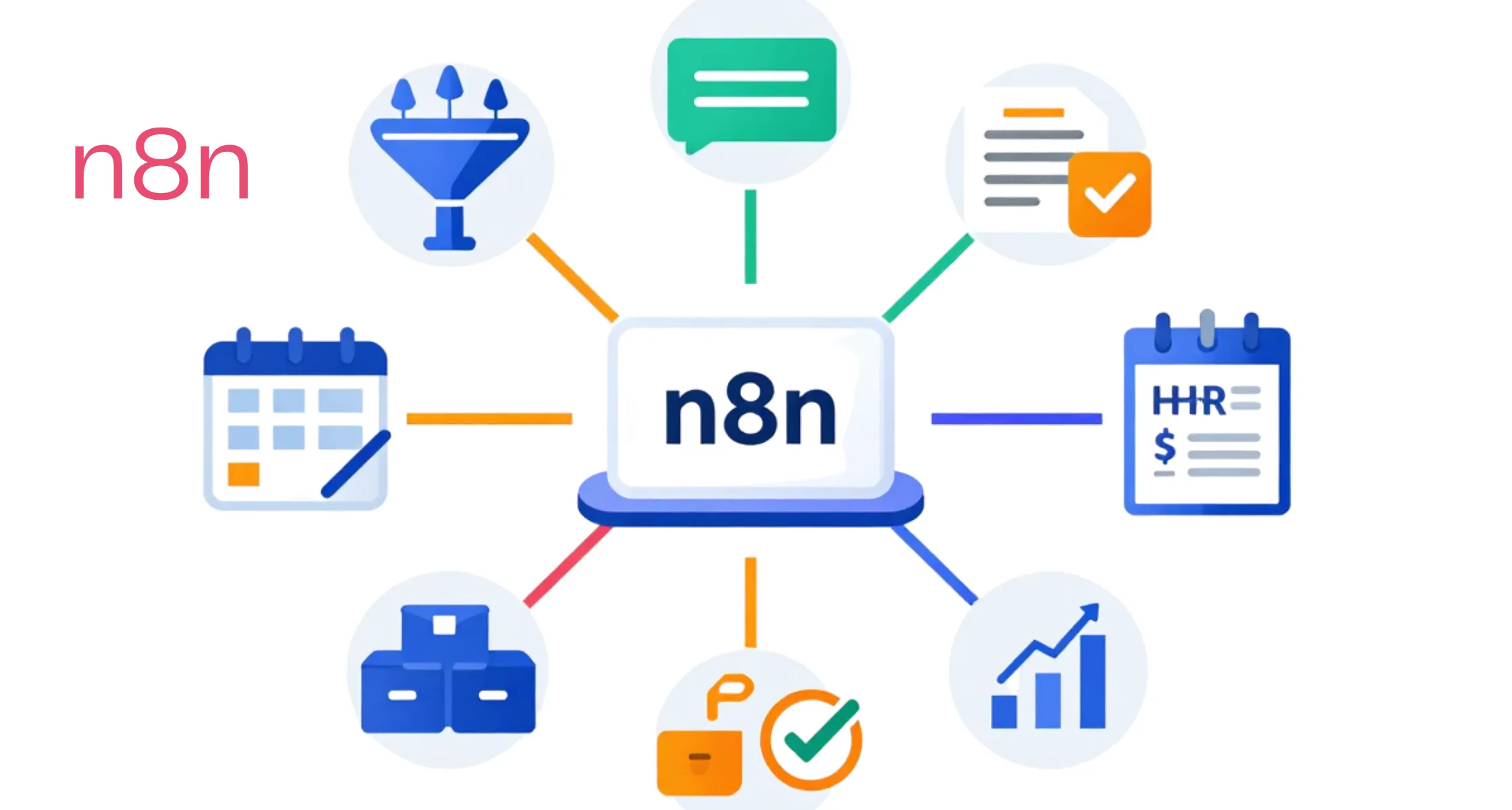
This ultimate n8n automation guide now turns to real tasks you can automate today. The use cases below, a core part of any ultimate n8n automation guide, span nearly every part of a growing business. Pick one or two to start with rather than trying to automate everything at once.
a) Sales and Lead Management
n8n can pull new leads from your website form, add extra details, and score them by how likely they are to buy. Hot leads go straight to your sales team, while cold ones join a nurture email sequence.
b) Customer Support and Ticketing
Support tickets can be sorted, tagged, and assigned the moment they arrive. A workflow can also send a first reply within seconds, letting the customer know their message was received. This cuts your response time and stops customers from feeling ignored.
c) Finance and Invoicing
You can automate the invoice cycle, from creating the document to sending payment reminders on a schedule. When a payment lands, the workflow can update your books and notify finance right away. This cuts down on the late payments that come from forgotten invoices.
d) HR and Employee Onboarding
New hire paperwork, account setup, and welcome emails can all start from one workflow the moment someone accepts an offer. This gives every new hire the same smooth start without HR chasing a checklist by hand.
e) Marketing and Social Media Posting
You can schedule posts across platforms from one workflow, pulling content from a shared calendar. n8n can also track engagement and send you a weekly summary on its own.
f) Approval Workflows
Many decisions need a manager to sign off before moving forward, and n8n can manage that whole chain. The workflow pauses, notifies the right person, and only continues once they respond. If nobody responds in time, it can escalate to someone else.
g) Inventory and Order Management
When stock runs low, a workflow can alert your team or trigger a reorder with your supplier right away. It can also sync stock numbers across your website, warehouse, and accounts so every system matches. This stops the overselling that happens when counts fall out of sync.
h) Reporting and Data Sync Across Tools
Instead of pulling numbers from five apps by hand, n8n can gather them into one report on a set schedule. This keeps your team looking at the same numbers instead of arguing over whose sheet is right.
n8n Automation Guide for Businesses FAQs
Yes, n8n offers a free self-hosted option along with paid cloud plans. If you host it yourself on a VPS, your main cost is server hosting rather than a monthly fee. This makes it a budget-friendly choice for small businesses in Nigeria just starting out.
You do not need coding skills to build most workflows in n8n, since it uses a visual drag-and-drop screen. Basic workflows can be built entirely by clicking and connecting nodes. Advanced users can add custom code for special cases, but it is never required.
Yes, n8n can connect to WhatsApp through official APIs, letting you send and receive messages inside your workflows. This is popular among Nigerian businesses that already handle most customer chat through WhatsApp. You can automate replies, order confirmations, and support routing through this link.
A simple workflow can be built and tested within thirty minutes once you know the basic building blocks. More complex workflows with several apps and conditions can take a few hours to design well. Most businesses see their first automation live within their first week.
Self hosting is more approachable than it sounds, especially with a hosting provider that supports the setup. Truehost n8n VPS plans come with n8n preconfigured, so you are not wrestling with the technical setup yourself. Many Nigerian business owners get a self hosted instance running within a single afternoon.
Yes, both n8n Cloud and self hosted versions support multiple users with different permission levels. This lets your team work on workflows together while you control who can edit sensitive ones. It also keeps a record of who changed what inside the platform.
AI is not required, since many strong workflows only move data between apps without any AI at all. Adding AI simply expands what your workflows can read and generate, such as messages or drafted text. Start without AI if you are new, then add it once you feel ready.
Get Your n8n Automation Running With Truehost VPS Hosting
n8n helps businesses automate repetitive tasks, connect their favorite apps, and improve efficiency without requiring advanced coding skills. Whether you’re streamlining sales, customer support, finance, HR, or marketing, n8n gives you the flexibility to build workflows that save time, reduce errors, and scale with your business.
By choosing the right n8n hosting option and following automation best practices, you can create reliable workflows that deliver measurable business results.
Ready to automate your business with n8n? Host your workflows on a reliable Truehost n8n VPS and enjoy the performance, control, and security you need to run automations 24/7. Explore Truehost n8n VPS hosting plans today and get your n8n instance up and running in no time, so you can spend less time on repetitive tasks and more time growing your business.